New Trade Zone
Trade Zone is now live
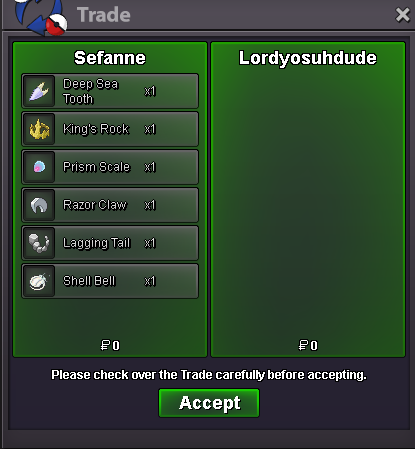
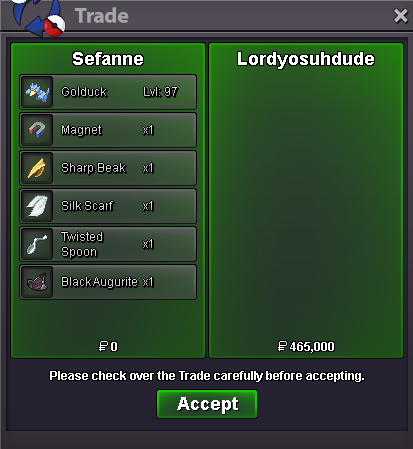
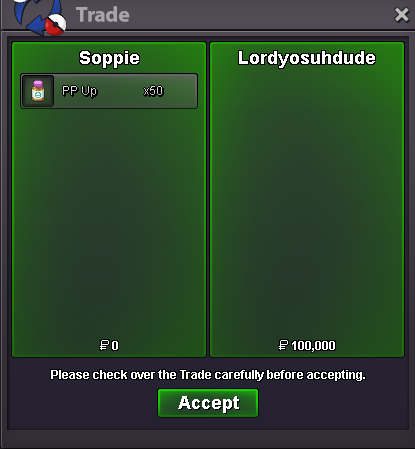
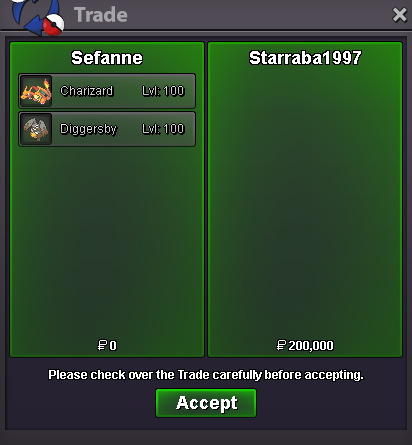
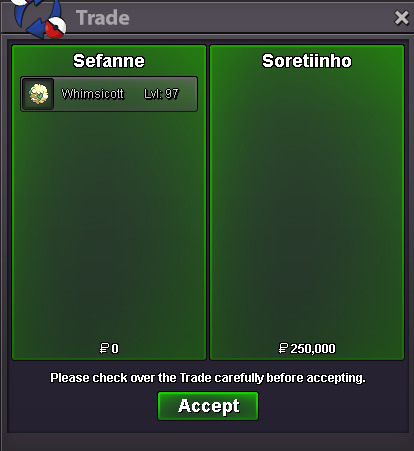
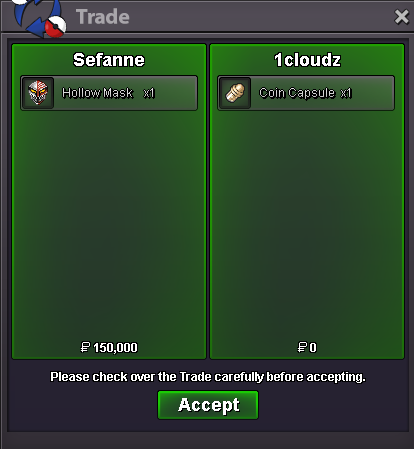
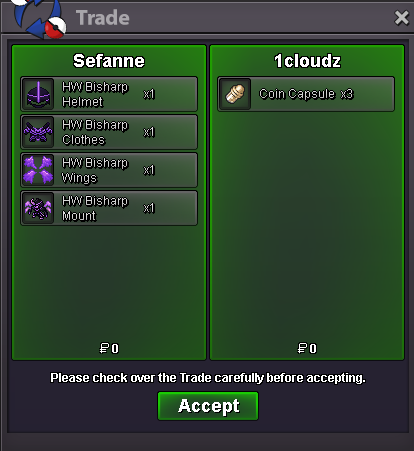
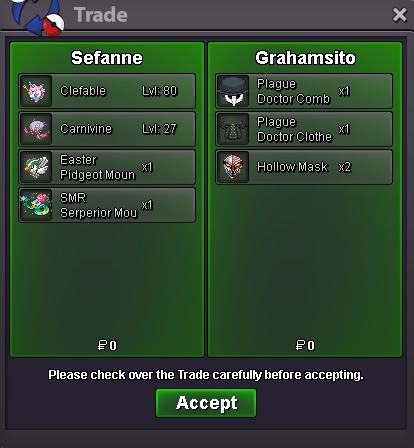
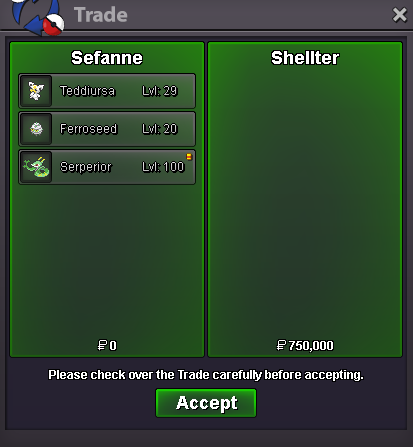
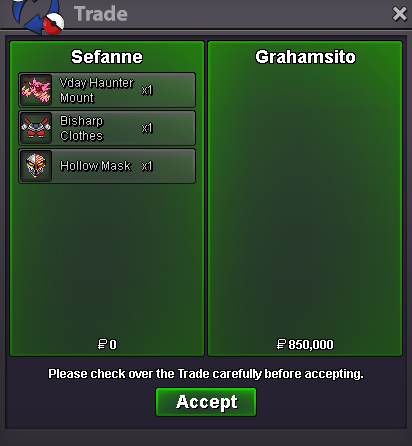
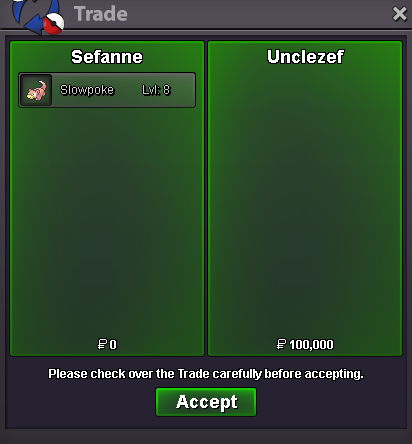
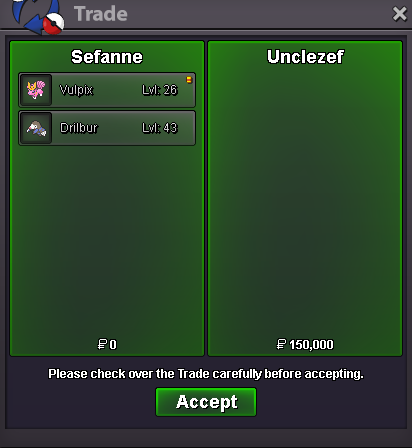
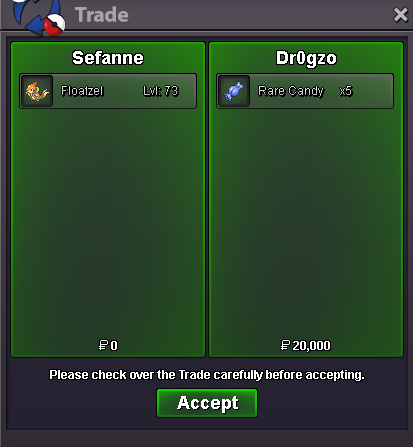
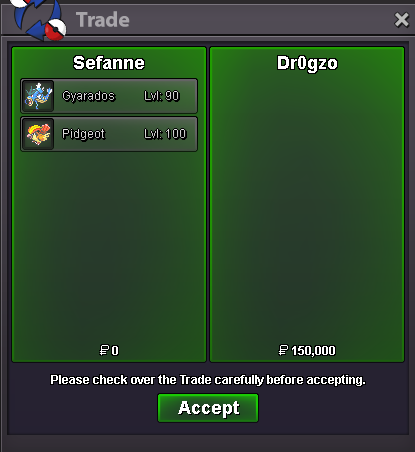
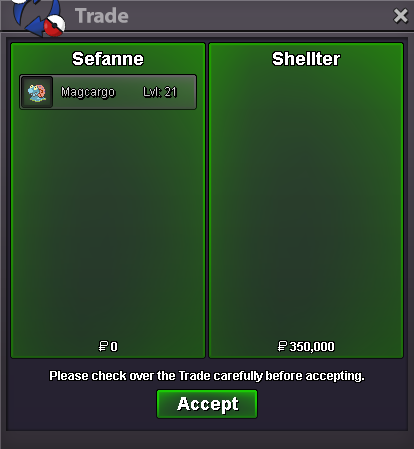
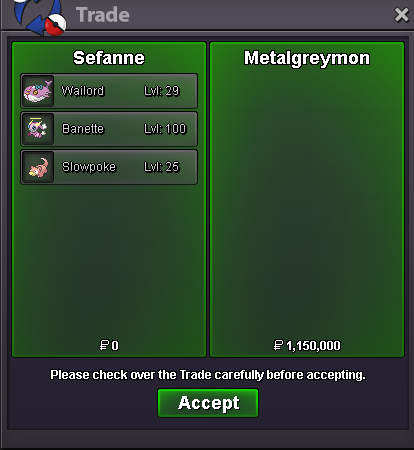
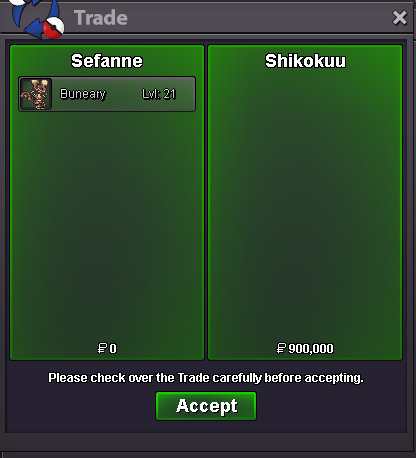
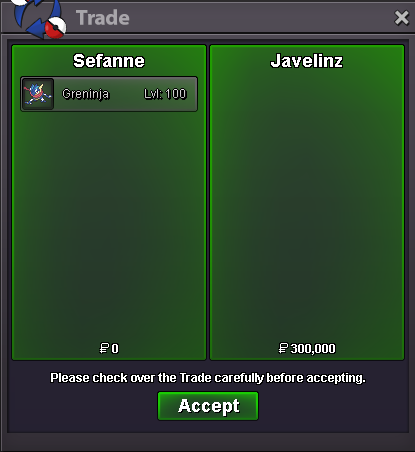
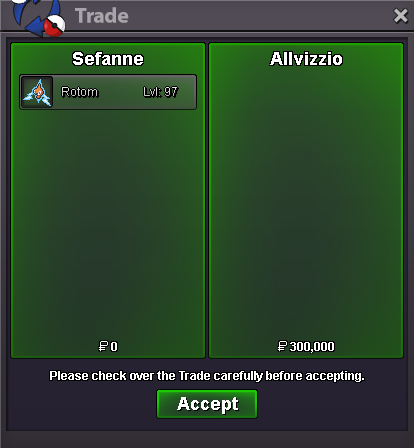
Use the new Trade Zone for auctions and instant-price trades so Pokemon and item offers are easy to find.

Everything posted by Sefanne
-
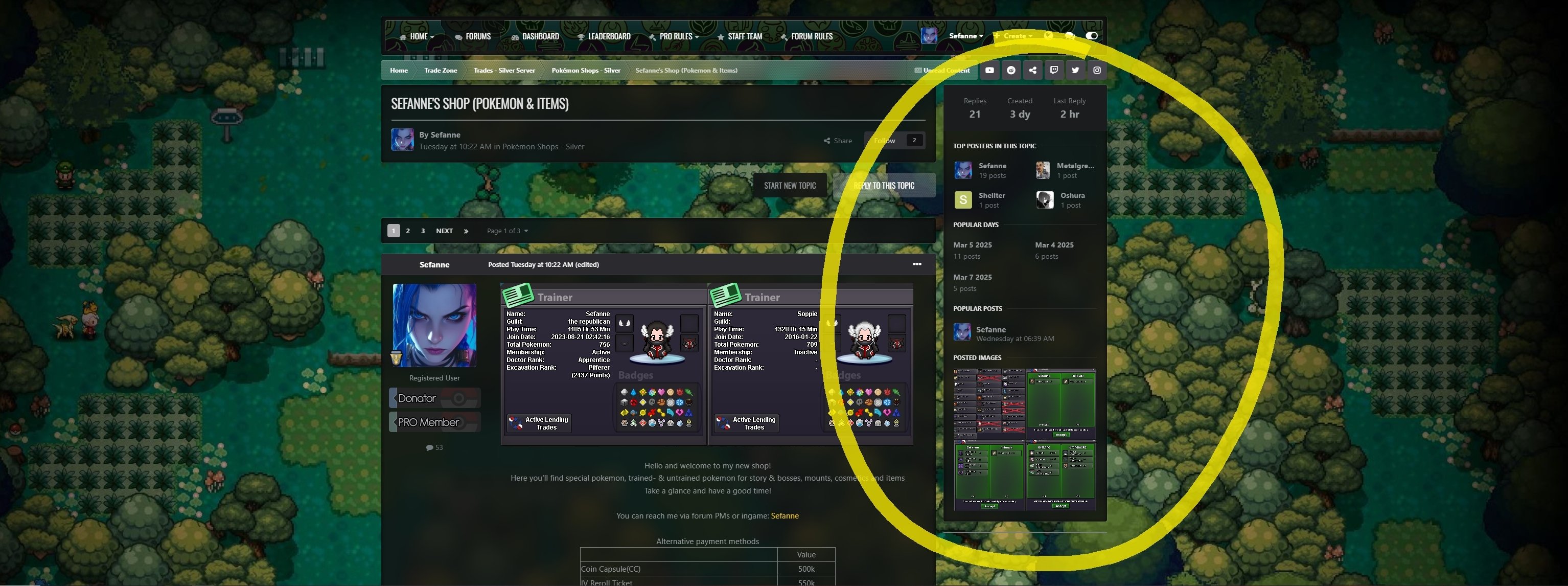
You can pm me ingame, Sefanne, im online right nowSince today I got this weird banner on the right side of my screen in my shop. I didn't have this before, and when checking other people's shops some people have it, some people don't. I get the idea that shops with little replies don't have it, while old shops with many replies do. Is there a way I can get rid of this thing? For everyone visiting my shop aswell? I carefully designed my shop in a way that 2 pokemon fit next to each other in a row, but now there's room for only 1, because this big [butt] banner is hoarding all the space. The entire layout is screwed up now.
 wtb ingame SefanneI'll buy the slowbro pm me, ingame Sefanne
Account
Navigation
Search
Configure browser push notifications
Chrome (Android)
- Tap the lock icon next to the address bar.
- Tap Permissions → Notifications.
- Adjust your preference.
Chrome (Desktop)
- Click the padlock icon in the address bar.
- Select Site settings.
- Find Notifications and adjust your preference.
Safari (iOS 16.4+)
- Ensure the site is installed via Add to Home Screen.
- Open Settings App → Notifications.
- Find your app name and adjust your preference.
Safari (macOS)
- Go to Safari → Preferences.
- Click the Websites tab.
- Select Notifications in the sidebar.
- Find this website and adjust your preference.
Edge (Android)
- Tap the lock icon next to the address bar.
- Tap Permissions.
- Find Notifications and adjust your preference.
Edge (Desktop)
- Click the padlock icon in the address bar.
- Click Permissions for this site.
- Find Notifications and adjust your preference.
Firefox (Android)
- Go to Settings → Site permissions.
- Tap Notifications.
- Find this site in the list and adjust your preference.
Firefox (Desktop)
- Open Firefox Settings.
- Search for Notifications.
- Find this site in the list and adjust your preference.