




New Trade Zone
Trade Zone is now live
Use the new Trade Zone for auctions and instant-price trades so Pokemon and item offers are easy to find.

Elyooo
Registered User
-
Joined
-
Last visited
Everything posted by Elyooo
-
IGN: Elyooo timezone gmt +2 (france)
-
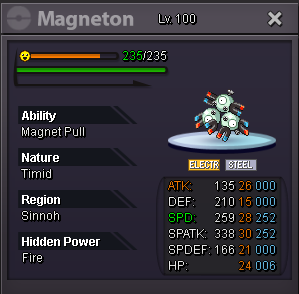
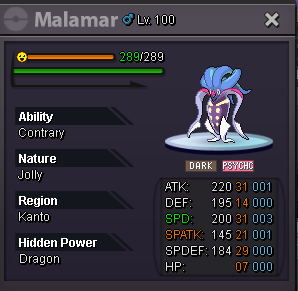
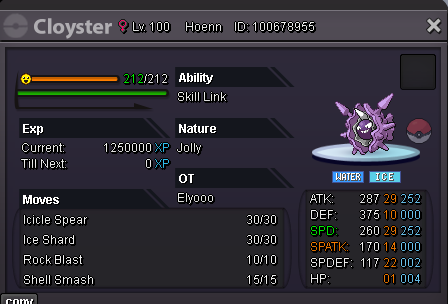
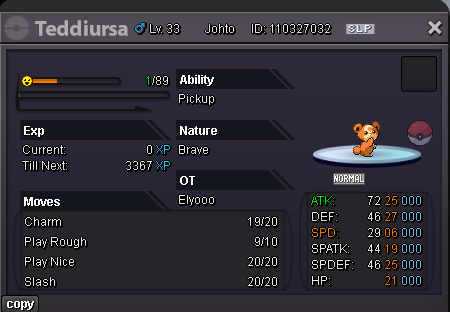
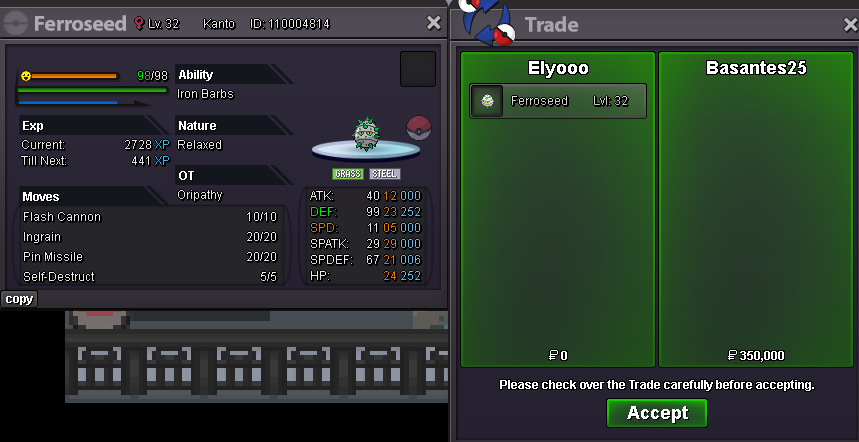
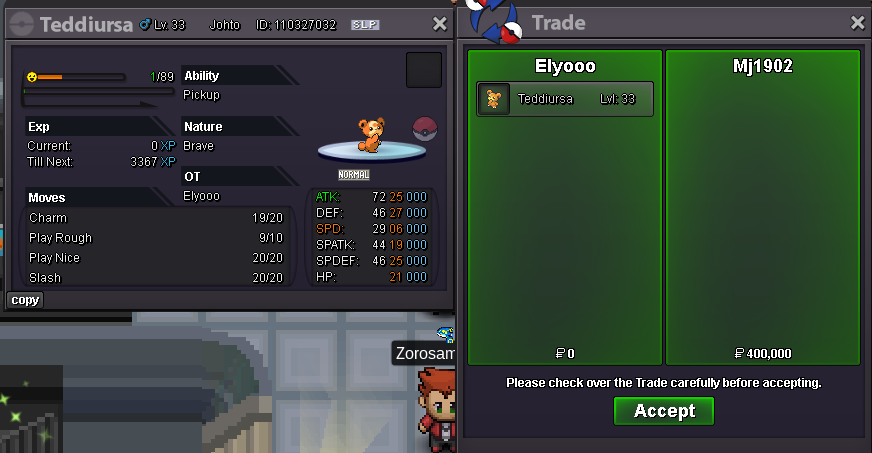
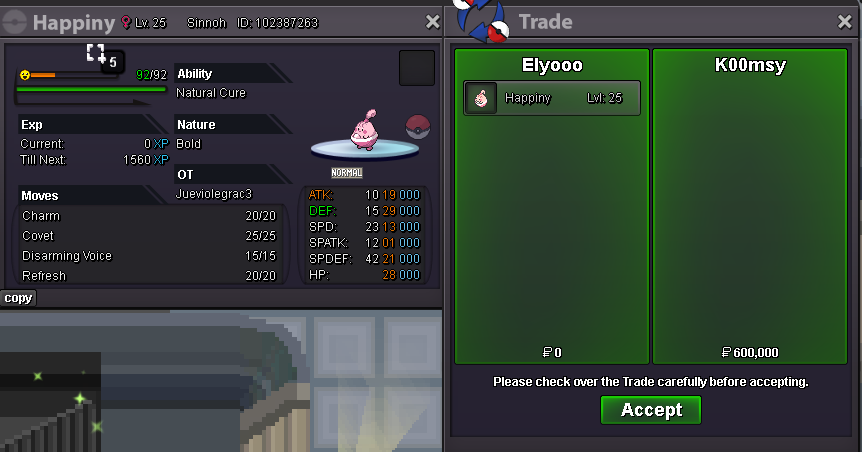
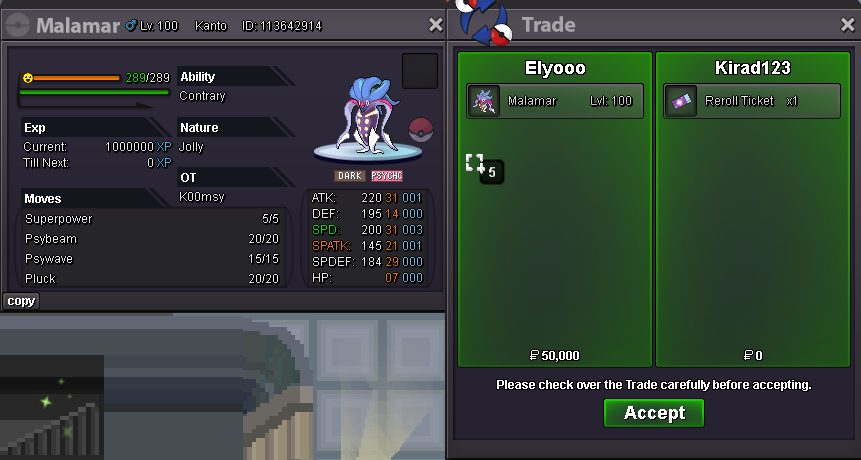
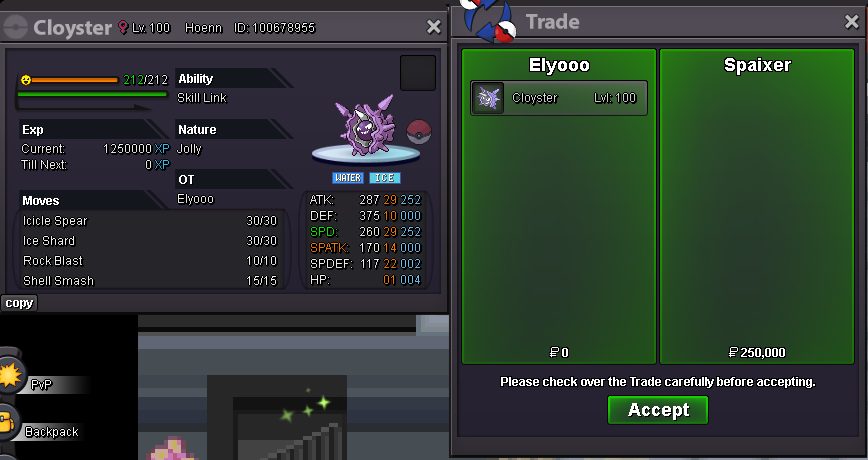
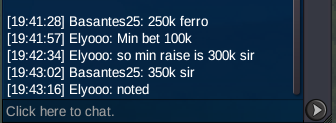
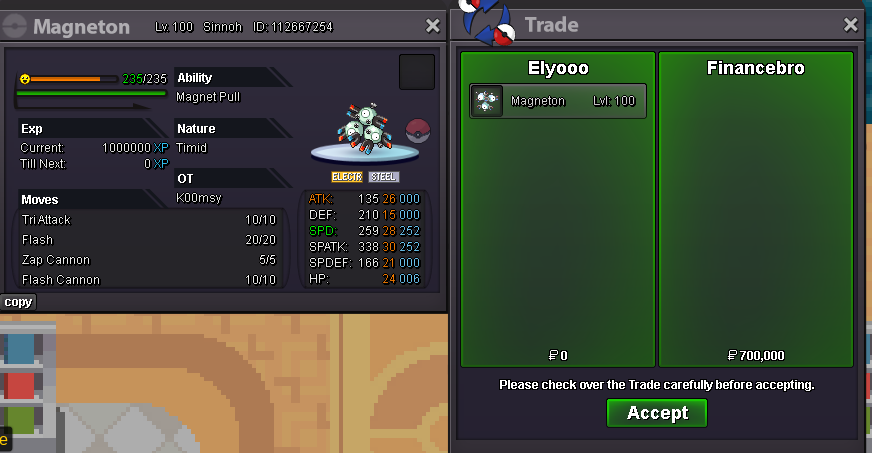
several day i tried to contact @Basantes25 who won the ferro for 350k @Mj1902 who won teddi for 400k but not a single answer, can we force trade any mod ? tell me if u need any help doing so@Basantes25won the ferro for 350k @Mj1902won teddi for 400k @Spaixerwon cloyster for 250k@Kirad123 won the malamar for 700ki'm from silver btwcontact me when you're up 😃@Financebrowon the magneton for 700k, tell me when you're online for tradeok good to know. ty !start metagrossBUMP / price lowered for some pokeeach auction end : 24 hours after first bid ALL AUCTION RULES APPLIES (INCLUDING 15 MIN RULE) You can bid from gold but have to transfer if you won ACCEPTED PAYMENTS : Coin Capsule: 500k Pokedollars Nature Reroll: 375k IV Reroll: 750k Sold ------------------------------------------------ s.o : 500k / min bet : 100k / insta 3M ------------------------------------------------ s.o : 400k / min bet : 100k / insta 5M ------------------------------------------------ s.o : 200k / min bet : 50k / insta 3M ------------------------------------------------ s.o : 100k / min bet : 20k / insta 1M ------------------------------------------------ s.o : 200k / min bet : 100k / insta 3M
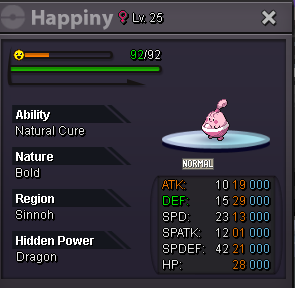
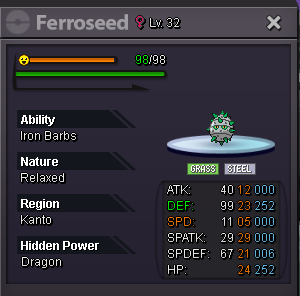 I will be up in few hours for ttar Elyooo in game1m2 ttarstart ttar + mankey450klooks like i won the ferro, add me when u want to trade1M150k ferro 😃


Account
Navigation
Search
Configure browser push notifications
Chrome (Android)
- Tap the lock icon next to the address bar.
- Tap Permissions → Notifications.
- Adjust your preference.
Chrome (Desktop)
- Click the padlock icon in the address bar.
- Select Site settings.
- Find Notifications and adjust your preference.
Safari (iOS 16.4+)
- Ensure the site is installed via Add to Home Screen.
- Open Settings App → Notifications.
- Find your app name and adjust your preference.
Safari (macOS)
- Go to Safari → Preferences.
- Click the Websites tab.
- Select Notifications in the sidebar.
- Find this website and adjust your preference.
Edge (Android)
- Tap the lock icon next to the address bar.
- Tap Permissions.
- Find Notifications and adjust your preference.
Edge (Desktop)
- Click the padlock icon in the address bar.
- Click Permissions for this site.
- Find Notifications and adjust your preference.
Firefox (Android)
- Go to Settings → Site permissions.
- Tap Notifications.
- Find this site in the list and adjust your preference.
Firefox (Desktop)
- Open Firefox Settings.
- Search for Notifications.
- Find this site in the list and adjust your preference.