




New Trade Zone
Trade Zone is now live
Use the new Trade Zone for auctions and instant-price trades so Pokemon and item offers are easy to find.

Baygonmaxxx
Registered User
-
Joined
-
Last visited
Everything posted by Baygonmaxxx
-
@Laviterwon and finish trade,forgot the ss can be closed
-
-
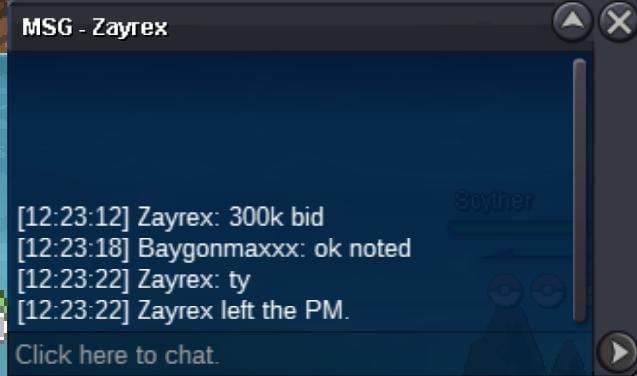
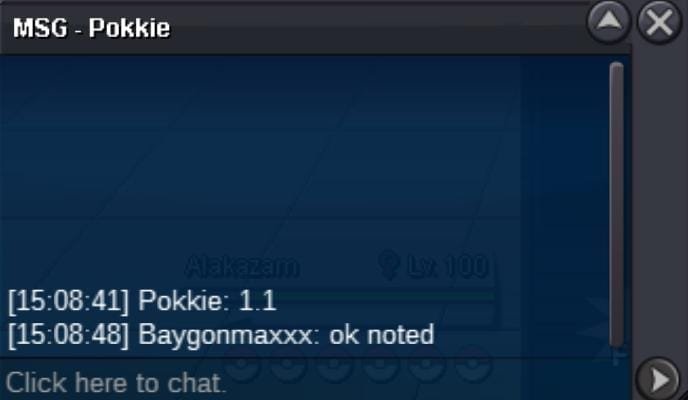
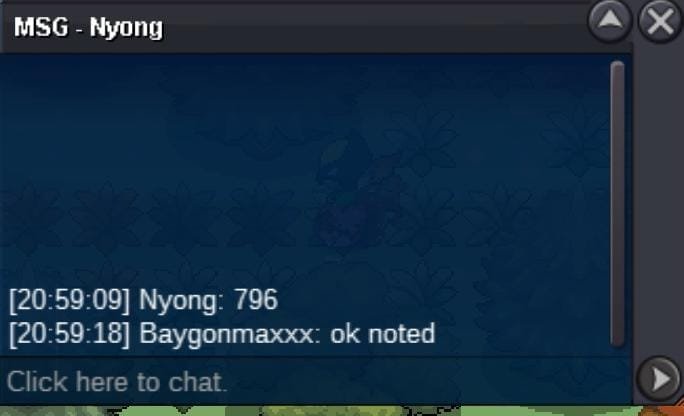
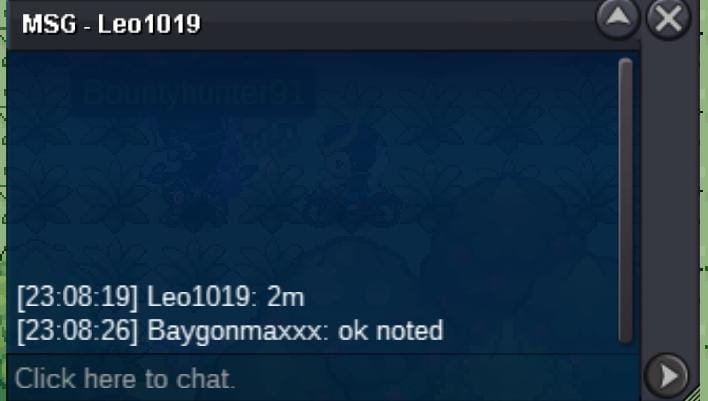
Hi Everyone!! I want to auction Trick Room Quiet Download Porygon 27 Spatk 28 HP 02 Spd • CLOSED • CLOSED • Insta : N/A • Auction Time Countdown : Accept Payment : • Pokedollars • Coin capsule [480k] • Nature RR [350k] • RR Ticket /IV RR [700k] Thanks!
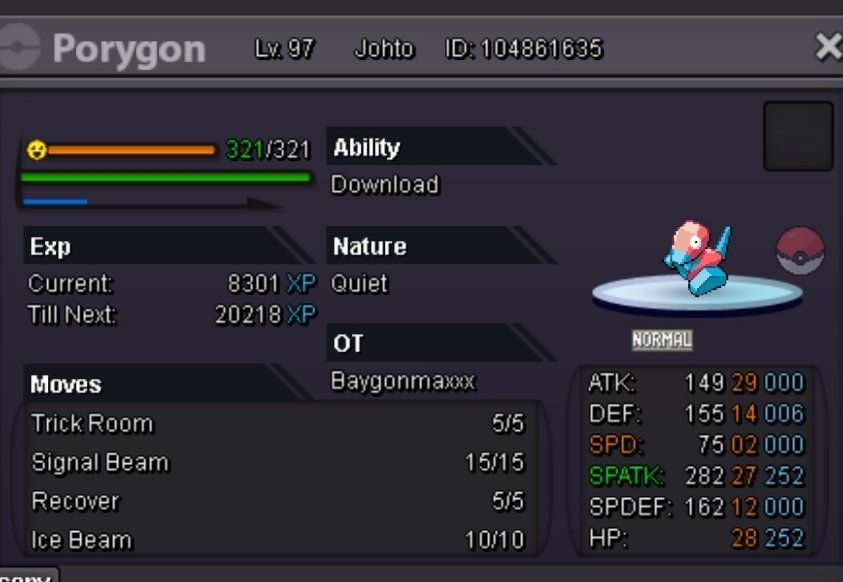 Auction end can be close.. congrats and ty @Heroofthestreet (Sorry for make a mistake bfr)
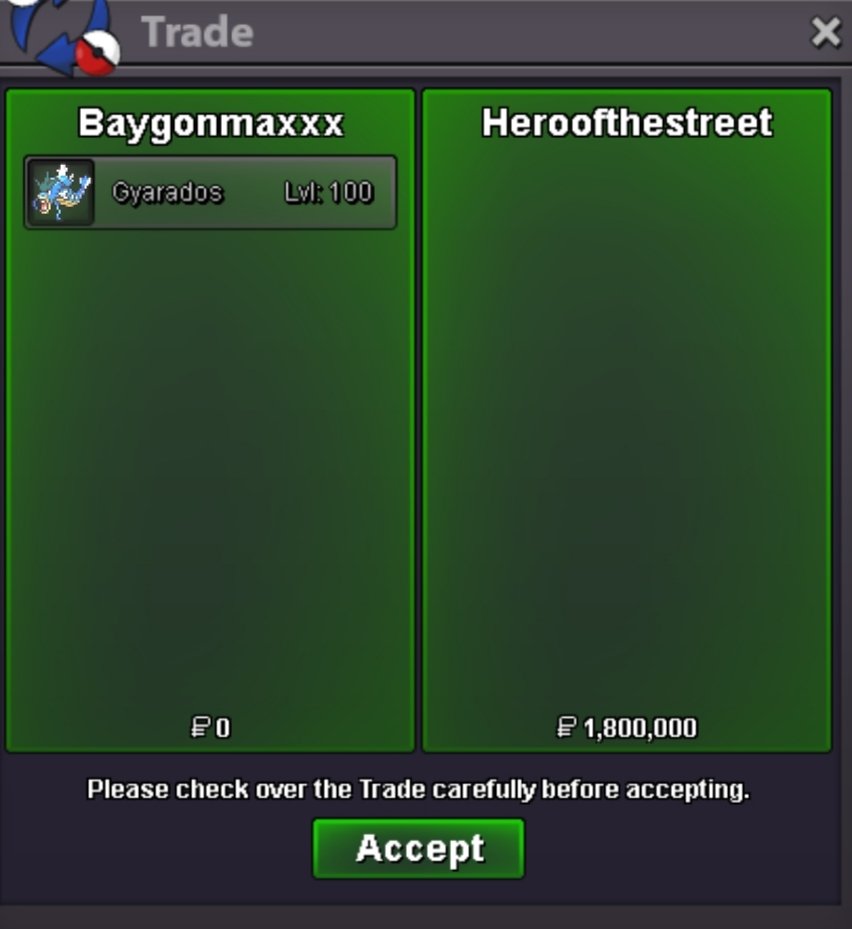 misunderstandingAUCTION END CAN BE CLOSE S.O : 400k Min. bid : 100k Insta : N/A •Auction end after 2 Days from first bid Accept Payment : • Pokedollar • Coin capsule [470k] • Nature RR [300k] • RR Ticket /IV RR [600k]
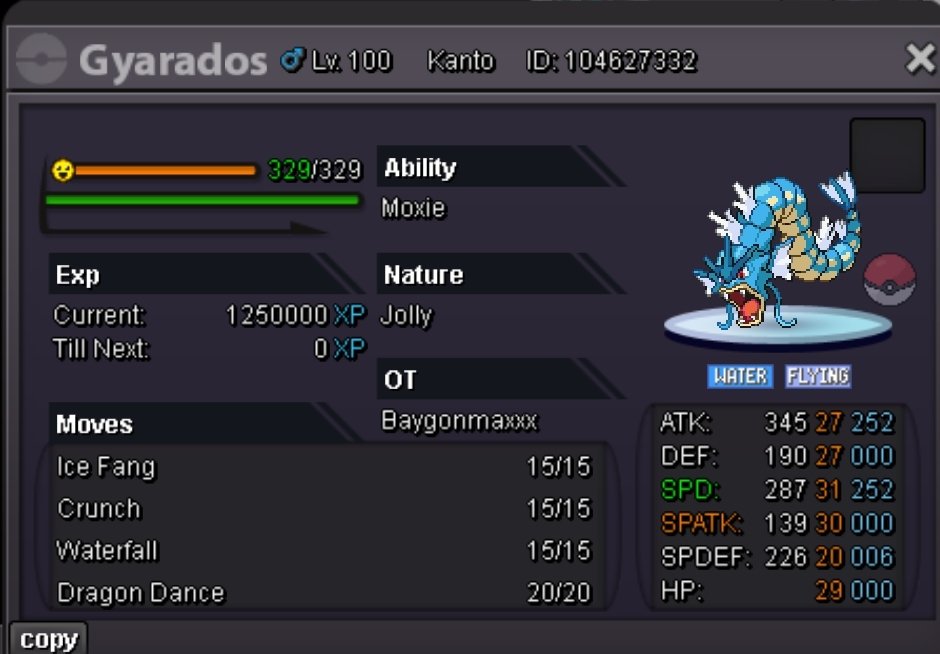 Done,thanks~
 Auction End~Bump 22h leftBumpBumpDone,thankyou..
 Auction End Can Be Closed •Start •Min Bid •Insta : No Insta •Auction end after 72 hours from first bid Accept Payment : • Pokedollar • Coin capsule [500K] • RR Tiket / IV RR [520K] Thanks~
 Bump 6h leftAUCTION END,CAN BE CLOSED!! THANKS 😊 Hii Everyone!! I want to auction Ninjask •Start •Min Bid •Insta •Auction end after 48 hours from first bid Accept Payment : • Pokedollar • Coin capsule [500K] • RR Tiket / IV RR [520K]



Account
Navigation
Search
Configure browser push notifications
Chrome (Android)
- Tap the lock icon next to the address bar.
- Tap Permissions → Notifications.
- Adjust your preference.
Chrome (Desktop)
- Click the padlock icon in the address bar.
- Select Site settings.
- Find Notifications and adjust your preference.
Safari (iOS 16.4+)
- Ensure the site is installed via Add to Home Screen.
- Open Settings App → Notifications.
- Find your app name and adjust your preference.
Safari (macOS)
- Go to Safari → Preferences.
- Click the Websites tab.
- Select Notifications in the sidebar.
- Find this website and adjust your preference.
Edge (Android)
- Tap the lock icon next to the address bar.
- Tap Permissions.
- Find Notifications and adjust your preference.
Edge (Desktop)
- Click the padlock icon in the address bar.
- Click Permissions for this site.
- Find Notifications and adjust your preference.
Firefox (Android)
- Go to Settings → Site permissions.
- Tap Notifications.
- Find this site in the list and adjust your preference.
Firefox (Desktop)
- Open Firefox Settings.
- Search for Notifications.
- Find this site in the list and adjust your preference.