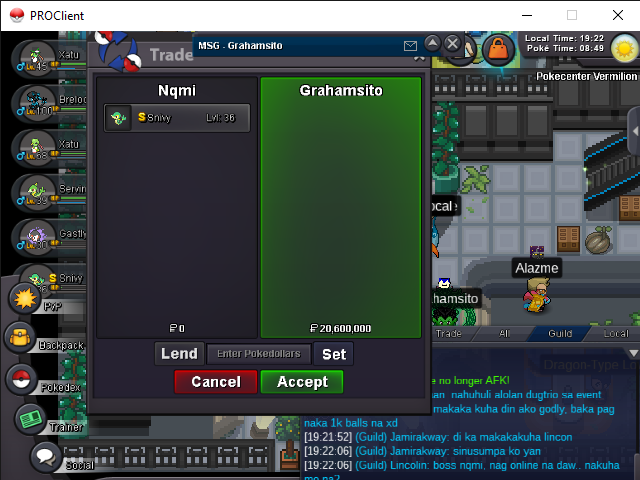
New Trade Zone
Trade Zone is now live
Use the new Trade Zone for auctions and instant-price trades so Pokemon and item offers are easy to find.


Nqmi
Registered User
-
Joined
-
Last visited
Everything posted by Nqmi
-
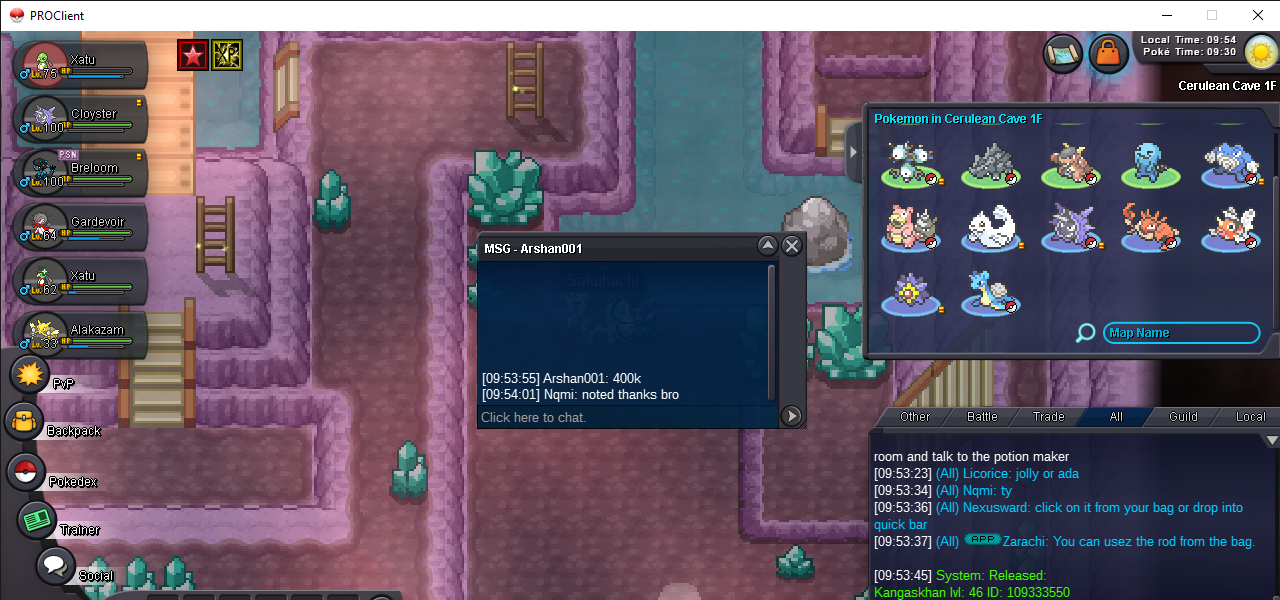
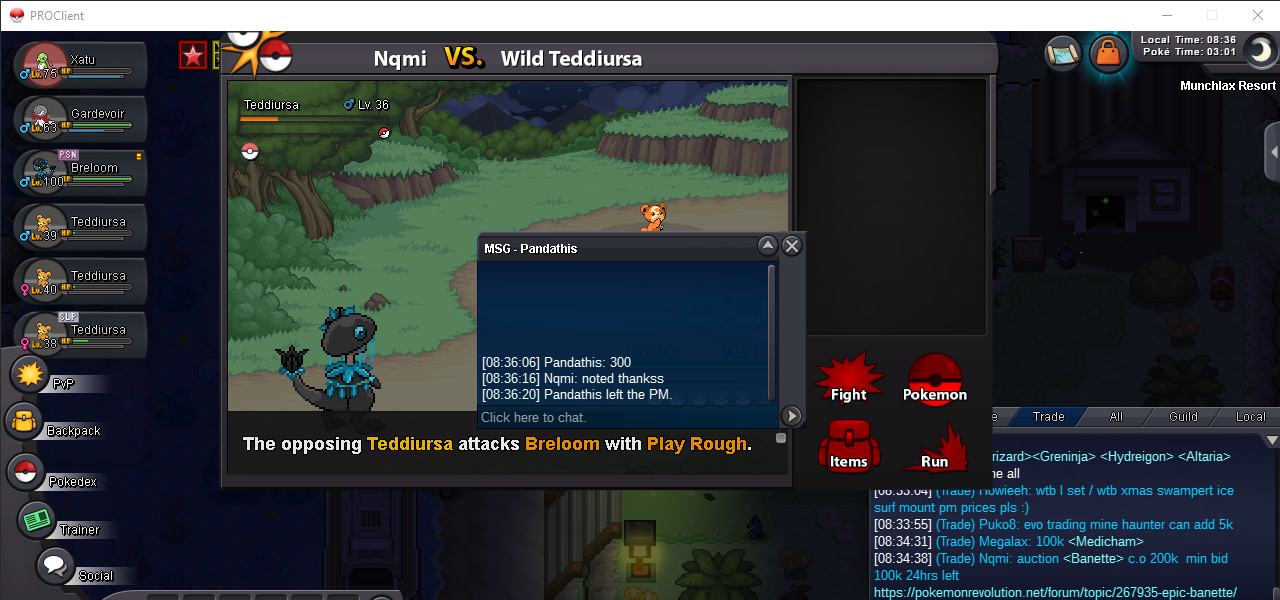
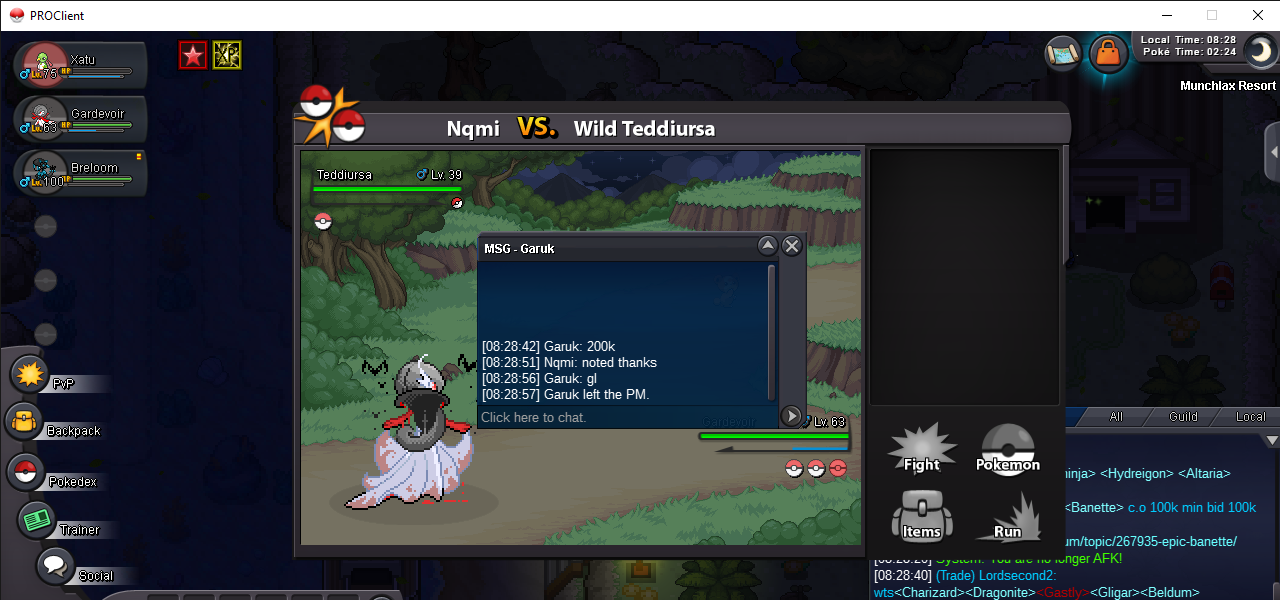
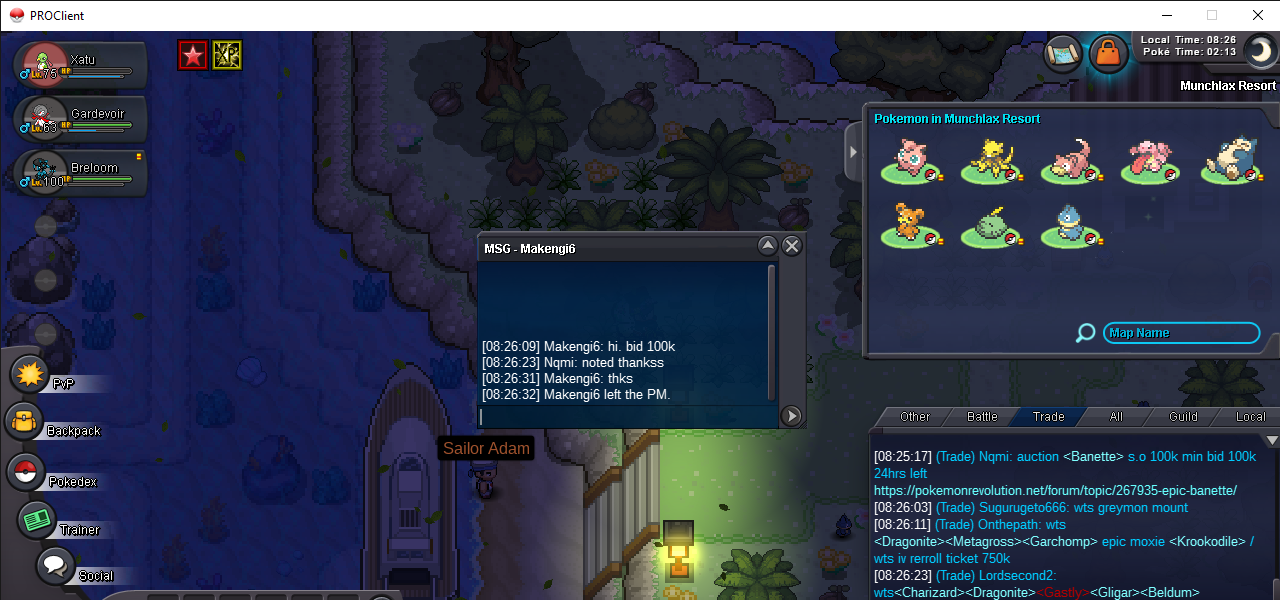
@Usrnmwon to my auction dont worry im willing to transfer in silver server. Thanks
-
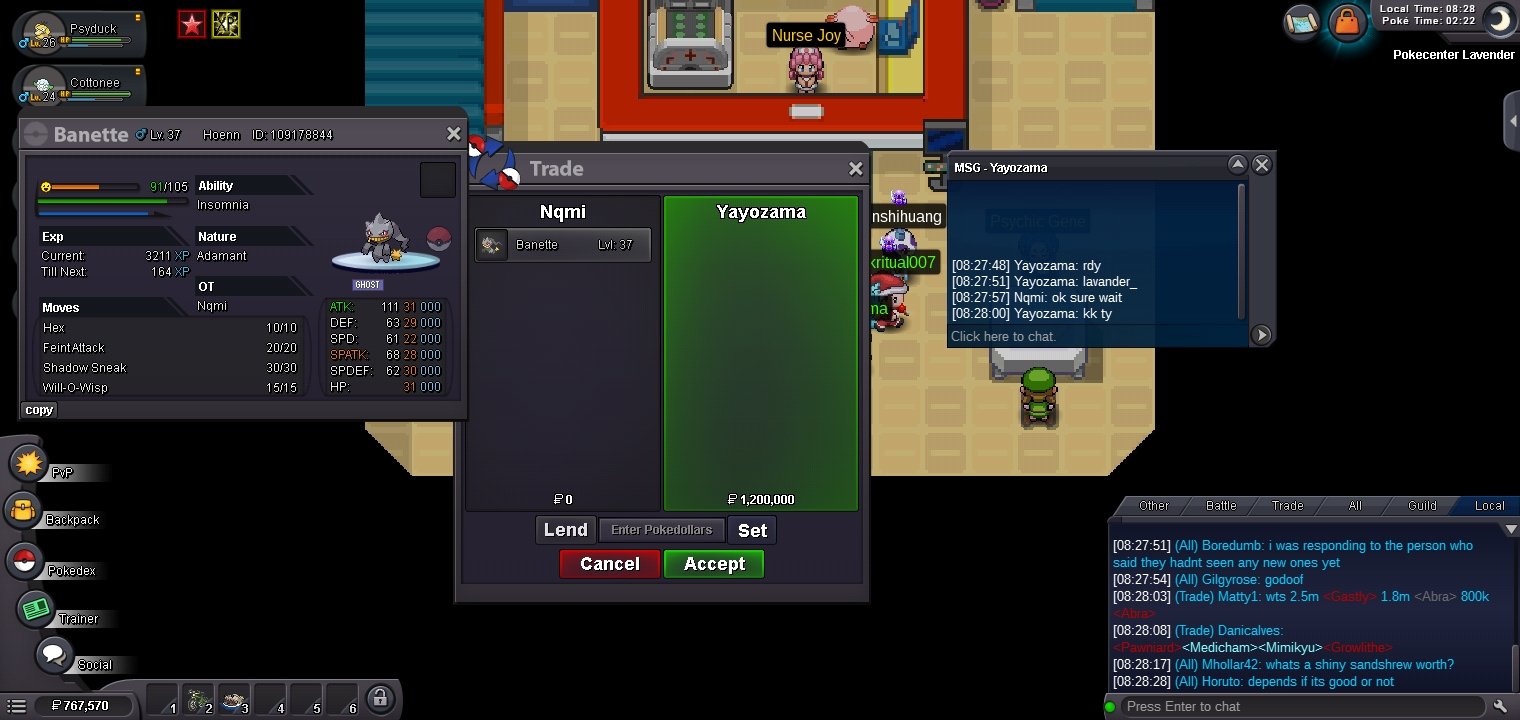
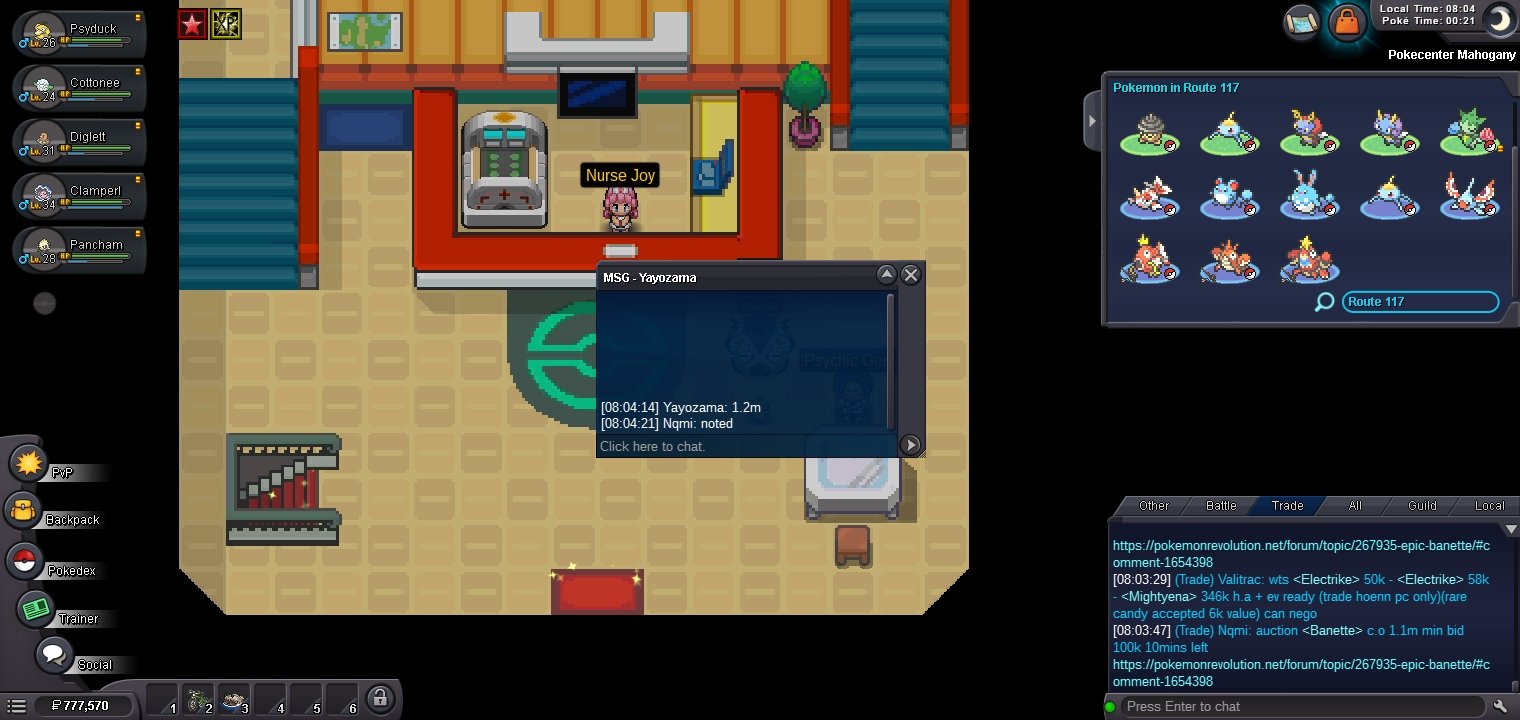
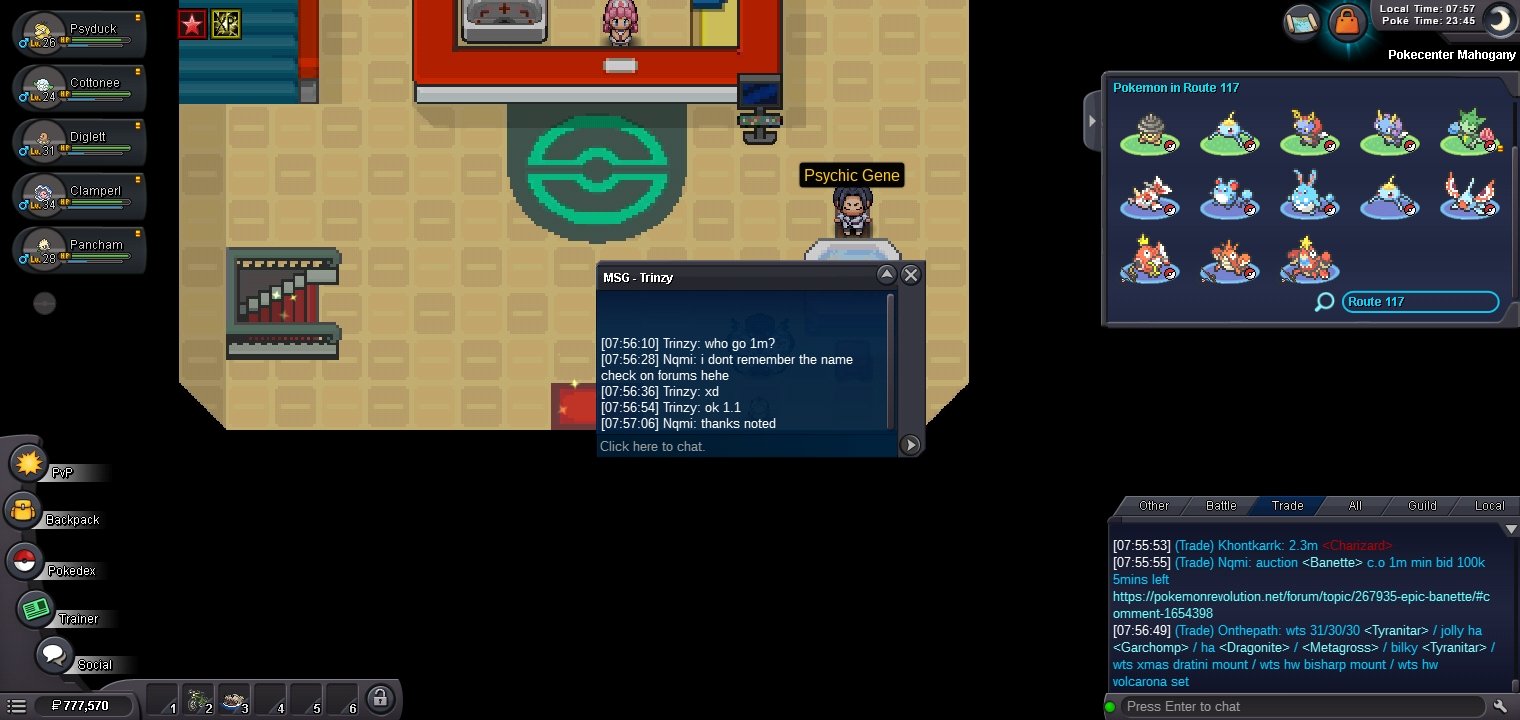
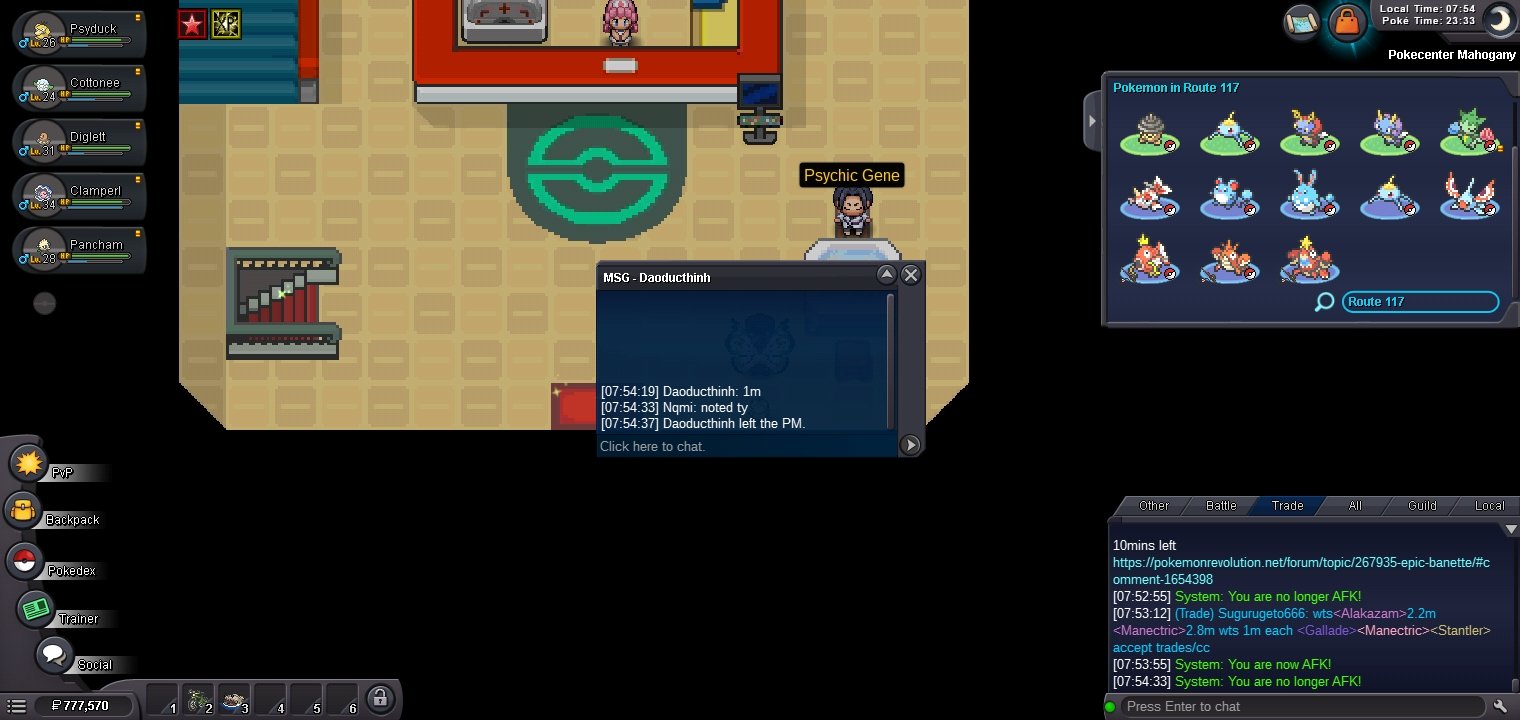
S.o-100k Minbid-100k Duration:24hrs
 Im decide to cancelled my auction since no one place bid and so many rightnow selling ferro thankss..s.o 100k Min bid.100k Duration:24hrs Accepted payment: Cc-500k Pokedollar
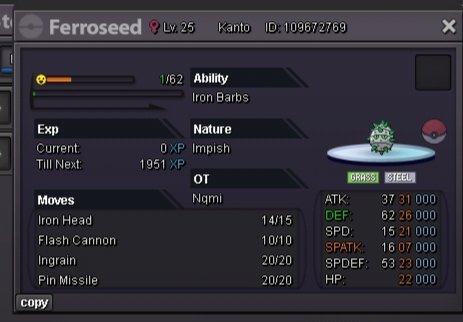 Auction end thanks guysDuration = 24 Hours Accepted Payments: Pokedollars Coin Capsule = 500K IV RR = 550K Nature RR = 275K no insta
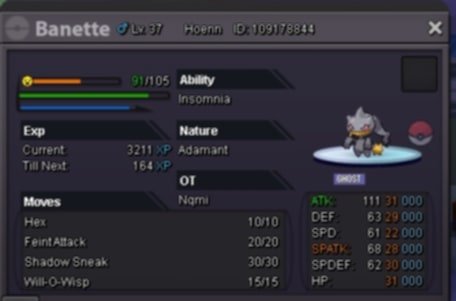 HI I DECIDED TO CANCEL MY AUCTION SINCE THERE ARE MANY SIMILAR POKEMON BEING AUCTIONED AND NO ONE HAS PLACED A BID THANKS FOR UNDERSTANDING.S.o: 1m Minimum bid:200k Duration:24hrs No insta Payments Pokedollar Cc-450k End yesterday 2:40pm Philippine time
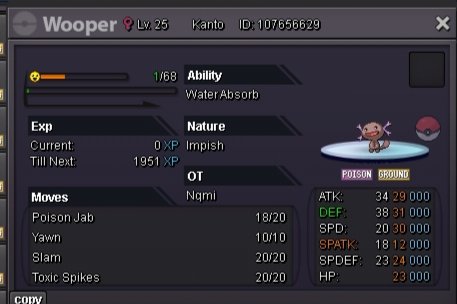 tysm for participating
Account
Navigation
Search
Configure browser push notifications
Chrome (Android)
- Tap the lock icon next to the address bar.
- Tap Permissions → Notifications.
- Adjust your preference.
Chrome (Desktop)
- Click the padlock icon in the address bar.
- Select Site settings.
- Find Notifications and adjust your preference.
Safari (iOS 16.4+)
- Ensure the site is installed via Add to Home Screen.
- Open Settings App → Notifications.
- Find your app name and adjust your preference.
Safari (macOS)
- Go to Safari → Preferences.
- Click the Websites tab.
- Select Notifications in the sidebar.
- Find this website and adjust your preference.
Edge (Android)
- Tap the lock icon next to the address bar.
- Tap Permissions.
- Find Notifications and adjust your preference.
Edge (Desktop)
- Click the padlock icon in the address bar.
- Click Permissions for this site.
- Find Notifications and adjust your preference.
Firefox (Android)
- Go to Settings → Site permissions.
- Tap Notifications.
- Find this site in the list and adjust your preference.
Firefox (Desktop)
- Open Firefox Settings.
- Search for Notifications.
- Find this site in the list and adjust your preference.