New Trade Zone
Trade Zone is now live
Use the new Trade Zone for auctions and instant-price trades so Pokemon and item offers are easy to find.


Nqmi
Registered User
-
Joined
-
Last visited
Everything posted by Nqmi
-
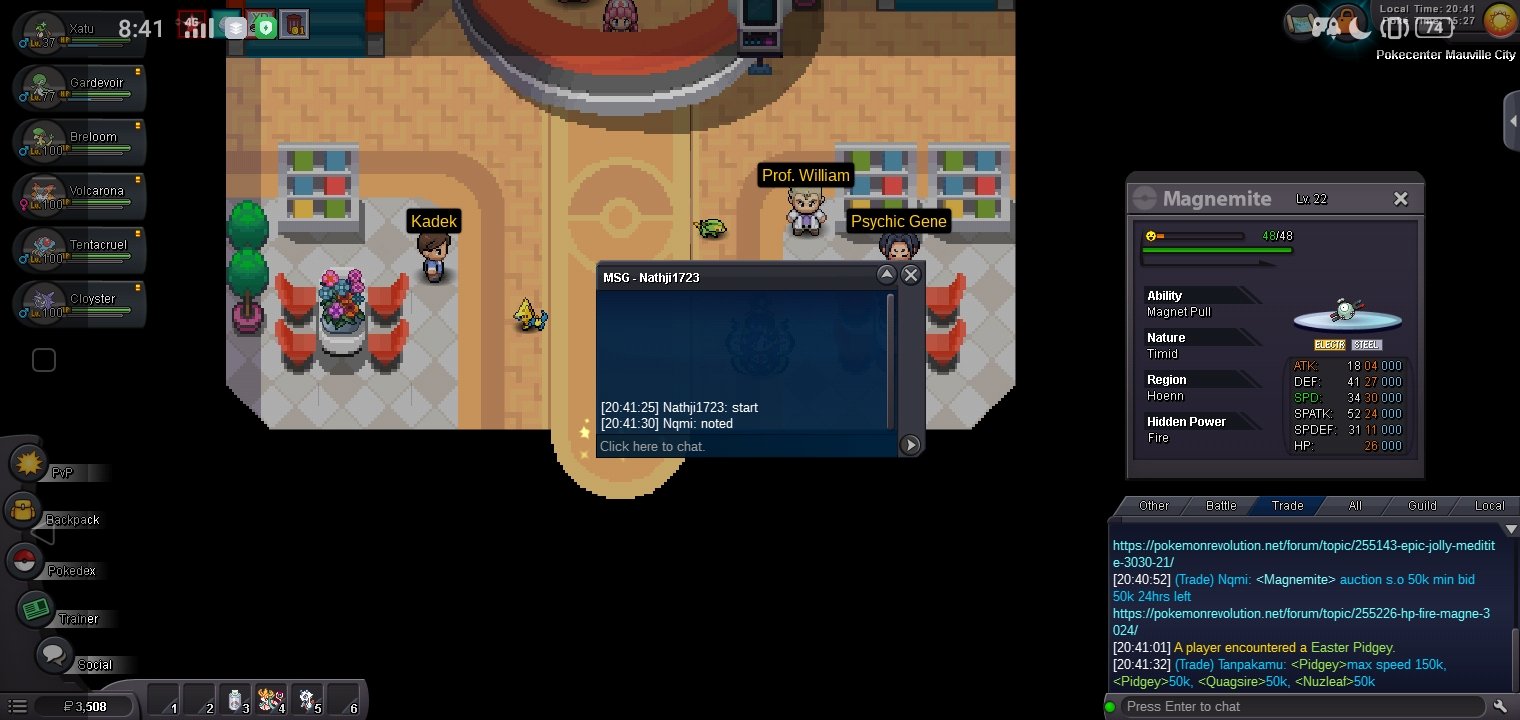
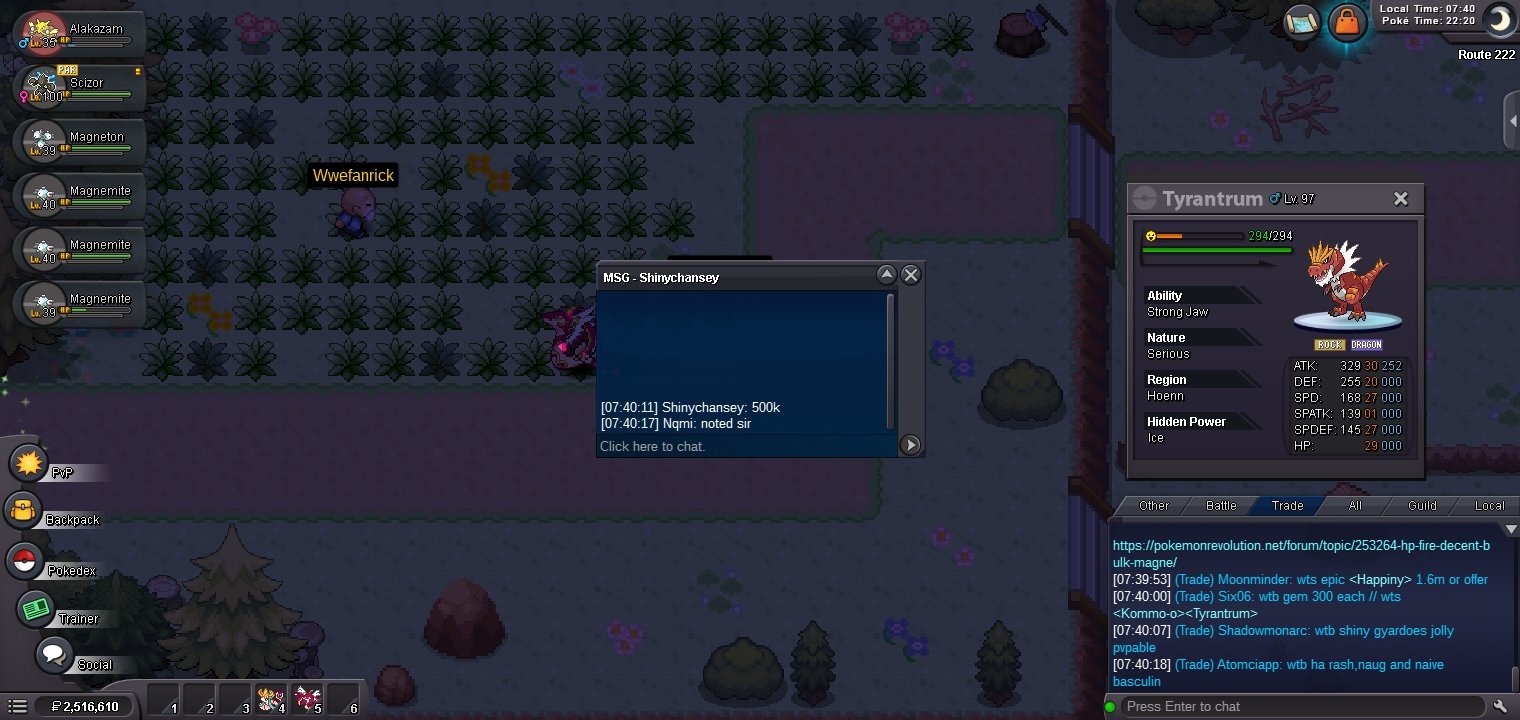
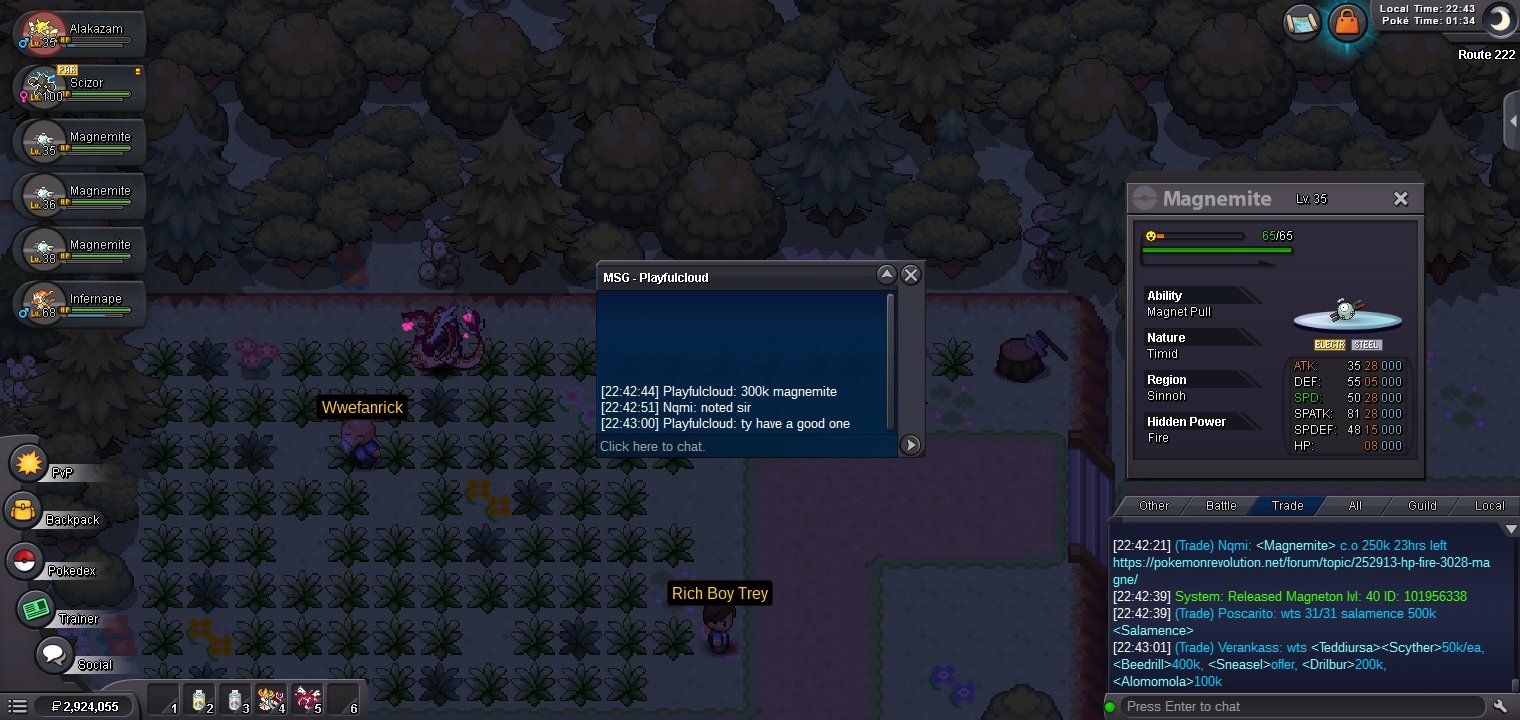
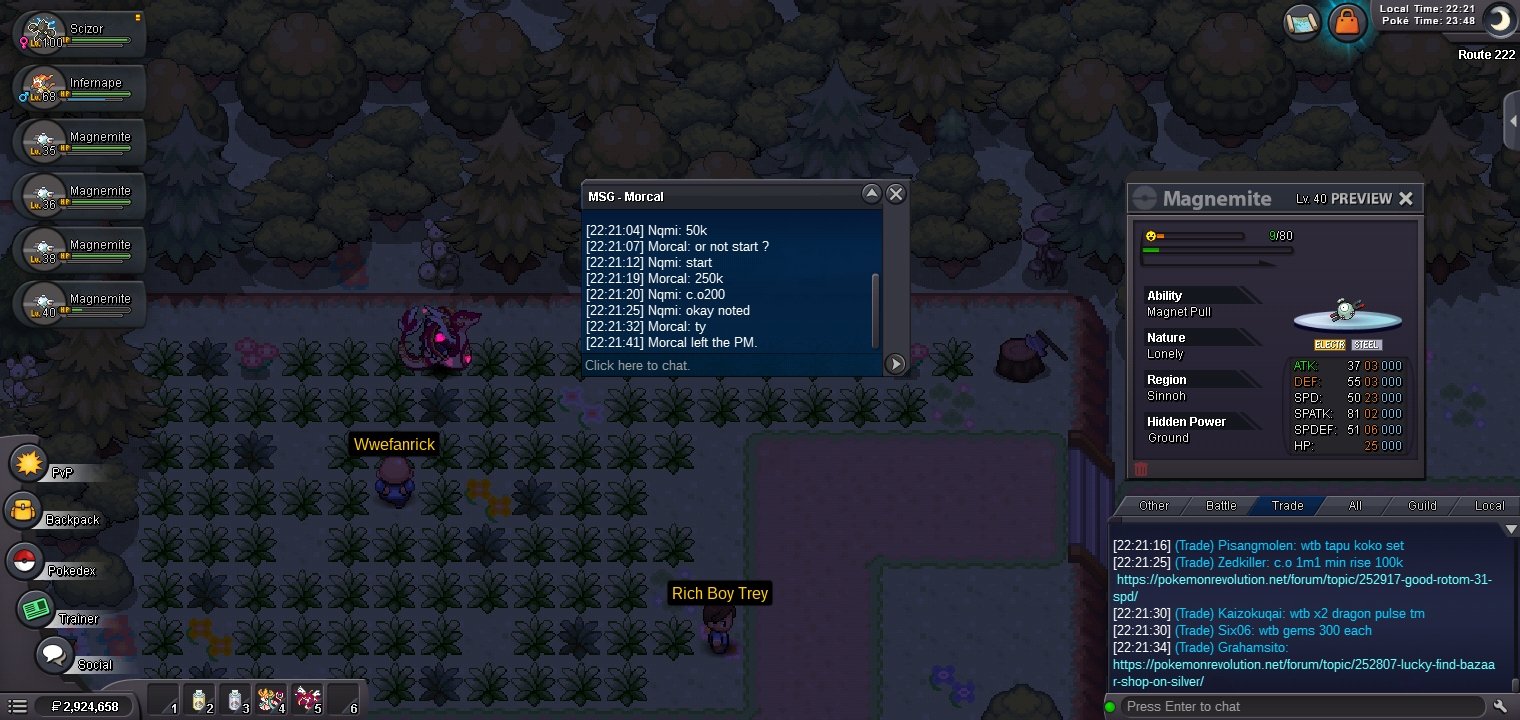
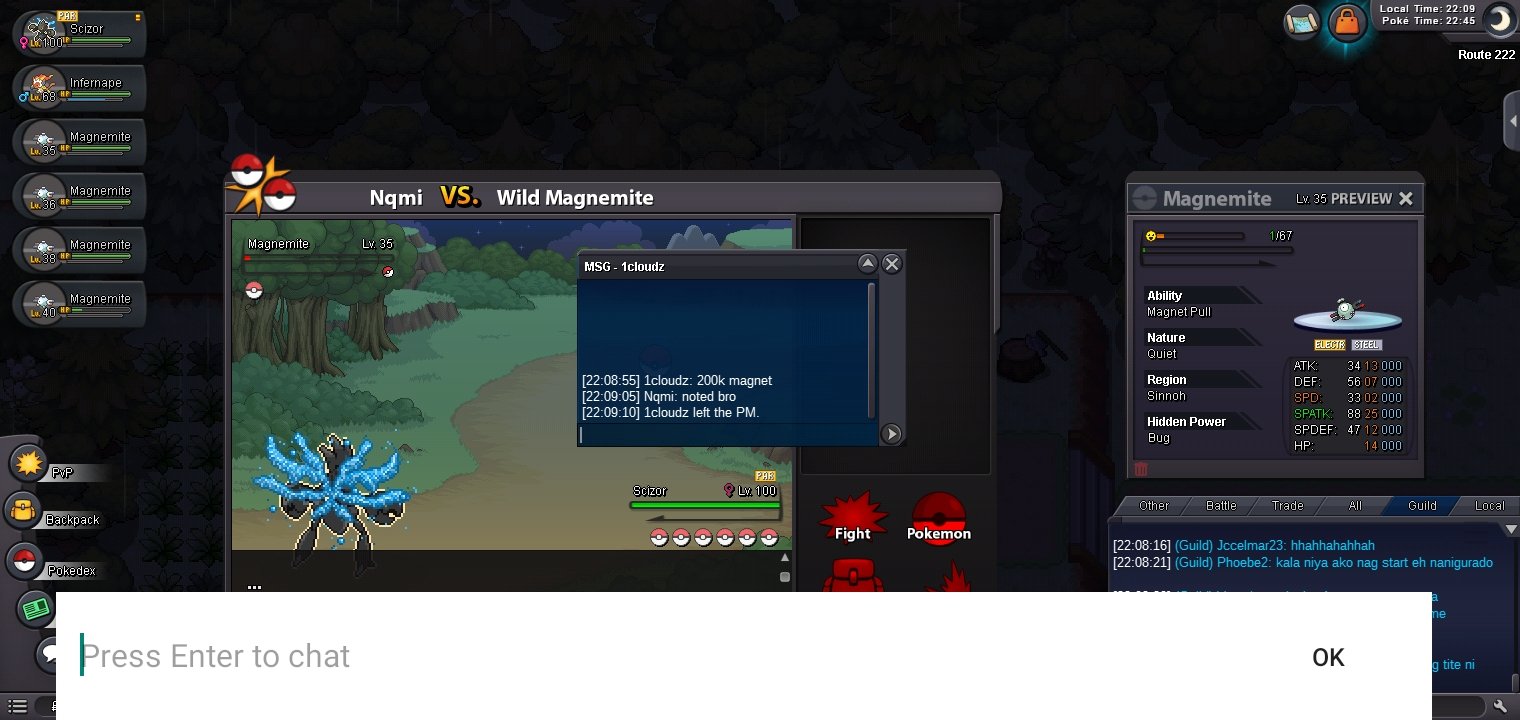
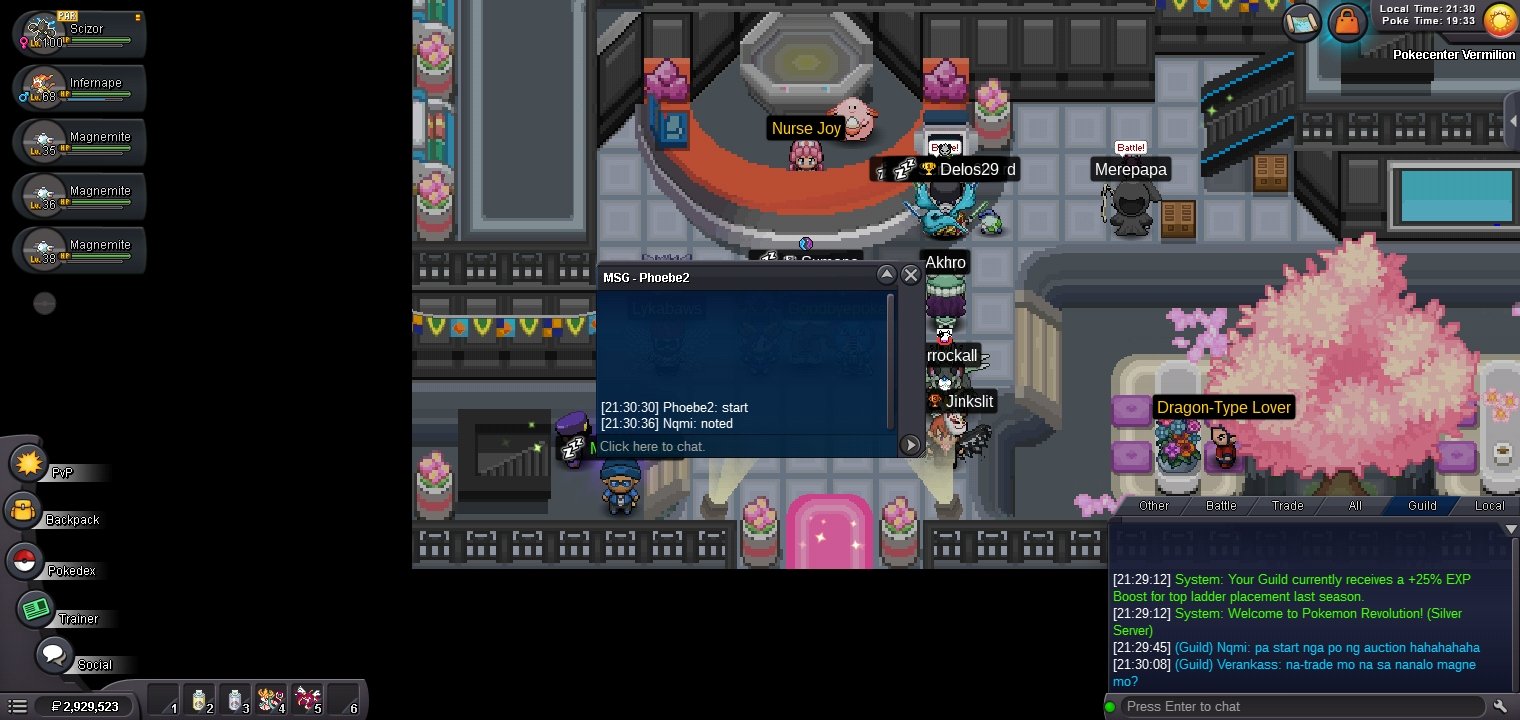
S.O. = 50K Min. Raise = 50K Duration = 24 Hours No insta Accepted Payments: Pokedollars Coin Capsule = 500K IV RR = 550K Nature RR = 275K End may 7 8:40 PM
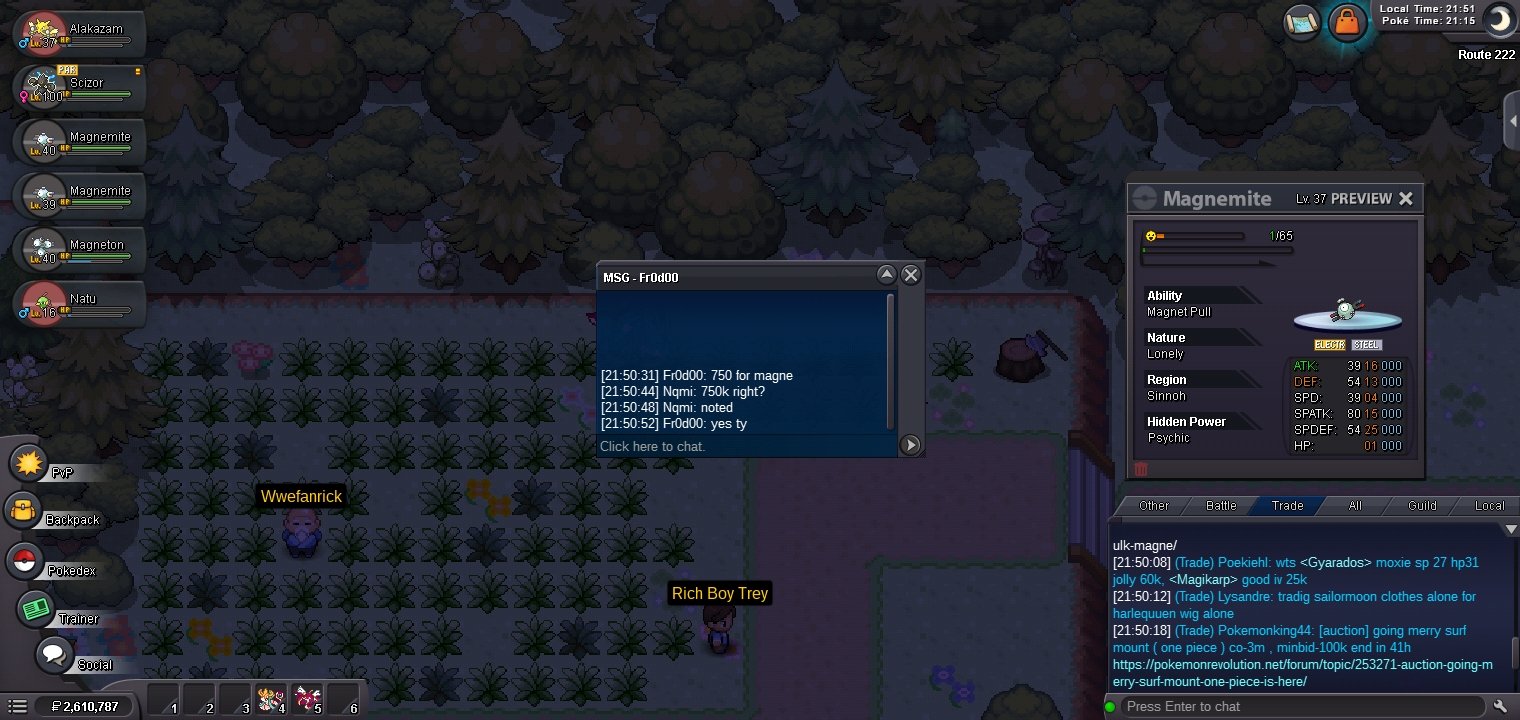
 So Fr0d00 wins but I'm not unable to trade so wait until I'm unban hehe sorryI think I have violation sorry guys ty for participating have a good dayAuction is end guys I'm ban in trade
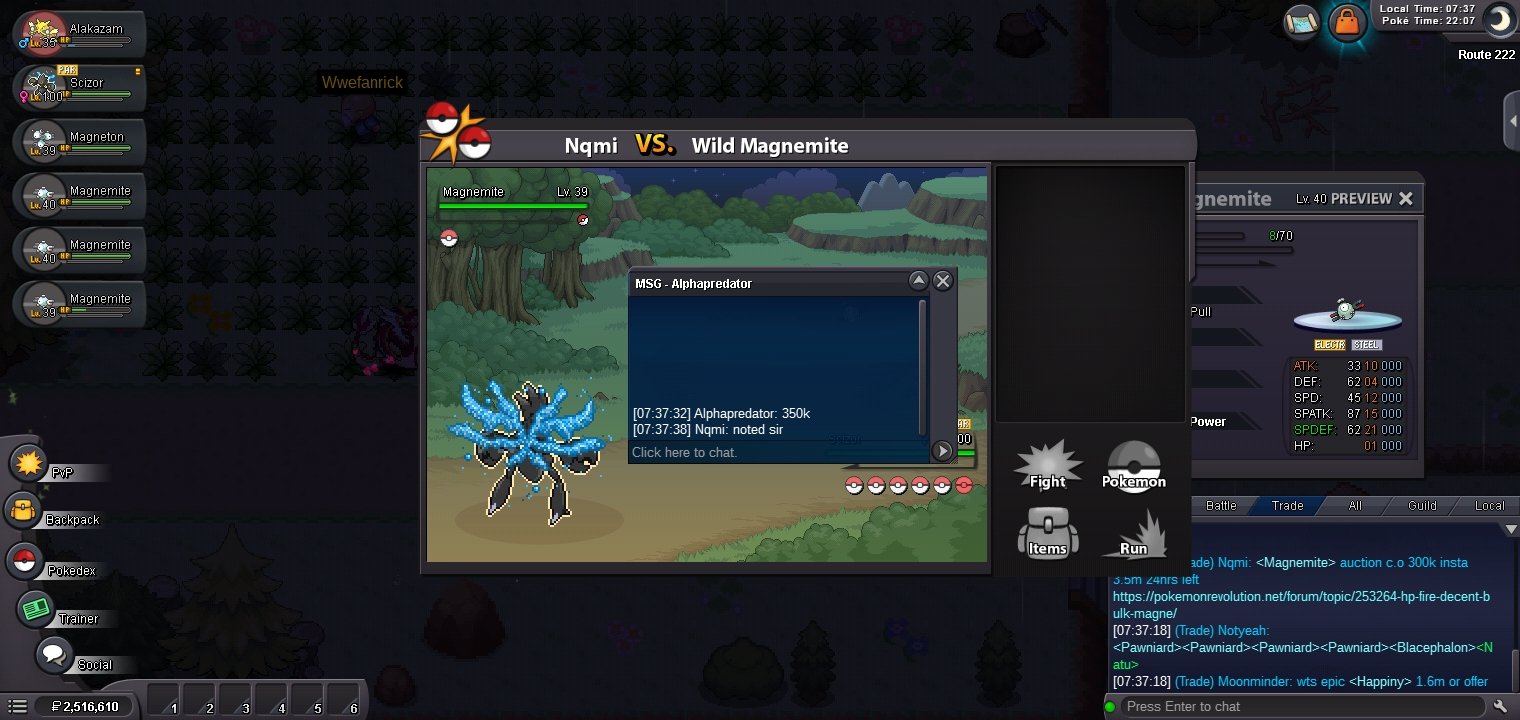
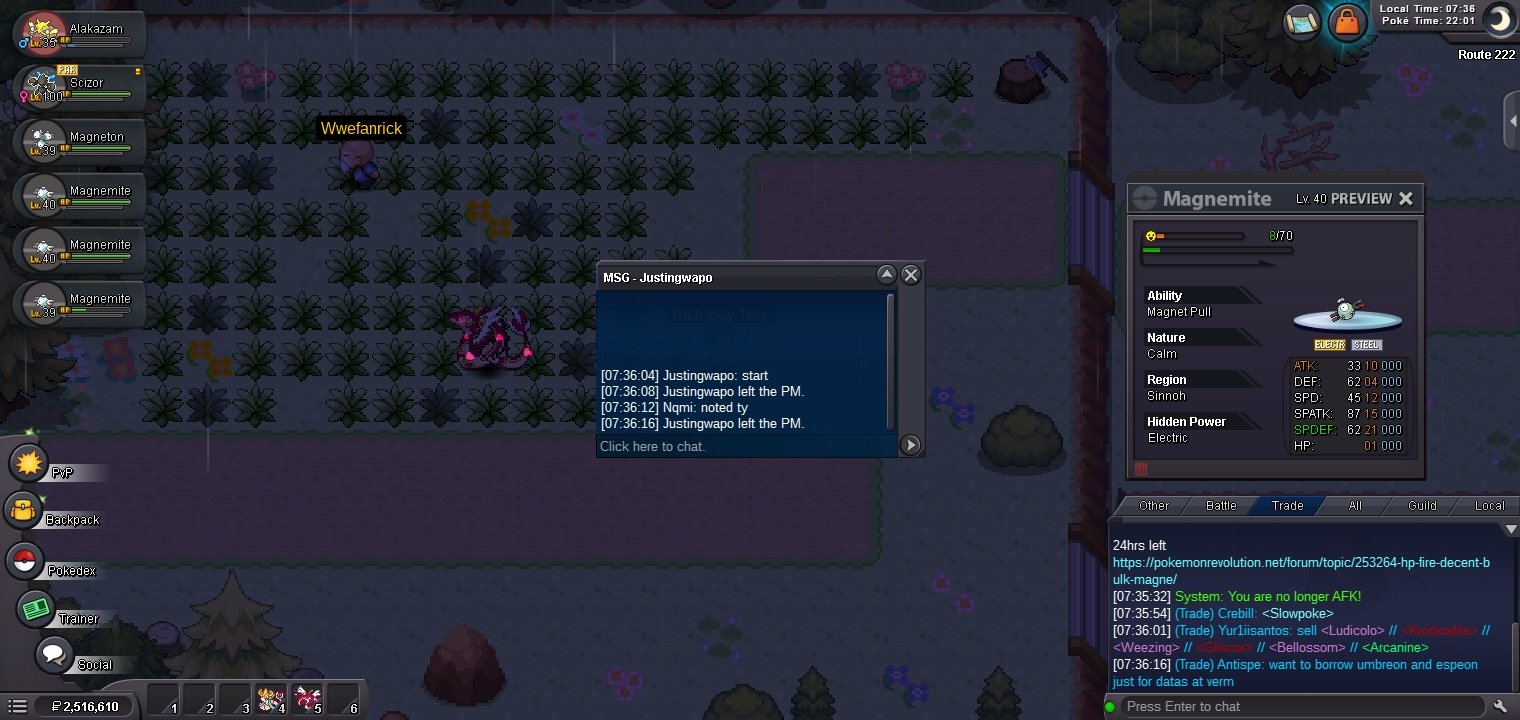
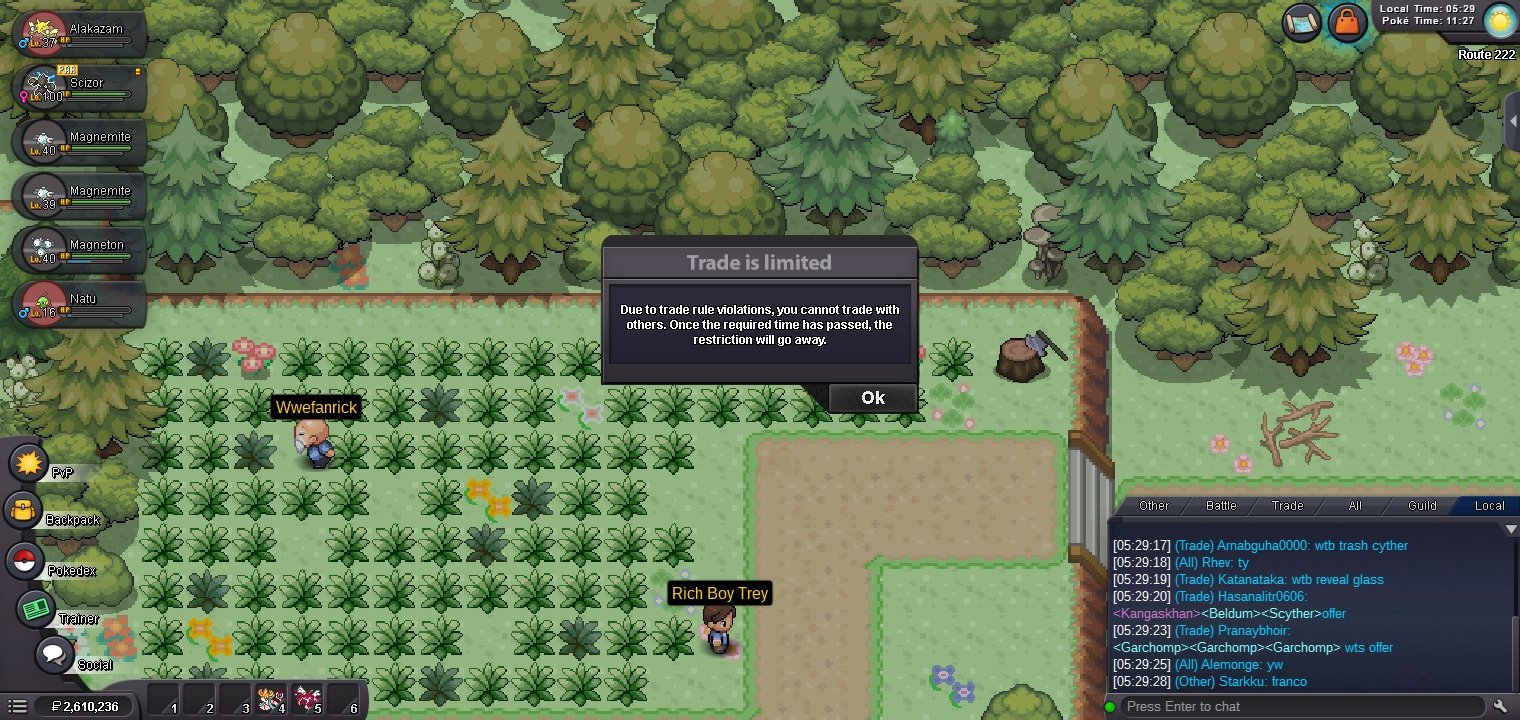 S.O. = 50K Min. Raise = 50K Duration = 24 Hours Insta = 3.5m Accepted Payments: Pokedollars Coin Capsule = 500K IV RR = 550K Nature RR = 275K
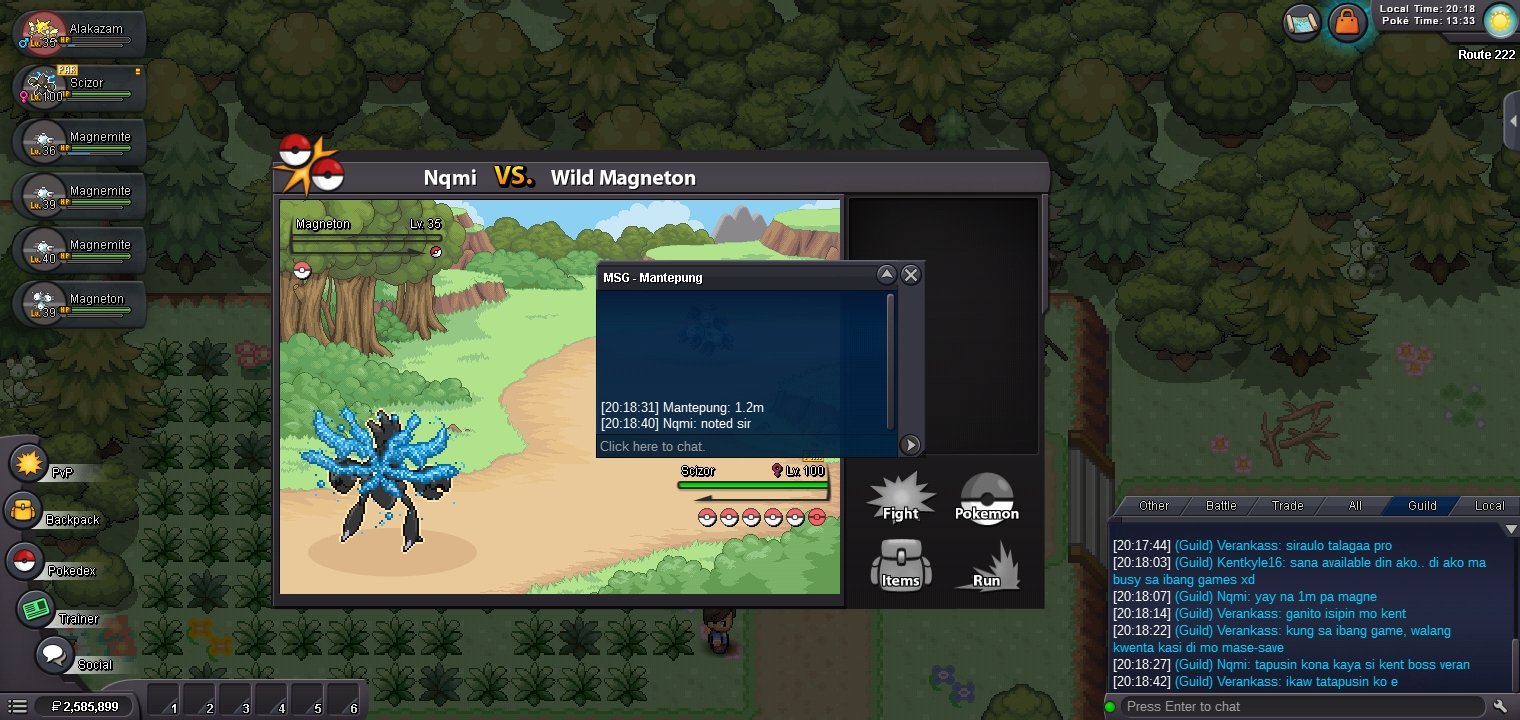
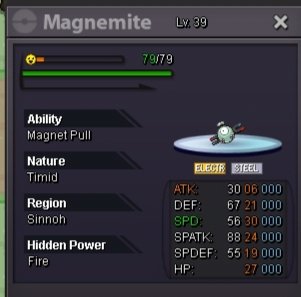 And I add my money to 1,350,000 and it's equal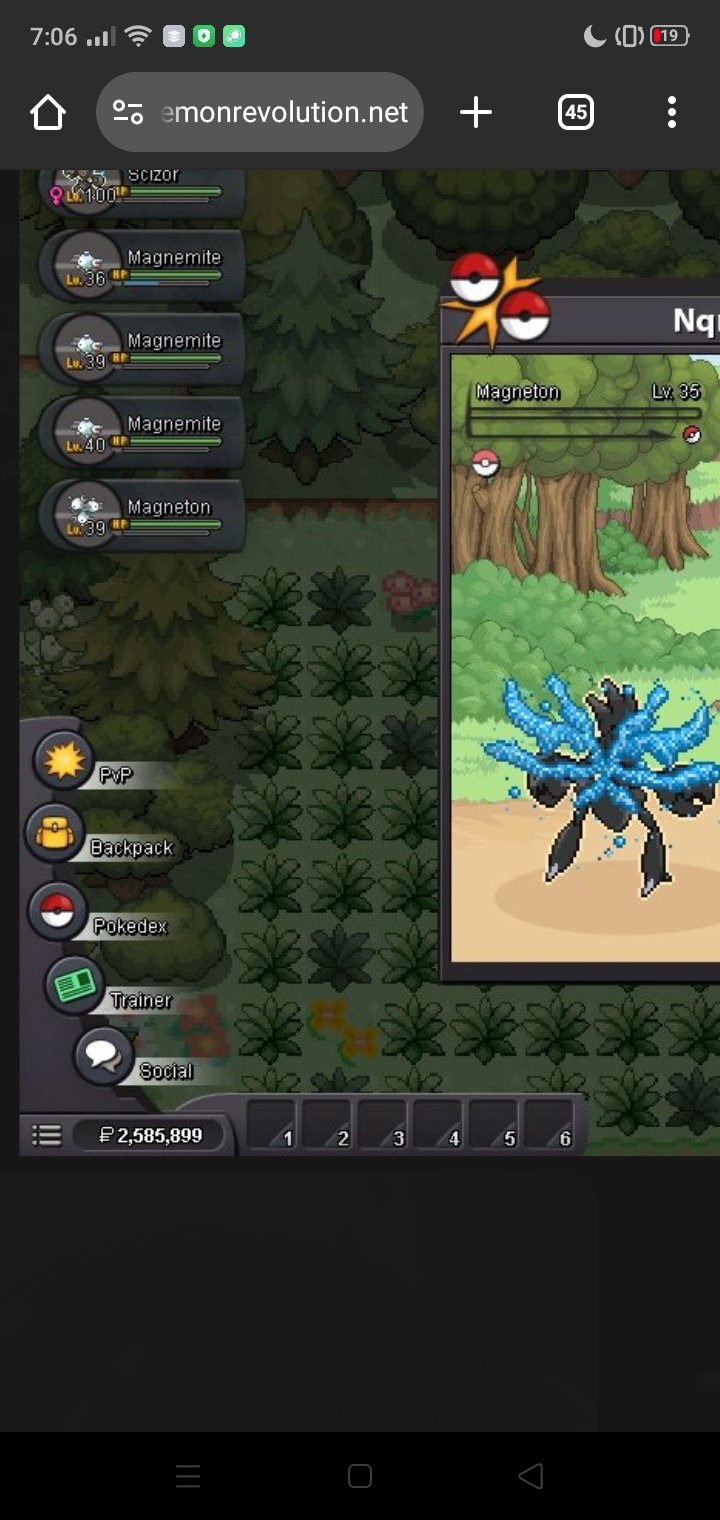
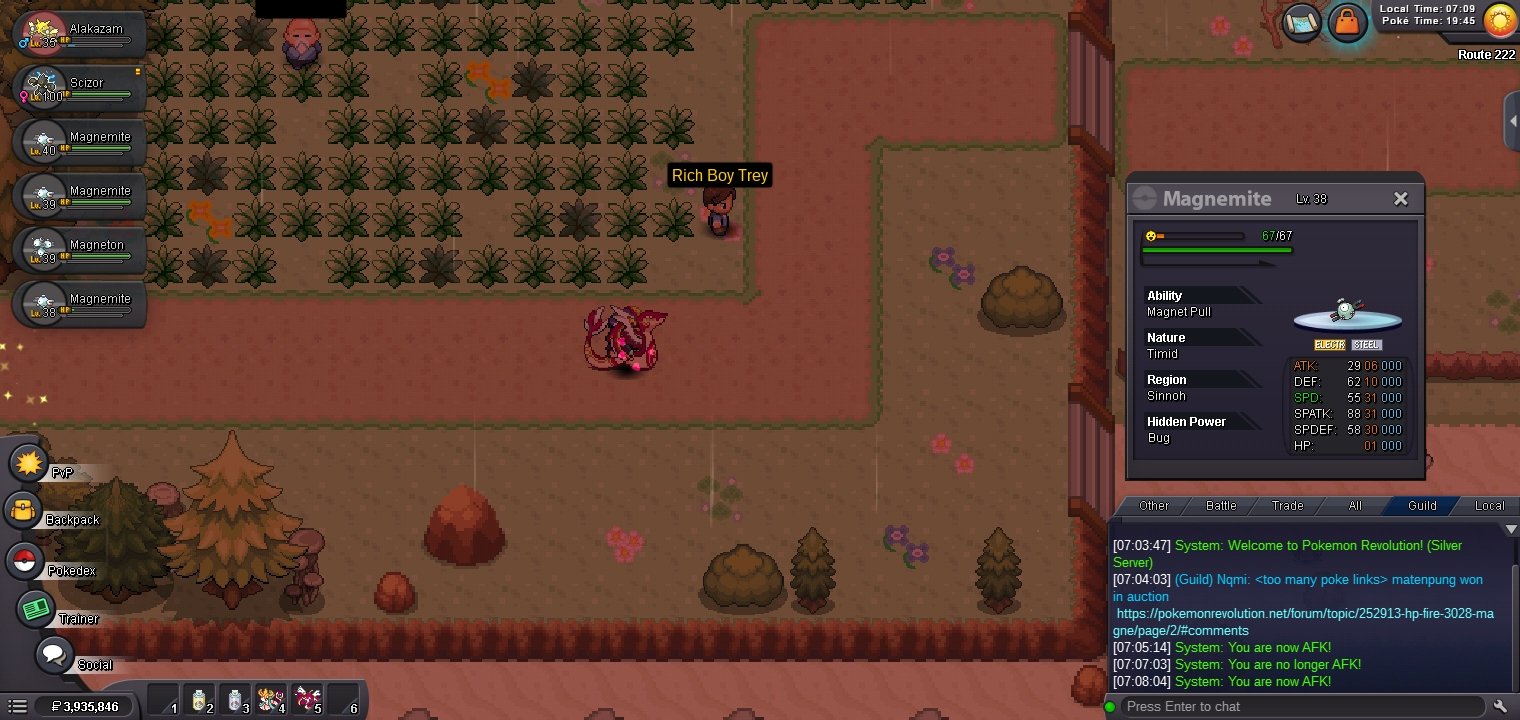
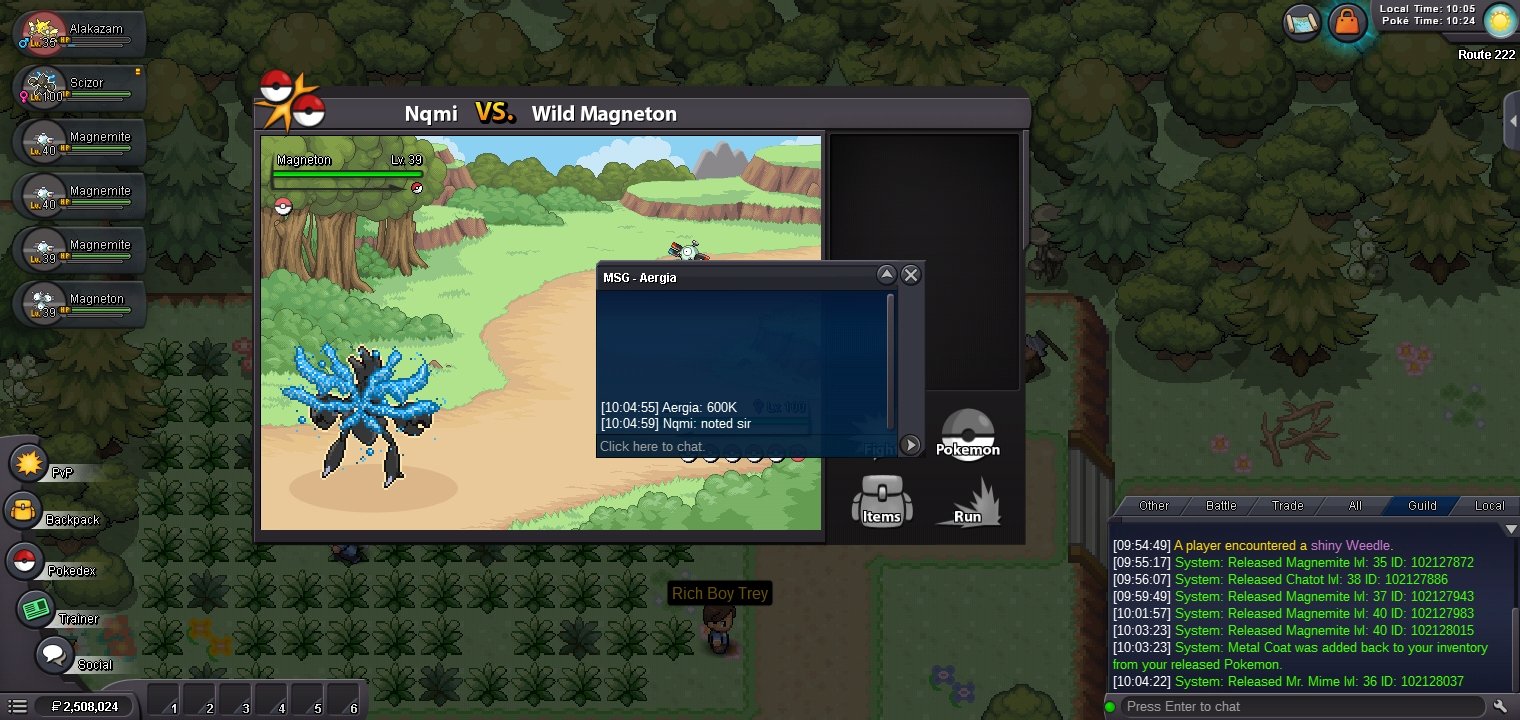
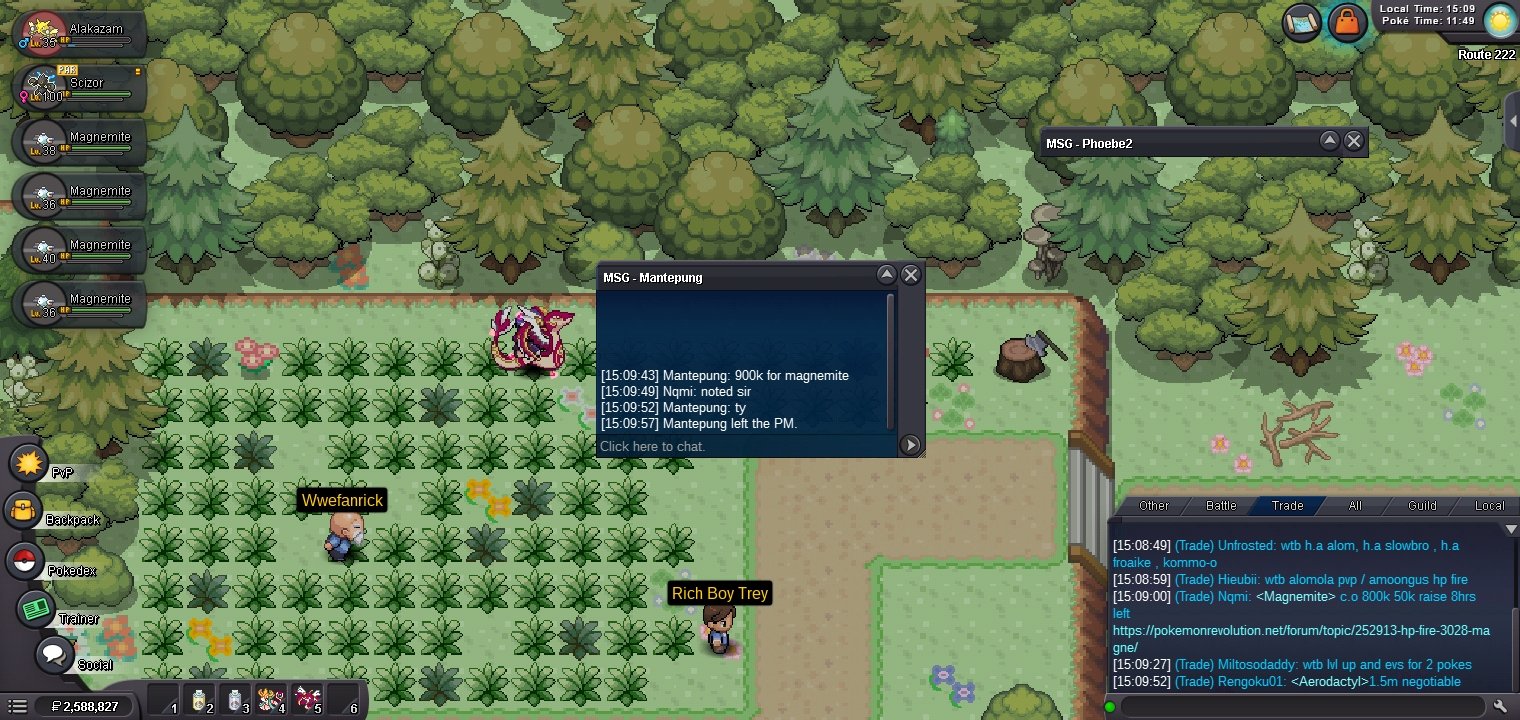
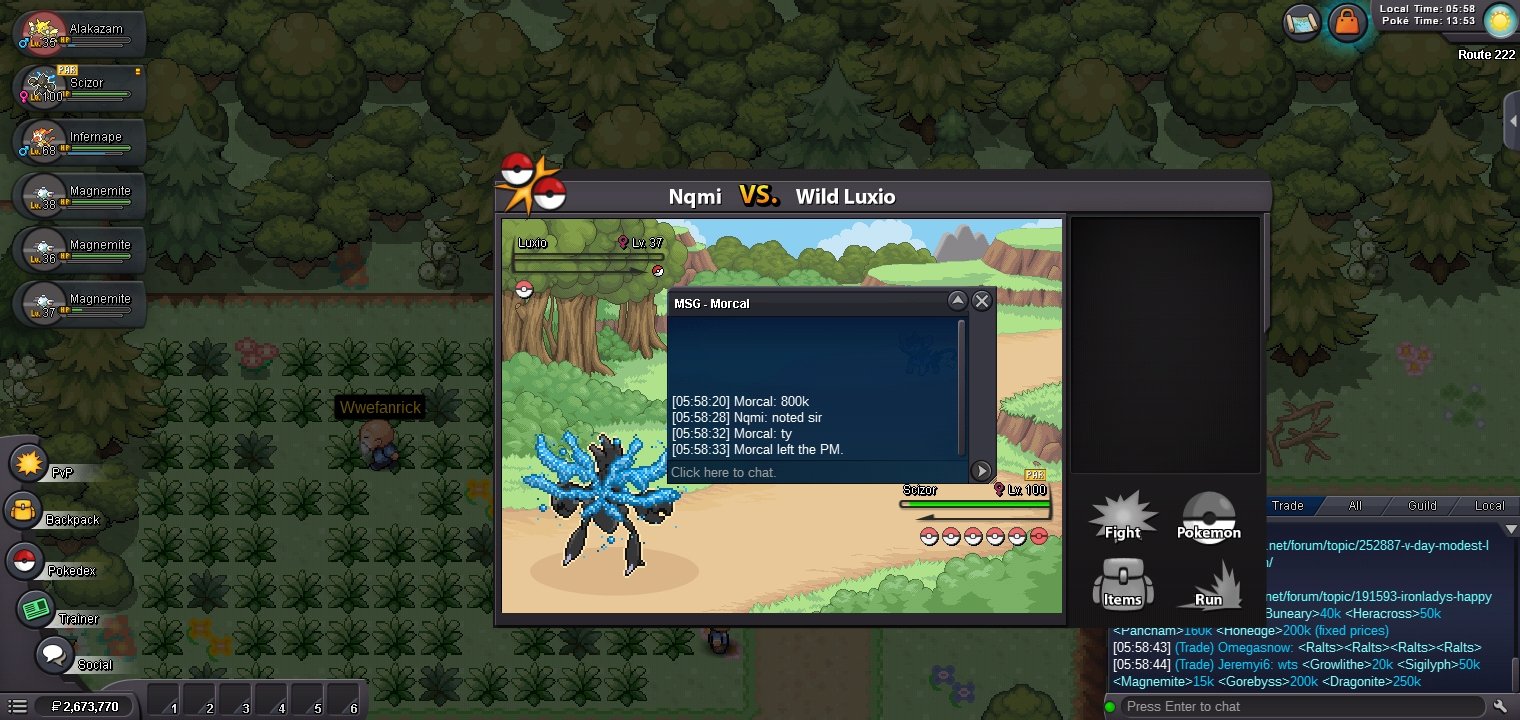
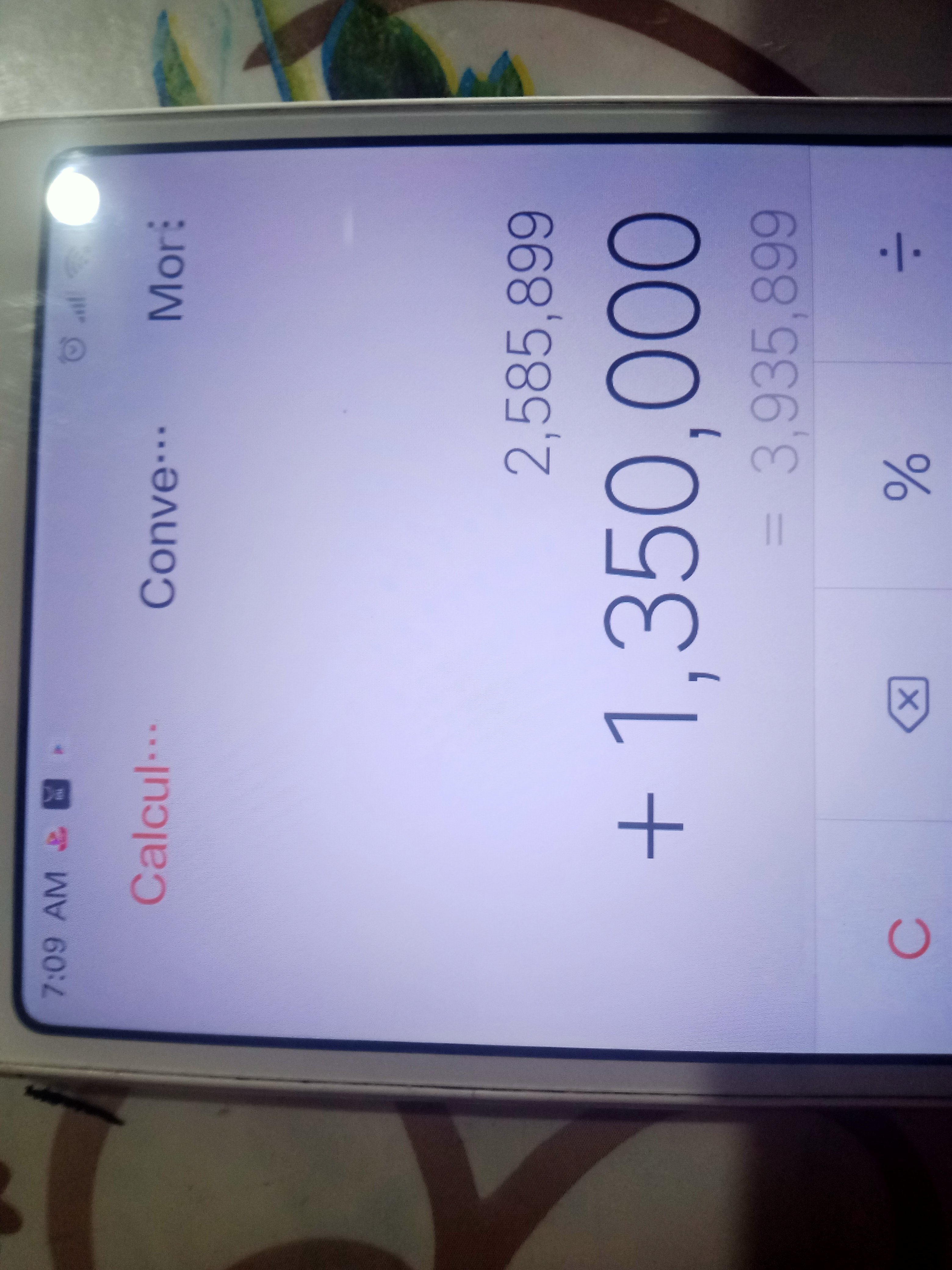 but we have already tradedI don't ss because my cp is low storage sorry guys I'm saying truthMatenpung won in auction ty to all for participationMatenpung offer 1.35m sorry I don't have ss
Account
Navigation
Search
Configure browser push notifications
Chrome (Android)
- Tap the lock icon next to the address bar.
- Tap Permissions → Notifications.
- Adjust your preference.
Chrome (Desktop)
- Click the padlock icon in the address bar.
- Select Site settings.
- Find Notifications and adjust your preference.
Safari (iOS 16.4+)
- Ensure the site is installed via Add to Home Screen.
- Open Settings App → Notifications.
- Find your app name and adjust your preference.
Safari (macOS)
- Go to Safari → Preferences.
- Click the Websites tab.
- Select Notifications in the sidebar.
- Find this website and adjust your preference.
Edge (Android)
- Tap the lock icon next to the address bar.
- Tap Permissions.
- Find Notifications and adjust your preference.
Edge (Desktop)
- Click the padlock icon in the address bar.
- Click Permissions for this site.
- Find Notifications and adjust your preference.
Firefox (Android)
- Go to Settings → Site permissions.
- Tap Notifications.
- Find this site in the list and adjust your preference.
Firefox (Desktop)
- Open Firefox Settings.
- Search for Notifications.
- Find this site in the list and adjust your preference.