New Trade Zone
Trade Zone is now live
Use the new Trade Zone for auctions and instant-price trades so Pokemon and item offers are easy to find.

Pablindugrau444
Registered User
-
Joined
-
Last visited
Everything posted by Pablindugrau444
-
2 hours left
-
Bump
-
48h from now
-
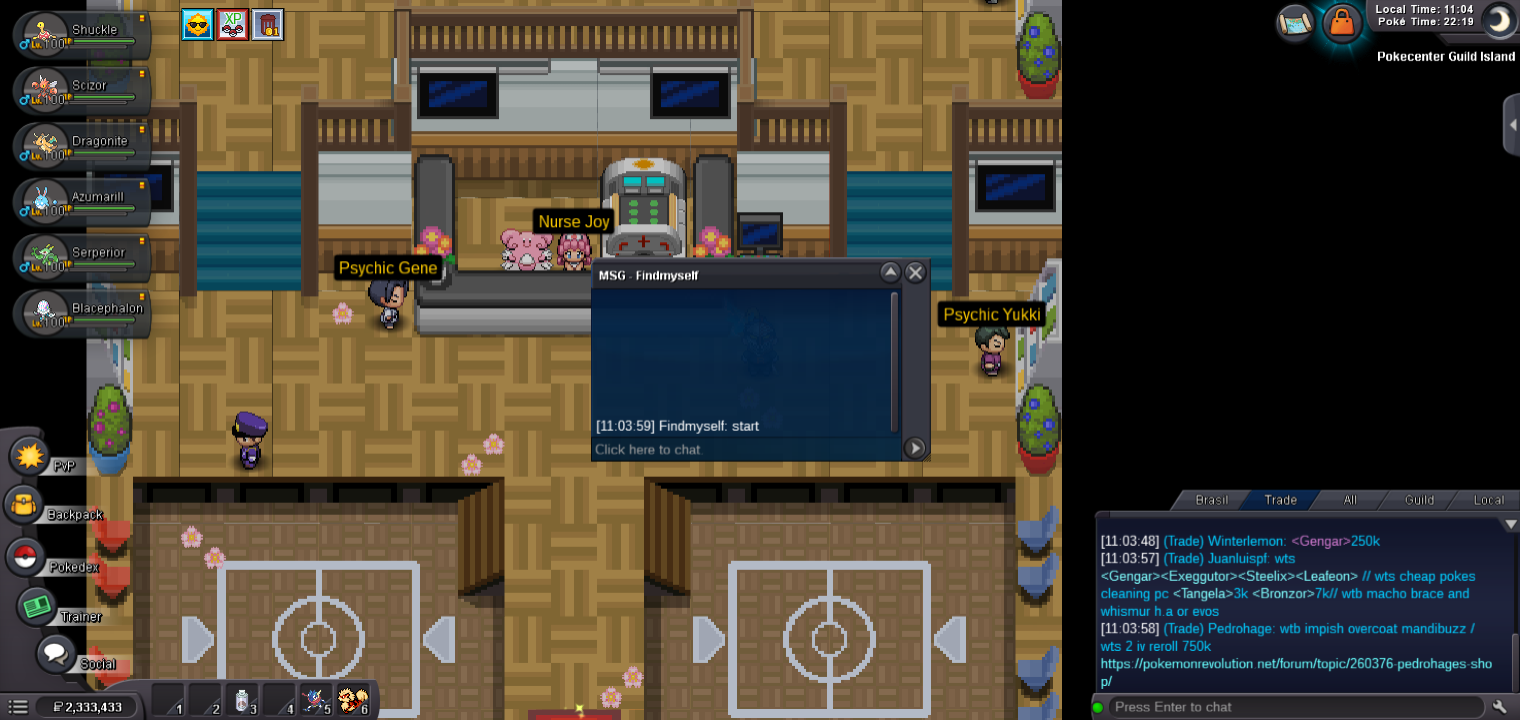
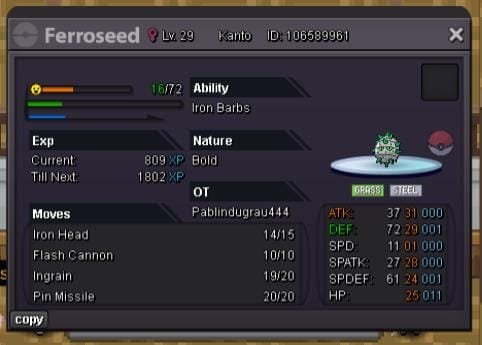
S.O:300K MIN BID:50K INSTA:N/A TIME:48H AFTER THE FIRST BID
-
-
DELIVERED
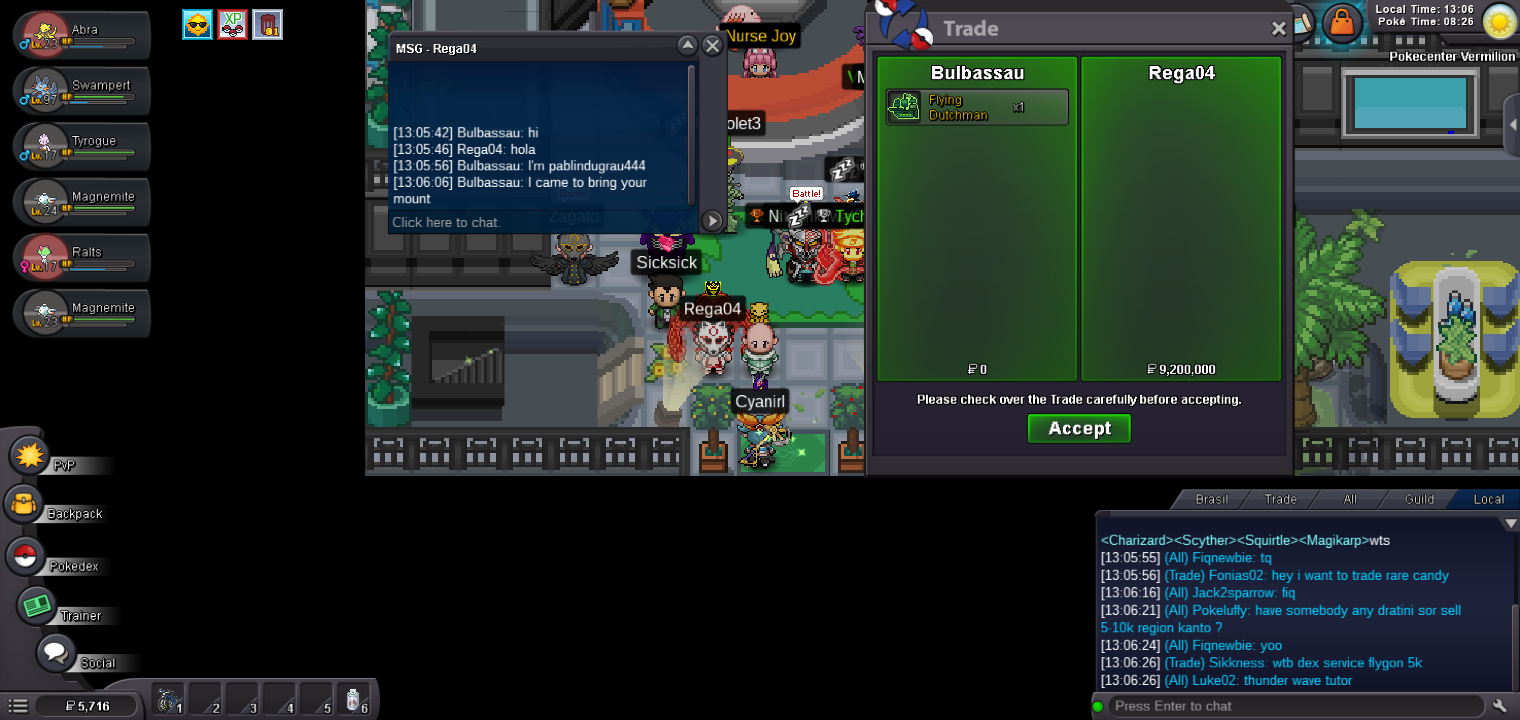
-
Ok, I'll make the exchange on my other account that will go to gold.
-
Auction ended in a winner @Rega04
-
15 min rule
-
15 min left
-
4 horas left
-
Bump5m200k
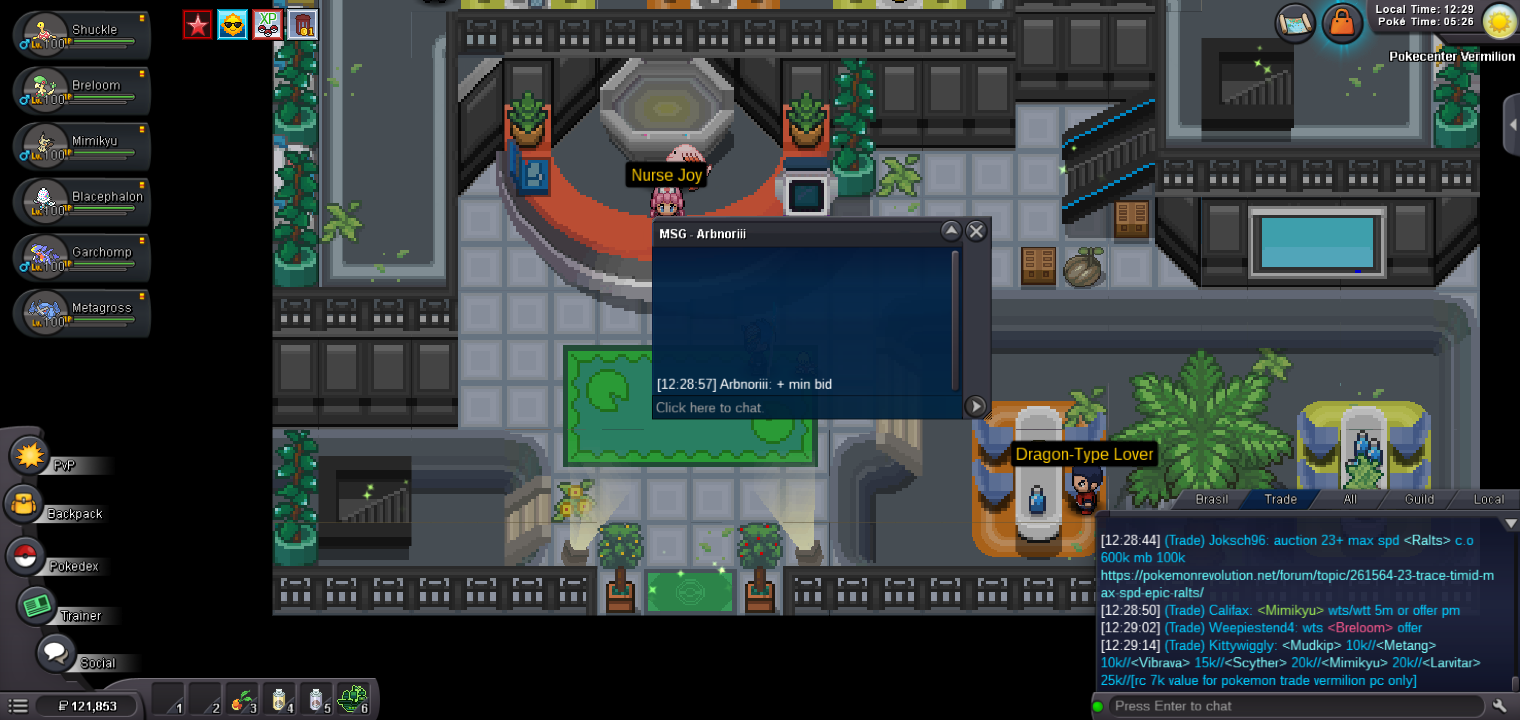 S.O:5M MIN BID:200K INSTA:25M TIME:48H AFTER THE FIRST BID

 BumpS.O:15M MIN BID:200K INSTA:60M TIME: 48h AFTER THE FIRST BID

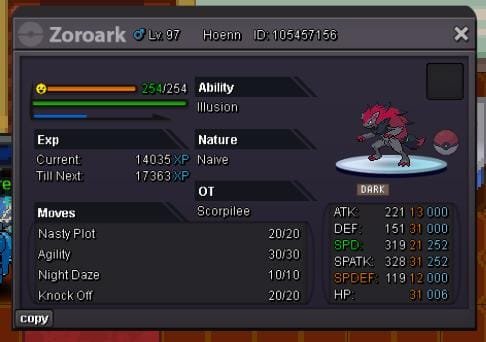
 BumpMETAGROSS S.O:500K MIN BID:100K INSTA:N/A TIME:24H AFTER THE FIRST BID ZOROARK S.O:500K MIN BID:100K INSTA:N/A TIME:24H AFTER THE FIRST BID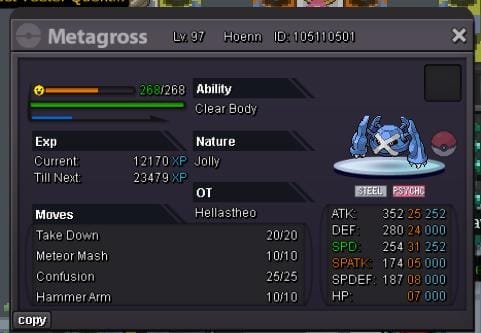
 I ask for a forced trade if Raknar3 agrees because I can't stay online when he's playing. @KimewMimikyu#2 delivered
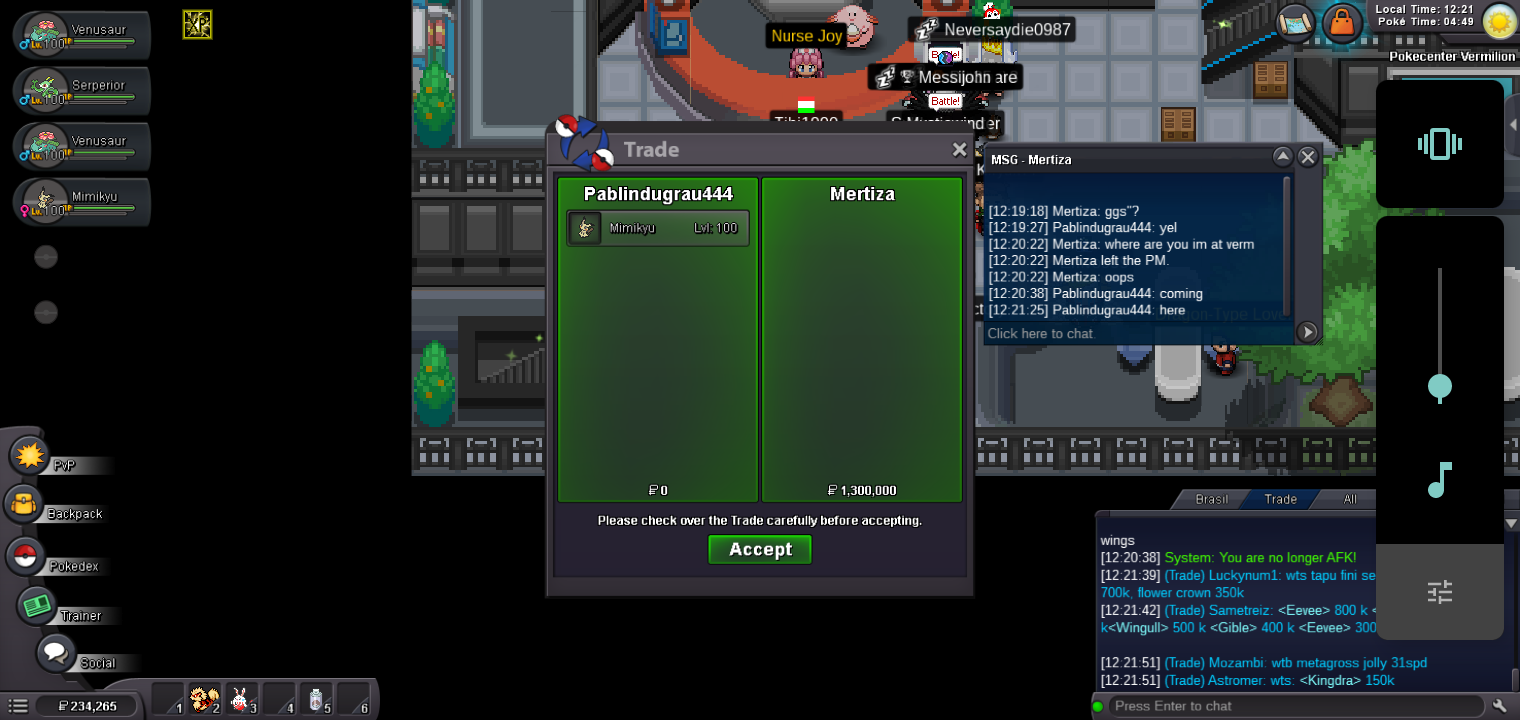 #2 mimikyu auction is over winner @Mertiza