




New Trade Zone
Trade Zone is now live
Use the new Trade Zone for auctions and instant-price trades so Pokemon and item offers are easy to find.


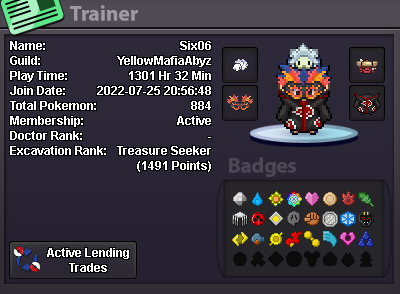
Six06
Registered User
-
Joined
-
Last visited
Everything posted by Six06
-
-
-
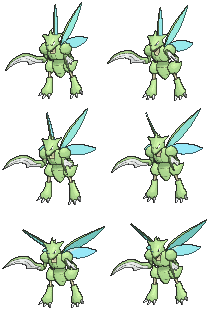
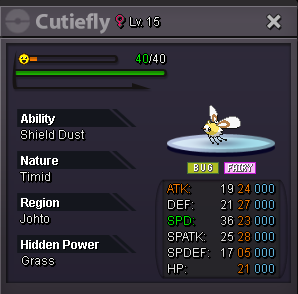
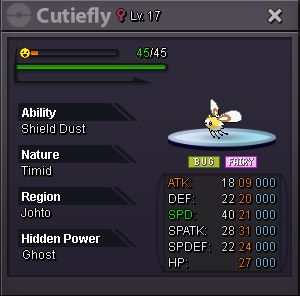
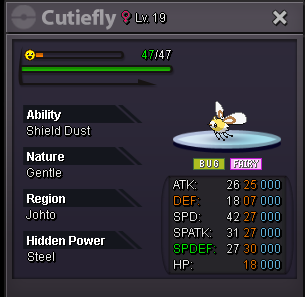
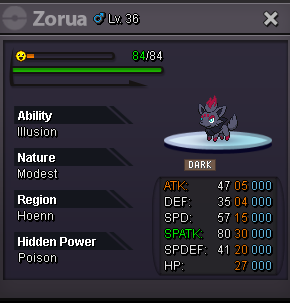
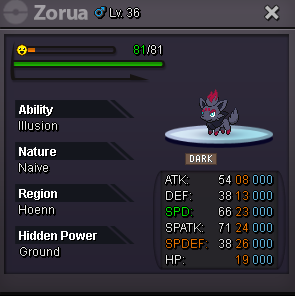
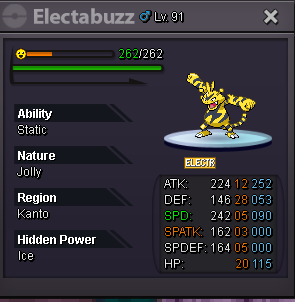
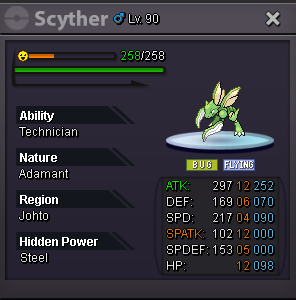
Hello! Welcome to my shop. Here you'll find a variety of items including special mounts, Pink Quest Pokémon, False Swipers, skins, and much more. Feel free to browse and leave a message if you're interested in anything! Other optional payment methods Value Coin Capsule(CC) 480k IV Reroll Ticket 700k Rare candy 6k Pokemon Shiny Pink Quest

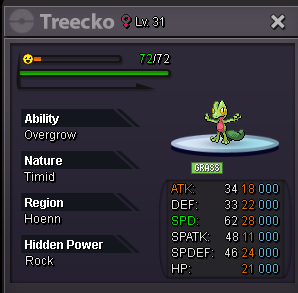
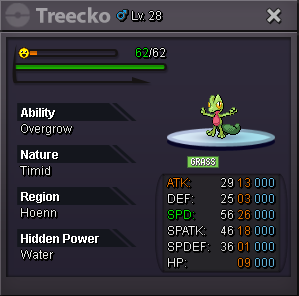
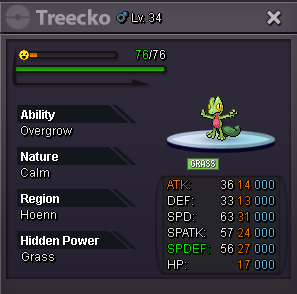
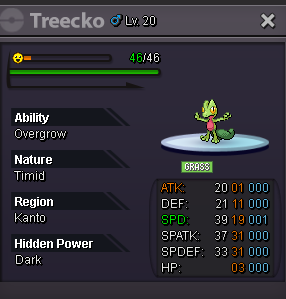
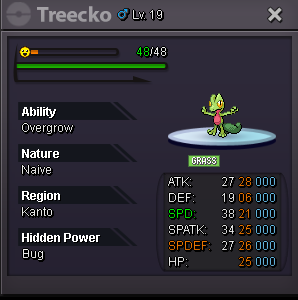
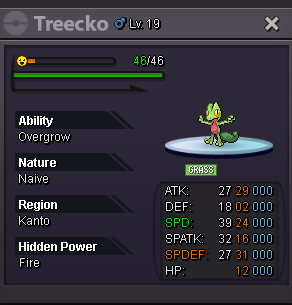
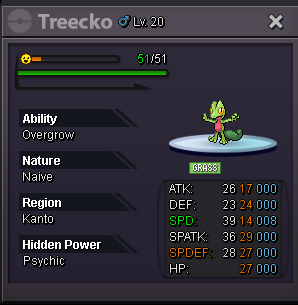
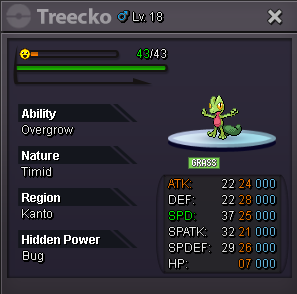
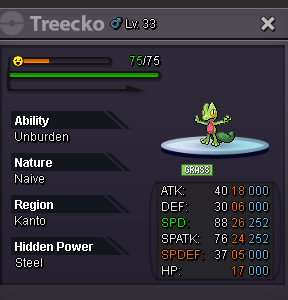
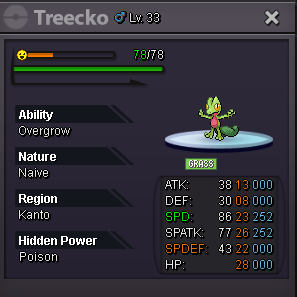

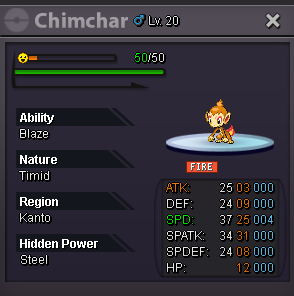
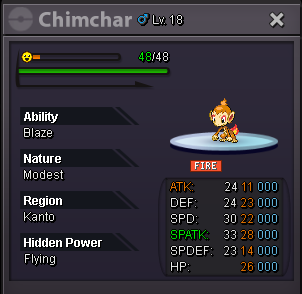
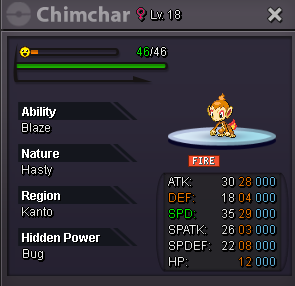
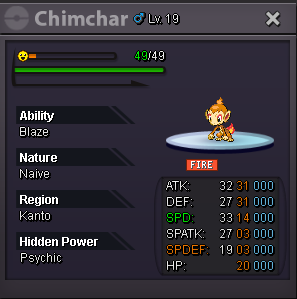
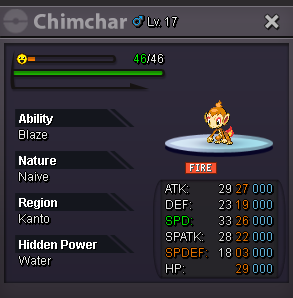
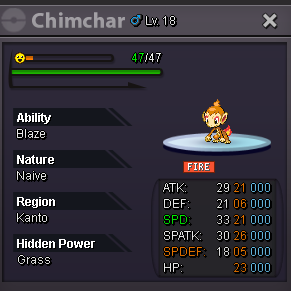
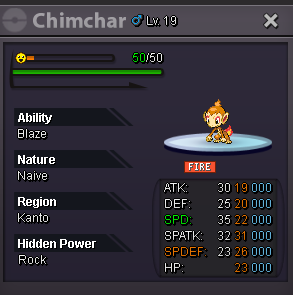
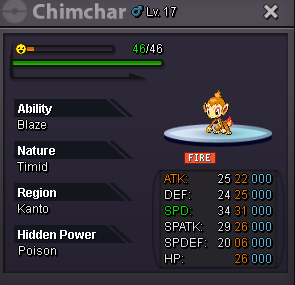
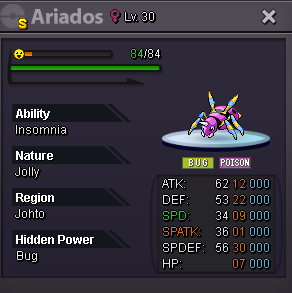
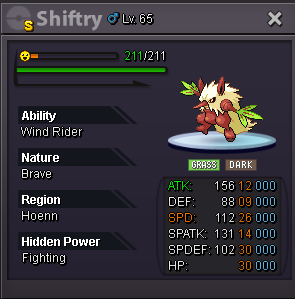
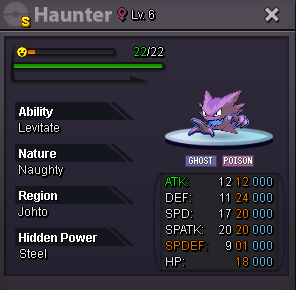
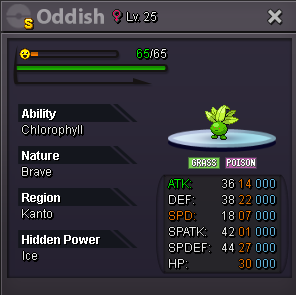
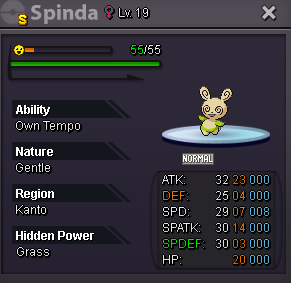


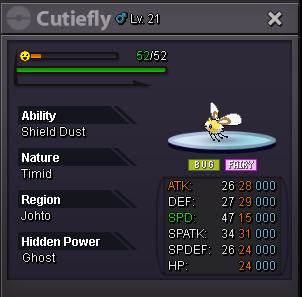
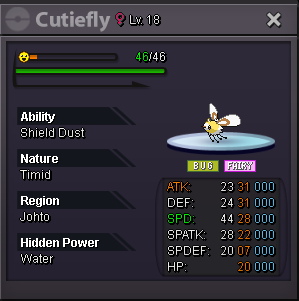
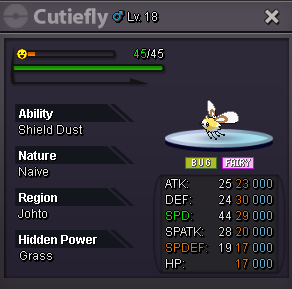
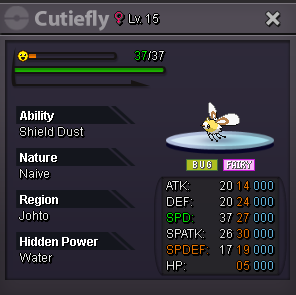
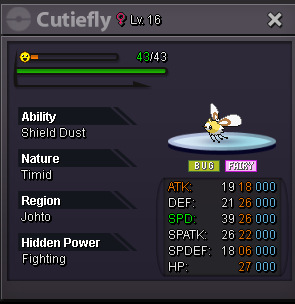
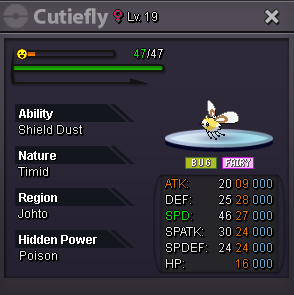
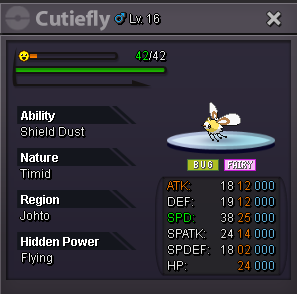


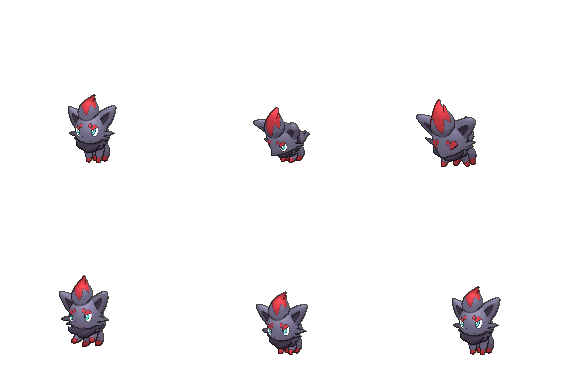
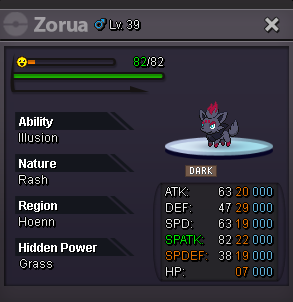
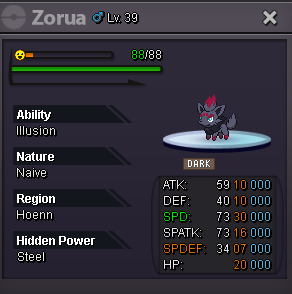
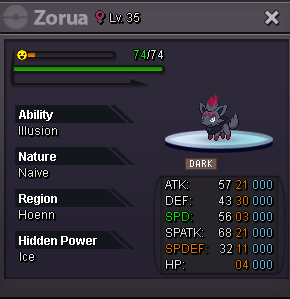
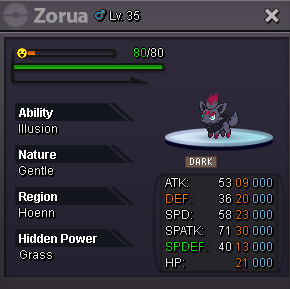
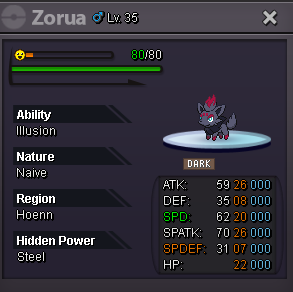
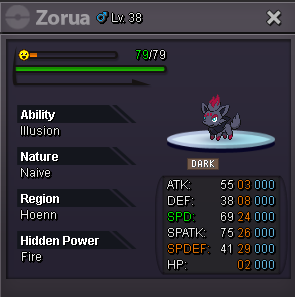
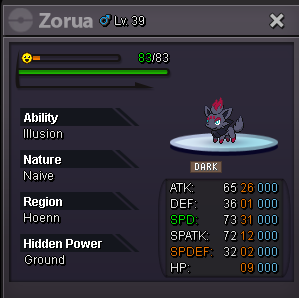
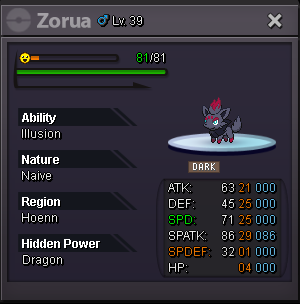
-
Start: 200k Min.bid: 100k End 72h after first bid No insta 15mins rule
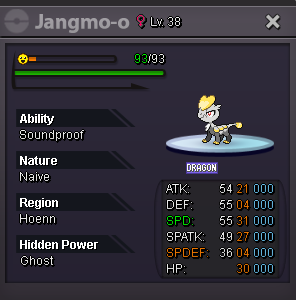 Start: 200k Min.bid: 100k End 72h after first bid No insta 15mins rule
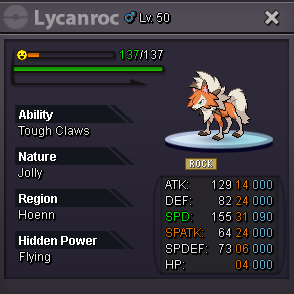 Start1.2m800kStart houndom and swampert1m.150k@Wesucks Let me know by message and I'll change server3.5mStartshouldn't a mod say who won?You could have pushed at the same minute it ended since you were online and the rules were the same as the post, but oh well.. Let the mods determine that thenhe did not put the 15 -minute rule so technically I win3.3mup


Account
Navigation
Search
Configure browser push notifications
Chrome (Android)
- Tap the lock icon next to the address bar.
- Tap Permissions → Notifications.
- Adjust your preference.
Chrome (Desktop)
- Click the padlock icon in the address bar.
- Select Site settings.
- Find Notifications and adjust your preference.
Safari (iOS 16.4+)
- Ensure the site is installed via Add to Home Screen.
- Open Settings App → Notifications.
- Find your app name and adjust your preference.
Safari (macOS)
- Go to Safari → Preferences.
- Click the Websites tab.
- Select Notifications in the sidebar.
- Find this website and adjust your preference.
Edge (Android)
- Tap the lock icon next to the address bar.
- Tap Permissions.
- Find Notifications and adjust your preference.
Edge (Desktop)
- Click the padlock icon in the address bar.
- Click Permissions for this site.
- Find Notifications and adjust your preference.
Firefox (Android)
- Go to Settings → Site permissions.
- Tap Notifications.
- Find this site in the list and adjust your preference.
Firefox (Desktop)
- Open Firefox Settings.
- Search for Notifications.
- Find this site in the list and adjust your preference.