




New Trade Zone
Trade Zone is now live
Use the new Trade Zone for auctions and instant-price trades so Pokemon and item offers are easy to find.

Pokeset1
Registered User
-
Joined
-
Last visited
Everything posted by Pokeset1
-
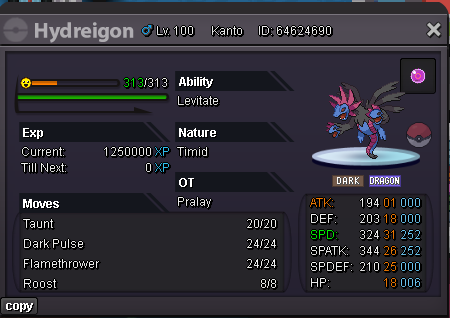
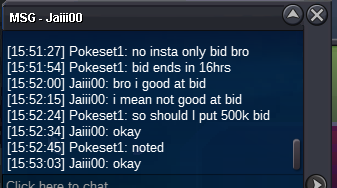
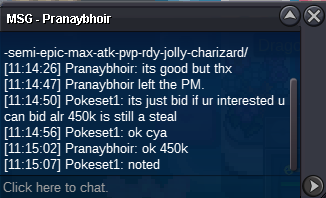
Starting bid: 200k Insta: 2mil min raise: 50k auction ends 24hrs from first bid and if 15min before end a bid is raised the duration will be extended by 15mins accepted payments: 1 iv rr=600k 1cc = 480k 1rc=6k 1nature reroll=300k username: Pokeset1 Discord: krakjakk12.
-
how much for this?
-
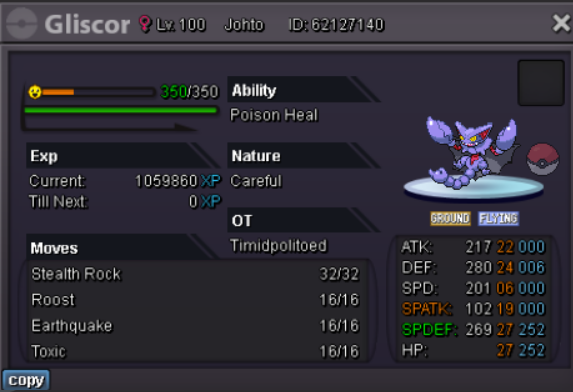
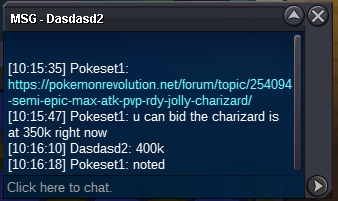
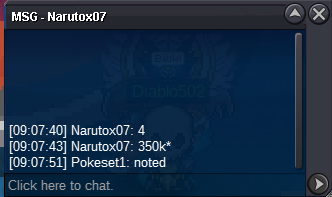
buneary 500k
-
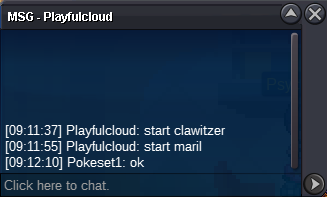
start buneary
-
this auction is now closed
-
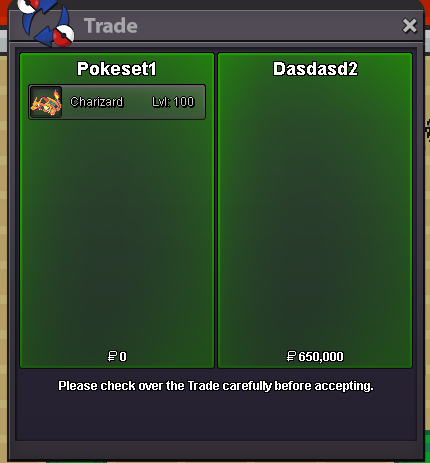
congrats @Dasdasd2 you have won the bid
-
starting price: 250k min raise: 50k accepted payments: 1cc=450k 1iv rr=575k 1rc=6k username: Pokeset1 disc user: krakjakk12. Auction ends 24hrs prior to first offer
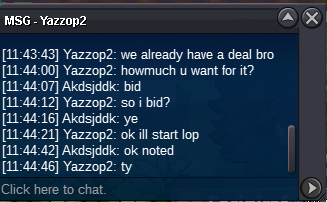
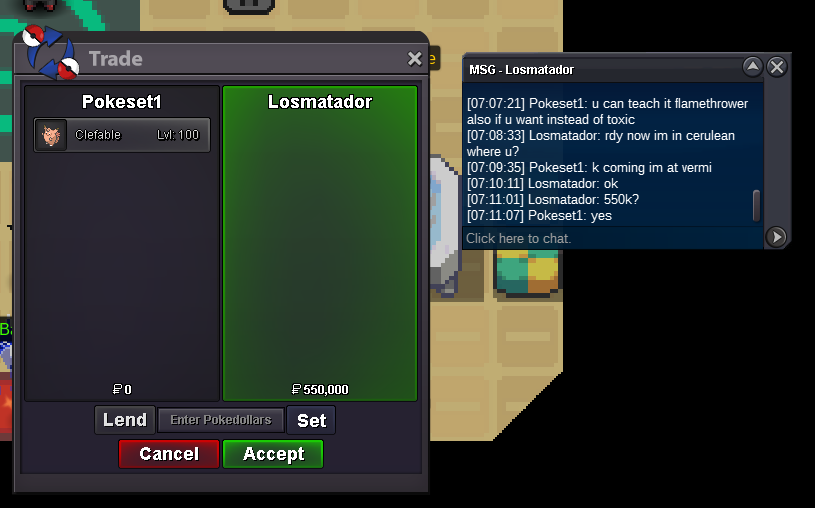
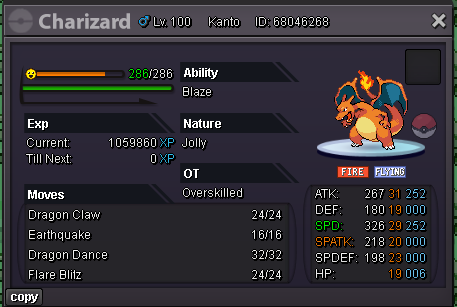 lopunny sold
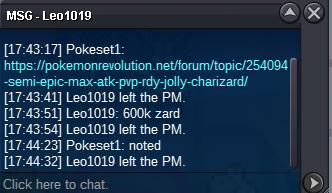
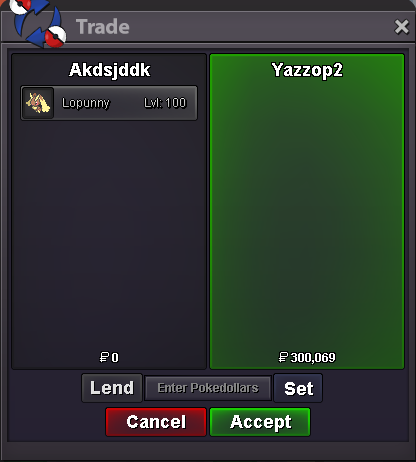 All are having one key stat 31 IV all are ev trained Lopunny SOLD start: 200k min raise: 25k no insta ends 24hrs from first bid if bid given 15mins before end of auction duration extend by 15mins start: 200k min raise: 50k insta: 700k ends 24hrs from first bid if bid given 15mins before end of auction duration extend by 15mins Accepted Payments: cash, 1RC=6K, 1IV RR=550K, 1 Nature reroll=275k disc: Krakjakk12 username: Akdsjddk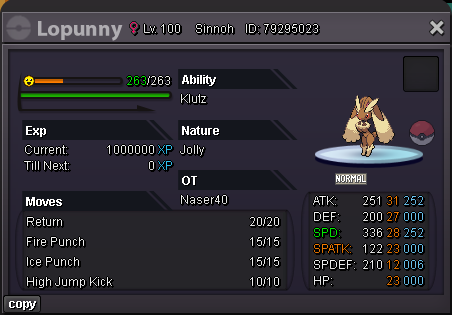
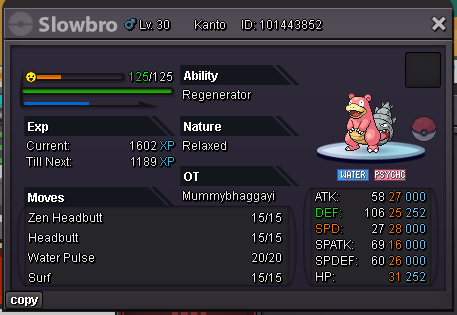
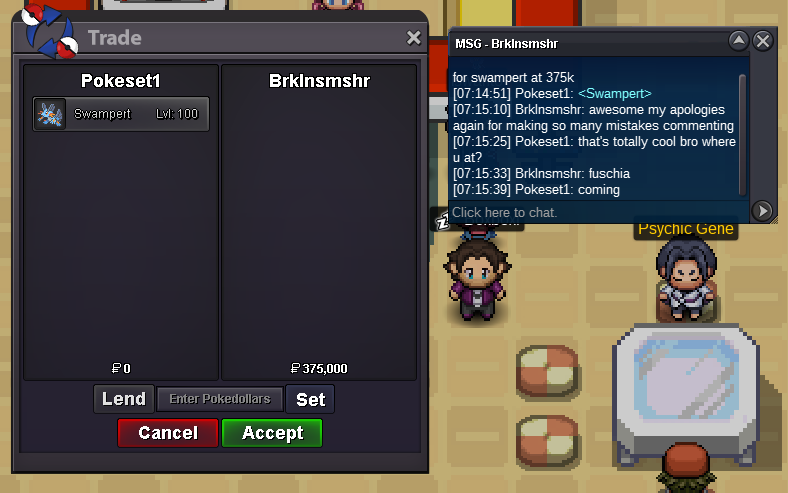
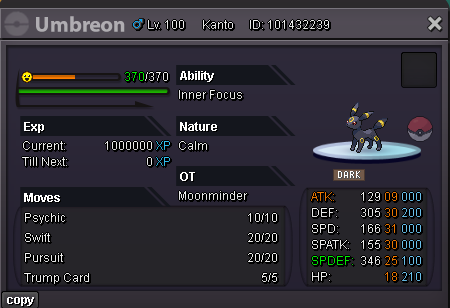 scyther 1.15 mil I thought time isn't over yetScyther raise 550kWhat does Friend guard do?kommo-o 250k bid username: Pokeset1 or AkdsjddkKingdra sold... Auction closed on 25th March 13:35 GMT
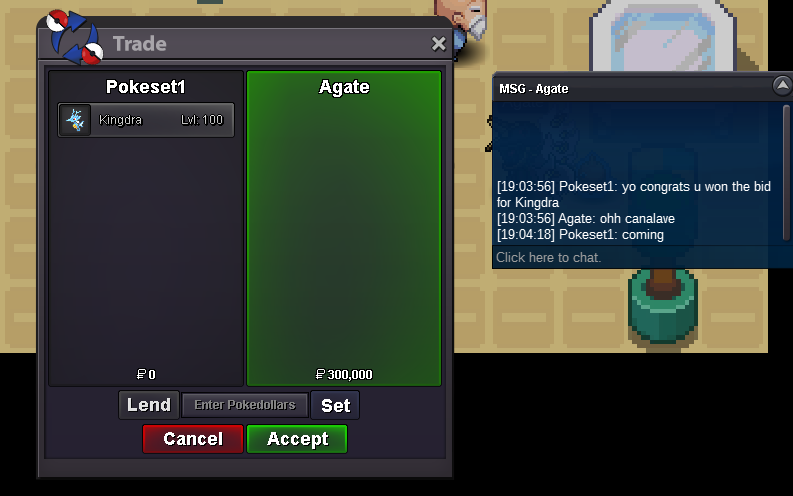 Noted kingdra Auction ends on 25th March 8am GMT

Account
Navigation
Search
Configure browser push notifications
Chrome (Android)
- Tap the lock icon next to the address bar.
- Tap Permissions → Notifications.
- Adjust your preference.
Chrome (Desktop)
- Click the padlock icon in the address bar.
- Select Site settings.
- Find Notifications and adjust your preference.
Safari (iOS 16.4+)
- Ensure the site is installed via Add to Home Screen.
- Open Settings App → Notifications.
- Find your app name and adjust your preference.
Safari (macOS)
- Go to Safari → Preferences.
- Click the Websites tab.
- Select Notifications in the sidebar.
- Find this website and adjust your preference.
Edge (Android)
- Tap the lock icon next to the address bar.
- Tap Permissions.
- Find Notifications and adjust your preference.
Edge (Desktop)
- Click the padlock icon in the address bar.
- Click Permissions for this site.
- Find Notifications and adjust your preference.
Firefox (Android)
- Go to Settings → Site permissions.
- Tap Notifications.
- Find this site in the list and adjust your preference.
Firefox (Desktop)
- Open Firefox Settings.
- Search for Notifications.
- Find this site in the list and adjust your preference.