New Trade Zone
Trade Zone is now live
Use the new Trade Zone for auctions and instant-price trades so Pokemon and item offers are easy to find.

Pokeset1
Registered User
-
Joined
-
Last visited
Everything posted by Pokeset1
-
bump
-
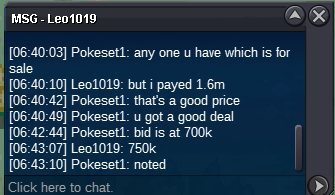
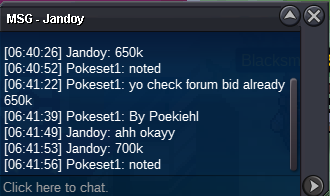
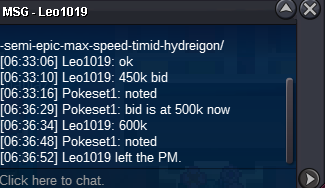
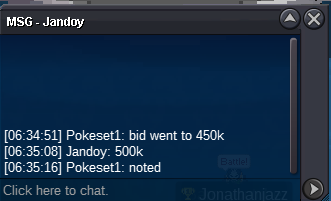
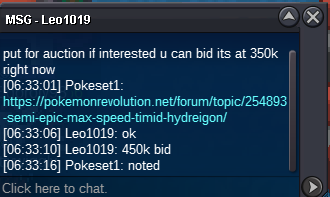
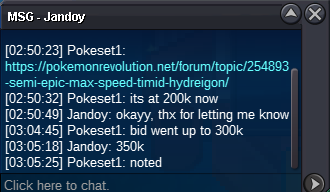
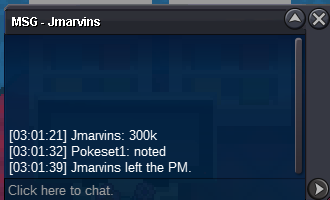
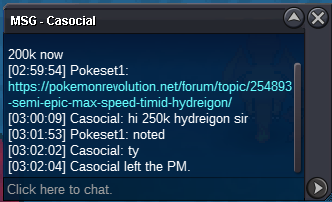
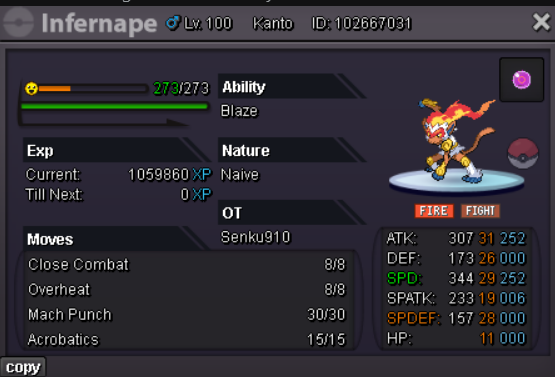
starting bid 200k min raise 50k hidden power ghost bid ends 24hrs from first bid 15min bid endtime rule will be followed accepted payment: 1cc=500k 1 iv rr=650k 1 nature rr=325k 1rc=6k contact: discord: krakjakk12.
-
-
im available at vermi pc now
-
1.3m lemme know when to meet if I win ty and if someone bid kindly put it
-
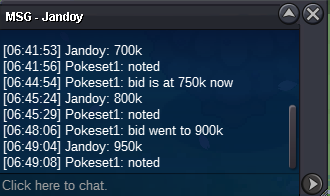
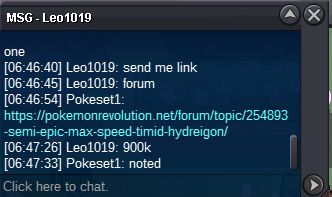
1m 50k
-
950k sorry late bid power cut
-
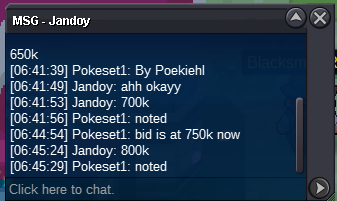
850k
-
Thank you for the offer since spdef is less than 20 I need about 29 or more speed and about 26 spatk for 2million. I can also add in an infernape naive which is 29speed 31atk 19spatk but I need good speed for mega garde and 26 spatk for damage calc
-
Budget 2mil Silver server only 20+spdef 25+spatk 30+speed 17+hp def don't care even 05 IV is fine
-
-
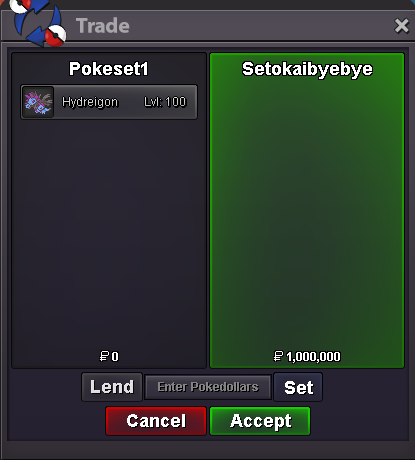
congrats setokaibyebye u have won the bidAuction ends at 9: 23 pm GMT
Account
Navigation
Search
Configure browser push notifications
Chrome (Android)
- Tap the lock icon next to the address bar.
- Tap Permissions → Notifications.
- Adjust your preference.
Chrome (Desktop)
- Click the padlock icon in the address bar.
- Select Site settings.
- Find Notifications and adjust your preference.
Safari (iOS 16.4+)
- Ensure the site is installed via Add to Home Screen.
- Open Settings App → Notifications.
- Find your app name and adjust your preference.
Safari (macOS)
- Go to Safari → Preferences.
- Click the Websites tab.
- Select Notifications in the sidebar.
- Find this website and adjust your preference.
Edge (Android)
- Tap the lock icon next to the address bar.
- Tap Permissions.
- Find Notifications and adjust your preference.
Edge (Desktop)
- Click the padlock icon in the address bar.
- Click Permissions for this site.
- Find Notifications and adjust your preference.
Firefox (Android)
- Go to Settings → Site permissions.
- Tap Notifications.
- Find this site in the list and adjust your preference.
Firefox (Desktop)
- Open Firefox Settings.
- Search for Notifications.
- Find this site in the list and adjust your preference.