




New Trade Zone
Trade Zone is now live
Use the new Trade Zone for auctions and instant-price trades so Pokemon and item offers are easy to find.

Kentkyle16
Registered User
-
Joined
-
Last visited
-
Kentkyle16 changed their profile photo
-
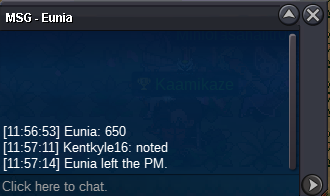
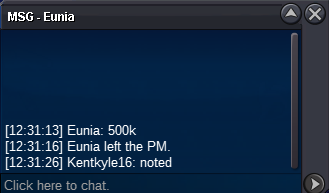
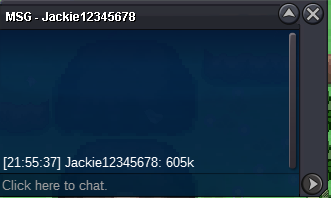
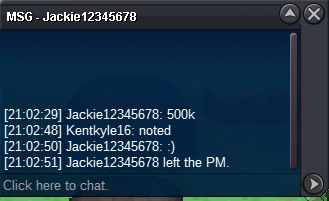
[ Auction ] Rough Skin Mega Garchomp 27+ stat 2x31 Starting Offer : 100k Min. Bin : 50k >> No Insta << Accepted Payments : Pokedollars / Coin Capsule ( 450k ) / IV reroll ( 600k ) / nature ( 300k ) Ends In : Click Here For Timer In : Silver Server Won by : Eunia Proof of trade : Thanks!!
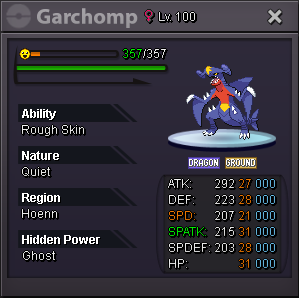
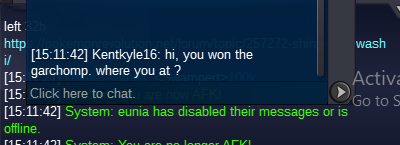
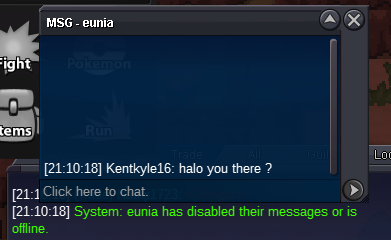
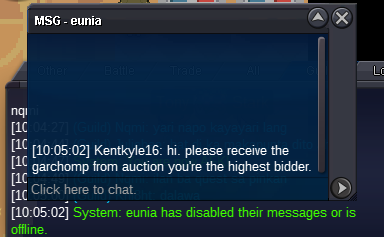
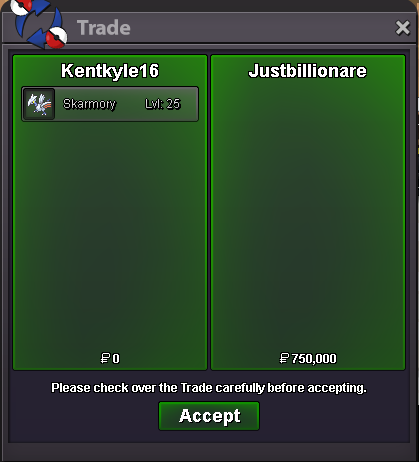
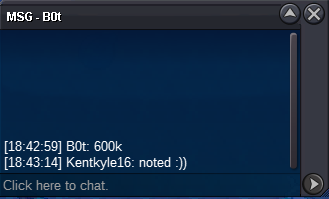
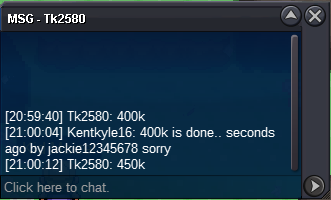
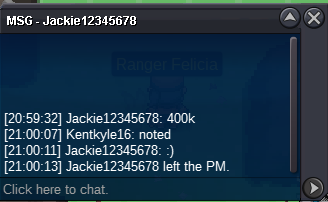
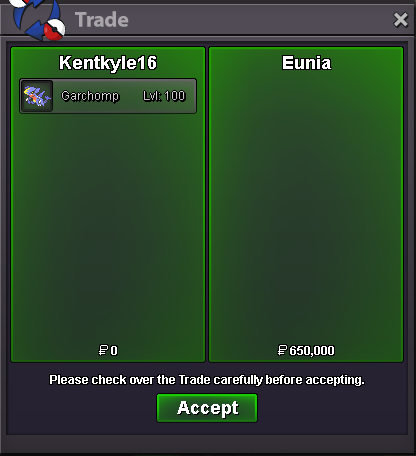 Starting Offer : 100k Min. Bin : 50k No Insta Accepted Payments : Pokedollars / Coin Capsule ( 450k ) Ends in : Click Here For Countdown Timer Proof of Trade :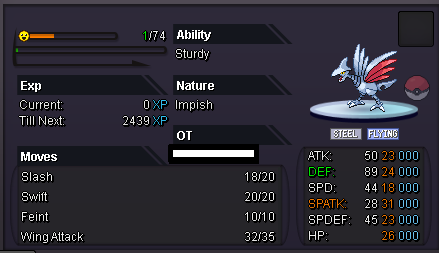
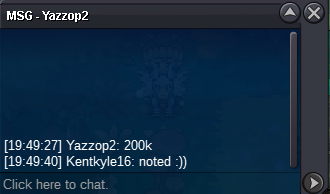
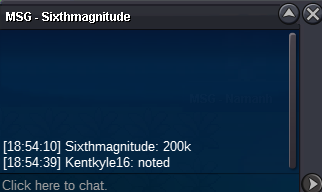
 Starting Offer : 200k Min. Bin : 50k No Insta Accepted Payments : Pokedollars / Coin Capsule ( 500k ) End : Click Here For Countdown Timer Note: Useful in Trick Room ( Scope Lens + Focus Energy ) / Z tailwind ( +1 crit chance + scope lens ) if you are using fast pokemons ( just change the EV Def to Speed ), If you got a good setup can Dragon Dance too.
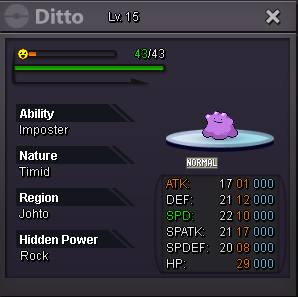
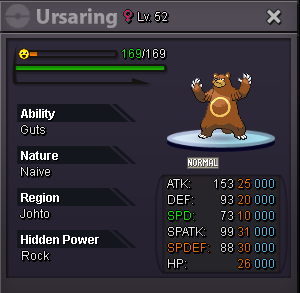
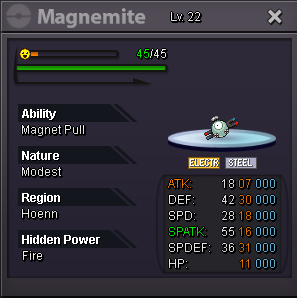
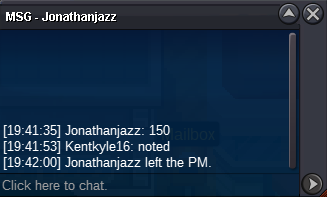
 For Togepi, Ursaring, Ditto and Magnemite ( Package ) S.O. : 200k Min. Raise : 100k Duration : 20 hours Insta : N/A Payments : Pokedollar & Coin Capsule = 500k Countdown : https://www.timeanddate.com/countdown/generic?iso=20250411T19&p0=1238&msg=Pokemon+Countdown+Auction&font=cursive&csz=1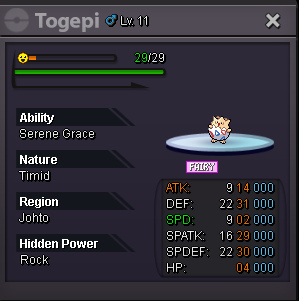
Account
Navigation
Search
Configure browser push notifications
Chrome (Android)
- Tap the lock icon next to the address bar.
- Tap Permissions → Notifications.
- Adjust your preference.
Chrome (Desktop)
- Click the padlock icon in the address bar.
- Select Site settings.
- Find Notifications and adjust your preference.
Safari (iOS 16.4+)
- Ensure the site is installed via Add to Home Screen.
- Open Settings App → Notifications.
- Find your app name and adjust your preference.
Safari (macOS)
- Go to Safari → Preferences.
- Click the Websites tab.
- Select Notifications in the sidebar.
- Find this website and adjust your preference.
Edge (Android)
- Tap the lock icon next to the address bar.
- Tap Permissions.
- Find Notifications and adjust your preference.
Edge (Desktop)
- Click the padlock icon in the address bar.
- Click Permissions for this site.
- Find Notifications and adjust your preference.
Firefox (Android)
- Go to Settings → Site permissions.
- Tap Notifications.
- Find this site in the list and adjust your preference.
Firefox (Desktop)
- Open Firefox Settings.
- Search for Notifications.
- Find this site in the list and adjust your preference.