




New Trade Zone
Trade Zone is now live
Use the new Trade Zone for auctions and instant-price trades so Pokemon and item offers are easy to find.


Vuuu38
Registered User
-
Joined
-
Last visited
Everything posted by Vuuu38
-
Hi @Hizukii, the bid start at 8:33 and this bid place at 8:33 too. Could you help me check this bid is valid or not? ****For not affect the auction, i will keep and accept this bid till have reply from mod. Sorry everyone for inconvienient **
-
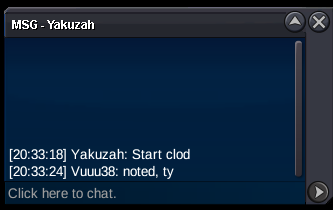
15mins rule apply for clodsire
-
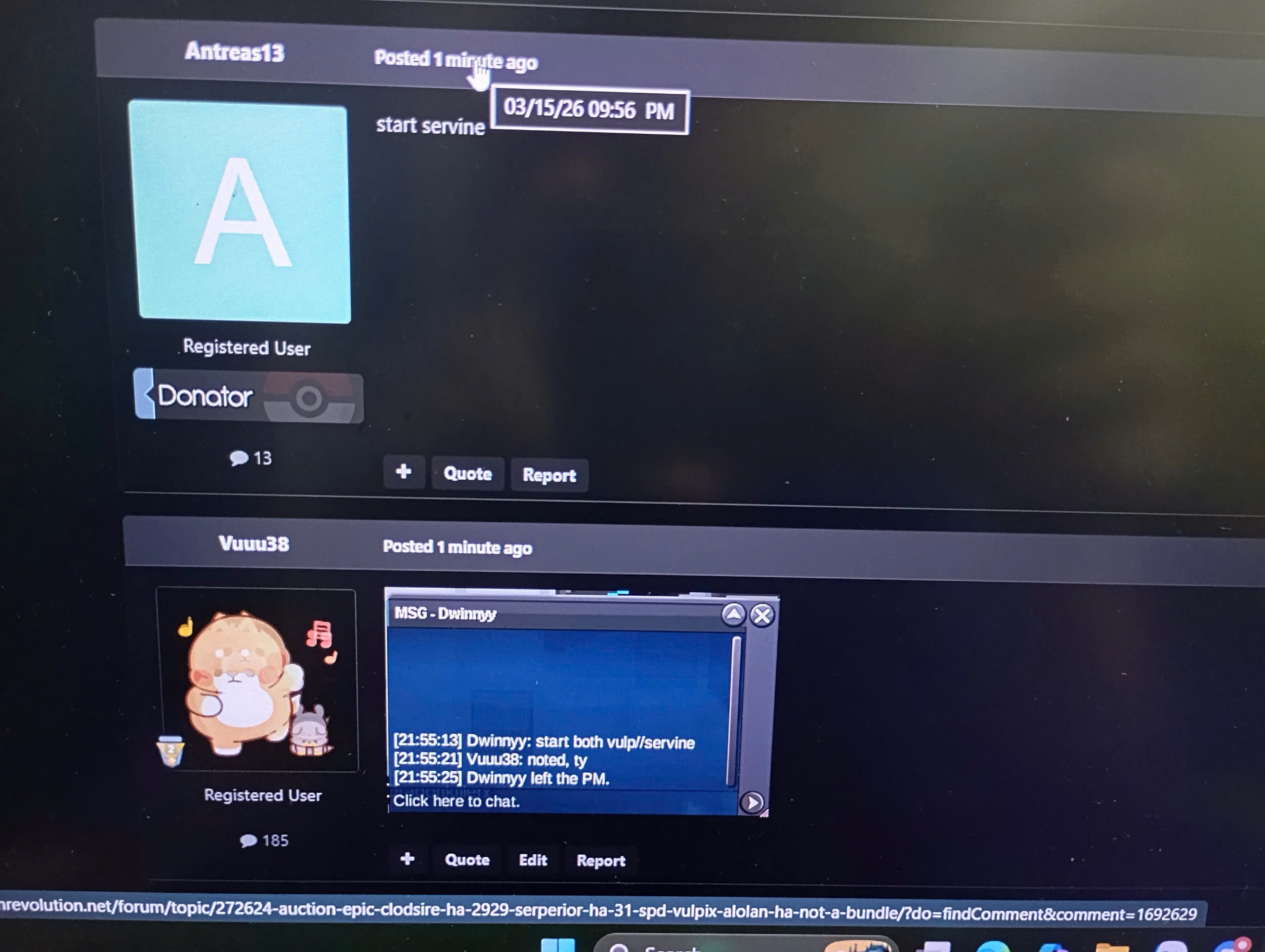
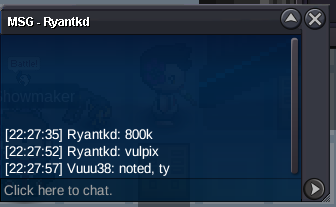
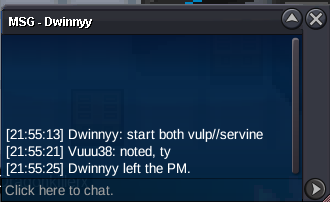
12hrs leftThe service is temporarily closed; I will reopen it when I have time. Thank everyone for your trust and support over the past time.vulpix 600k by Dwinnyy
 Vulpix ~350k by Slaaaark
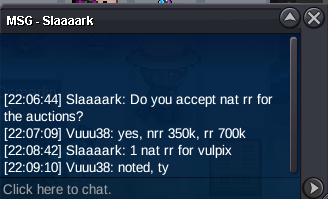 sorry, Dwinnyy started earlier
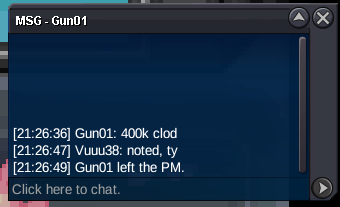
 Clod 300k by Godpriyangshu
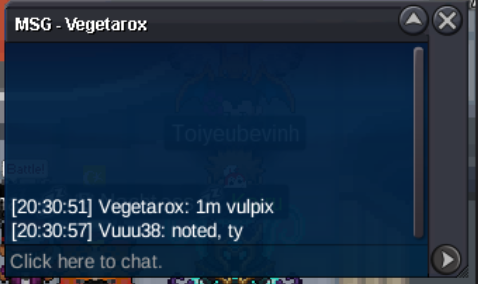
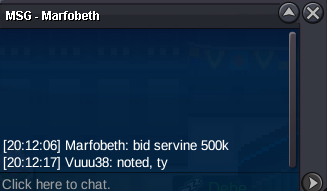
 C.O: 600k (by Antreas13) Min bid: 100k Insta: N/A End Point: 48h (After start bid) ____________________________________________________________ C.O: 700k (by Marfobeth) Min bid: 100k Insta: N/A End Point: 48h (After start bid) ____________________________________________________________ C.O: 1m (by Vegetarox) Min bid: 100k Insta: N/A End Point: 48h (After start bid) ____________________________________________________________ Accepted Payments: Pokedollars, Coin Capsules (x1 Coin Capsule = 500k), IV Reroll Tickets (x1 IV Reroll Ticket = 700k), Nature Reroll Tickets (x1 Nature Reroll Ticket = 350k) *If a bid is received in the final 15 minutes of the auction, the end point will be delayed by 15 minutes from that bid, and will be delayed by 15 minutes for each new bid thereafter, until the current offer has been held for a full 15 minutes.

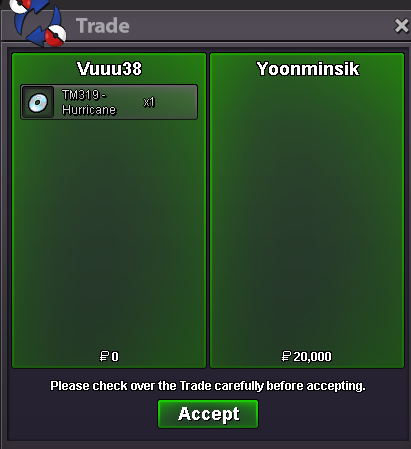
 ty for choosing my service, cya
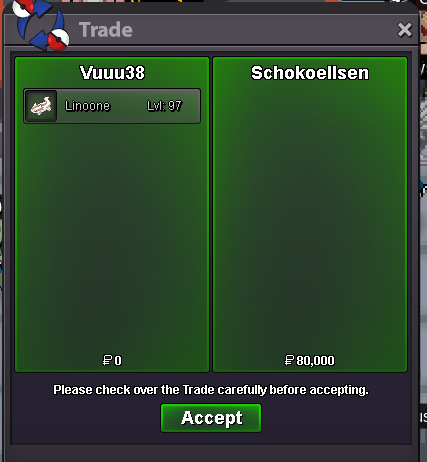 ty
ty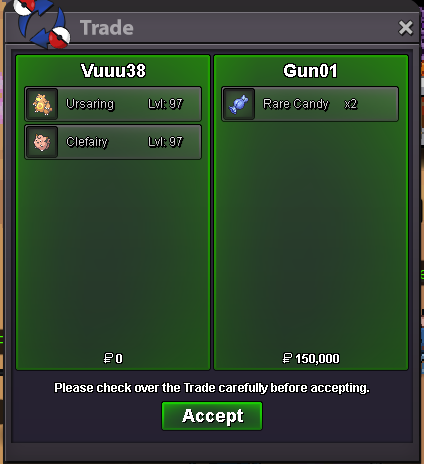 ty, cya
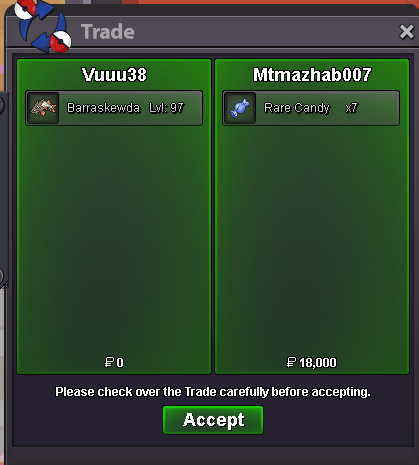 ty
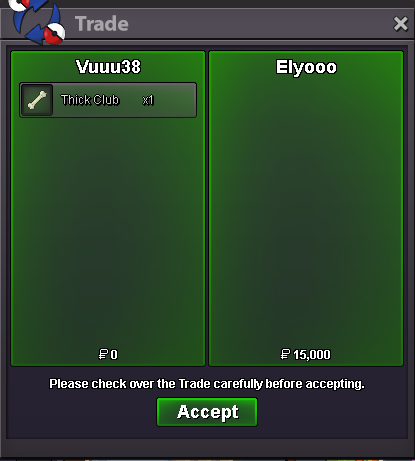
ty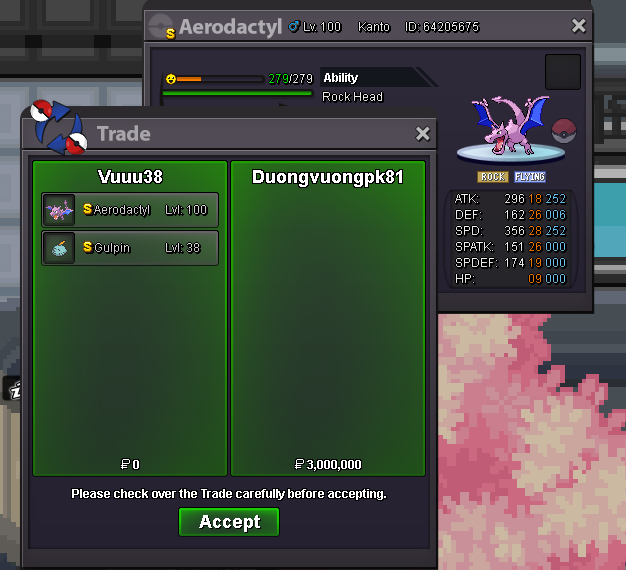 Thank you for trusting my service~~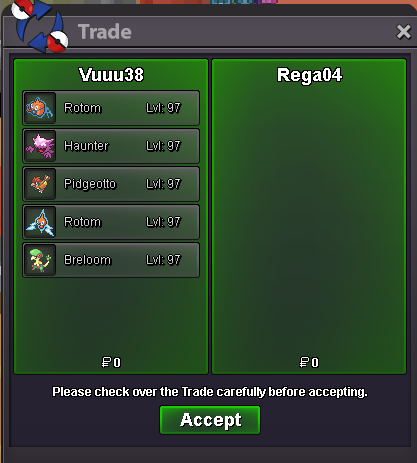
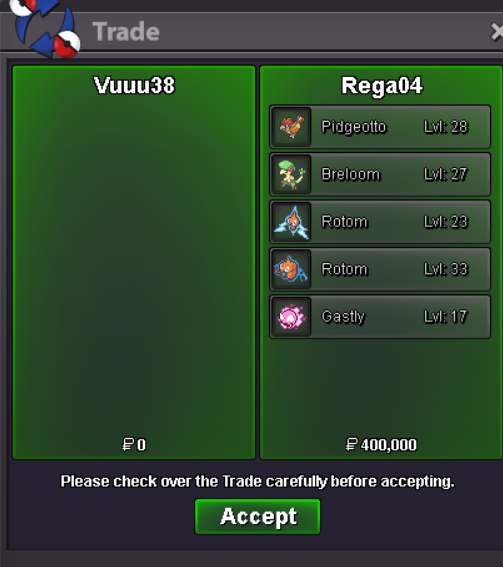 ty for your order from Gold, cya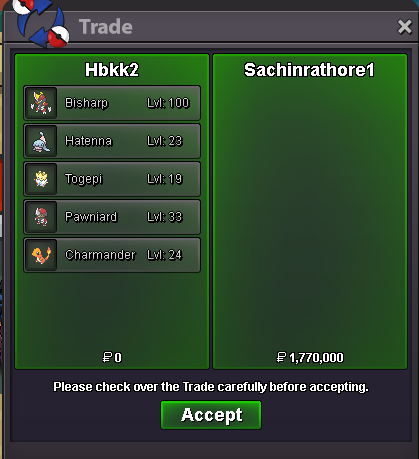
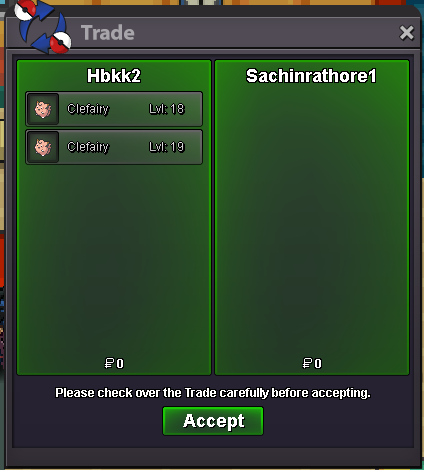
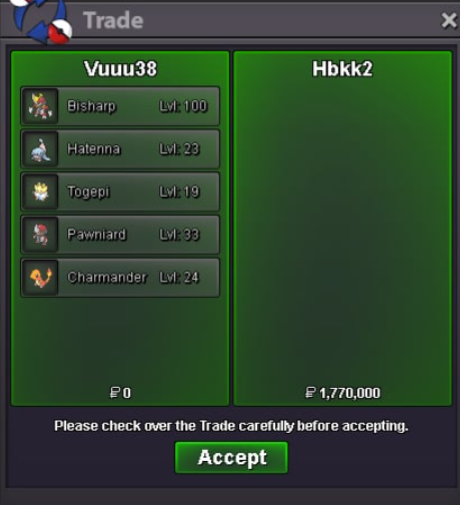
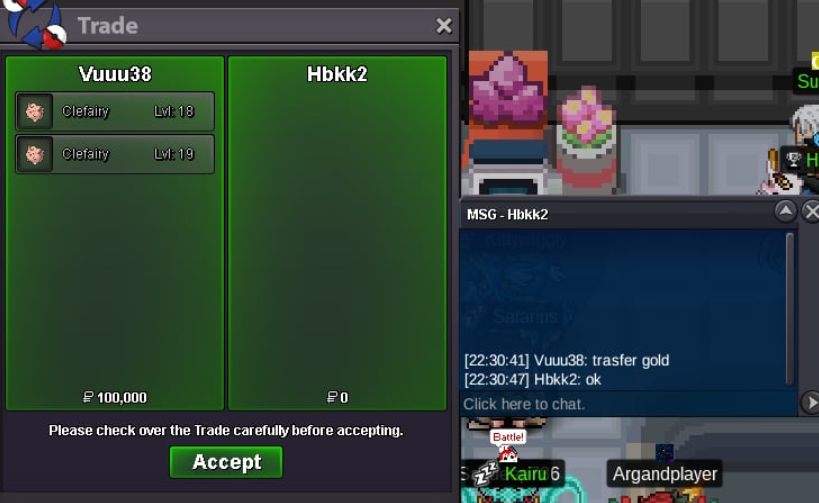

Account
Navigation
Search
Configure browser push notifications
Chrome (Android)
- Tap the lock icon next to the address bar.
- Tap Permissions → Notifications.
- Adjust your preference.
Chrome (Desktop)
- Click the padlock icon in the address bar.
- Select Site settings.
- Find Notifications and adjust your preference.
Safari (iOS 16.4+)
- Ensure the site is installed via Add to Home Screen.
- Open Settings App → Notifications.
- Find your app name and adjust your preference.
Safari (macOS)
- Go to Safari → Preferences.
- Click the Websites tab.
- Select Notifications in the sidebar.
- Find this website and adjust your preference.
Edge (Android)
- Tap the lock icon next to the address bar.
- Tap Permissions.
- Find Notifications and adjust your preference.
Edge (Desktop)
- Click the padlock icon in the address bar.
- Click Permissions for this site.
- Find Notifications and adjust your preference.
Firefox (Android)
- Go to Settings → Site permissions.
- Tap Notifications.
- Find this site in the list and adjust your preference.
Firefox (Desktop)
- Open Firefox Settings.
- Search for Notifications.
- Find this site in the list and adjust your preference.