New Trade Zone
Trade Zone is now live
Use the new Trade Zone for auctions and instant-price trades so Pokemon and item offers are easy to find.

Iuwul
Registered User
-
Joined
-
Last visited
Everything posted by Iuwul
-
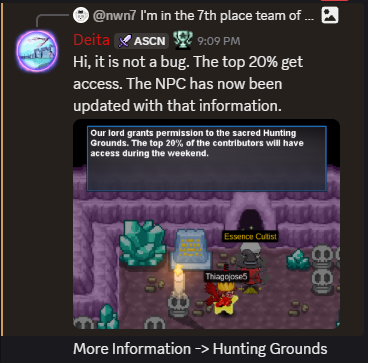
Hello, I was replied to with this on the discord server, is this correct? If so, it isn’t fair that the only announcement that was made prior to this was about the hour change. For the last 2 weeks we’ve been under the impression of it being the top 10 teams who were given access, which my team grinded for. It being updated today and only stated publicly after the submission period had ended seems truly unfair overall.
-
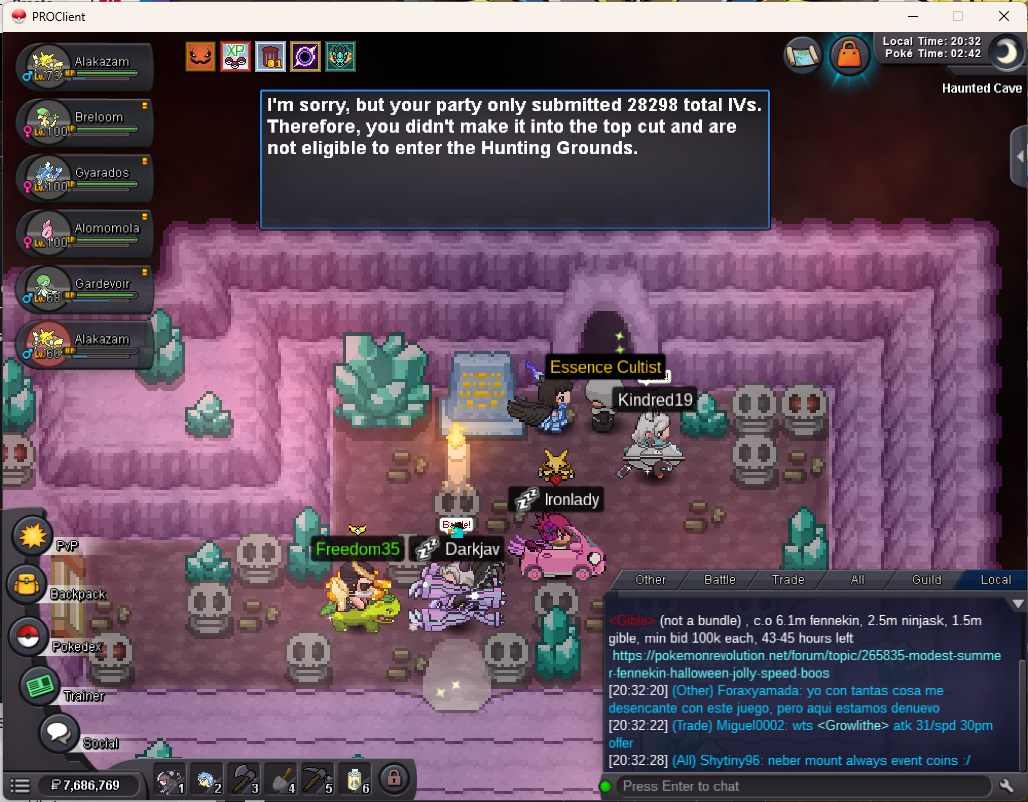
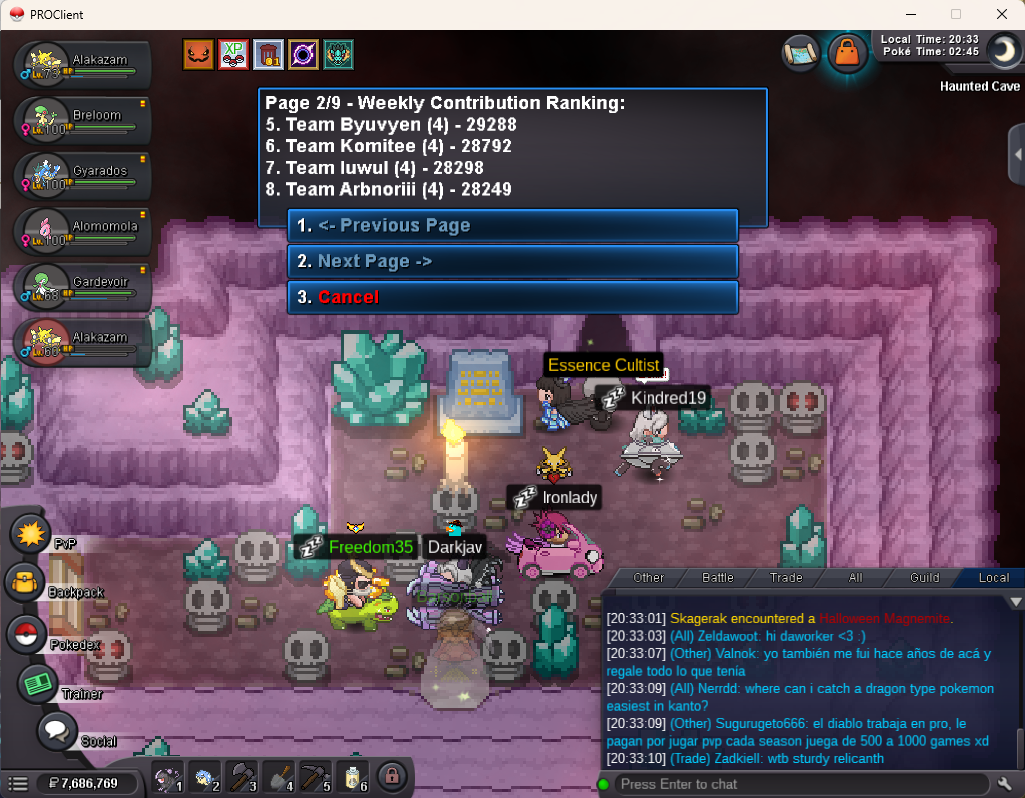
I'm in the 7th place team of the top 10 weekly WQ that gives you access to the Hunting Grounds, but it isn't letting me access the Hunting Grounds area. Is this a bug? The team consists of iuwul, Sandslash, Paranauticjay, and Shellos. Both iuwul and Sandslash have attempted to enter it and have gotten the same message refusing them entry.