New Trade Zone
Trade Zone is now live
Use the new Trade Zone for auctions and instant-price trades so Pokemon and item offers are easy to find.

Doctorjenz
Registered User
-
Joined
-
Last visited
-
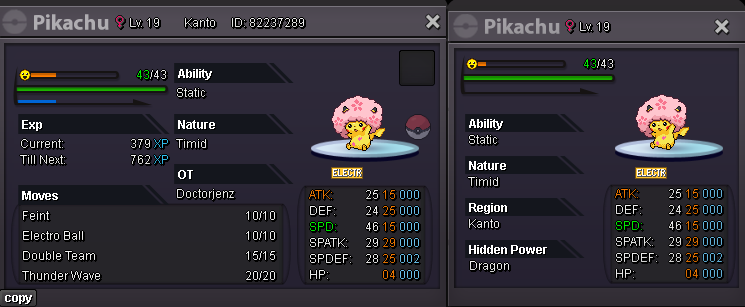
Start: 1m pokedollar Min. Bid: 100k pokedollar Dur.: 24H after First Bid End: Insta: 2M ( 15 min time rule applied ) Accepted payments: Pokedollars, IV reroll-600k, CC-500k
-
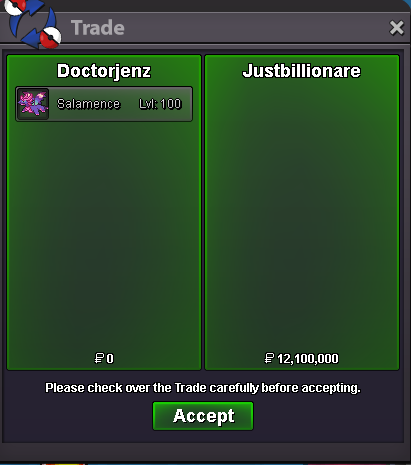
Post can be closed 🙂 trade complete

-
auction ends now GG and ty to all congrats Justbillionare
-
15minutes added from now will end 16:12 MEZ
-
15minutes added from now will end 15:59 MEZ15minutes added from now will end 15:57 MEZ15minutes added from now will end 15:50 MEZ15minutes added from now will end 15:39 MEZ15minutes added from now will end 15:31 MEZ15 minutes added from now will end 15:27 MEZ5.4m by Bellzaba
 5m by Bellzaba
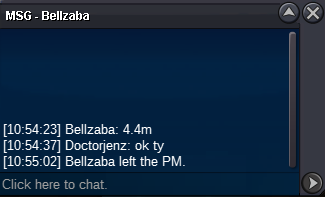
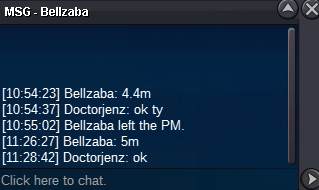 4.4m by Bellzaba
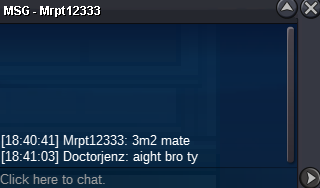
 c.o 3.2m by Mrpt12333