New Trade Zone
Trade Zone is now live
Use the new Trade Zone for auctions and instant-price trades so Pokemon and item offers are easy to find.


Goobasaur
Registered User
-
Joined
-
Last visited
Everything posted by Goobasaur
-
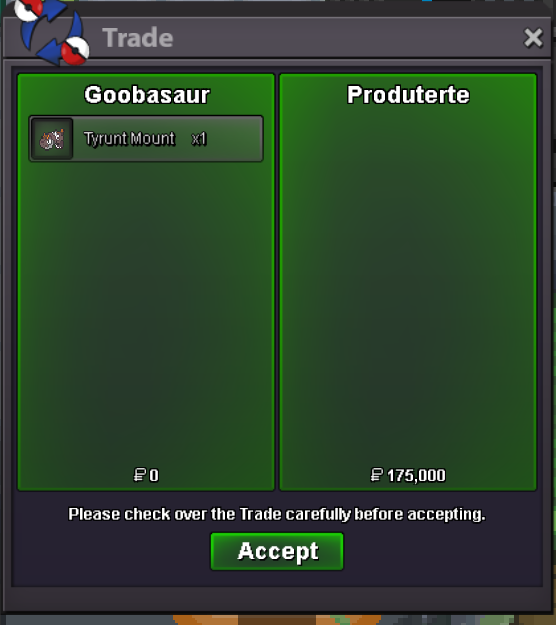
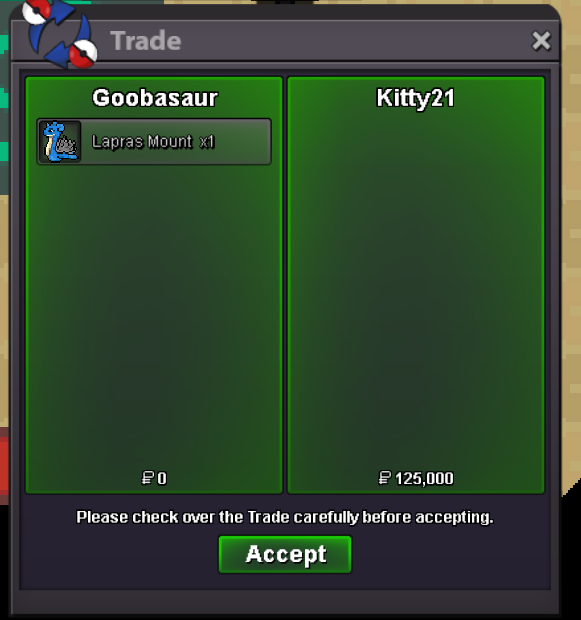
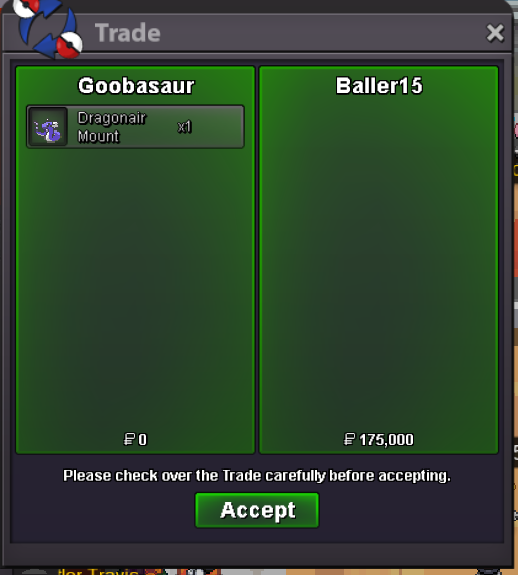
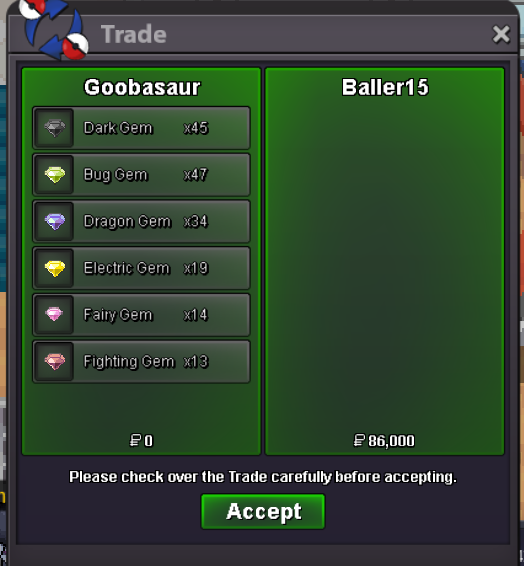
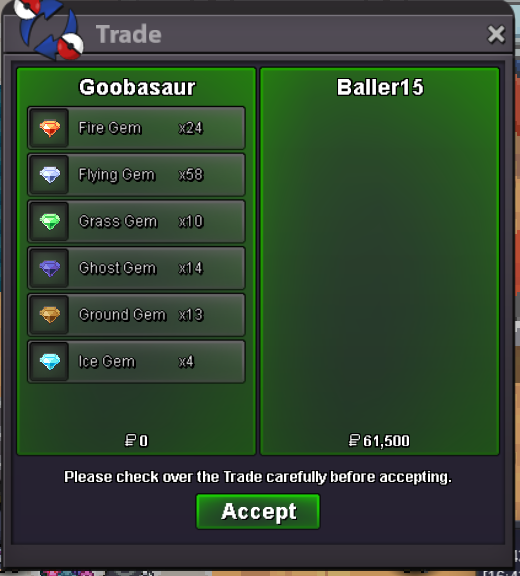
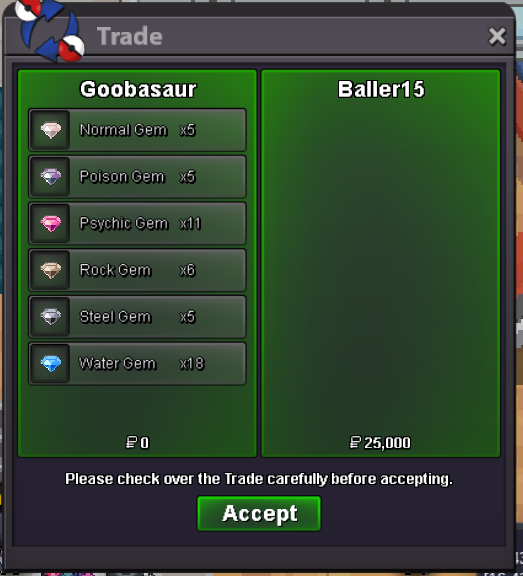
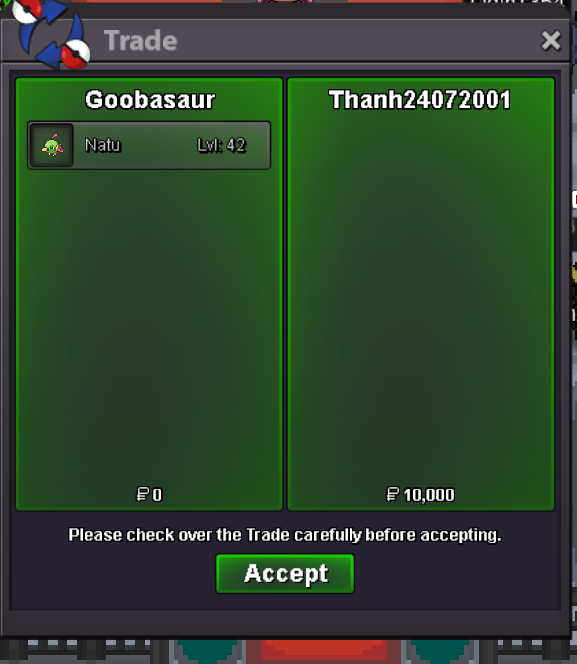
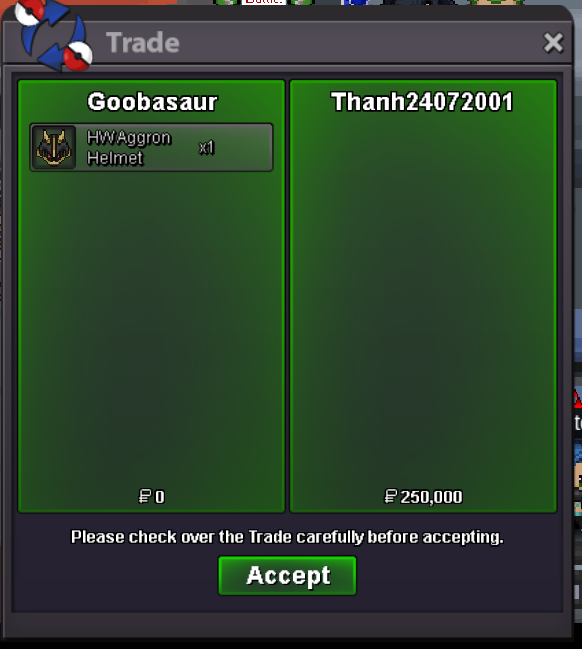
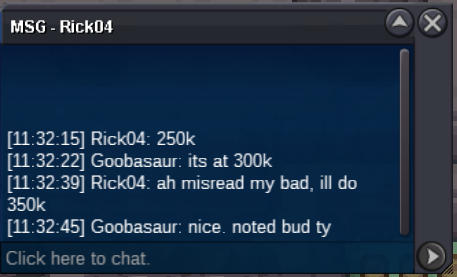
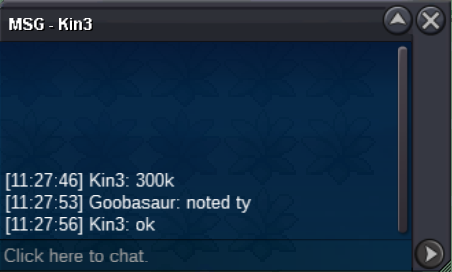
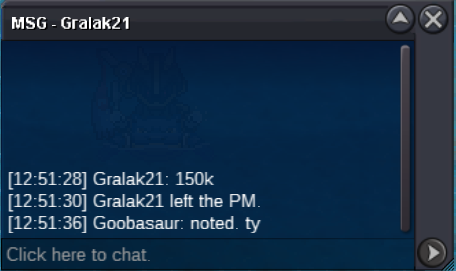
@Baller15 If you're still interested, message me in game or provide your IGN and I'll get in touch with you@Baller15 Message me in game - Goobsaur@Namanh sorry about that I fell asleep. I am available any time now. What is you IGN?@Namanh message me in game if you're available. I'm online right nowShop Update 8/6/25: Lowered Prices on Top Shelf Pokes Added new inventory: Aron Bagon Charmander Darumaka Larvesta Noibat Pawniard Scraggy Scyther Shroomish Sneasel Swablu Treecko150kShop Update 7/26/25 Added the following: Mounts/Clothes/Cosmetics Axew Bagon Deino Gible Larvesta Larvitar Sneasel Swablu Some shiny/formsAuction can be closed
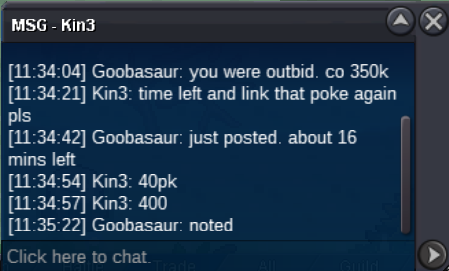
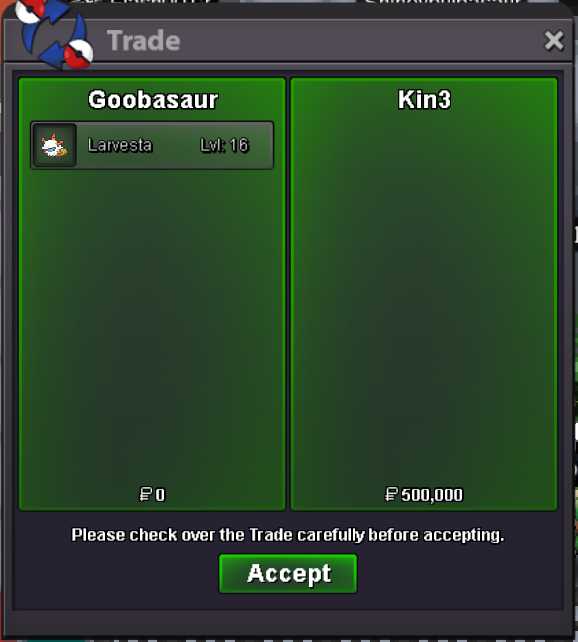 Auction has ended. Congrats @Kin3! You have won for 500k. Let me know when you're available to trade.started by Samaygupta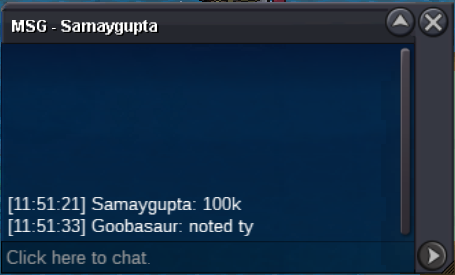
Account
Navigation
Search
Configure browser push notifications
Chrome (Android)
- Tap the lock icon next to the address bar.
- Tap Permissions → Notifications.
- Adjust your preference.
Chrome (Desktop)
- Click the padlock icon in the address bar.
- Select Site settings.
- Find Notifications and adjust your preference.
Safari (iOS 16.4+)
- Ensure the site is installed via Add to Home Screen.
- Open Settings App → Notifications.
- Find your app name and adjust your preference.
Safari (macOS)
- Go to Safari → Preferences.
- Click the Websites tab.
- Select Notifications in the sidebar.
- Find this website and adjust your preference.
Edge (Android)
- Tap the lock icon next to the address bar.
- Tap Permissions.
- Find Notifications and adjust your preference.
Edge (Desktop)
- Click the padlock icon in the address bar.
- Click Permissions for this site.
- Find Notifications and adjust your preference.
Firefox (Android)
- Go to Settings → Site permissions.
- Tap Notifications.
- Find this site in the list and adjust your preference.
Firefox (Desktop)
- Open Firefox Settings.
- Search for Notifications.
- Find this site in the list and adjust your preference.