New Trade Zone
Trade Zone is now live
Use the new Trade Zone for auctions and instant-price trades so Pokemon and item offers are easy to find.

Darshu57
Registered User
-
Joined
-
Last visited
Everything posted by Darshu57
-
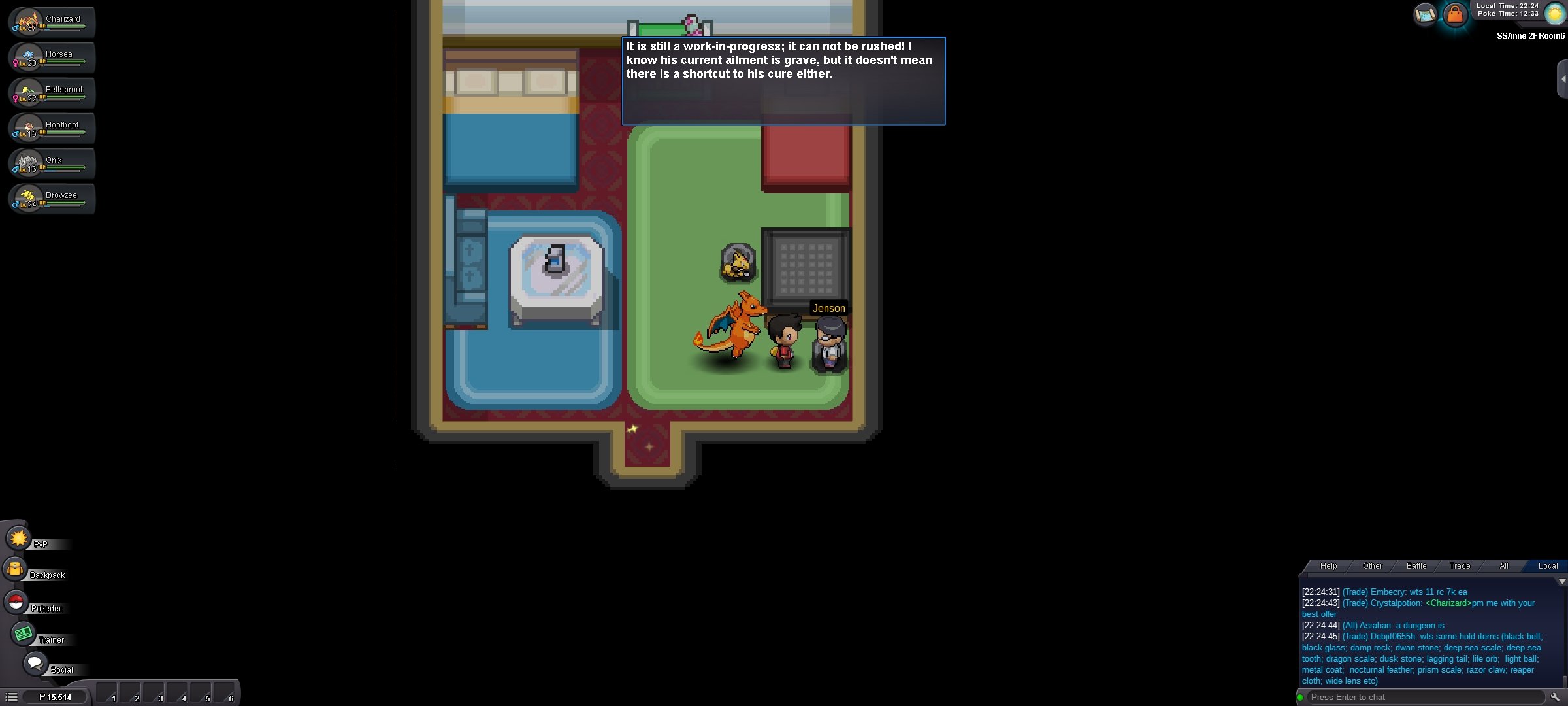
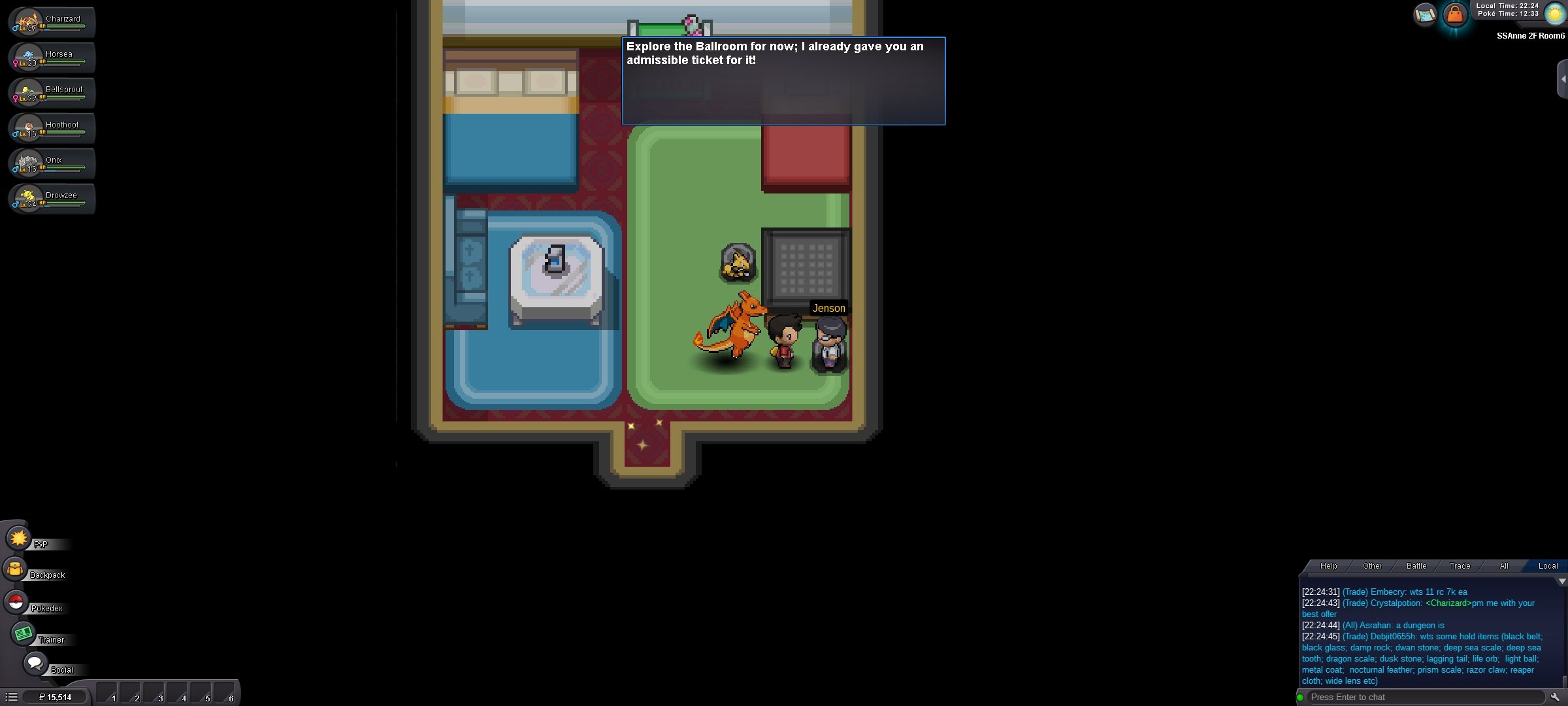
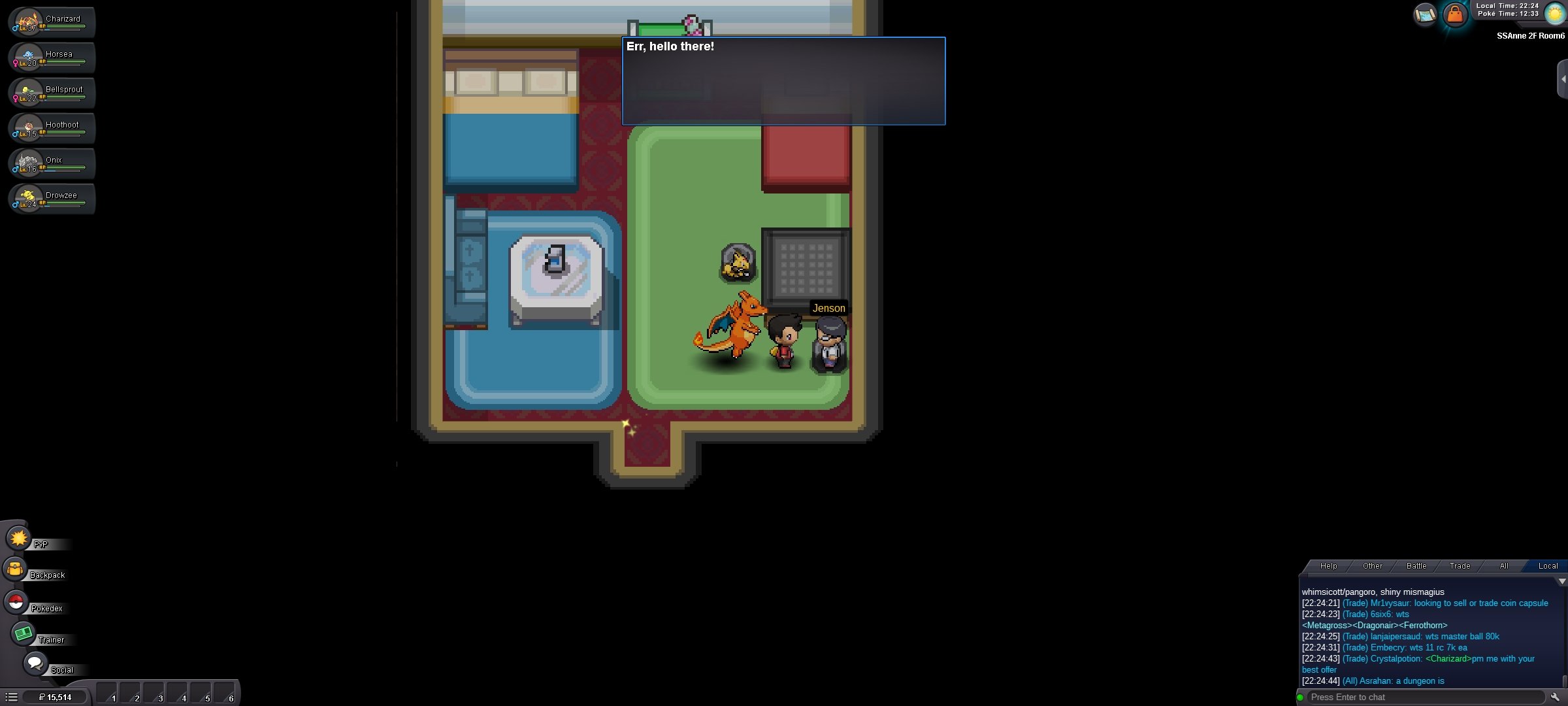
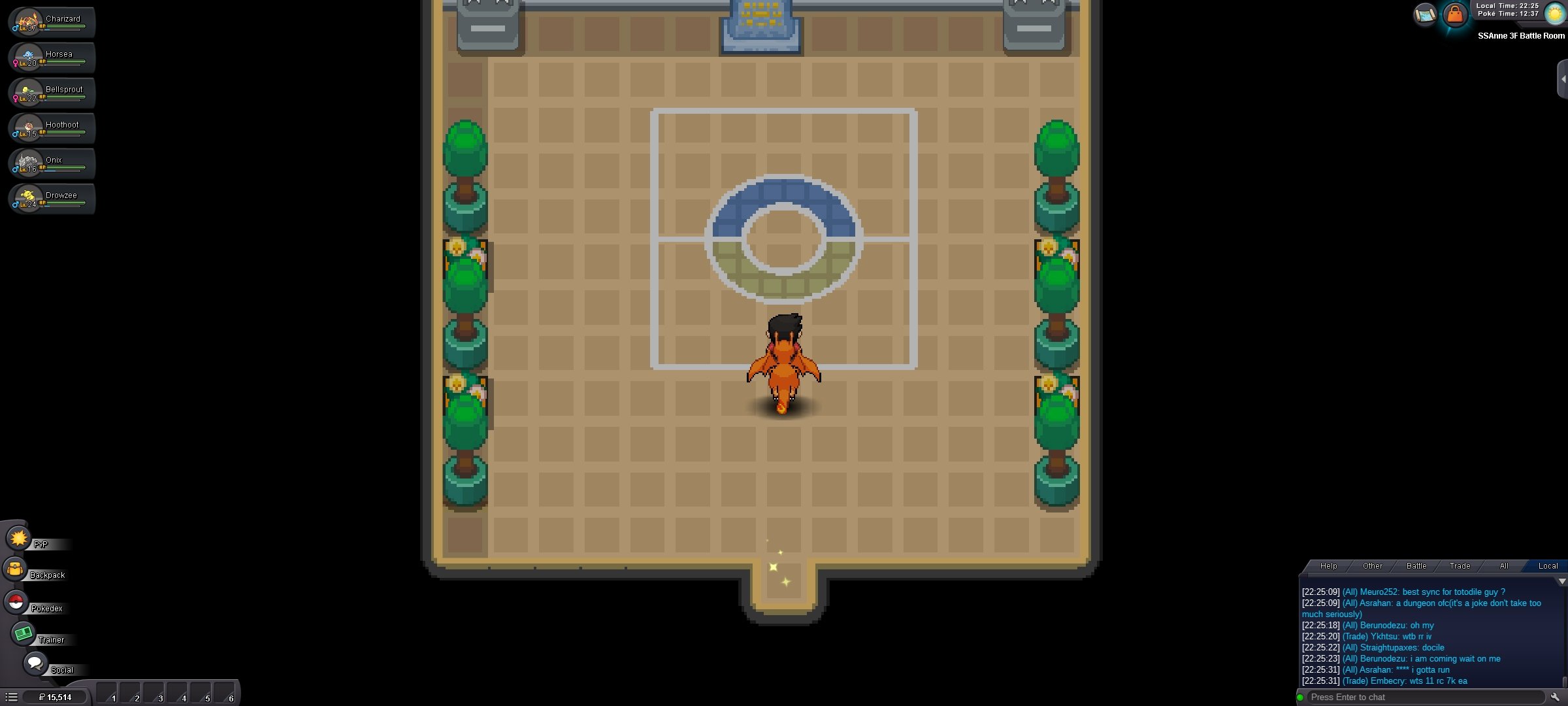
Dear PRO Support Team, I’m currently playing on the Pokémon Revolution Online (PRO) Gold server and have encountered a progression bug during the S.S. Anne quest. I have already: - Helped Bill and received the S.S. Anne ticket - Boarded the S.S. Anne - Cleared all trainers and NPCs in the Ballroom - Defeated my rival on the upper deck - Explored all accessible areas However, Jenson keeps telling me to “explore the Ballroom for now” even though the Ballroom is now completely empty, and no event seems to trigger. As a result, I am unable to proceed to the Captain’s Cabin to receive HM01 – Cut. I have tried: - Re-entering the Ballroom and checking all areas - Using the /refresh command - Logging out and logging back in - Walking around the Ballroom to trigger any missed events Despite this, the quest will not progress. Could you please reset my quest flag or provide guidance on how to move forward? Character Name: Darshu57 Server: **Gold** Thank you for your time and support. Sincerely, Darshan A