New Trade Zone
Trade Zone is now live
Use the new Trade Zone for auctions and instant-price trades so Pokemon and item offers are easy to find.

Matmazel
Registered User
-
Joined
-
Last visited
Everything posted by Matmazel
-
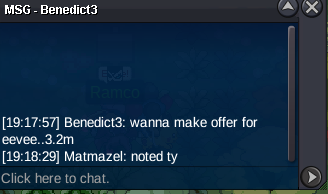
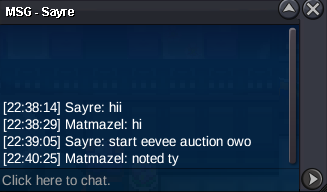
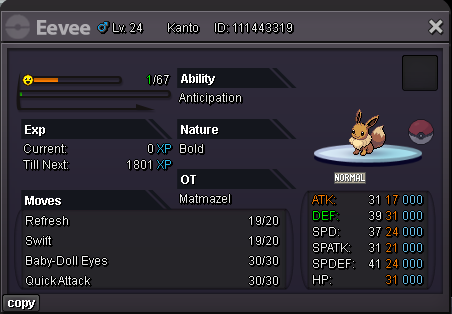
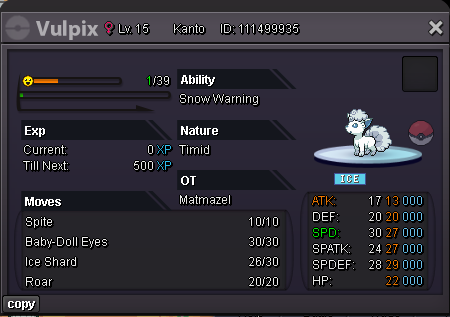
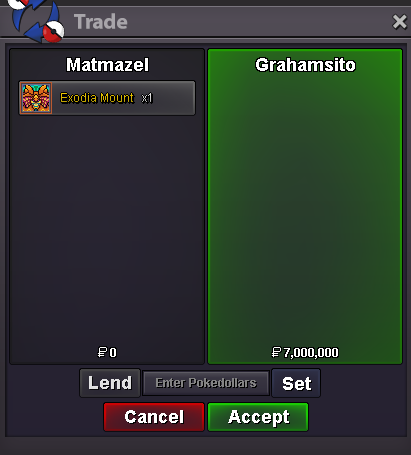
bump, 3 hours leftStart Price: 2m End Point: 48 hours (after start) No Insta Min Raise: 200k Accepted Payments: Pokedollars, Coin Capsules (x1 Coin Capsule = 500k), IV Reroll Tickets (x1 IV Reroll Ticket = 700k)
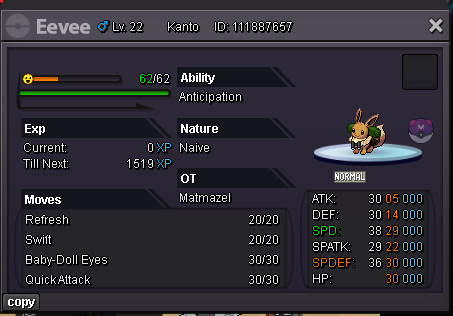 I hope u can get it back ❤️Start Price: 3m End Point: 48 hours (after start) No Insta Min Raise: 200k Accepted Payments: Pokedollars, Coin Capsules (x1 Coin Capsule = 500k), IV Reroll Tickets (x1 IV Reroll Ticket = 700k)
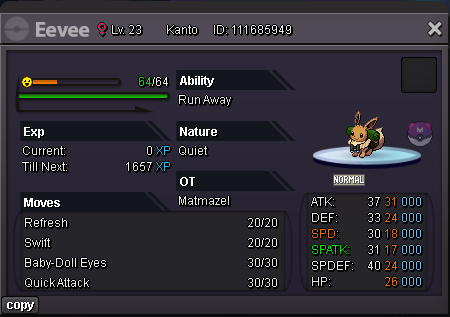 Hey guys, i want to talk about the game's rng system, i have enjoyed playing many pokemon games and what made these games great was the feeling of satisfaction that came when I tried hard and got good pokemons. But it doesnt feel that way in this game, because as far as i observed, high tier shiny or event or pink pokemons are available to certain players or given to a new player to earn money. I dont know why they do this, but it ruins the feeling of equality in the game and spoils the excitement of the game. Good games everyoneI want to start a new auction, does it have to be the same or can i change the starting bid etc.@TandemausThe forum was closed for the last 3 hours of the auction, can i cancel the auction?
Account
Navigation
Search
Configure browser push notifications
Chrome (Android)
- Tap the lock icon next to the address bar.
- Tap Permissions → Notifications.
- Adjust your preference.
Chrome (Desktop)
- Click the padlock icon in the address bar.
- Select Site settings.
- Find Notifications and adjust your preference.
Safari (iOS 16.4+)
- Ensure the site is installed via Add to Home Screen.
- Open Settings App → Notifications.
- Find your app name and adjust your preference.
Safari (macOS)
- Go to Safari → Preferences.
- Click the Websites tab.
- Select Notifications in the sidebar.
- Find this website and adjust your preference.
Edge (Android)
- Tap the lock icon next to the address bar.
- Tap Permissions.
- Find Notifications and adjust your preference.
Edge (Desktop)
- Click the padlock icon in the address bar.
- Click Permissions for this site.
- Find Notifications and adjust your preference.
Firefox (Android)
- Go to Settings → Site permissions.
- Tap Notifications.
- Find this site in the list and adjust your preference.
Firefox (Desktop)
- Open Firefox Settings.
- Search for Notifications.
- Find this site in the list and adjust your preference.