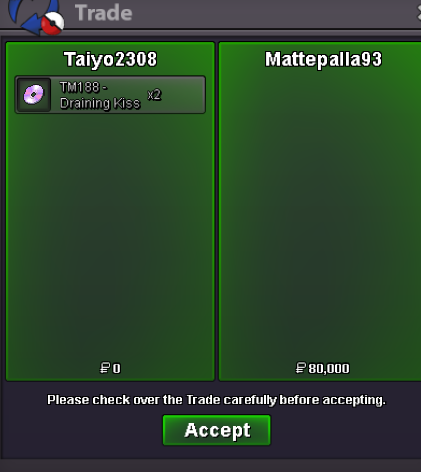
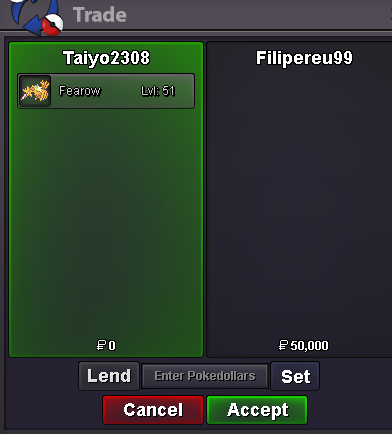
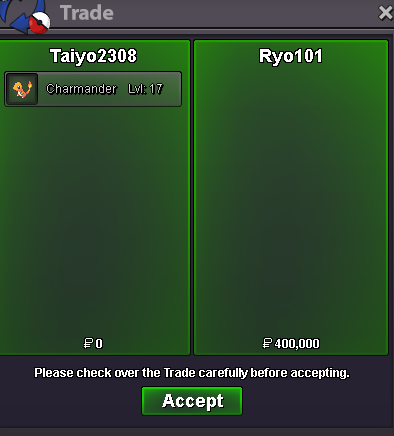
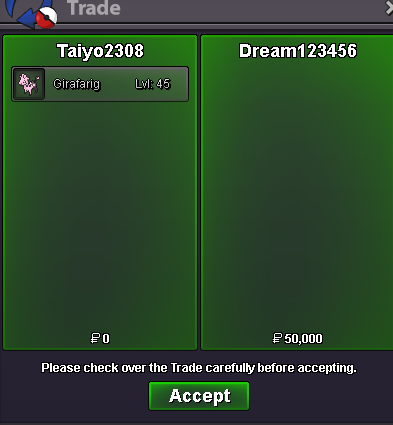
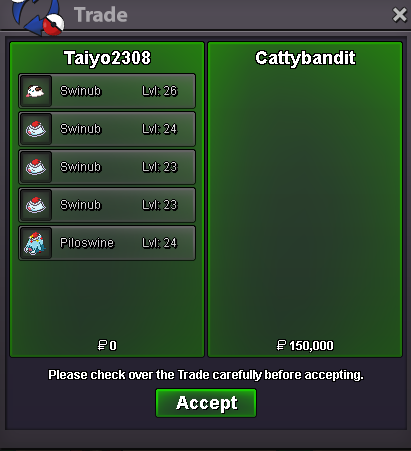
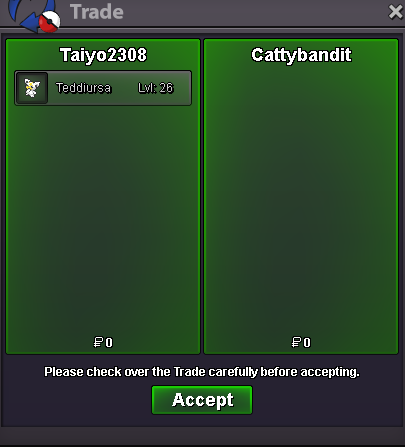
New Trade Zone
Trade Zone is now live
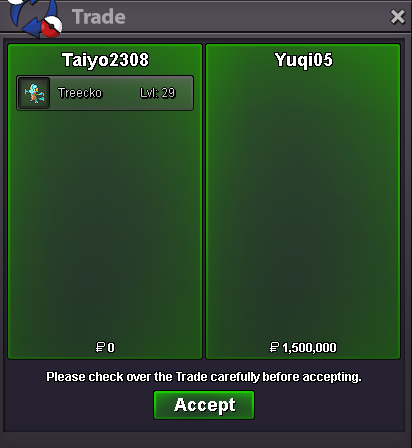
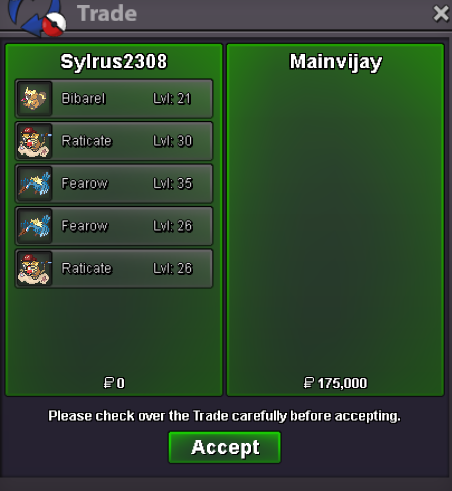
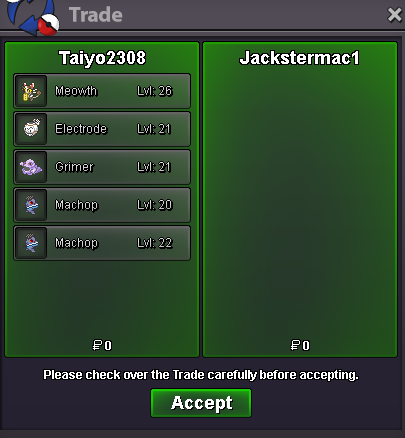
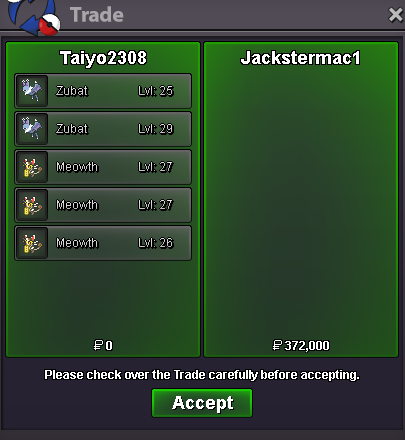
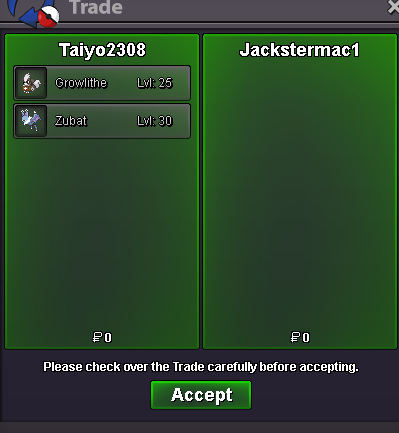
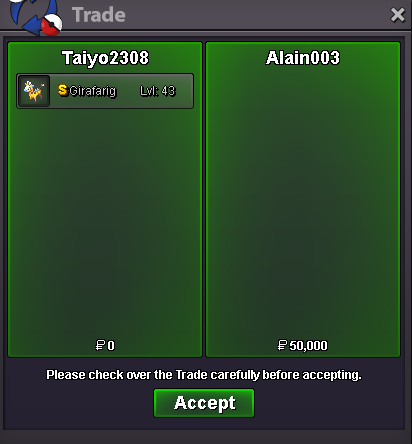
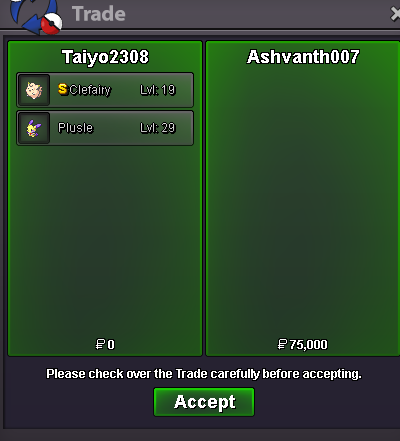
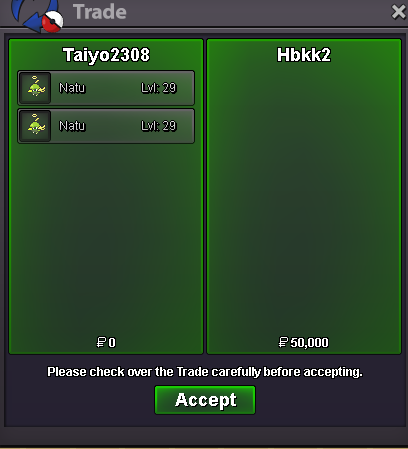
Use the new Trade Zone for auctions and instant-price trades so Pokemon and item offers are easy to find.


Sylrus2308
Registered User
-
Joined
-
Last visited
Everything posted by Sylrus2308
-
Start Price: 5m End Point: 72 hours after the start price is met Minimum Raise: 500k Accepted Payments: Pokedollars Coin Capsules (1 CC = 480k) IV Reroll Tickets (1 IV Reroll = 730k) Apply rule: 15 minutes
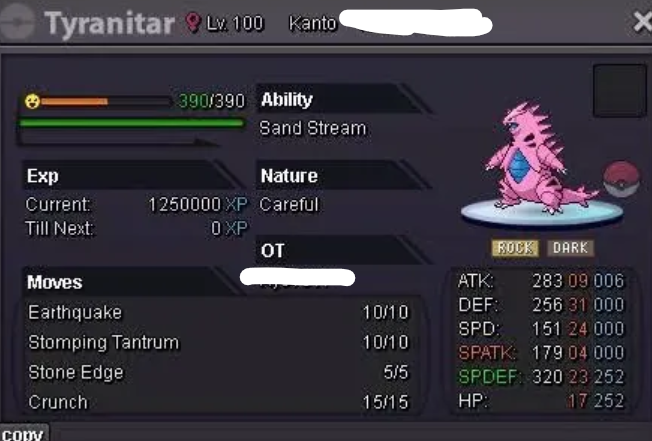
-
SYLRUS SERVICE SHOP ----------------------------------------------------------------- --------------------------------------------------------------------------------------- Accepted Payments Pokedollar Coin Capsule = 480k Reroll Ticket = 730k Rare Candy = 6k ----------------------------------------------------------------- --------------------------------------------------------------------------------------- Contact IGN: Sylrus2308 Discord: sylrus2308 ----------------------------------------------------------------- --------------------------------------------------------------------------------------- Shop Rules (Please read the rules carefully) ----------------------------------------------------------------- --------------------------------------------------------------------------------------- Sylrus's Quest Service ----------------------------------------------------------------- --------------------------------------------------------------------------------------- Thanks for visiting the shop
 can u online now?3,2m2,8m2,4mpm me when u onlineSorry, I sent it by mistake.9m250k8m250k7m5
Account
Navigation
Search
Configure browser push notifications
Chrome (Android)
- Tap the lock icon next to the address bar.
- Tap Permissions → Notifications.
- Adjust your preference.
Chrome (Desktop)
- Click the padlock icon in the address bar.
- Select Site settings.
- Find Notifications and adjust your preference.
Safari (iOS 16.4+)
- Ensure the site is installed via Add to Home Screen.
- Open Settings App → Notifications.
- Find your app name and adjust your preference.
Safari (macOS)
- Go to Safari → Preferences.
- Click the Websites tab.
- Select Notifications in the sidebar.
- Find this website and adjust your preference.
Edge (Android)
- Tap the lock icon next to the address bar.
- Tap Permissions.
- Find Notifications and adjust your preference.
Edge (Desktop)
- Click the padlock icon in the address bar.
- Click Permissions for this site.
- Find Notifications and adjust your preference.
Firefox (Android)
- Go to Settings → Site permissions.
- Tap Notifications.
- Find this site in the list and adjust your preference.
Firefox (Desktop)
- Open Firefox Settings.
- Search for Notifications.
- Find this site in the list and adjust your preference.