New Trade Zone
Trade Zone is now live
Use the new Trade Zone for auctions and instant-price trades so Pokemon and item offers are easy to find.

Kingsrock
Registered User
-
Joined
-
Last visited
-
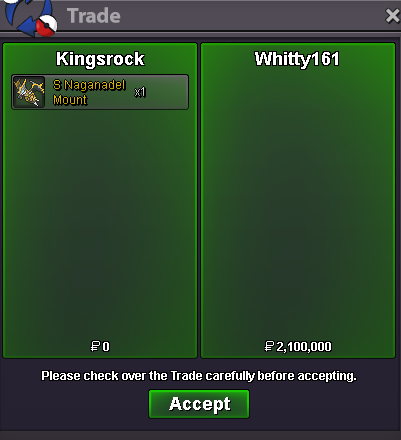
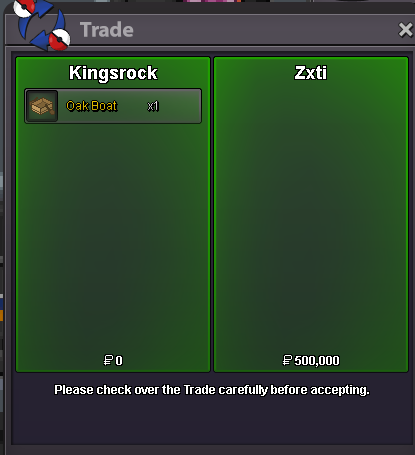
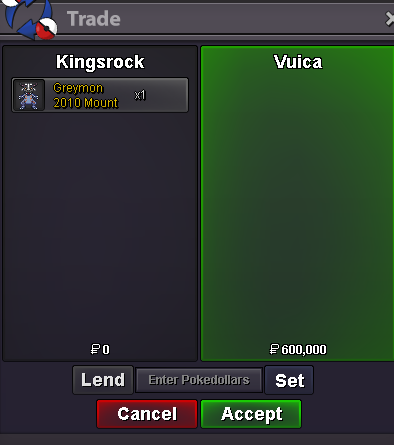
Winner shiny naganadel @whitty161 congratz with 2,1m Winner greymom @vuica congratz 600k Winner Zxti wake mount 500k
-
Wake Mount Starting Offer 500k Shiny Naganadel Starting Offer 1m Greymon Mount 2010 Starting Offer 500k Payments: Pokedollars Coin Capsule = 450k IV Reroll = 700k Nature Reroll = 300k Rules: Min Bid 100k Last Bid must stand 15 min Duration 24h after first bid









-
no bid, can be closed
-
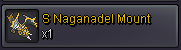
NO SALE ANYMORE Item: Shiny Naganadel Mount Start Point/Price: 2m End Point: 48 hours after first offer Insta: 5m Min. Raise: 300k Accepted Payment(s): pokedollars


-
can be closed
-
SUPER RARE AUCTION - PVP Chest Mount (silver server) 🚀Starting offer: 5m 💵Min bid: 100k 💰Instant Buy: 15m 🔨Auction ends 48hours after first bid Accepted payments: Coin Capsules = 500k; PokeDollars Last bid must stand for at least 15 mins



-
no one wanna buy can be closed
-
1,1m male anni
-
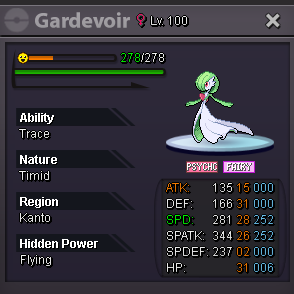
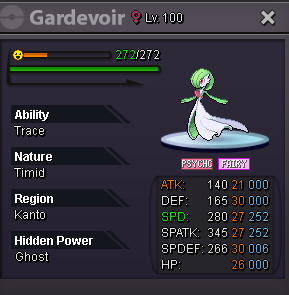
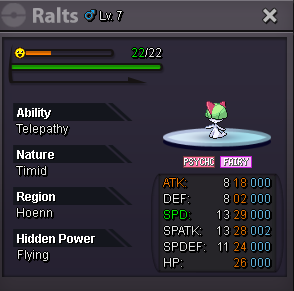
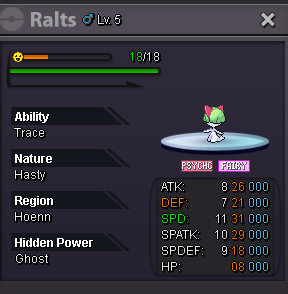
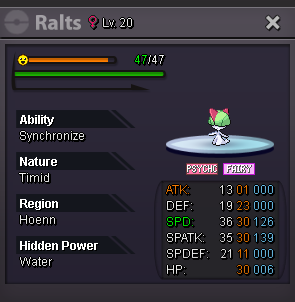
(。♥‿♥。) Welcome to the ultimate Gardevoir/Ralts PvP Auctions! ⏳duration : 24 hrs after first bid 💵min bid: 100k ⏲️15 min trade rule is on 💰payement : cash and cc (500K) (pls add the number to your bid) 1) Start: 300k // Instant: 1,m 2) Start: 500k // Instant: 1,5m 3) Start: 150k // Instant: 750k 4) Start: 500k // Instant: 2m 5) Start: 250k // Instant 1m

-
Post can be closed.
-
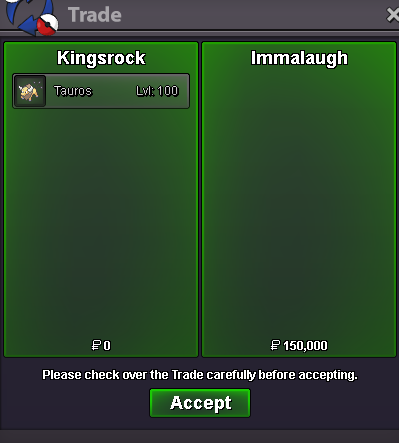
bro i do where are you xd900tauros won by Immalaugh with 150k