New Trade Zone
Trade Zone is now live
Use the new Trade Zone for auctions and instant-price trades so Pokemon and item offers are easy to find.


Darkpr1de
Registered User
-
Joined
-
Last visited
Everything posted by Darkpr1de
-
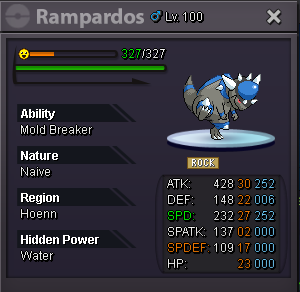
Starts at : 400K Min Raise : 50K Duration : 48hrs after First Bid Claimed Acceptance : only cash Instant Sell : N/A ***15 minute forum auction rule: if a bid is received in the final 15 minutes of the auction, the end point will be delayed by 15 minutes from that bid, and will be delayed by 15 minutes for each new bid thereafter, until the current offer has been held for a full 15 minutes.
-
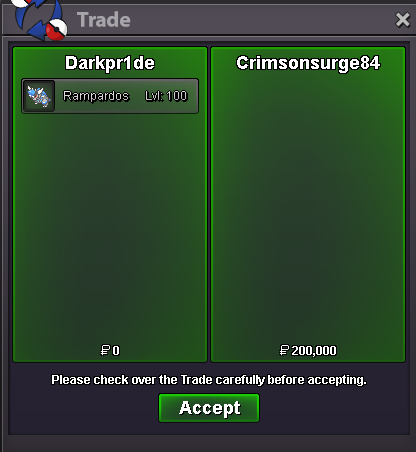
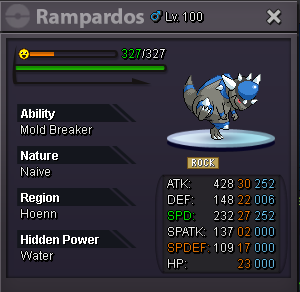
@Crimsonsurge84 is the WINNER of Rampardos!!!
-
c.o. 200K by Crimsonsurge84 min raise 50k only 1h left!!!
-
Start Kingdra
-
-
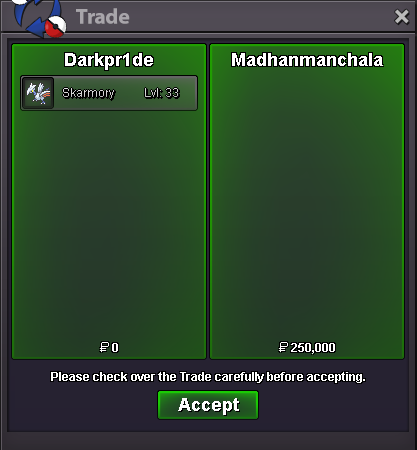
@Madhanmanchala is the WINNER of Skarmory!!!
-
-
-
-
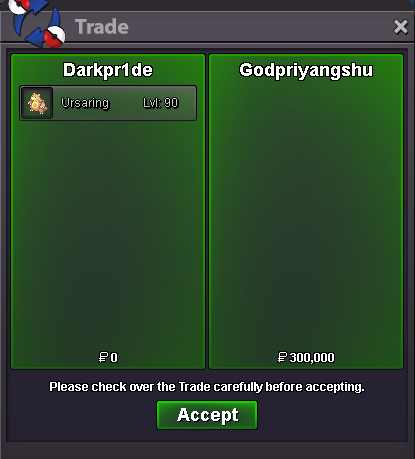
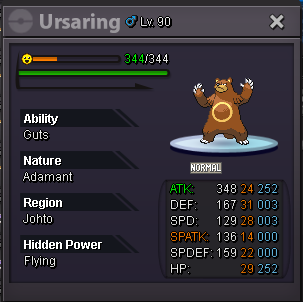
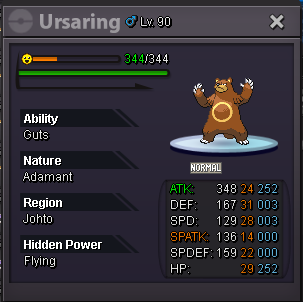
@Godpriyangshu is the WINNER of Ursaring!!!
-
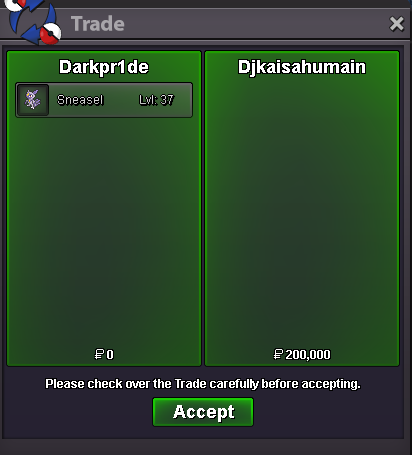
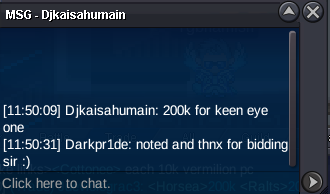
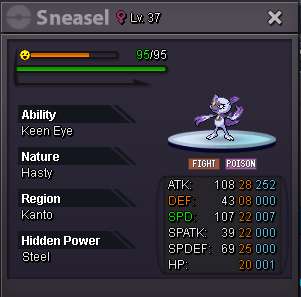
Djkaisahumain is the WINNER of Hasty Sneasel!!!
-
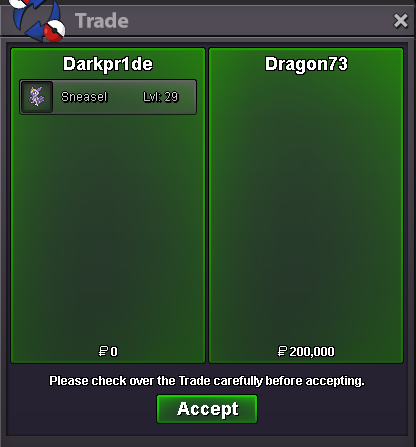
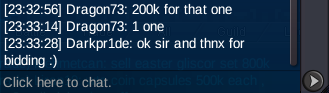
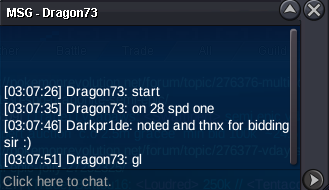
Dragon73 is the WINNER of Jolly Sneasel!!!
-
Jolly 200K by Dragon73
-
@Madhanmanchala no worries, get well soon.
-
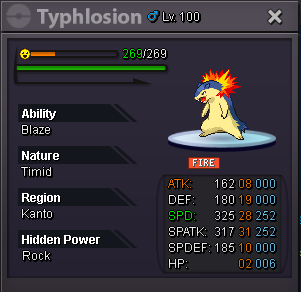
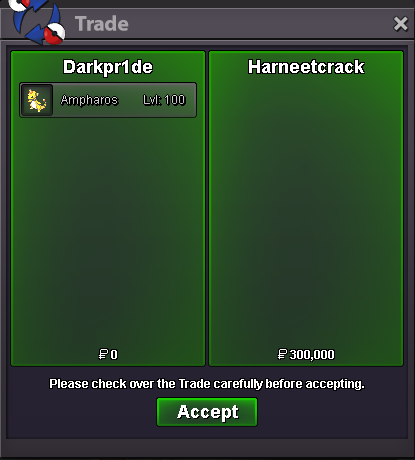
@Harneetcrack is the WINNER of Ampharos!!! Ursaring at 300K by Godpriyangshu, only 16h 20 mins left Typhlosion & Rampardos yet to start
-
Start
-
Djkaisahumain started Hasty Sneasel 200K
-
Jolly Started by Dragon73
-
***INDIVIDUAL*** Each one starts at : 100k Min Raise : 50k Duration for each one : 24hrs (after start price is met) Acceptance : only cash Instant Sell : N/A ***15 minute forum auction rule: if a bid is received in the final 15 minutes of the auction, the end point will be delayed by 15 minutes from that bid, and will be delayed by 15 minutes for each new bid thereafter, until the current offer has been held for a full 15 minutes.

-
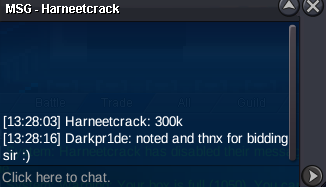
Ampharos 300K by Harneetcrack
-
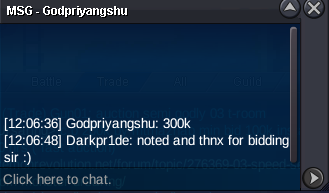
Ursaring 300K by Godpriyangshu
-
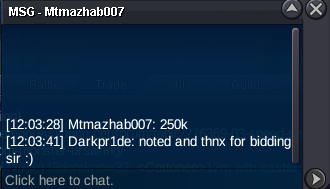
Ursaring 250K by Mtmazhab007
-
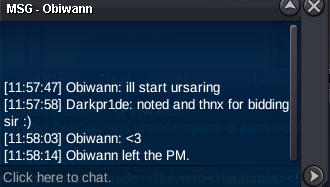
Obiwann started Ursaring
-
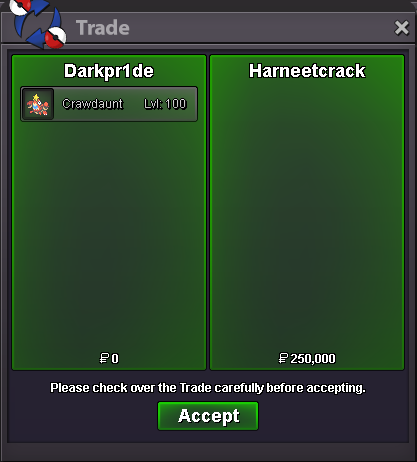
Harneetcrack is the WINNER of Crawdaunt!!! @Harneetcrack plz msg me ingame
-
Crawdaunt 250K by Harneetcrack