New Trade Zone
Trade Zone is now live
Use the new Trade Zone for auctions and instant-price trades so Pokemon and item offers are easy to find.

Juicee
Registered User
-
Joined
-
Last visited
Everything posted by Juicee
-
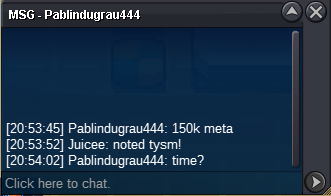
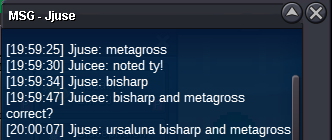
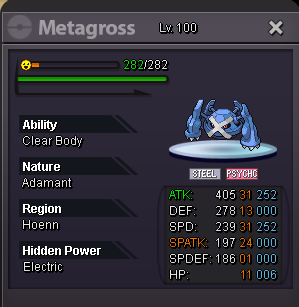
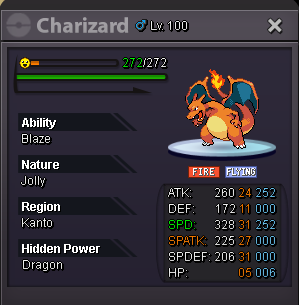
last bump of the auction! ursa and charizard ends in 1hr 4 mins bisharp and metagross ends in 1hr 11 mins tyranitar ends in 1hr 22 mins goodluck!
-
premium boss bundle (3) - SOLD
-
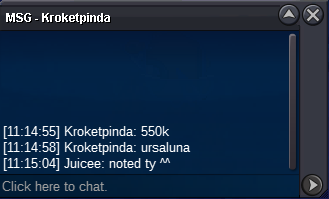
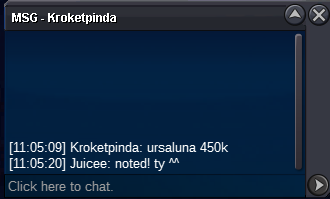
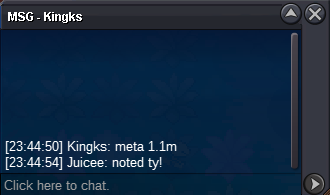
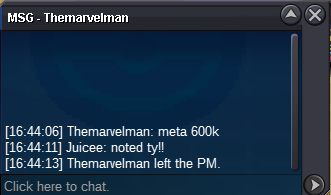
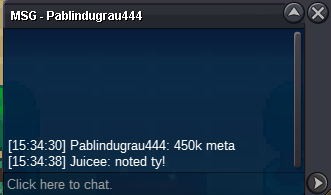
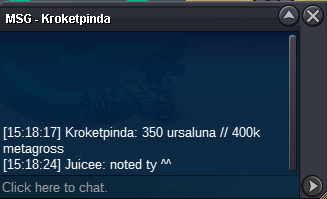
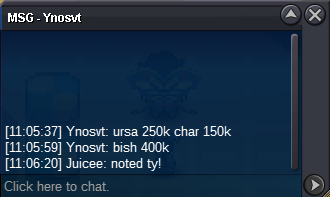
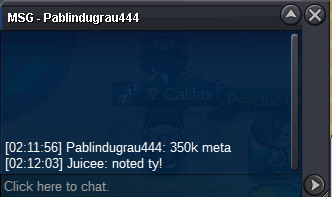
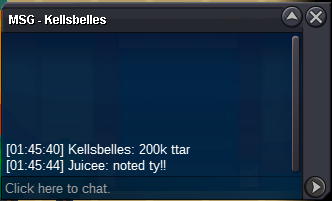
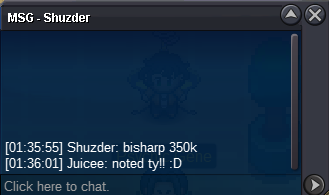
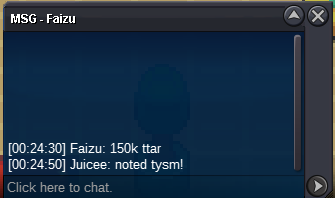
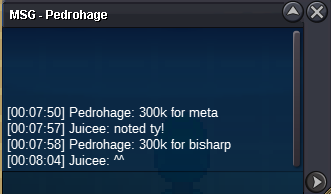
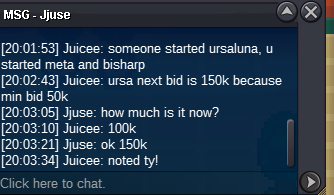
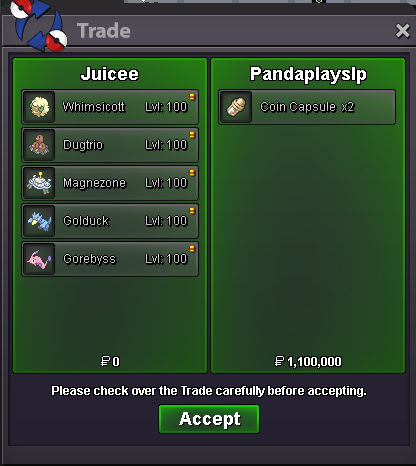
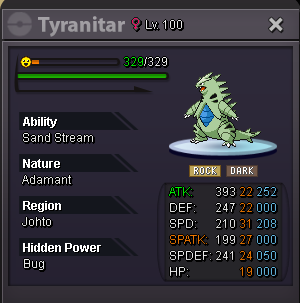
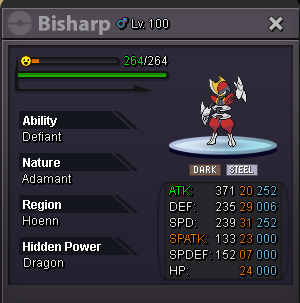
APPROXIMATELY 20 HOURS REMAINING! CURRENT OFFERS AT THIS MOMENT URSA : c.o 400k TTAR : c.o 350k BISHARP : c.o 450k METAGROSS : c.o 1.1m CHARIZARD : c.o 250kursa c.o 400k right now!premium boss bundle (2) - SOLD
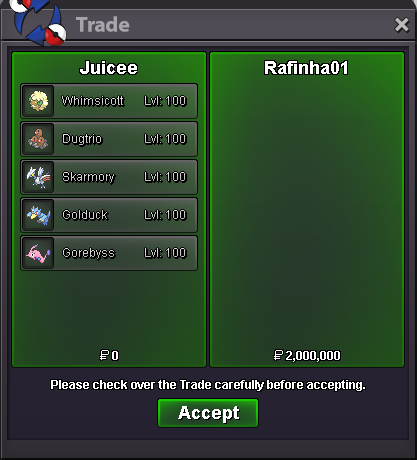
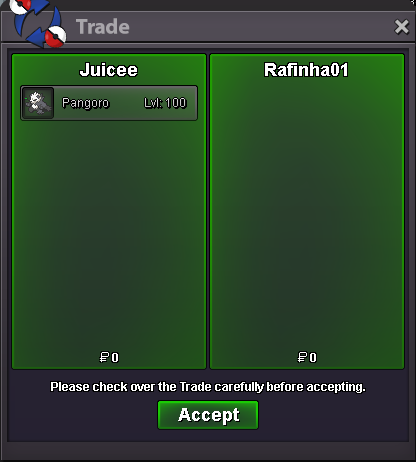
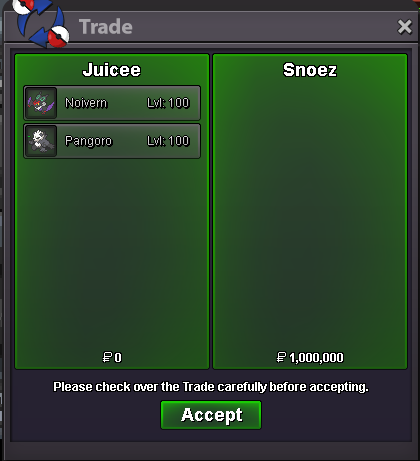
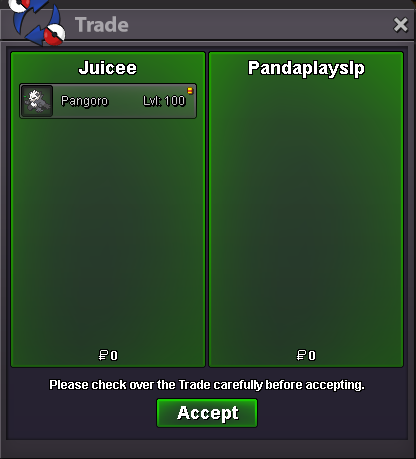 noivern 800k , pangoro 200k - SOLD
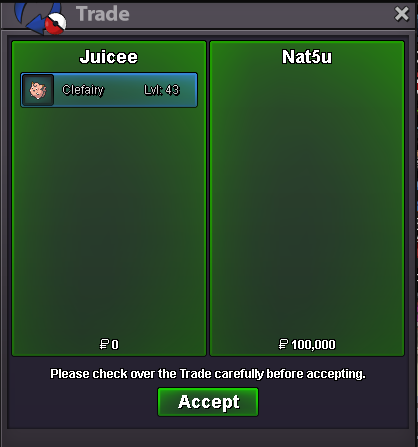
 clefairy 100k - SOLD
 bisharp + metagross started! ends in 48 hours from now!
 ursa and charizard ends 48 hous from now!Selling MAX SPEED PVP Pokemon! THIS IS NOT A BUNDLE AUCTION CHECKOUT MY SHOP WHILST UR STARING AT THIS : https://pokemonrevolution.net/forum/topic/260174-the-juice-stand🧃-500-untrainedtrained-pvp-boss-events-shinies-20082025-update-130-untrainedtrainedboss-mons-added/ Featured Pokemon : SOLD SOLD SOLD SOLD SOLD Payment Accepted : - Pokedollars/Cash - CC = 450k AUCTION ENDS 48 HOURS AFTER FIRST BID! THIS IS A SILVER SERVER AUCTION, IF YOU ARE FROM GOLD SERVER AND WIN YOU MUST TRANSFER TO COLLECT GOODLUCK AND HAPPY BIDDINGS!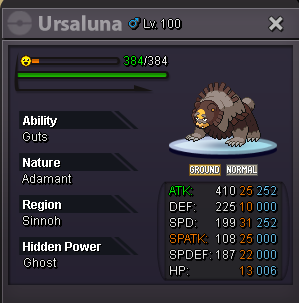
 umbreon 250k dusclops 250k bisharp 200k toxicroak 100k shellos 60k - SOLD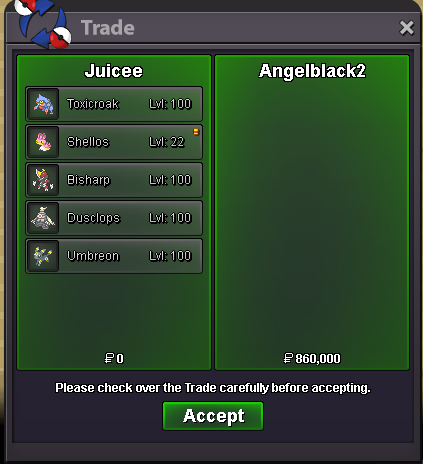
Account
Navigation
Search
Configure browser push notifications
Chrome (Android)
- Tap the lock icon next to the address bar.
- Tap Permissions → Notifications.
- Adjust your preference.
Chrome (Desktop)
- Click the padlock icon in the address bar.
- Select Site settings.
- Find Notifications and adjust your preference.
Safari (iOS 16.4+)
- Ensure the site is installed via Add to Home Screen.
- Open Settings App → Notifications.
- Find your app name and adjust your preference.
Safari (macOS)
- Go to Safari → Preferences.
- Click the Websites tab.
- Select Notifications in the sidebar.
- Find this website and adjust your preference.
Edge (Android)
- Tap the lock icon next to the address bar.
- Tap Permissions.
- Find Notifications and adjust your preference.
Edge (Desktop)
- Click the padlock icon in the address bar.
- Click Permissions for this site.
- Find Notifications and adjust your preference.
Firefox (Android)
- Go to Settings → Site permissions.
- Tap Notifications.
- Find this site in the list and adjust your preference.
Firefox (Desktop)
- Open Firefox Settings.
- Search for Notifications.
- Find this site in the list and adjust your preference.