Skip to content
View in the app

A better way to browse. Learn more.

Pokemon Revolution Online

A full-screen app on your home screen with push notifications, badges and more.

To install this app on iOS and iPadOS
  1. Tap the Share icon in Safari
  2. Scroll the menu and tap Add to Home Screen.
  3. Tap Add in the top-right corner.
To install this app on Android
  1. Tap the 3-dot menu (⋮) in the top-right corner of the browser.
  2. Tap Add to Home screen or Install app.
  3. Confirm by tapping Install.
New Trade Zone
Trade Zone is now live
Use the new Trade Zone for auctions and instant-price trades so Pokemon and item offers are easy to find.

Open Trade Zone

Gun01

Registered User
  • Joined

  • Last visited

Everything posted by Gun01

  1. So i am New in pokemon revolution online i got to know one thing best , that this not like ur normal pokemon game , if there is a time limit 24hr it means 24hr of real life and it make me kind of frustrating , even tho the game is absolutely amazing and its a very great experience for me also, But i am trying the Z Ring quest in trainer valley for the past few days , and as u know there is a tournament there to win 5 matches but i lost the matches and boom 20hr cooldown, and wait 20hr again then loose boom 20hr cooldown, its not like that this is the games or the devs fault its just mine fault so i realize i was pretty weak and got bad pokes , then i wait 20hr again trade pokes with my friend to crush the trainer valley , start the match win 4 rounds down the last rounds with the ghost one and then light switch goes off for like 30 min i was pretty angry at that moment. but instead of blaming anything i thought that reporting here might help a little like can u guys reset the cooldown please, i am pretty frustrated at this point .
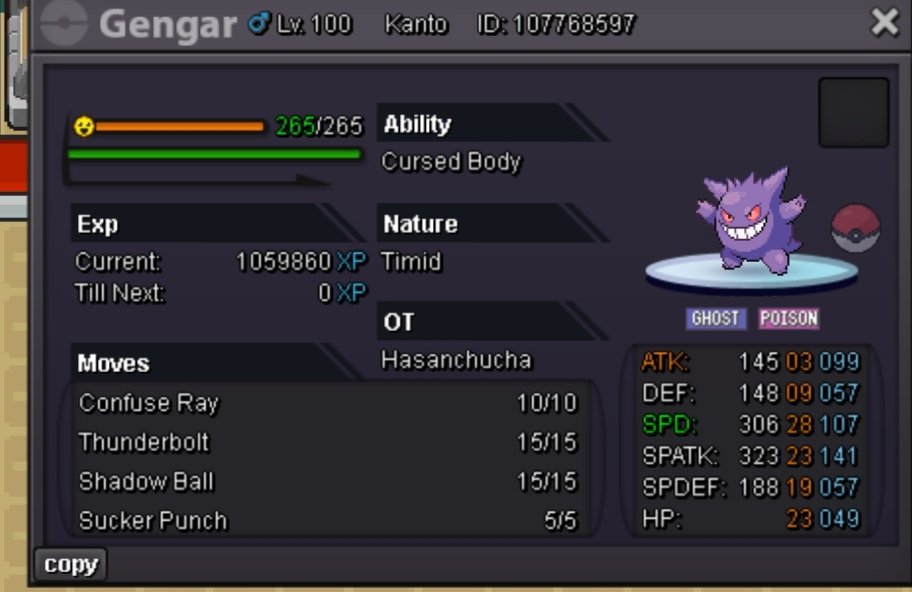
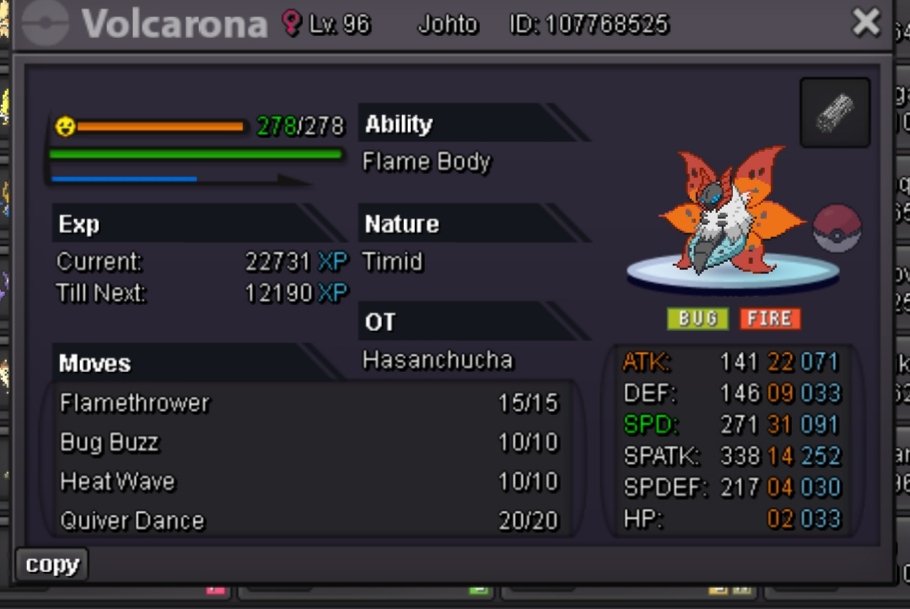
  2. Starting bid 100k Rais 50k Insta 1m

Account

Navigation

Search

Search

Configure browser push notifications

Chrome (Android)
  1. Tap the lock icon next to the address bar.
  2. Tap Permissions → Notifications.
  3. Adjust your preference.
Chrome (Desktop)
  1. Click the padlock icon in the address bar.
  2. Select Site settings.
  3. Find Notifications and adjust your preference.