New Trade Zone
Trade Zone is now live
Use the new Trade Zone for auctions and instant-price trades so Pokemon and item offers are easy to find.

Findmyself
Suspended
-
Joined
-
Last visited
Everything posted by Findmyself
-
End
-
30 minutes left
-
7 hours left (13h30 13/9/2025 UTC+7)
-
20 hours left (13h30 13/9/2025 UTC+7)
-
I just found 2 quests to catch all pokemon from the hoenn and sinnoh regions. and I haven't caught any yet.
-
32 hours left (13h30 13/9/2025 UTC +7)
-
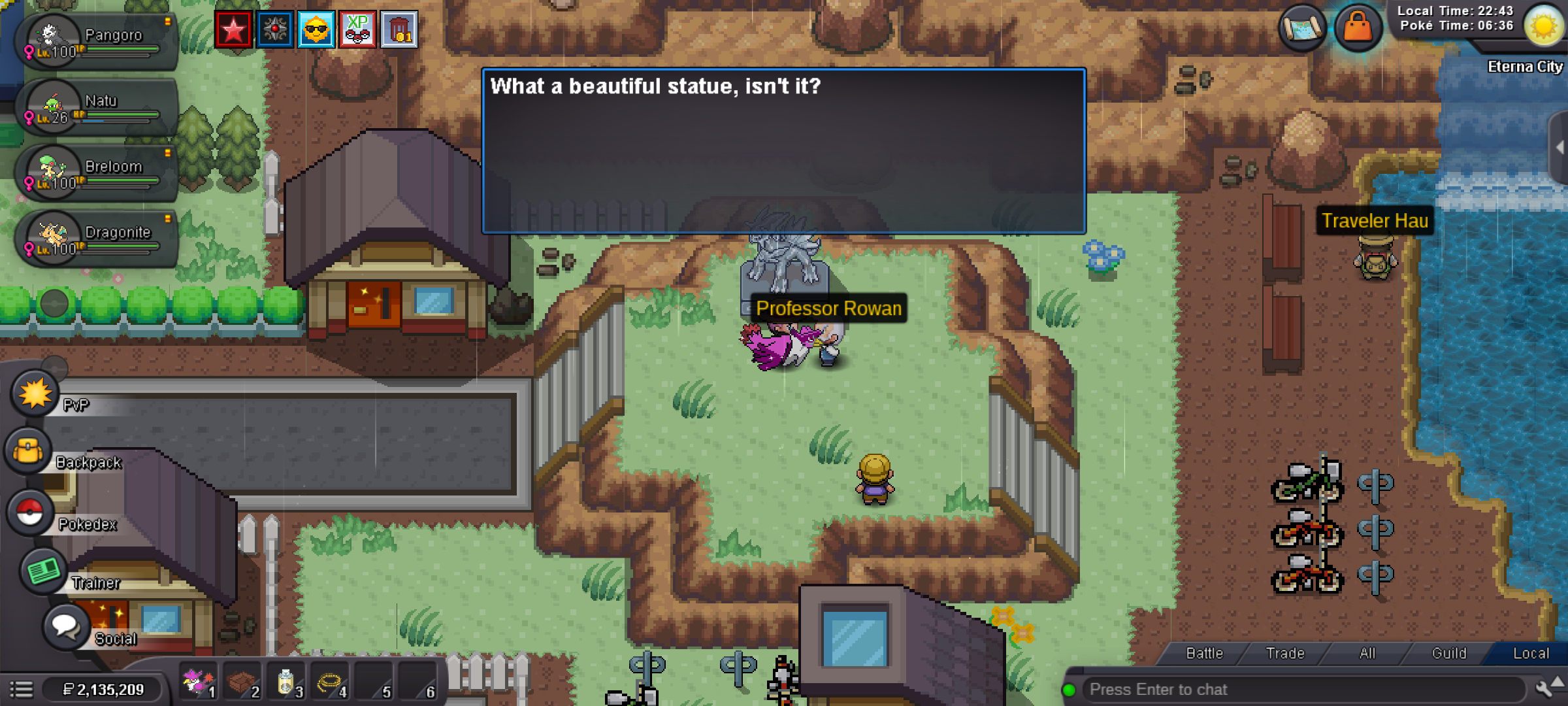
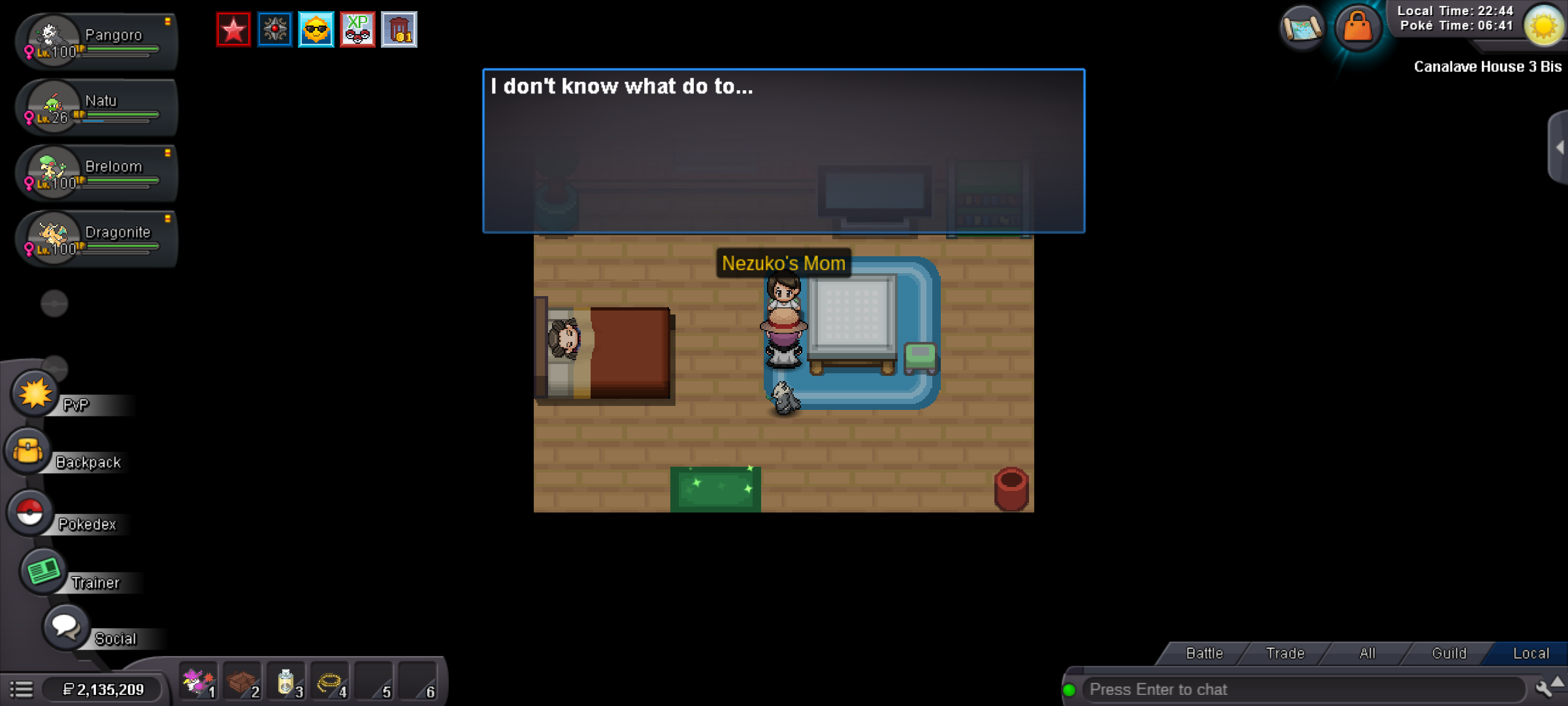
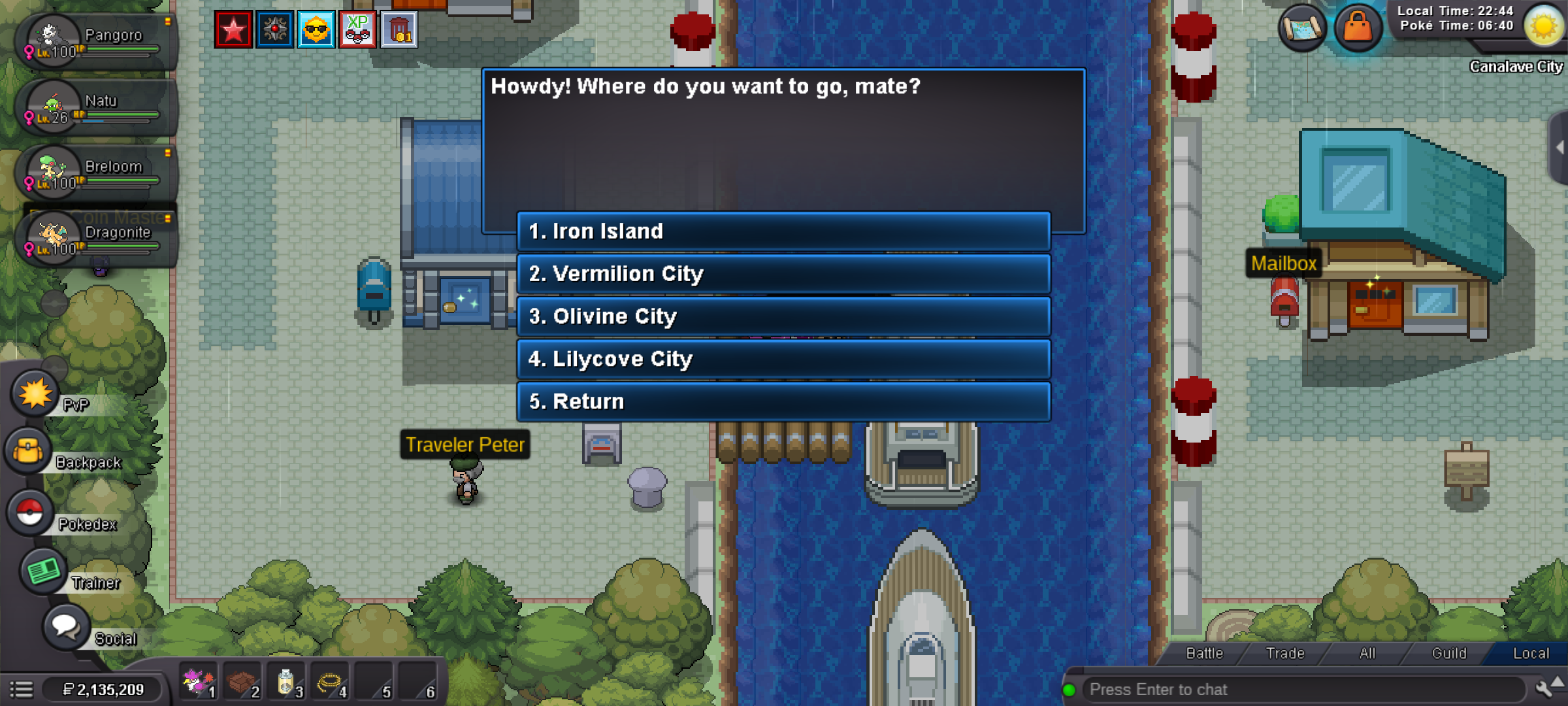
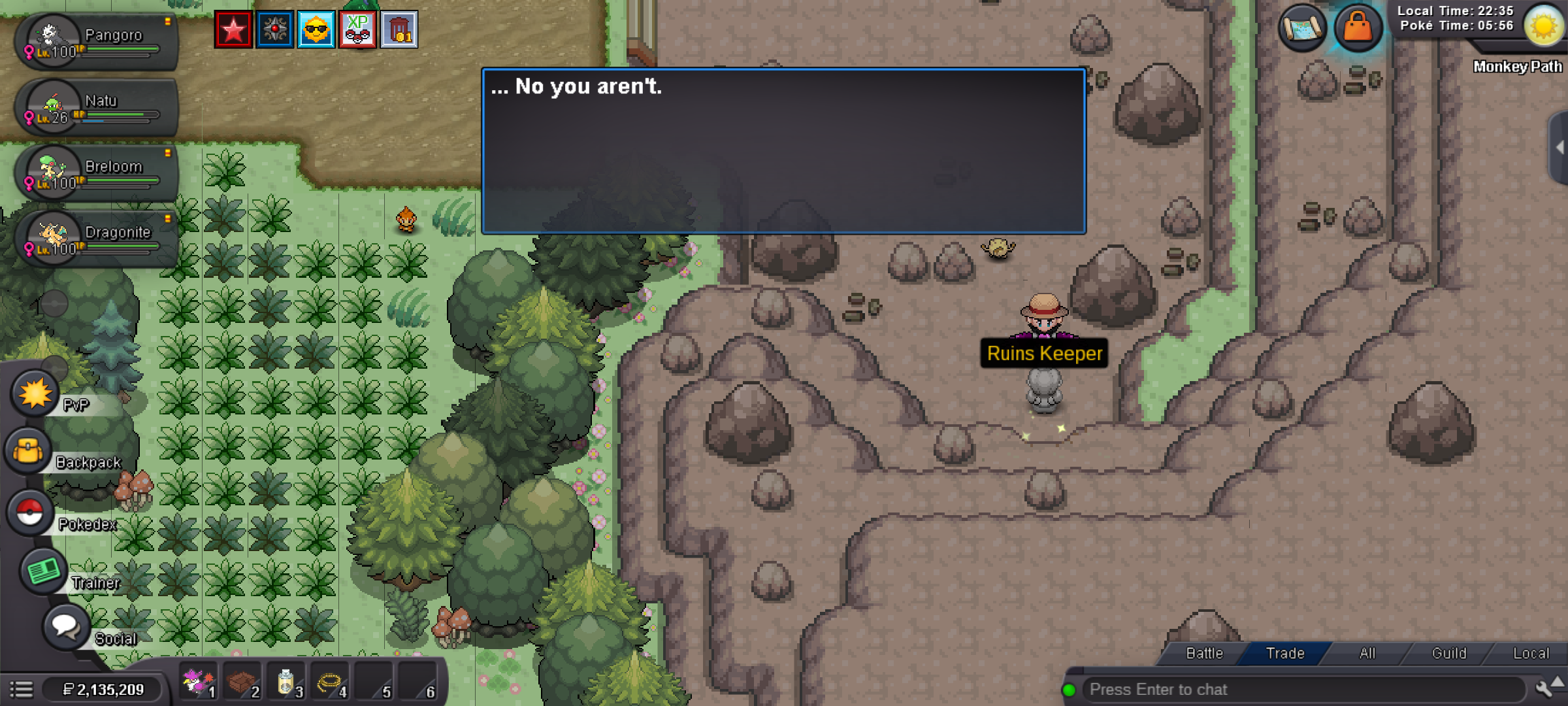
First, I encountered a bug in the Cresselia Legend Quest. I remember talking to Rowan before and defeating two Team Rocket members, but then I didn’t continue the quest and dropped it. Later, when I came back to continue, I got a bug where Nezuko’s mother didn’t know how to wake Nezuko up, and talking to Rowan didn’t work either. Second, in the Titan Legendary Quest, I’m sure I met all the requirements to enter the Underground Ruins, but I still couldn’t get in. I also already selected the Frozen Key.
-
Bump
-
Bump
-
End after 48 hours (13h30 13/9/2025 UTC +7)
-
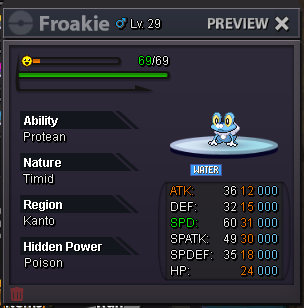
S.O: 500k Min bid: 100k Insta: 10m End: 48h after first bid Now c.o 5m2 to 16h UTC +7 Accept CC 500k ea The Winner is Byuvyen (5m2) Good luck !
.png.b18a4423c4127018542ae222ce33a64d.png)
-
-
-
-
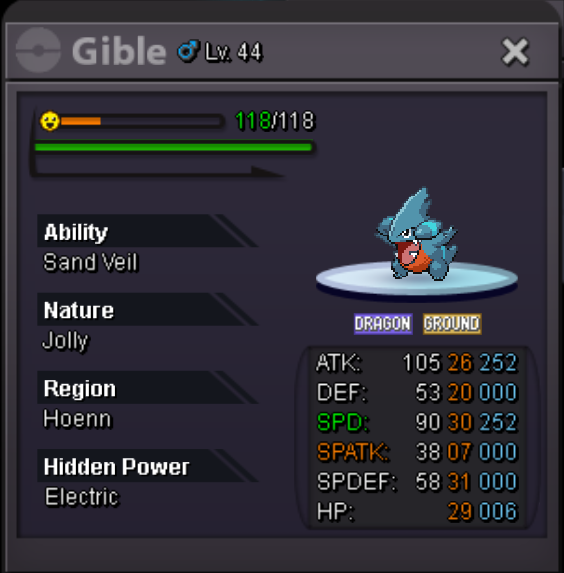
Start offer: 500k Min bid: 50k Insta: 5m Length: 48hrs after s.o Accept CC=470k, RRIV =680k Goodluck 🍀
-
Closed The winner is Vinier 🎊
-
2hrs left (highest bid Vinier 2m)
-
8hrs left (highest bid 2m)
-
-
-
16hr left (UTC 7+)
-
-
-
UTC 7+ 24h left
-