




Skip to content
View in the app

A better way to browse. Learn more.

Pokemon Revolution Online

A full-screen app on your home screen with push notifications, badges and more.

To install this app on iOS and iPadOS
  1. Tap the Share icon in Safari
  2. Scroll the menu and tap Add to Home Screen.
  3. Tap Add in the top-right corner.
To install this app on Android
  1. Tap the 3-dot menu (⋮) in the top-right corner of the browser.
  2. Tap Add to Home screen or Install app.
  3. Confirm by tapping Install.

Dualforcer

Registered User
  • Joined

  • Last visited

Everything posted by Dualforcer

  1. Hi bro, you win, it is my first sell, so what whe do now ? im online now
  2. Yes bro, sorry for being so late, 530 each cc 🙂 almost 9 hours left ! have a good day
  3. Start 2M MIN BID= 100k 48 HRS after first bid
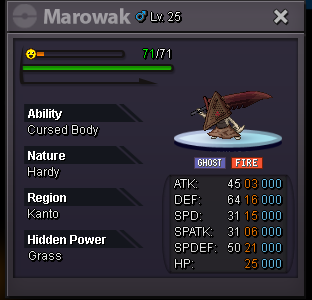
  4. hi, i play form my company laptop, and i cant play cuz there is a virus on the client, and windows defenders cannot be turn off, cuz is a company laptop and have permissions, you will be fix this soon ? or i just cannot play for a looooong time ? thx

Account

Navigation

Search

Search

Configure browser push notifications

Chrome (Android)
  1. Tap the lock icon next to the address bar.
  2. Tap Permissions → Notifications.
  3. Adjust your preference.
Chrome (Desktop)
  1. Click the padlock icon in the address bar.
  2. Select Site settings.
  3. Find Notifications and adjust your preference.