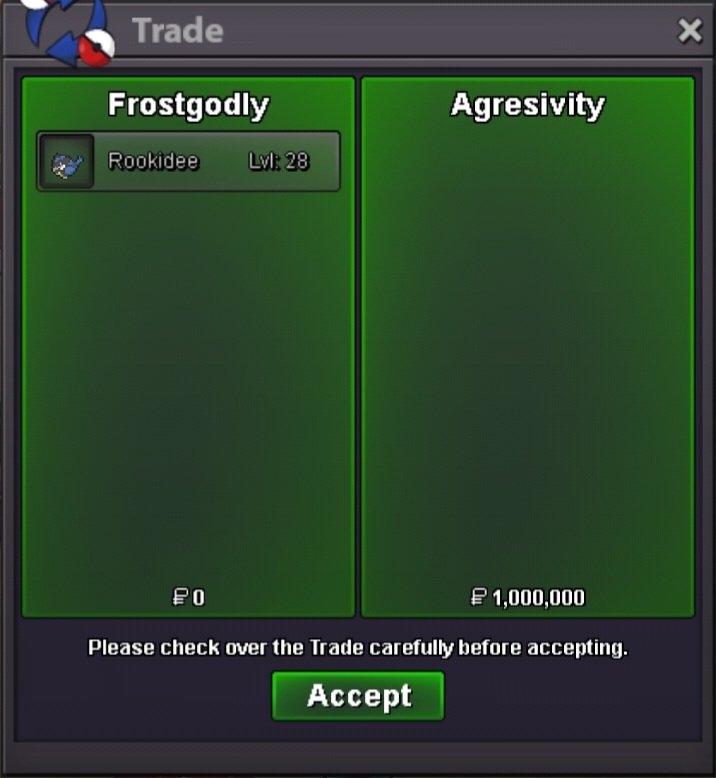
New Trade Zone
Trade Zone is now live
Use the new Trade Zone for auctions and instant-price trades so Pokemon and item offers are easy to find.


Frostgodly
Registered User
-
Joined
-
Last visited
Everything posted by Frostgodly
-
Day3 BumpDay2 Bump!!I want to buy any Pokémon to collect Requirement --> Main stats are 31/31 --> Other stats are 25+ (excluding stats that are reduced by nature) --> Correct nature and abilities based on Smogon. PM Offer IGN : Frostgodly Discord : Frostz2201 You can make an offer. The price is negotiable, or if you don't have a price in mind, I'll base my offer on prices from old forum posts where similar Pokémon have been sold, and adjust the price accordingly.From what I've seen, cosmetics prices have dropped significantly. I think the price range is probably between 14m and 25m.Ok when u online tell mewtb shellder or evol skill link / jolly / atk31 speed31 another iv25+ except s.atk 10m budget Or wtb any pkm main stat31/31 another iv 25+ right nature&ability pm offer
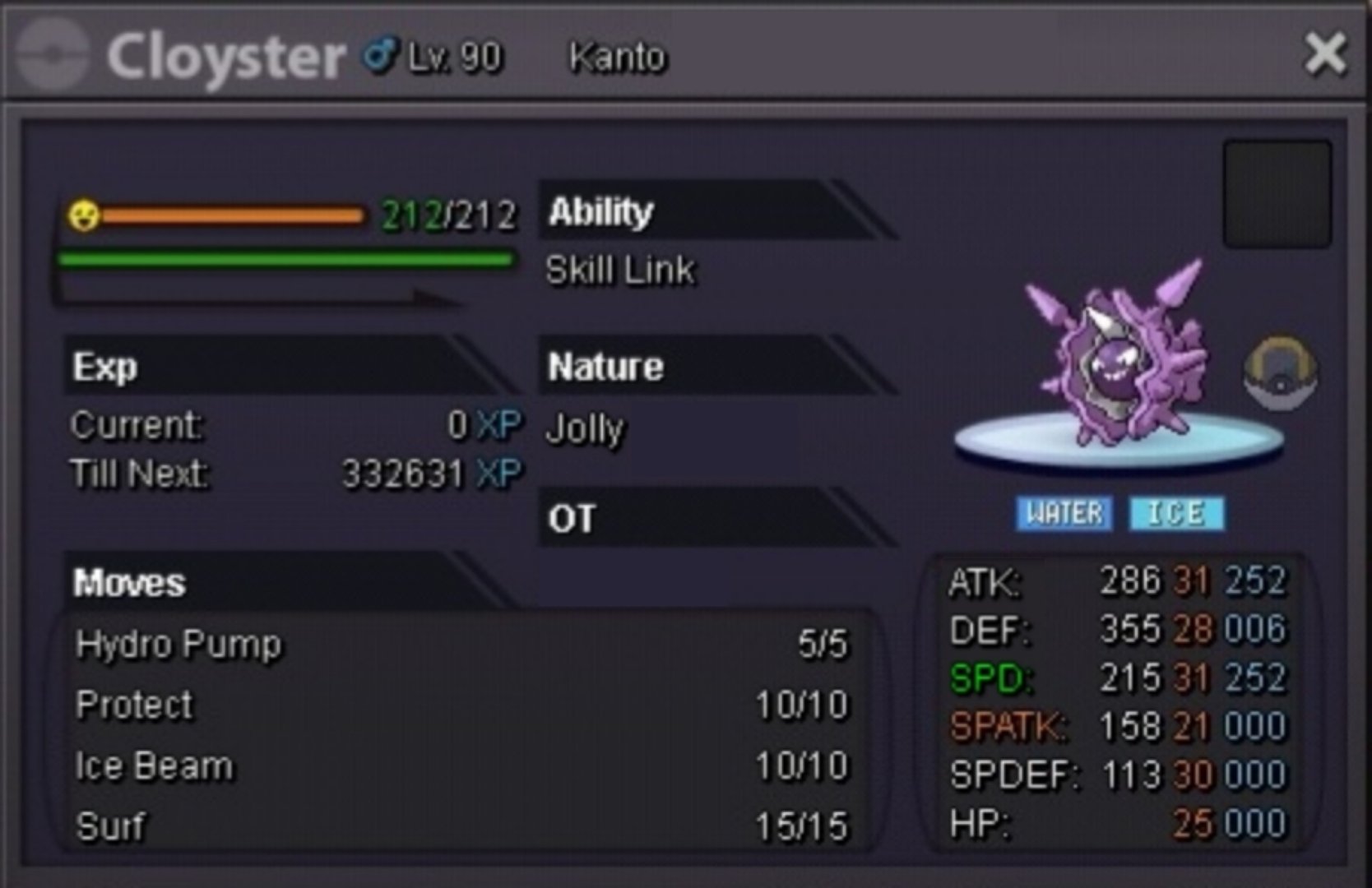 Ok, I'll pm u in gameFrostgodly, Silver
Account
Navigation
Search
Configure browser push notifications
Chrome (Android)
- Tap the lock icon next to the address bar.
- Tap Permissions → Notifications.
- Adjust your preference.
Chrome (Desktop)
- Click the padlock icon in the address bar.
- Select Site settings.
- Find Notifications and adjust your preference.
Safari (iOS 16.4+)
- Ensure the site is installed via Add to Home Screen.
- Open Settings App → Notifications.
- Find your app name and adjust your preference.
Safari (macOS)
- Go to Safari → Preferences.
- Click the Websites tab.
- Select Notifications in the sidebar.
- Find this website and adjust your preference.
Edge (Android)
- Tap the lock icon next to the address bar.
- Tap Permissions.
- Find Notifications and adjust your preference.
Edge (Desktop)
- Click the padlock icon in the address bar.
- Click Permissions for this site.
- Find Notifications and adjust your preference.
Firefox (Android)
- Go to Settings → Site permissions.
- Tap Notifications.
- Find this site in the list and adjust your preference.
Firefox (Desktop)
- Open Firefox Settings.
- Search for Notifications.
- Find this site in the list and adjust your preference.