




New Trade Zone
Trade Zone is now live
Use the new Trade Zone for auctions and instant-price trades so Pokemon and item offers are easy to find.


Uwuaurora
Suspended
-
Joined
-
Last visited
Everything posted by Uwuaurora
-
.
-
@Kvarsir why you not replying me
-
sold
.png.7b27e554a67ac150f71ee7c5324a9284.png)
-
Sir please reply @Kvar
-
Bro you won this auction, same name in game contect me fastttttt Ty so much for all bidders
-
Up
-
Sir please reply
-
Up
-
No sir it's gone111k by shellter
.png.b6f34839e65fd2ff255b3992f001ae1e.png) 100k by gautammx
100k by gautammx.png.285c3579707cf021beba1f3c8fec7db3.png) UpS.O - 1k Min rise - 1k Time - 48H Start after 1st bid .
UpS.O - 1k Min rise - 1k Time - 48H Start after 1st bid ..png.cc42b7d9fa1f09bda6b77fc0ceef5ff8.png)
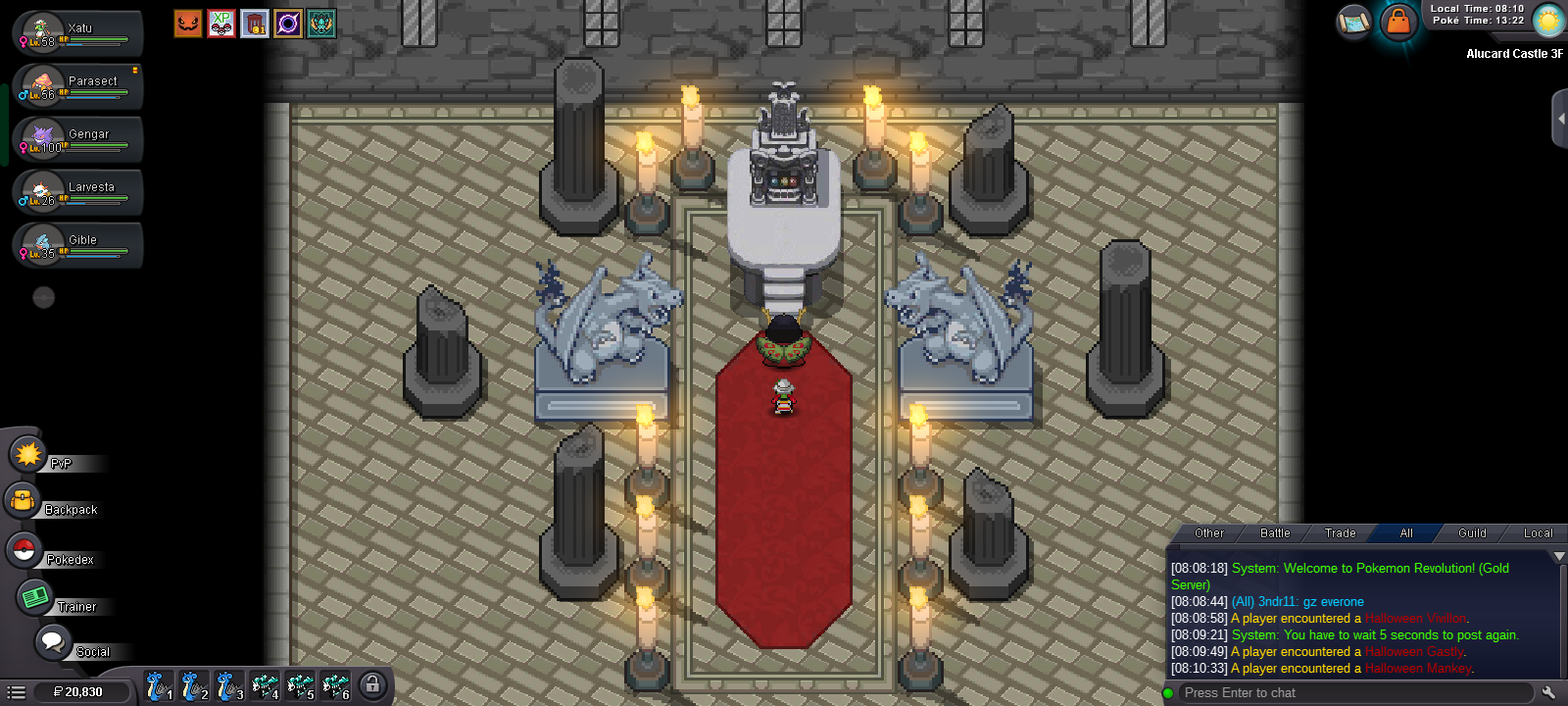
 Sir I just complete darkrai quist , then I go tho catch my darkrai so I first take my sync pokemon. Then I was fight suddenly my game back/crash So what i do now I got darkrai or not ?
.png.31a91d9e04a546c9a9511f454446df35.png)
.png.1c23b2e768769af60bd54d92d6e15c1e.png)
Account
Navigation
Search
Configure browser push notifications
Chrome (Android)
- Tap the lock icon next to the address bar.
- Tap Permissions → Notifications.
- Adjust your preference.
Chrome (Desktop)
- Click the padlock icon in the address bar.
- Select Site settings.
- Find Notifications and adjust your preference.
Safari (iOS 16.4+)
- Ensure the site is installed via Add to Home Screen.
- Open Settings App → Notifications.
- Find your app name and adjust your preference.
Safari (macOS)
- Go to Safari → Preferences.
- Click the Websites tab.
- Select Notifications in the sidebar.
- Find this website and adjust your preference.
Edge (Android)
- Tap the lock icon next to the address bar.
- Tap Permissions.
- Find Notifications and adjust your preference.
Edge (Desktop)
- Click the padlock icon in the address bar.
- Click Permissions for this site.
- Find Notifications and adjust your preference.
Firefox (Android)
- Go to Settings → Site permissions.
- Tap Notifications.
- Find this site in the list and adjust your preference.
Firefox (Desktop)
- Open Firefox Settings.
- Search for Notifications.
- Find this site in the list and adjust your preference.