New Trade Zone
Trade Zone is now live
Use the new Trade Zone for auctions and instant-price trades so Pokemon and item offers are easy to find.

Gameenjoyer
Registered User
-
Joined
-
Last visited
Everything posted by Gameenjoyer
-
Just tried changing my password to something simple, just alphanumeric, typed in manually rather than saved via my password manager. Looks like that worked! Thanks for your help.
-
Thanks @Adiuvo for your reply. Yes I'm able to log in without any issue to the PRO Dashboard with the same credentials. I have my email and password saved on a password manager so I know they're the same every time. I did also try changing my password a couple days ago, still no luck logging in. Anything else you can think of?
-
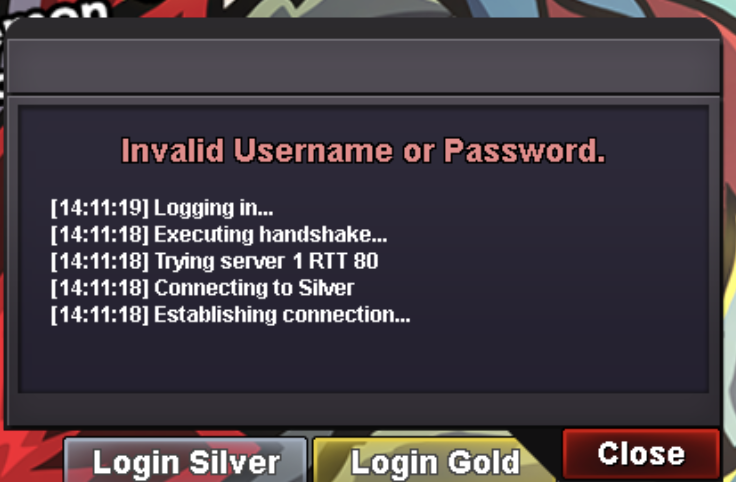
Hi, I recently made an account and downloaded the PRO client. I can't log in at all whether I click Login Silver or Login Gold. I've checked my username/password and they're correct (same credentials log me into my account online just fine). Each time I try to log in I get "Invalid Username or Password". Any solutions or am I doing something wrong?