




New Trade Zone
Trade Zone is now live
Use the new Trade Zone for auctions and instant-price trades so Pokemon and item offers are easy to find.

Ngurs900
Registered User
-
Joined
-
Last visited
Everything posted by Ngurs900
-
Just wanted to throw in 2 more
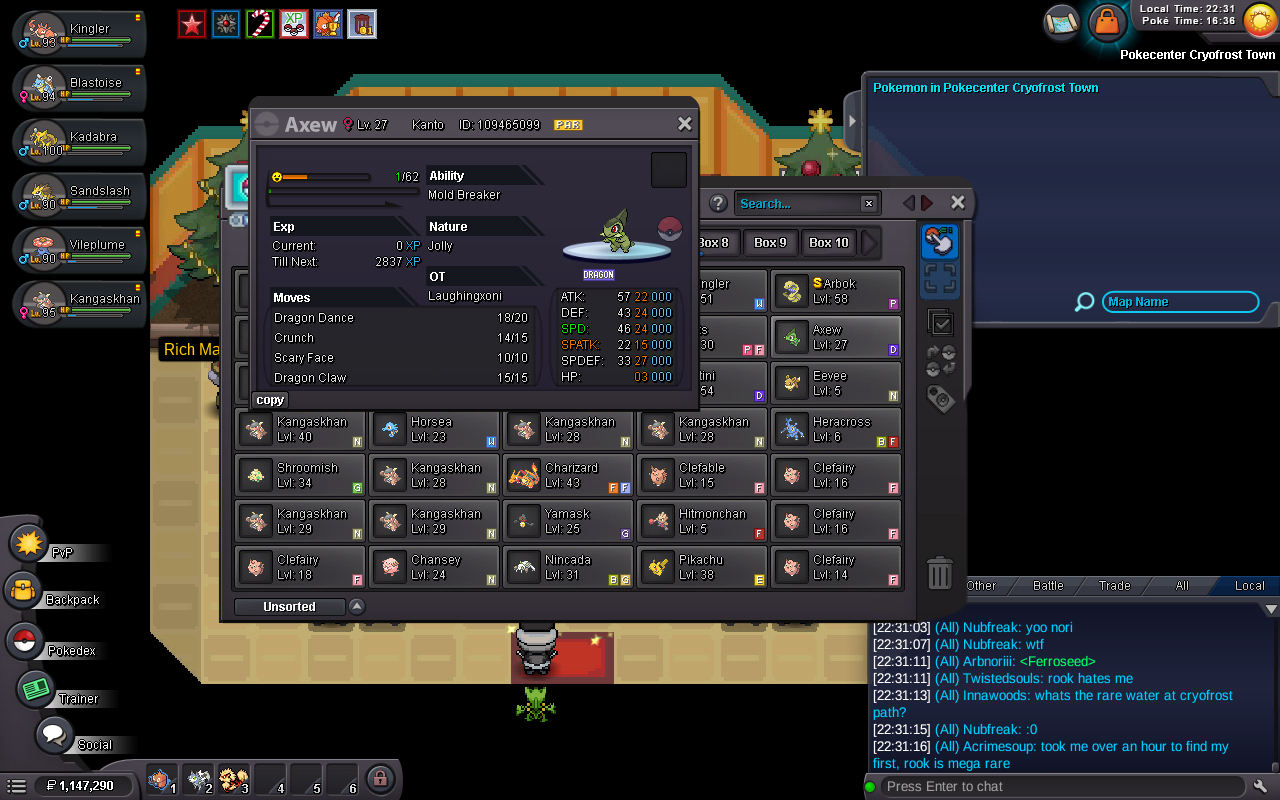
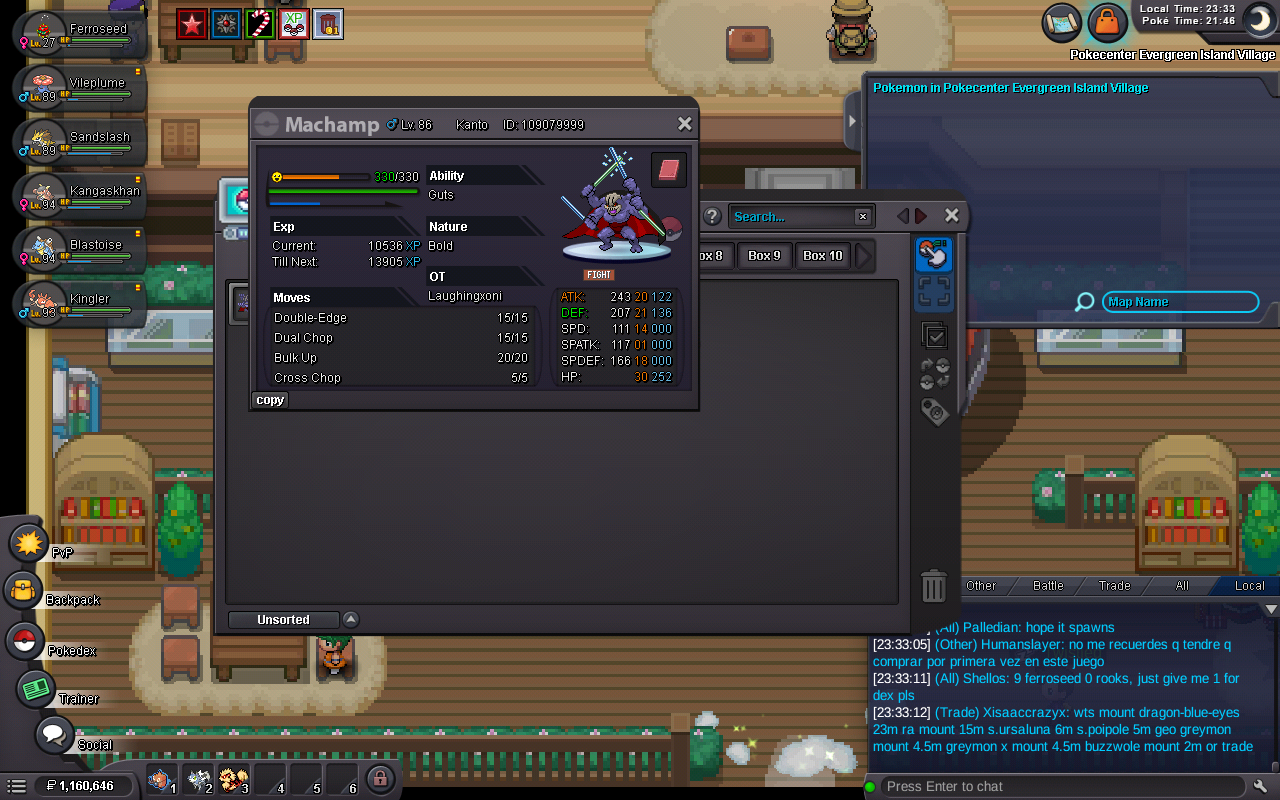
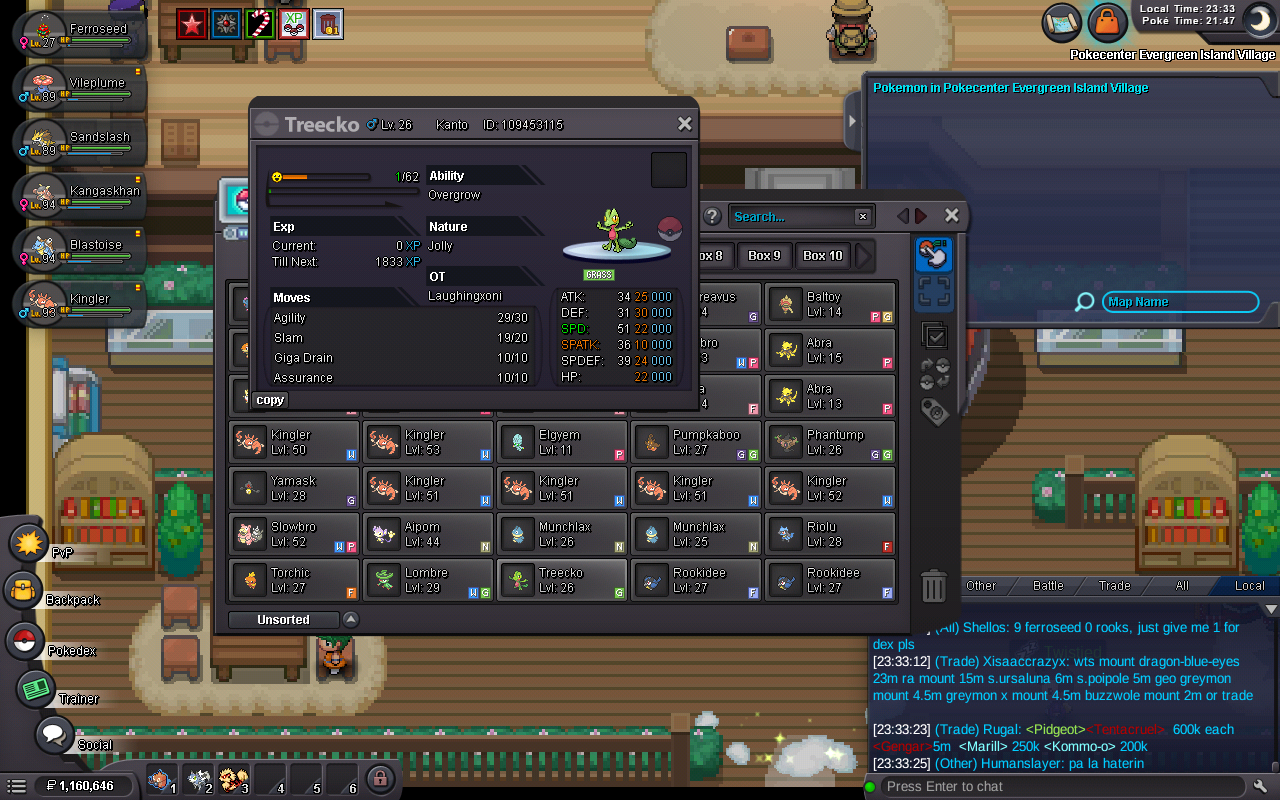
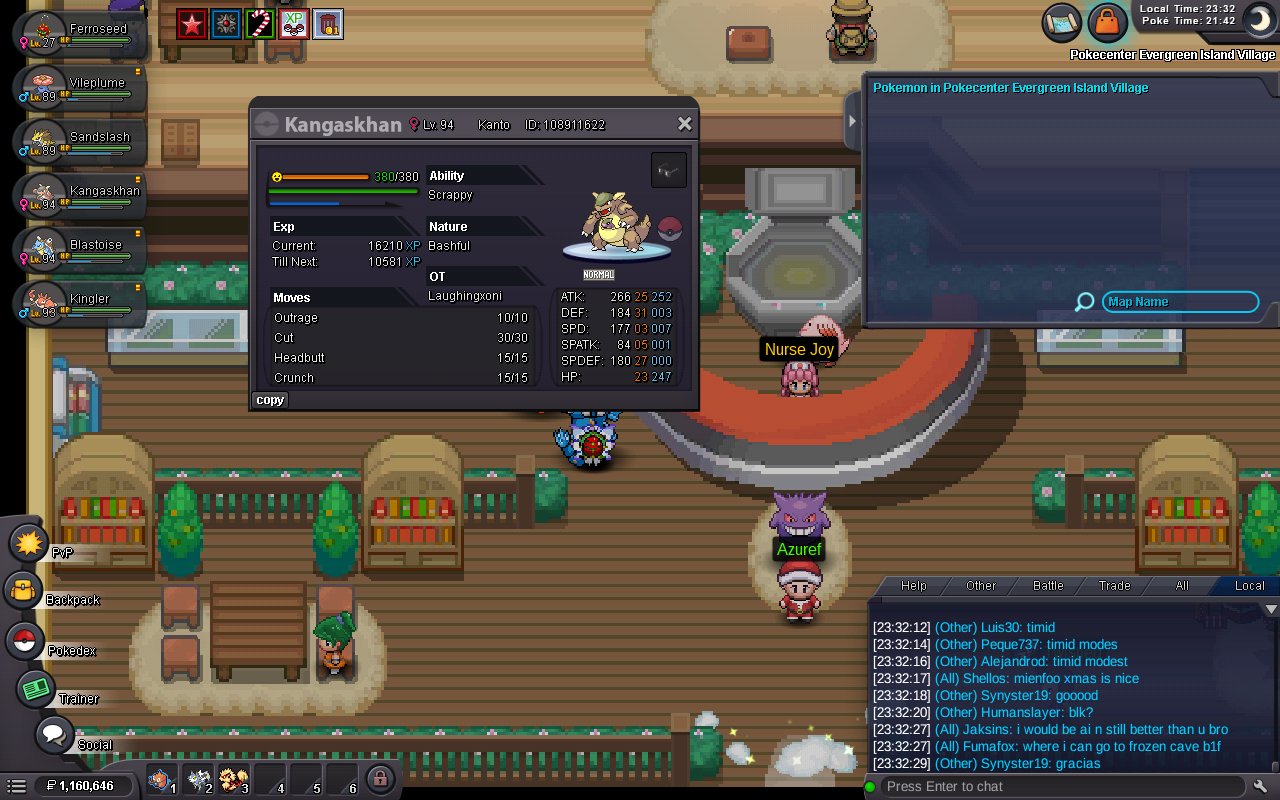
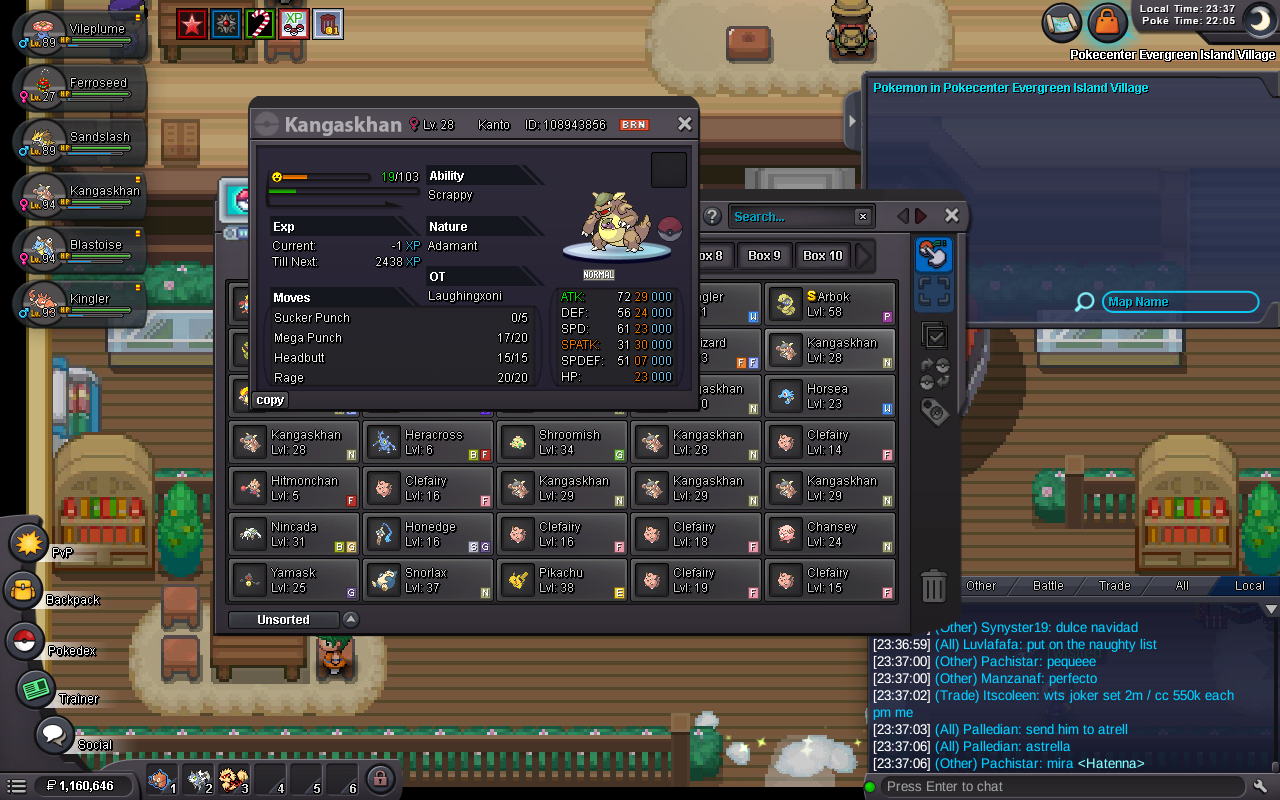
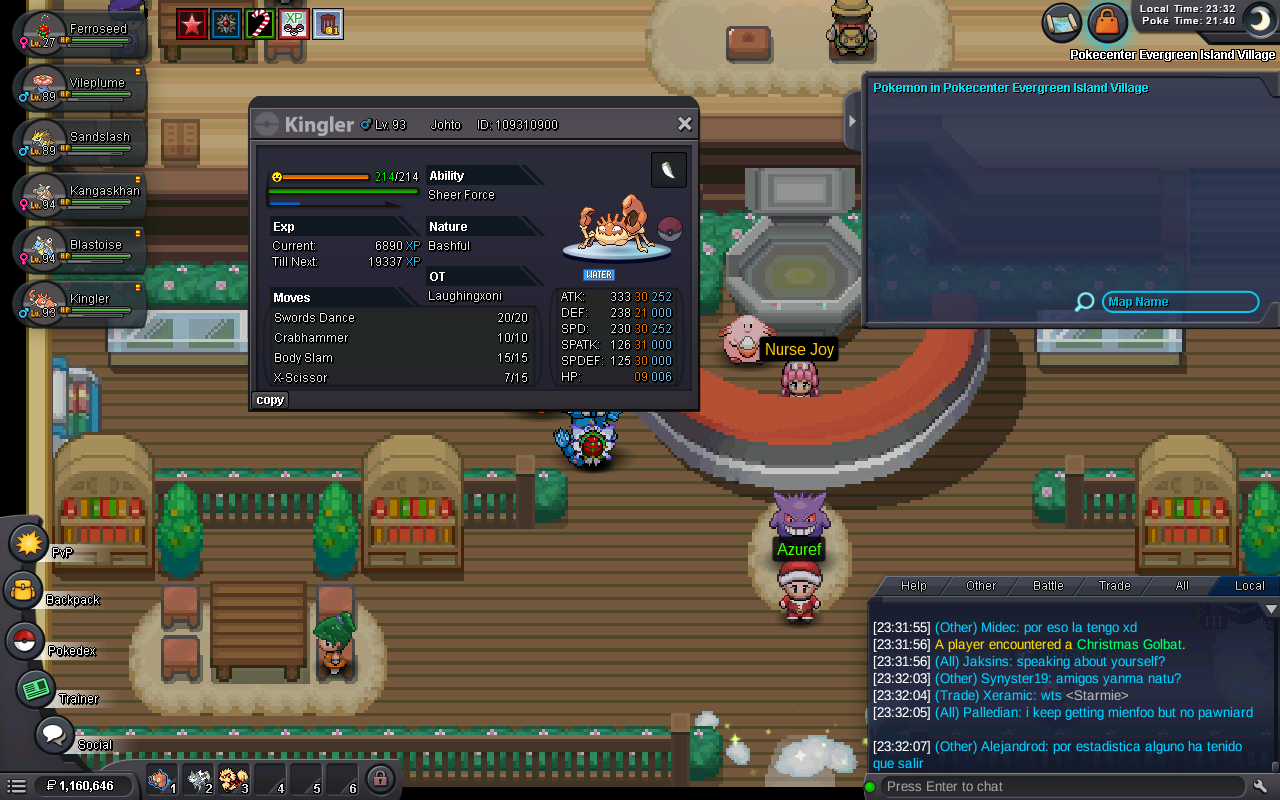
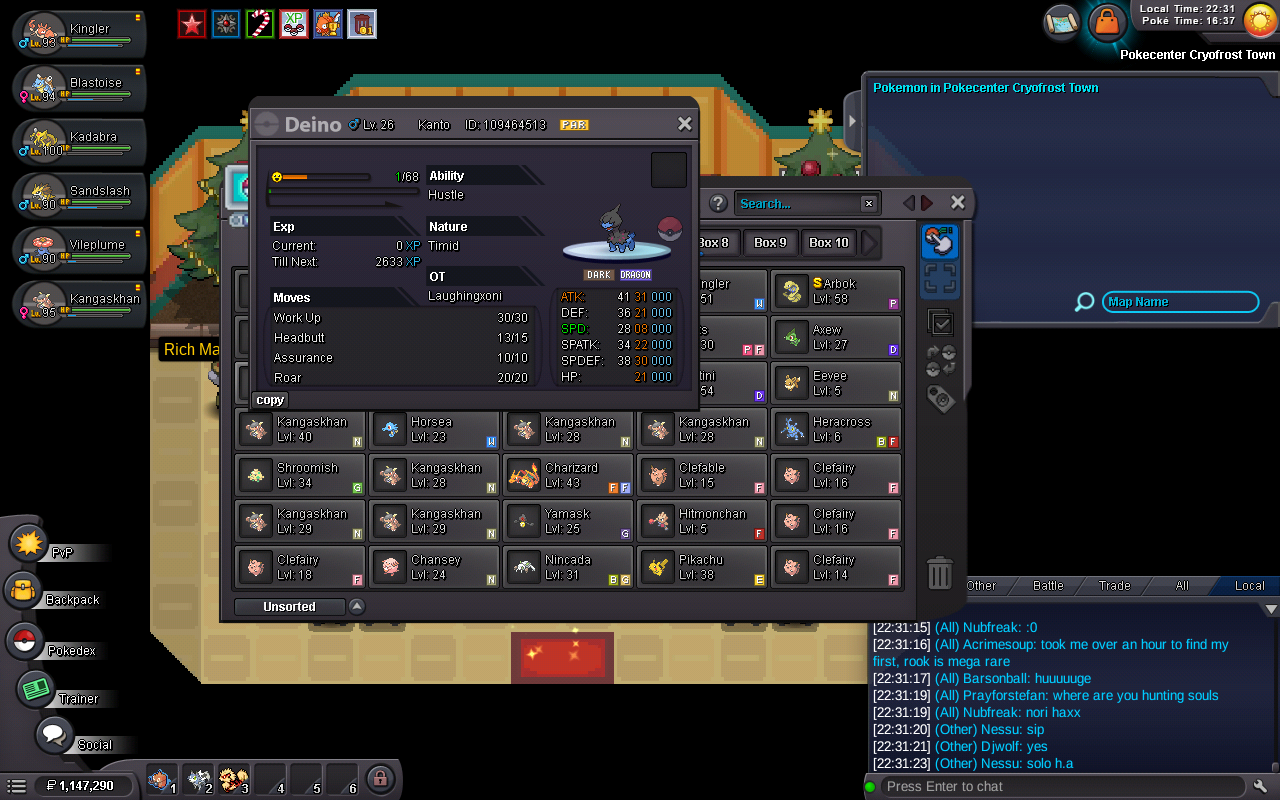 Price check on Xmas/sw and some other Pokémon with decent pokes(not including items)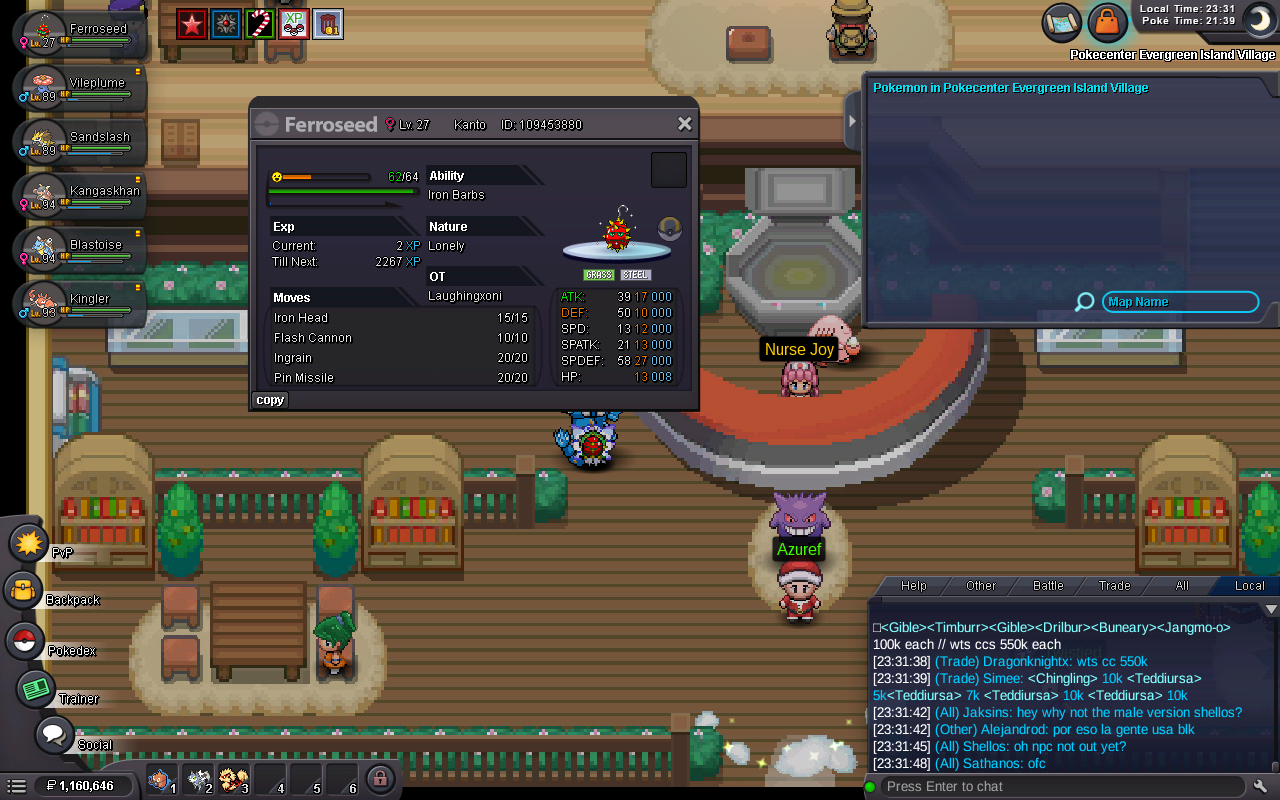
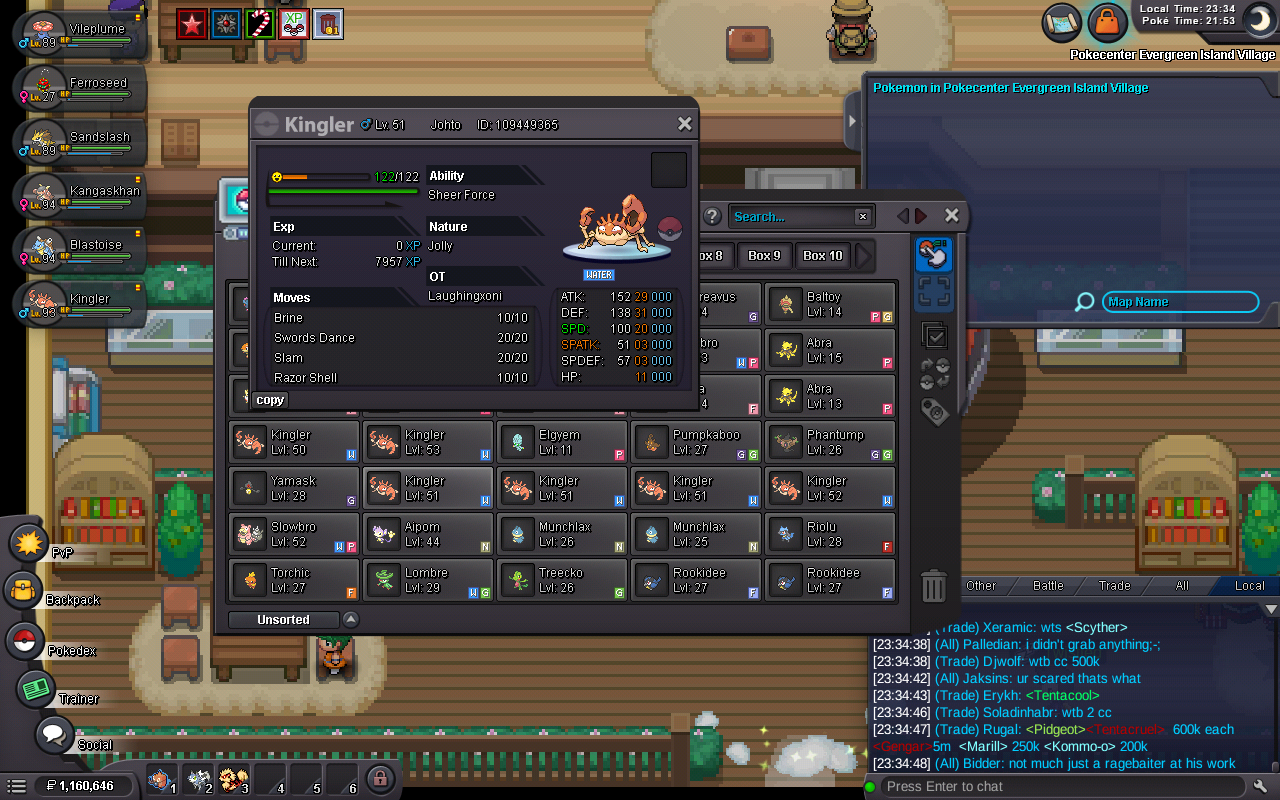
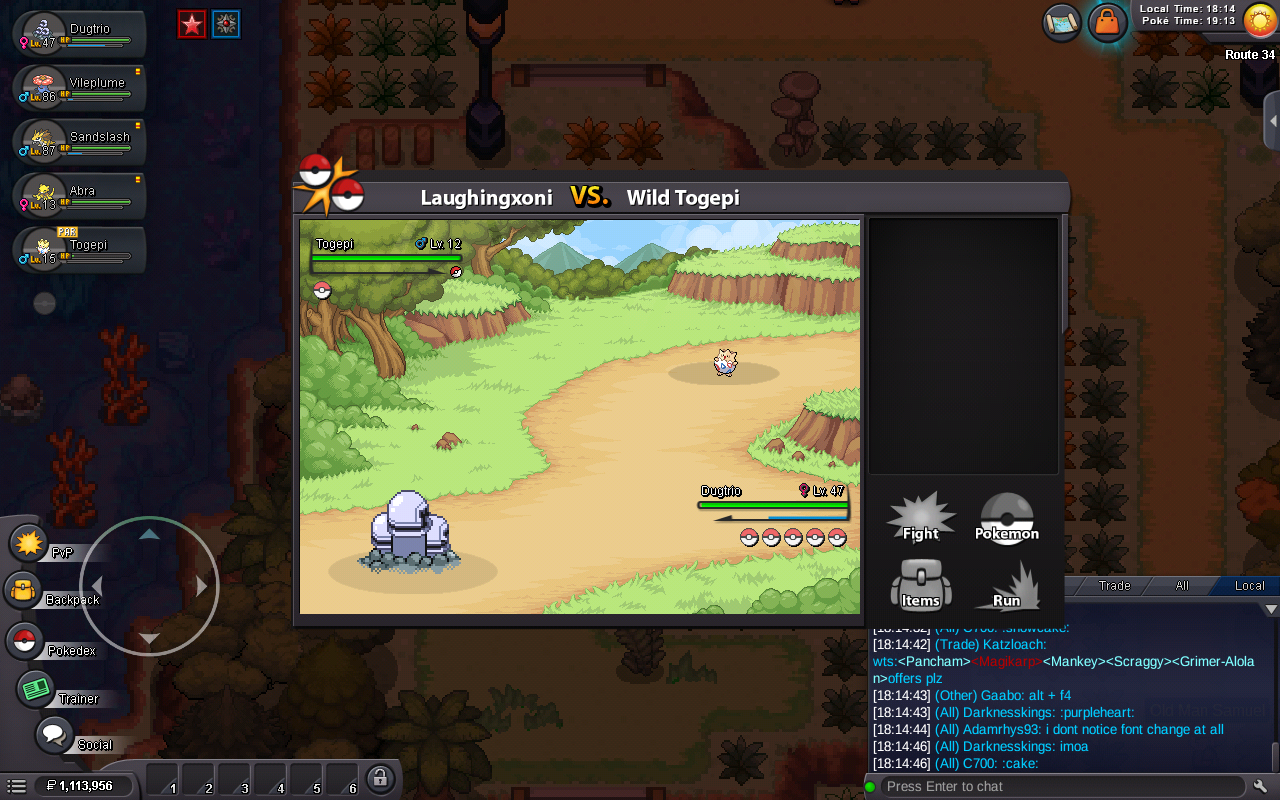
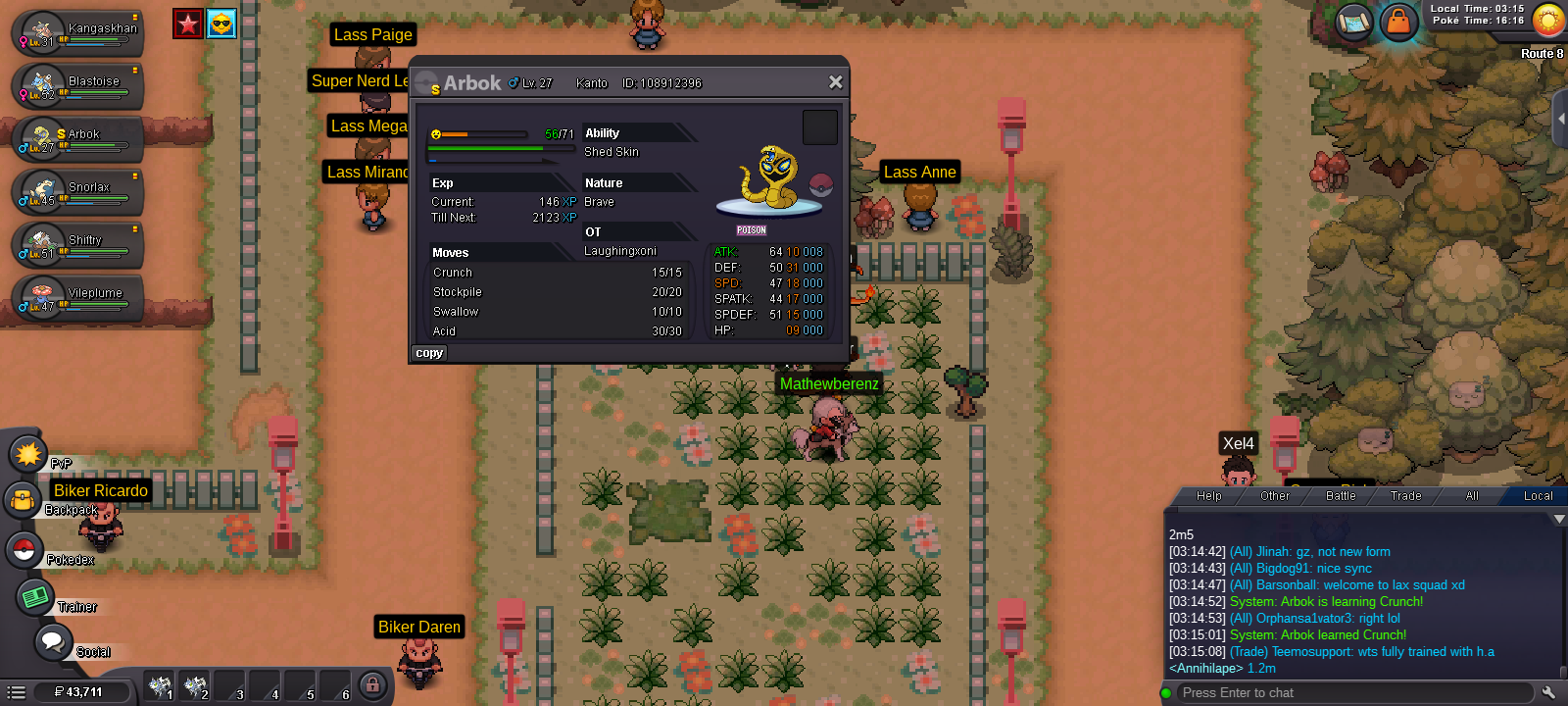
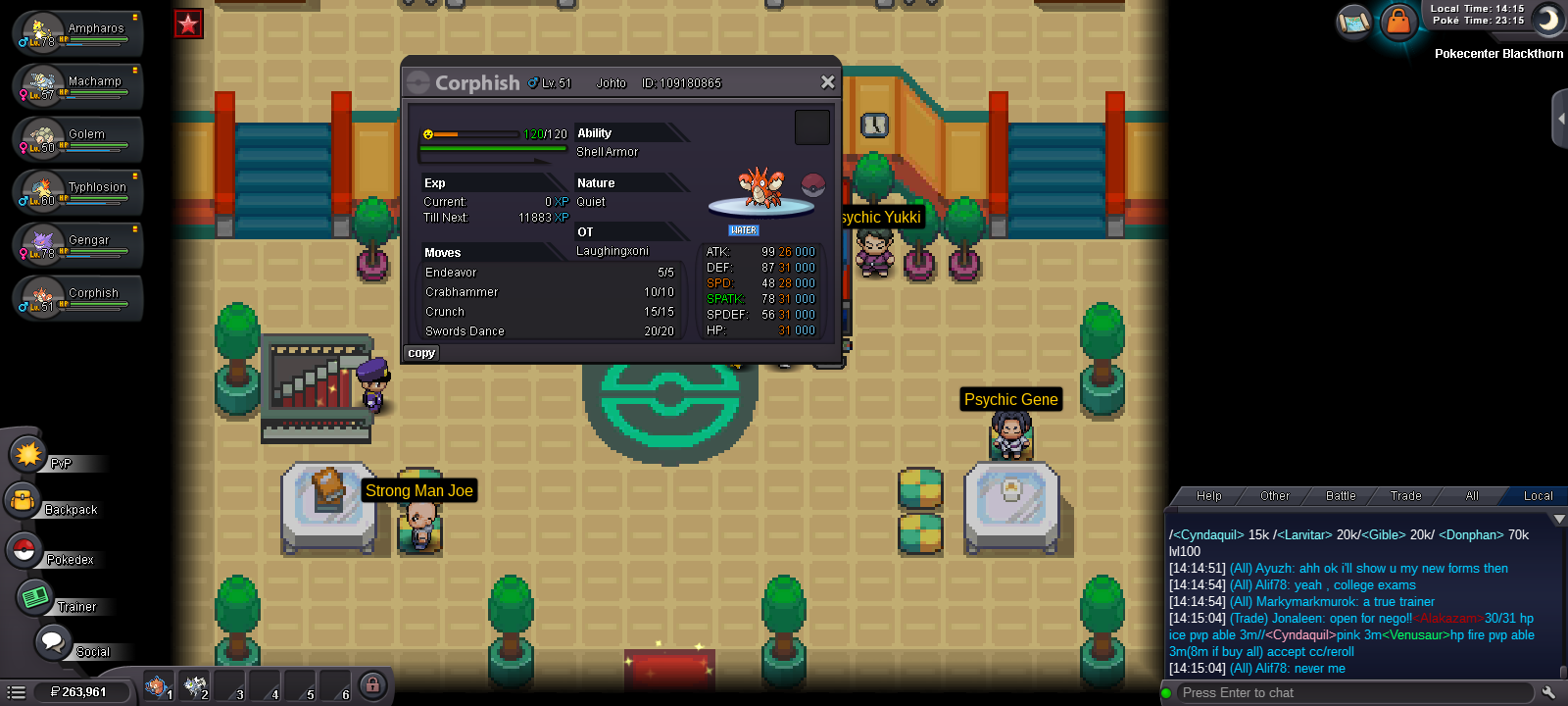
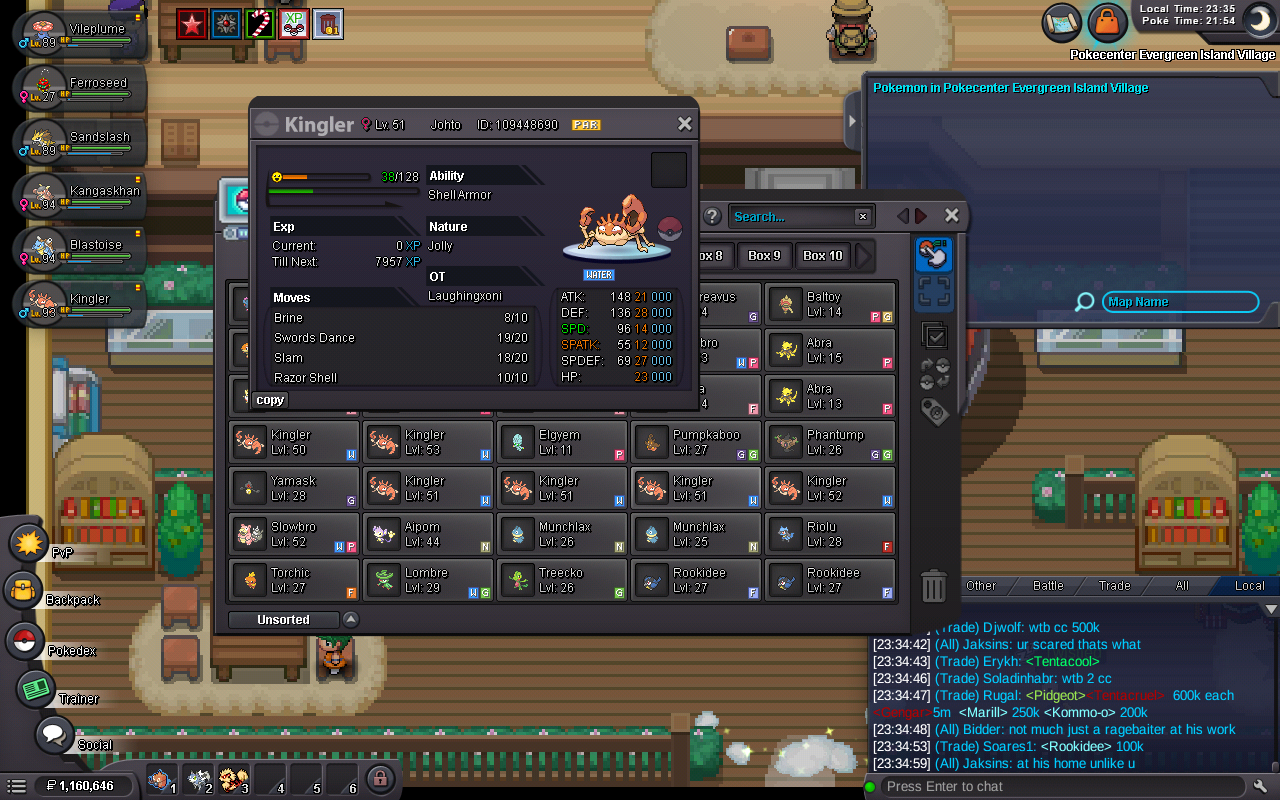 Ok np and thank you for quick responseLike to add I can not play while it's doing this auto walking thing cause it's too annoyingAfter every battle my character auto walks in 1 direction(which ever direction I was facing at start of battle) As you can see in the screenshot up is highlighted This has only started happening since today's update
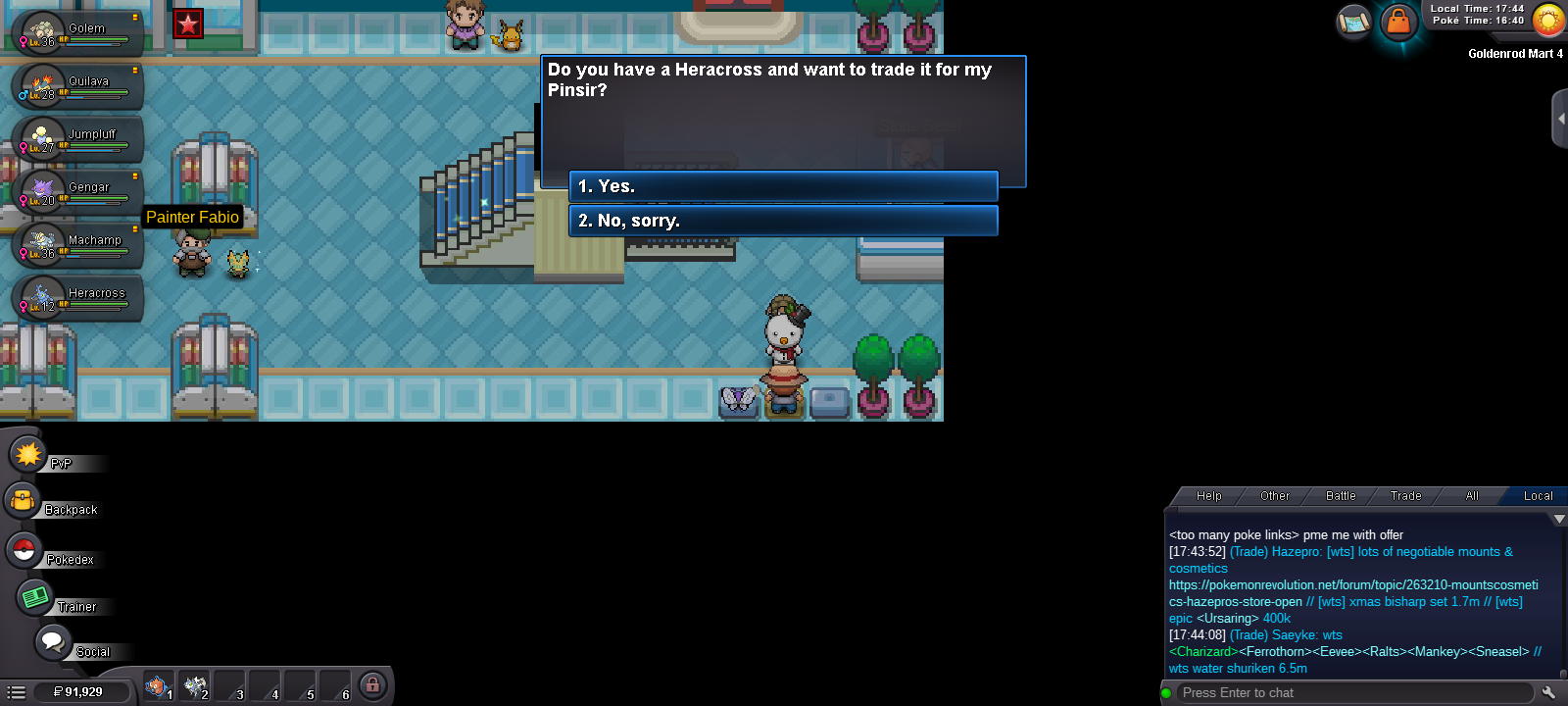
 Another that I see not listed(even Google says there is no such trade
 Ok thanks for replyingAnd this shiny Thanks
 New player so wanted to know if this Ditto is worth anything all 20+ ivs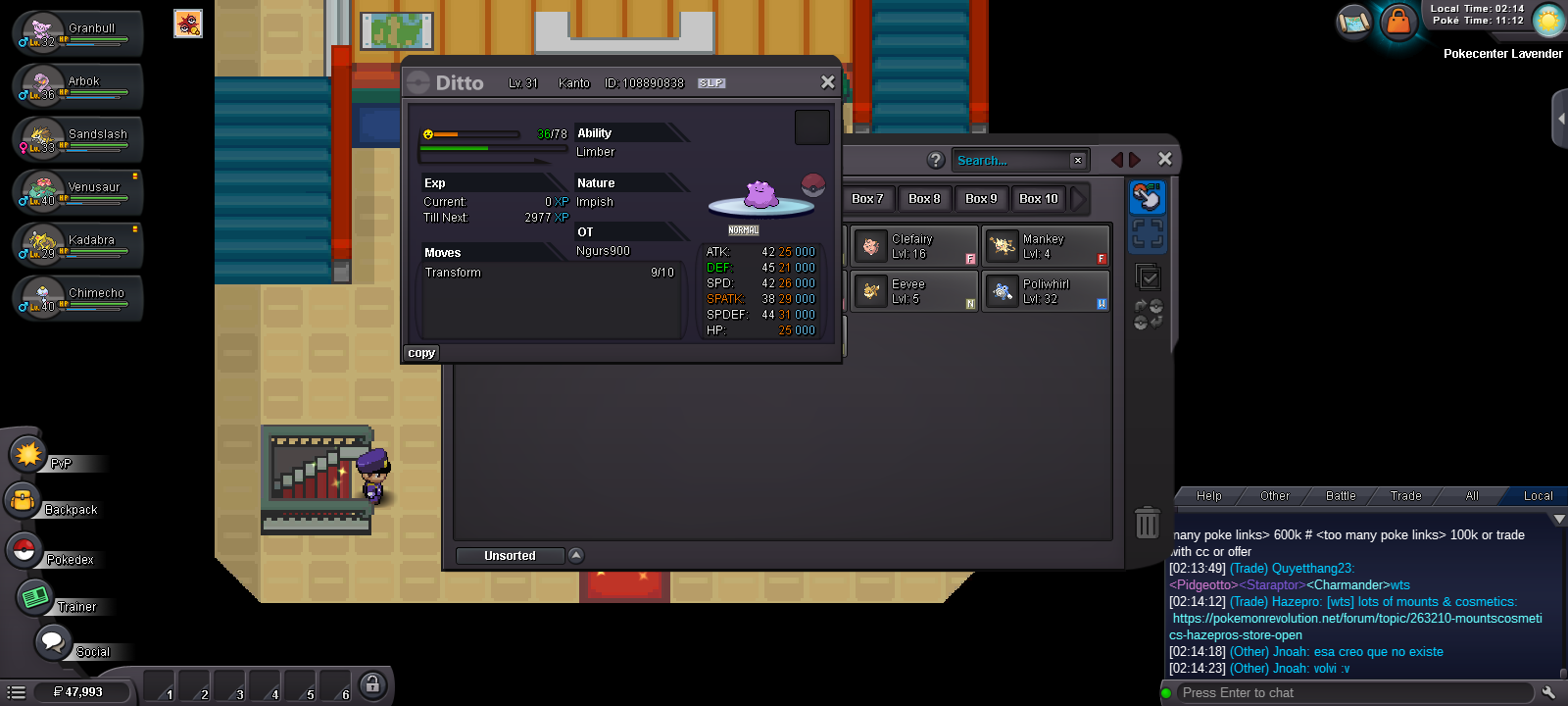
Account
Navigation
Search
Configure browser push notifications
Chrome (Android)
- Tap the lock icon next to the address bar.
- Tap Permissions → Notifications.
- Adjust your preference.
Chrome (Desktop)
- Click the padlock icon in the address bar.
- Select Site settings.
- Find Notifications and adjust your preference.
Safari (iOS 16.4+)
- Ensure the site is installed via Add to Home Screen.
- Open Settings App → Notifications.
- Find your app name and adjust your preference.
Safari (macOS)
- Go to Safari → Preferences.
- Click the Websites tab.
- Select Notifications in the sidebar.
- Find this website and adjust your preference.
Edge (Android)
- Tap the lock icon next to the address bar.
- Tap Permissions.
- Find Notifications and adjust your preference.
Edge (Desktop)
- Click the padlock icon in the address bar.
- Click Permissions for this site.
- Find Notifications and adjust your preference.
Firefox (Android)
- Go to Settings → Site permissions.
- Tap Notifications.
- Find this site in the list and adjust your preference.
Firefox (Desktop)
- Open Firefox Settings.
- Search for Notifications.
- Find this site in the list and adjust your preference.