




New Trade Zone
Trade Zone is now live
Use the new Trade Zone for auctions and instant-price trades so Pokemon and item offers are easy to find.


Xeonlll
Registered User
-
Joined
-
Last visited
-
Trade completed
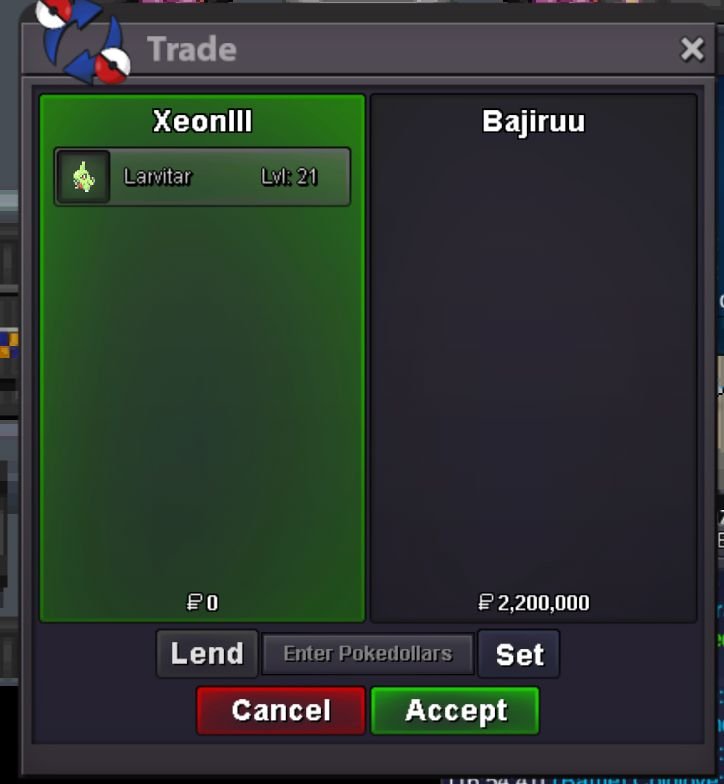
-
@Bajiruu Congratulations, you've won the auction for this larvitar.Please contact me in game (Xeonlll) to complete the trade.
-
Accept Payment: Pokedollars,Coin Capsules (1 CC=500k) Start Price:800k Min Bid:100k Insta:N/A End Point:48 hours after initial bid C.O:2.2m by Bajiruu This is a silver Server auction.You may bid from other server but you must transfer to silver Server upon winning the auction. You can place bids here or in game.The 15 Minute rule will go into effect if a bid is placed in the last 15 minutes. The auction ends in: Good luck!
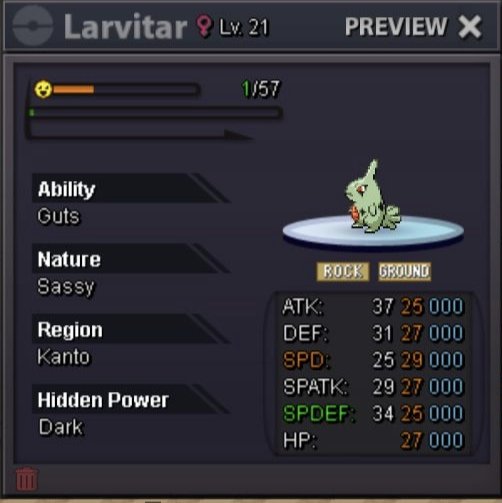 trade complete
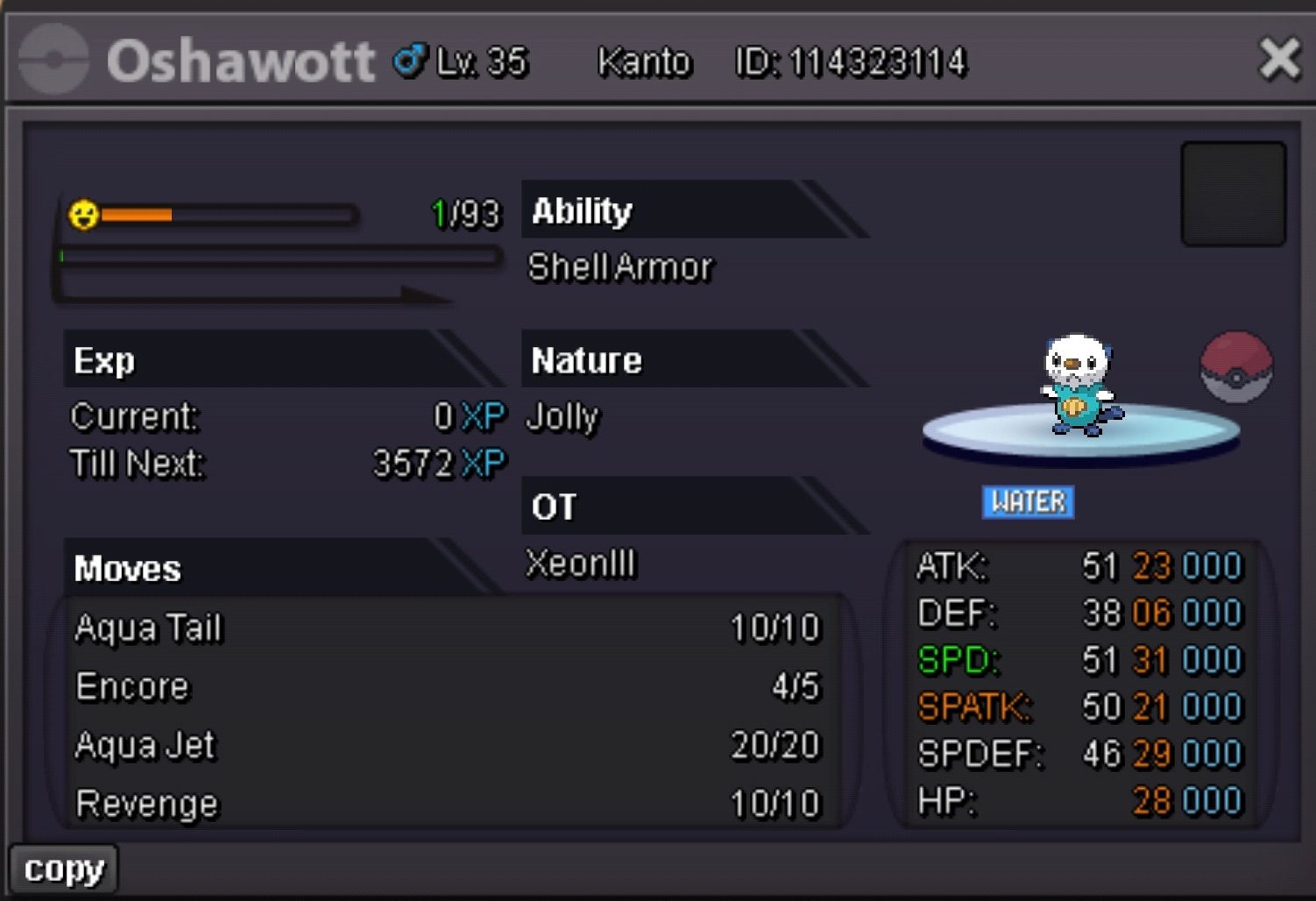
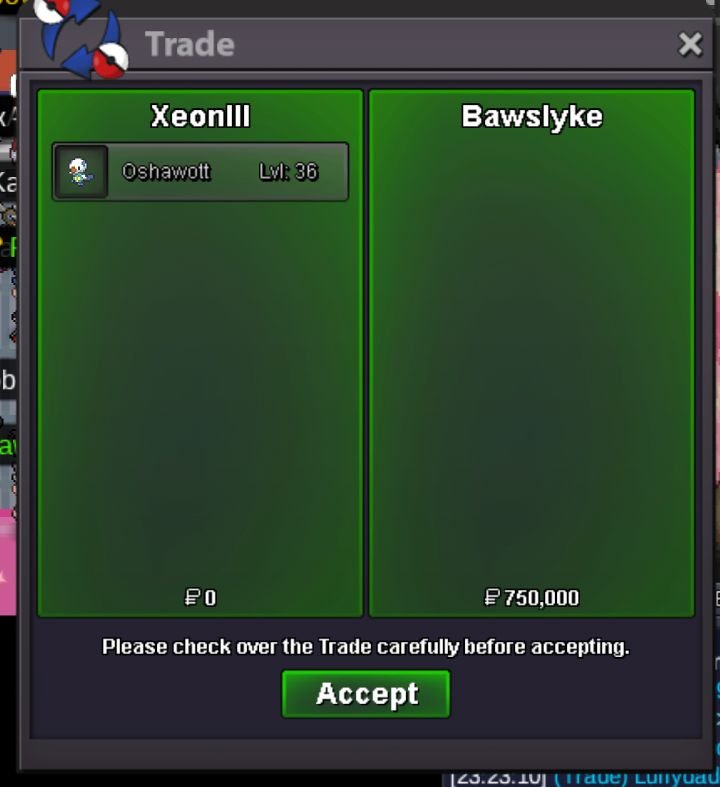 Ok, I'll wait for you at vermi PChaha,that's a pity.@LykabawsCongratulations, you've won the auction for this Oshawott.Please contact me in game (Xeonlll) to complete the trade.Accept Payment: Pokedollars,Coin Capsules (1 CC=500k) Start Price:50k Min Bid:100k Insta:N/A End Point:24 hours after initial bid
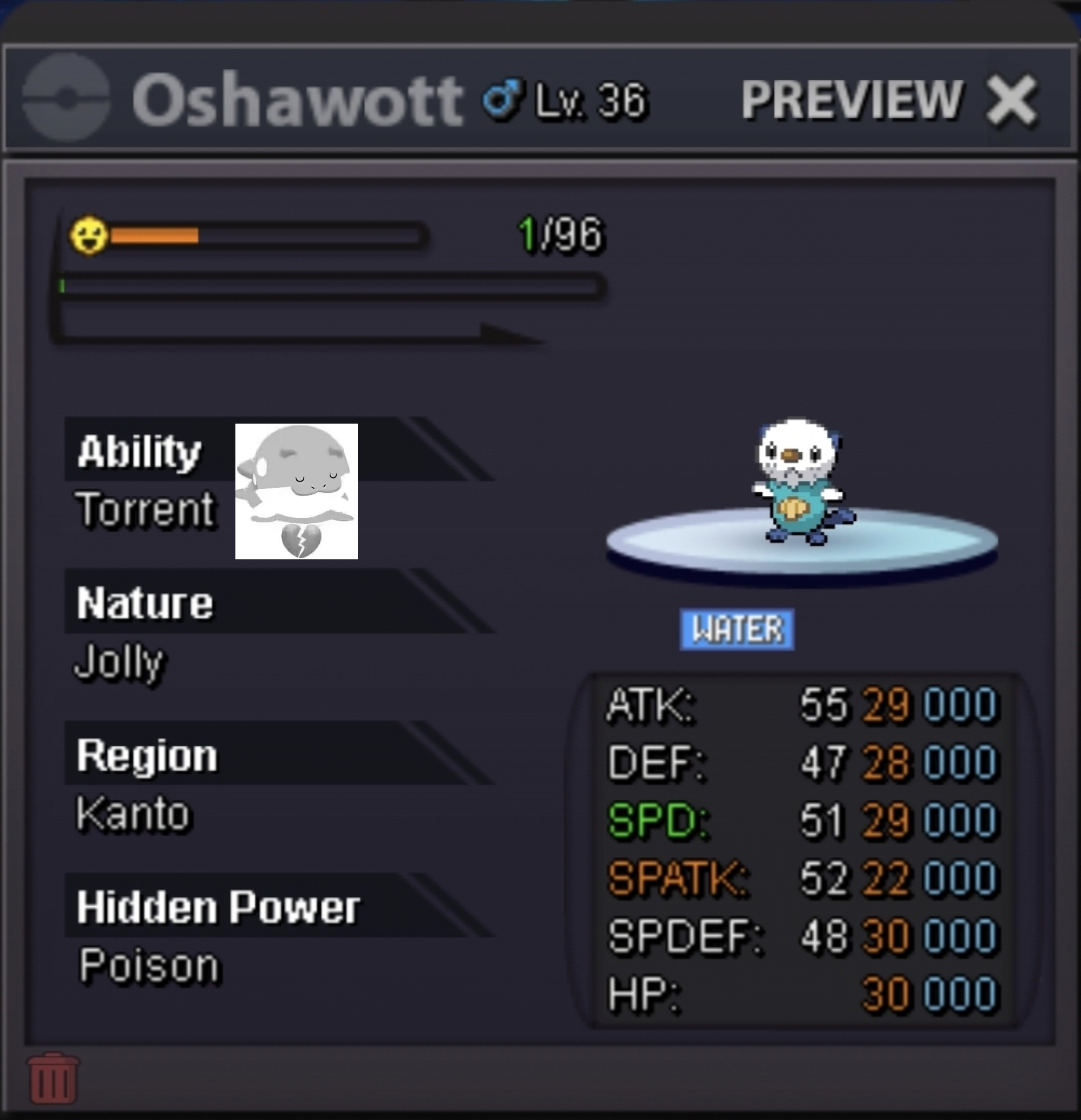 Trade completed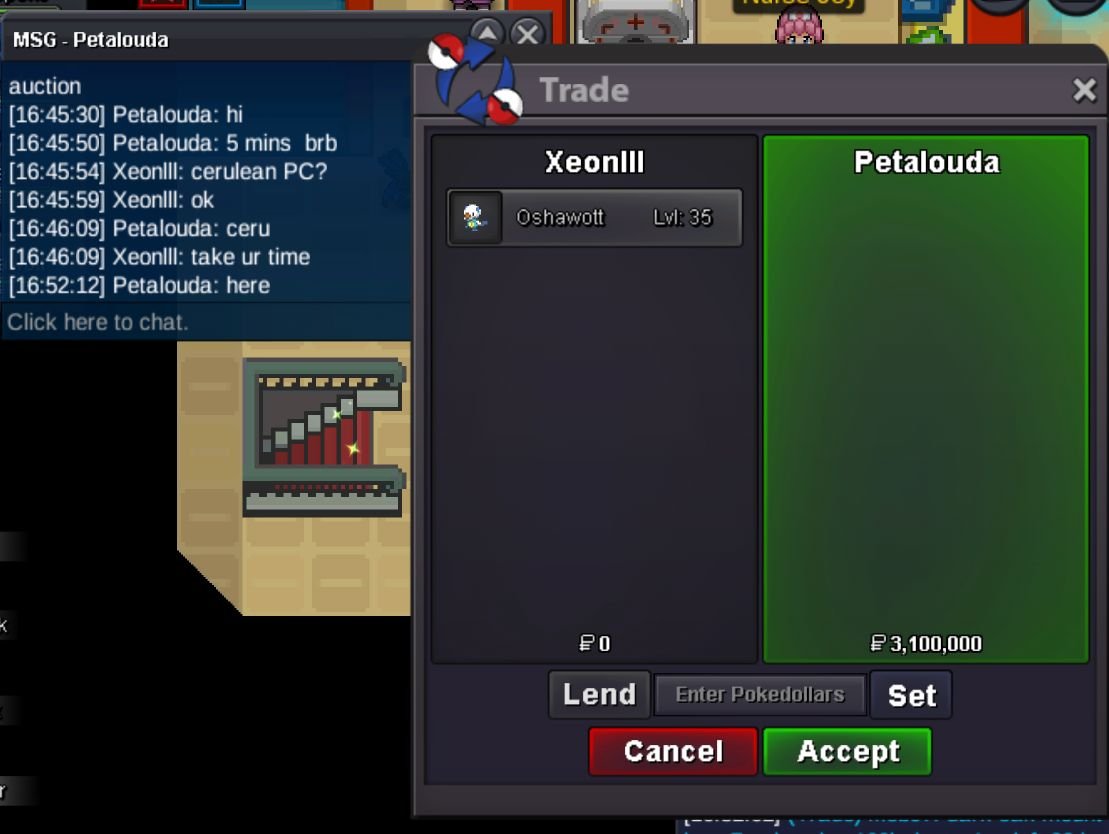
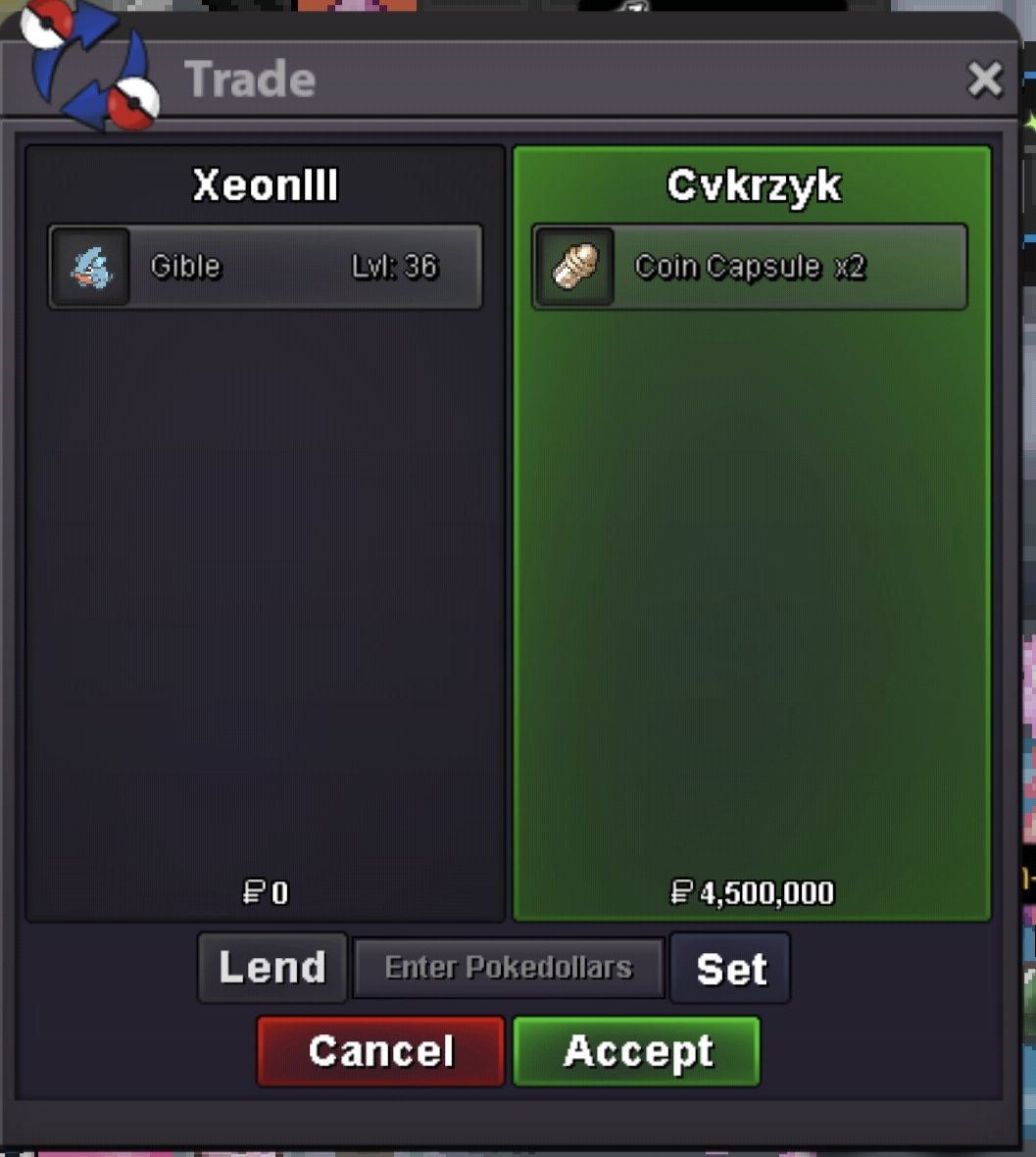 @PetaloudaCongratulations, you've won the auction for this Oshawott.Please contact me in game (Xeonlll) to complete the trade.
 @Cvkrzyk Congratulations, you've won the auction for this Gible.Please contact me in game (Xeonlll) to complete the trade.
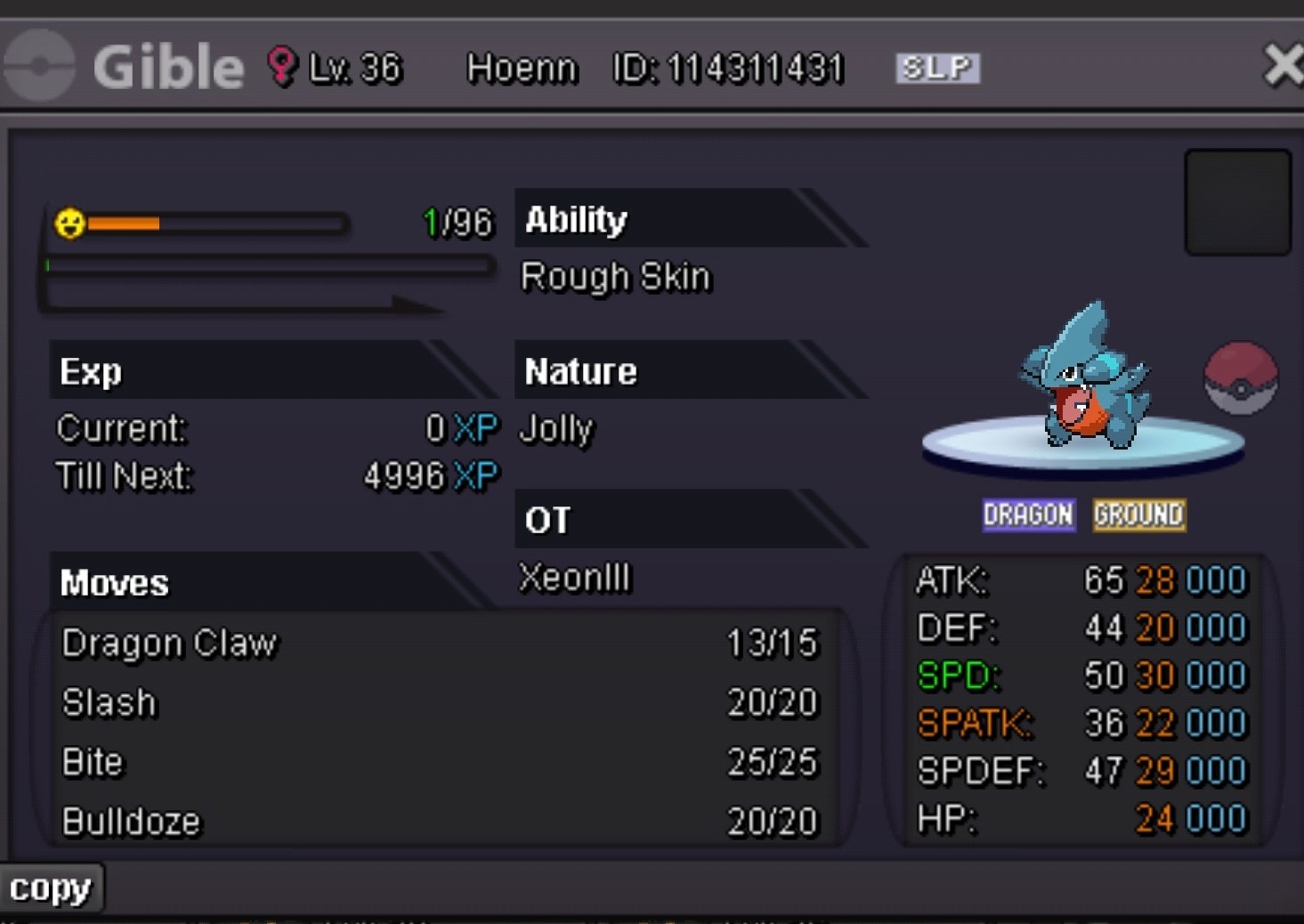 Trade completed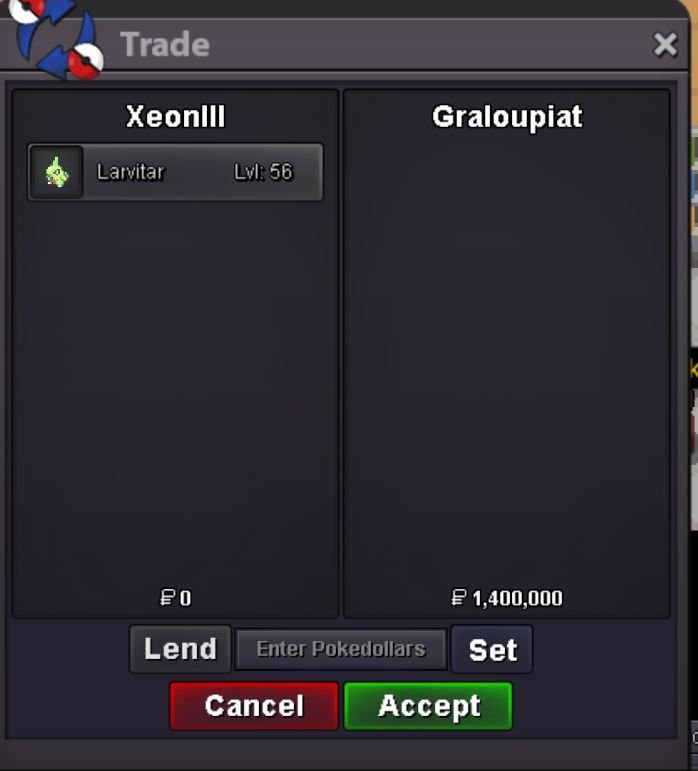



Account
Navigation
Search
Configure browser push notifications
Chrome (Android)
- Tap the lock icon next to the address bar.
- Tap Permissions → Notifications.
- Adjust your preference.
Chrome (Desktop)
- Click the padlock icon in the address bar.
- Select Site settings.
- Find Notifications and adjust your preference.
Safari (iOS 16.4+)
- Ensure the site is installed via Add to Home Screen.
- Open Settings App → Notifications.
- Find your app name and adjust your preference.
Safari (macOS)
- Go to Safari → Preferences.
- Click the Websites tab.
- Select Notifications in the sidebar.
- Find this website and adjust your preference.
Edge (Android)
- Tap the lock icon next to the address bar.
- Tap Permissions.
- Find Notifications and adjust your preference.
Edge (Desktop)
- Click the padlock icon in the address bar.
- Click Permissions for this site.
- Find Notifications and adjust your preference.
Firefox (Android)
- Go to Settings → Site permissions.
- Tap Notifications.
- Find this site in the list and adjust your preference.
Firefox (Desktop)
- Open Firefox Settings.
- Search for Notifications.
- Find this site in the list and adjust your preference.