New Trade Zone
Trade Zone is now live
Use the new Trade Zone for auctions and instant-price trades so Pokemon and item offers are easy to find.

Joksch96
Registered User
-
Joined
-
Last visited
Everything posted by Joksch96
-
thought its silver server my bad
-
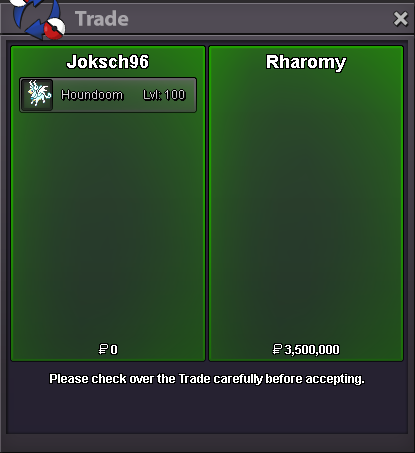
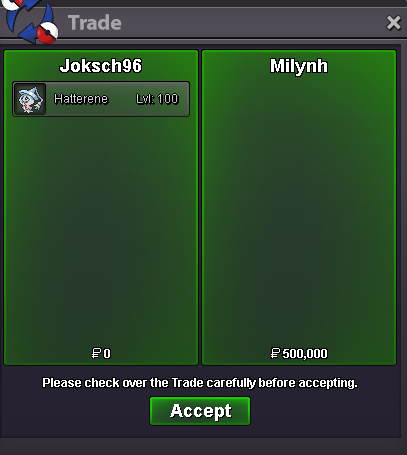
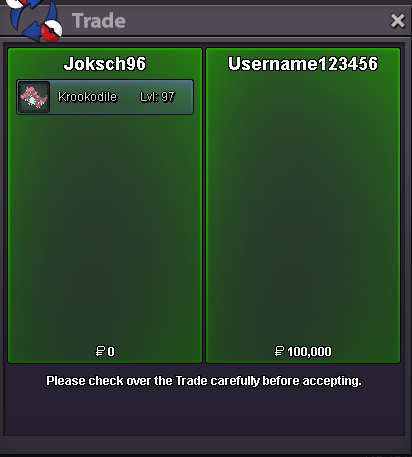
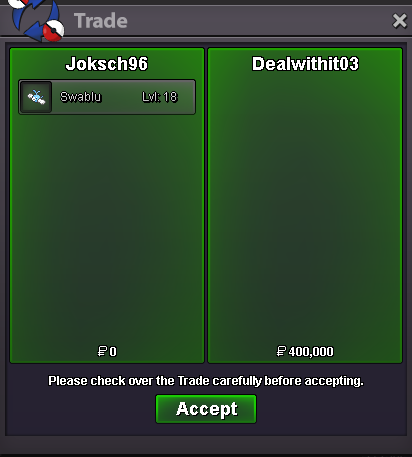
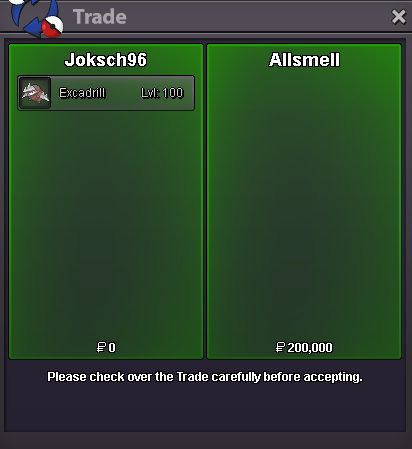
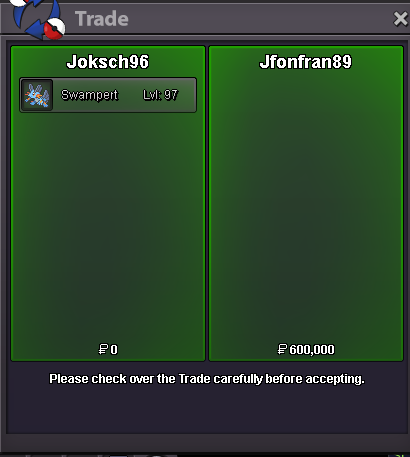
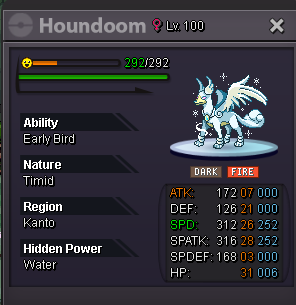
Congratulations @Rharomy u won 🙂BumpAs its a mandatory rule in Pro there is always the 15mins extension active so yes it had to be extended by 15 minutes@Username123456 Congratulations u Won Krooko @Allsmell Congratulations u Won Exca @Mindurbusiness Congratulations u Won TTar @Milynh Congratulations u Won Hatterene @Jfonfran89 Congratulations u Won Swampert Meet me ingameStart Offer Houndoom: 3m Min Bid: 500k Length: 48hrs after s.o Accept CC=480k, RR IV=700k
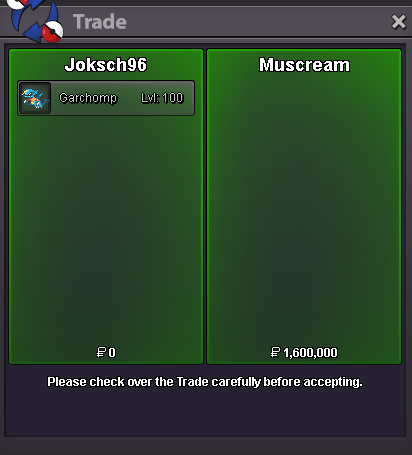
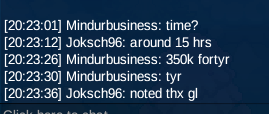
 @Muscream Congratulations you won hit me up ingame 🙂350k ttar
 19hrs left19hrs left500k hatterene
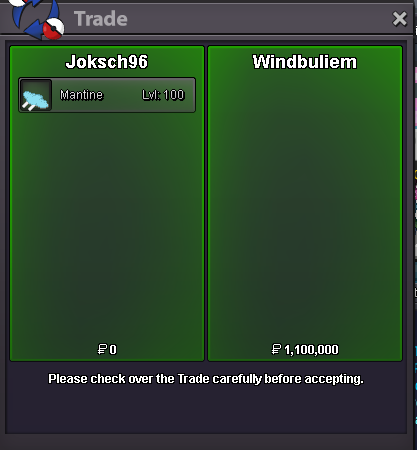
 start all transfer if winCongratulations @Windbuliem You won Meet me ingame 😃3.02m
Account
Navigation
Search
Configure browser push notifications
Chrome (Android)
- Tap the lock icon next to the address bar.
- Tap Permissions → Notifications.
- Adjust your preference.
Chrome (Desktop)
- Click the padlock icon in the address bar.
- Select Site settings.
- Find Notifications and adjust your preference.
Safari (iOS 16.4+)
- Ensure the site is installed via Add to Home Screen.
- Open Settings App → Notifications.
- Find your app name and adjust your preference.
Safari (macOS)
- Go to Safari → Preferences.
- Click the Websites tab.
- Select Notifications in the sidebar.
- Find this website and adjust your preference.
Edge (Android)
- Tap the lock icon next to the address bar.
- Tap Permissions.
- Find Notifications and adjust your preference.
Edge (Desktop)
- Click the padlock icon in the address bar.
- Click Permissions for this site.
- Find Notifications and adjust your preference.
Firefox (Android)
- Go to Settings → Site permissions.
- Tap Notifications.
- Find this site in the list and adjust your preference.
Firefox (Desktop)
- Open Firefox Settings.
- Search for Notifications.
- Find this site in the list and adjust your preference.