New Trade Zone
Trade Zone is now live
Use the new Trade Zone for auctions and instant-price trades so Pokemon and item offers are easy to find.

Neexx
Suspended
-
Joined
-
Last visited
-
Bump.
-
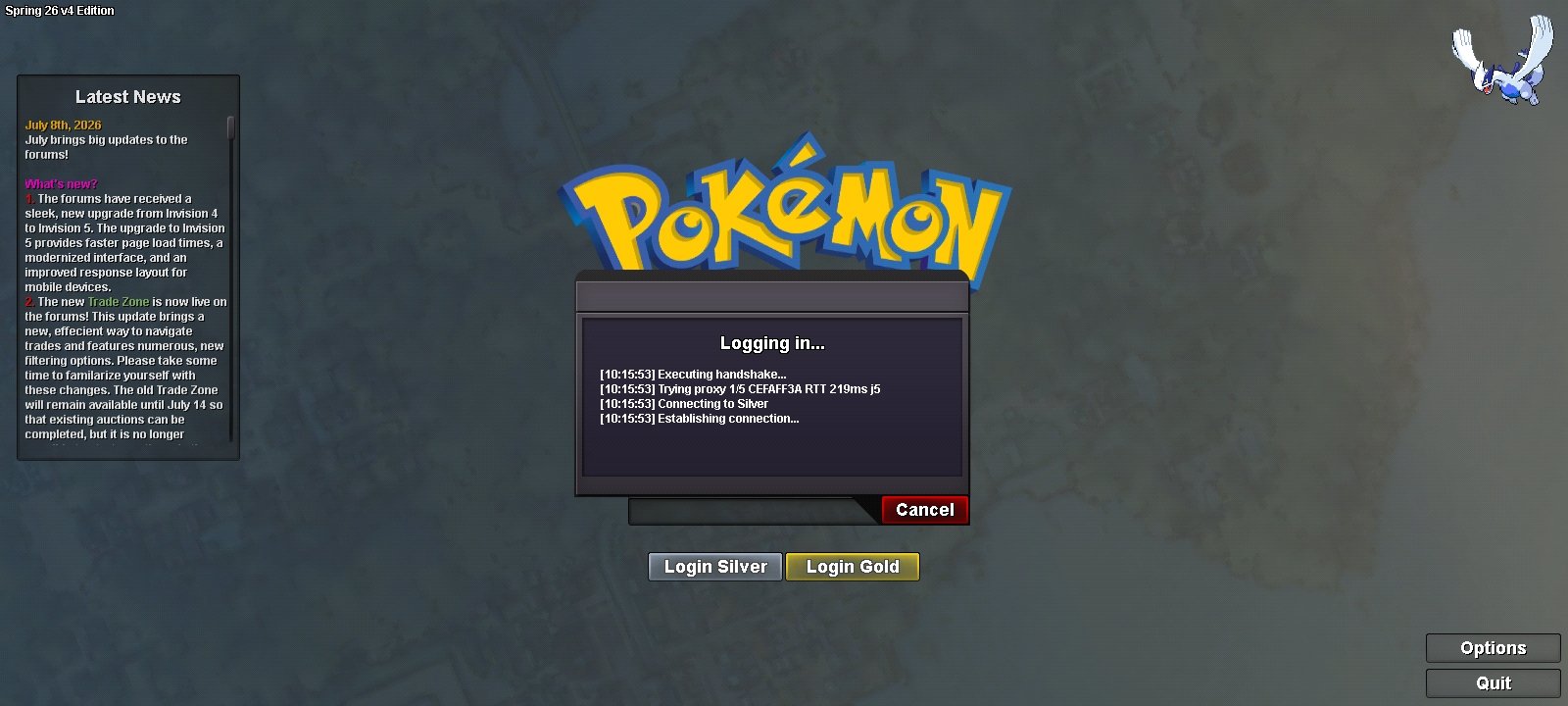
Hello, I got this problem for almost a week. Our home wifi working just fine with other usage but I can't log in in PRO. Although I can log in using my mobile data, but the network is unstable. I think it started during the forum upgrade. Hopefully you can help me with this.
-
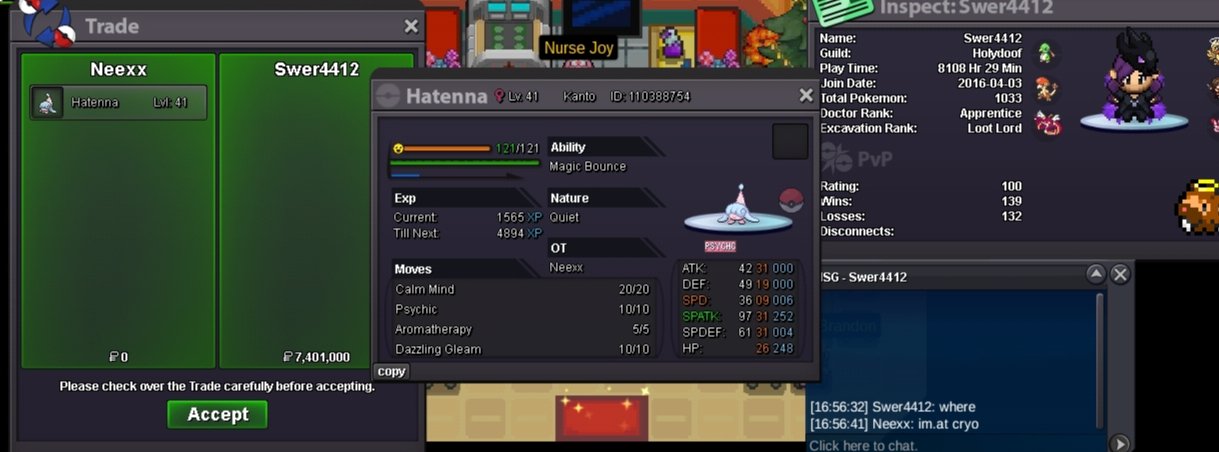
Trade complete.
-
We've got a winner! Congratz Swer4412. Thank you very much for those who participated!
-
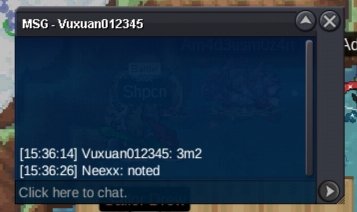
3.2m
-
BUMP
-
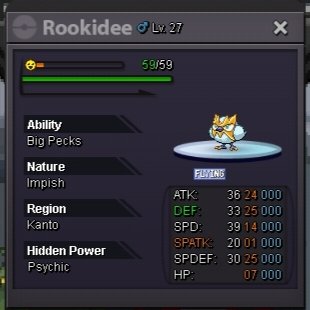
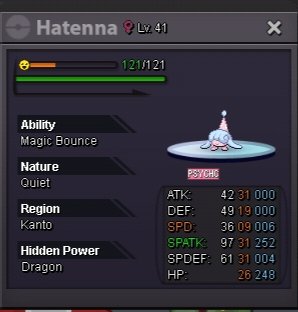
COUTDOWN LINK : https://www.tickcounter.com/countdown/9128367/auction-ends-in S.O 3m Min Bid 200k No Insta Duration: 24hrs after first bid Payment Options: Pokedollars, Coin Capsule (=500k), IV Reroll (=700k), Nature Reroll (350k) NOTE: -All trade/auction rules apply (please read if needed) -This is auction is stationed in GOLD, I can transfer to SILVER if needed -15min rule will apply
-
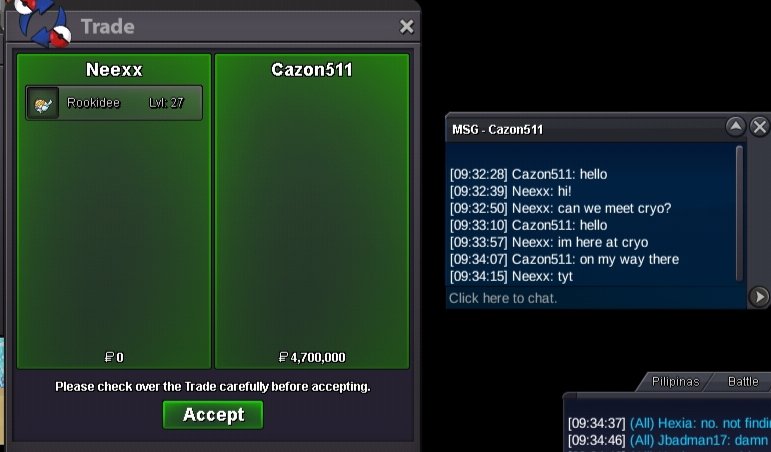
Trade done. Thanks Carzon511 and to all who have participated.
-
Cazon511 won the auction.
-
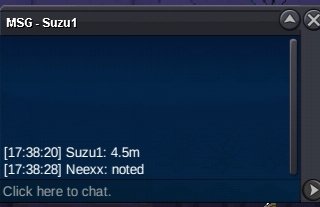
4.5m by Suzu1
-
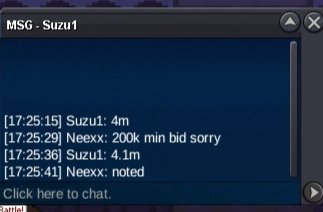
4.1m by Suzu1
-
3.9m by Cazon511
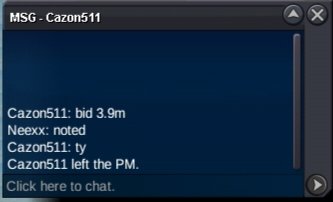
-
BUMP
-
https://www.tickcounter.com/countdown/9049972/auction-ends-in S.O 3m Min Bid 200k Insta 15m Duration: 24hrs after first bid Payment Options: Pokedollars, Coin Capsule (=500k), IV Reroll (=700k), Nature Reroll (350k) NOTE: -All trade/auction rules apply (please read if needed) -This is GOLD auction, SILVER bidder will have to transfer upon winning -15min rule will apply