




New Trade Zone
Trade Zone is now live
Use the new Trade Zone for auctions and instant-price trades so Pokemon and item offers are easy to find.

Invalidred007
Registered User
-
Joined
-
Last visited
Everything posted by Invalidred007
-
can any mod please see what the issue here i am unable to play at all
-
no its not because of the server imbalance its something else i am sure of it because currently is happening to me a lot i can stay online only for 4-5min then it dissconects for a long time now and i cant login back for some time and playerrs in each server are very low 330 around same in both of them
-
and also i have deleted client and tried reinstalling to it didnot work
-
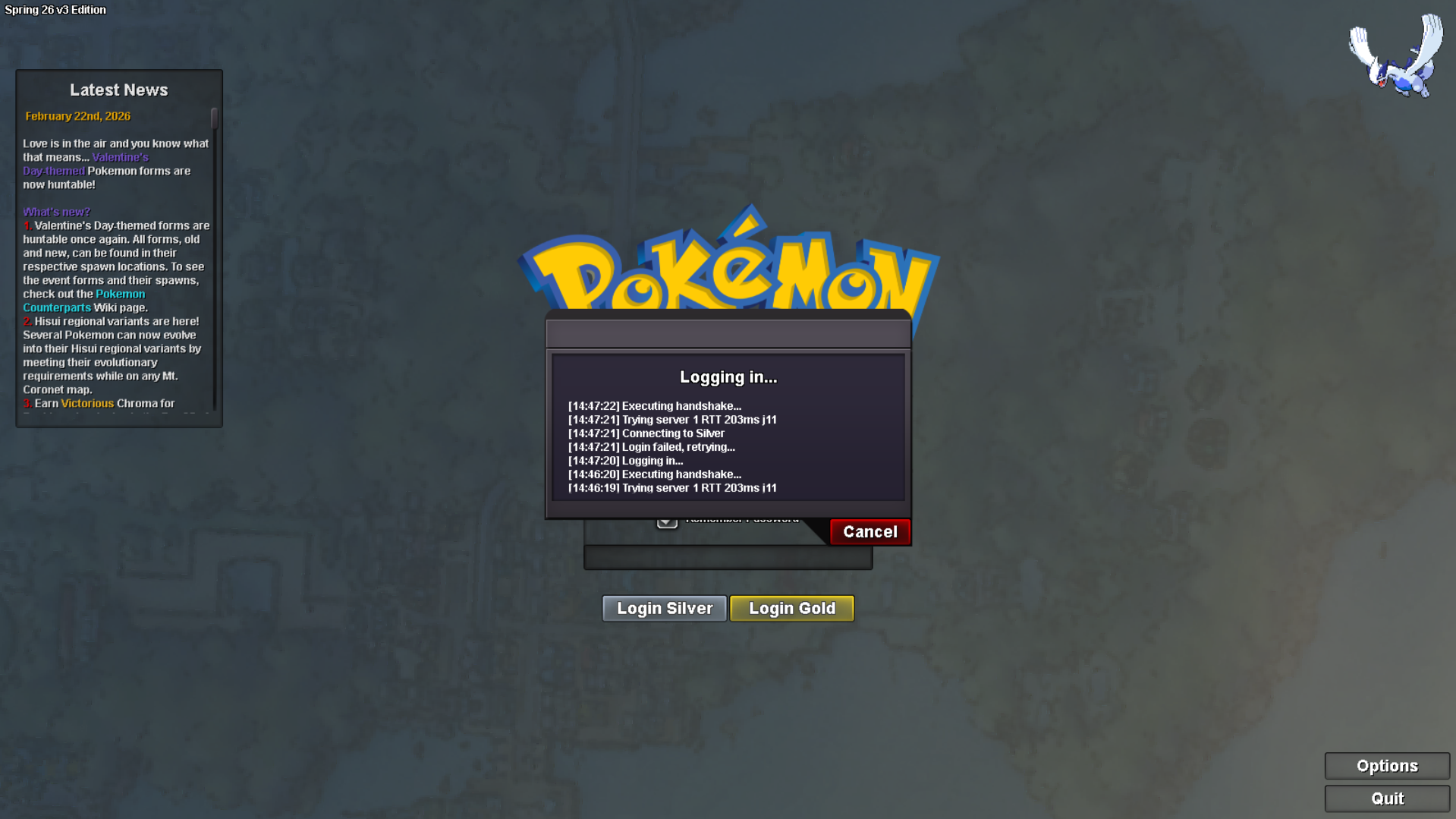
hi, this problem is occuring to me frm a while now its not that i cant login in silver at all i can but after a little while it gets disconnected and i cant login in silver anymore some times i have to go to gold and battle there for a while then i try again logging in silver i might enter, but its not always like my current situation i cant login in there at all so i have to come here to post this please resolve this for me .
-
start venasaur
-
its solved nevermind you can close the forums i tried reinstalling client
-
when i try to login in gold it logins and i can play the game but when i try logging in silver silver it starts loading and the client crashes itself please solve my problem i am having this problem since last night my bms is also on and its getting wasted atleast i need compensation for that, please do something about that problem
