New Trade Zone
Trade Zone is now live
Use the new Trade Zone for auctions and instant-price trades so Pokemon and item offers are easy to find.


Marthanda
Registered User
-
Joined
-
Last visited
Everything posted by Marthanda
-
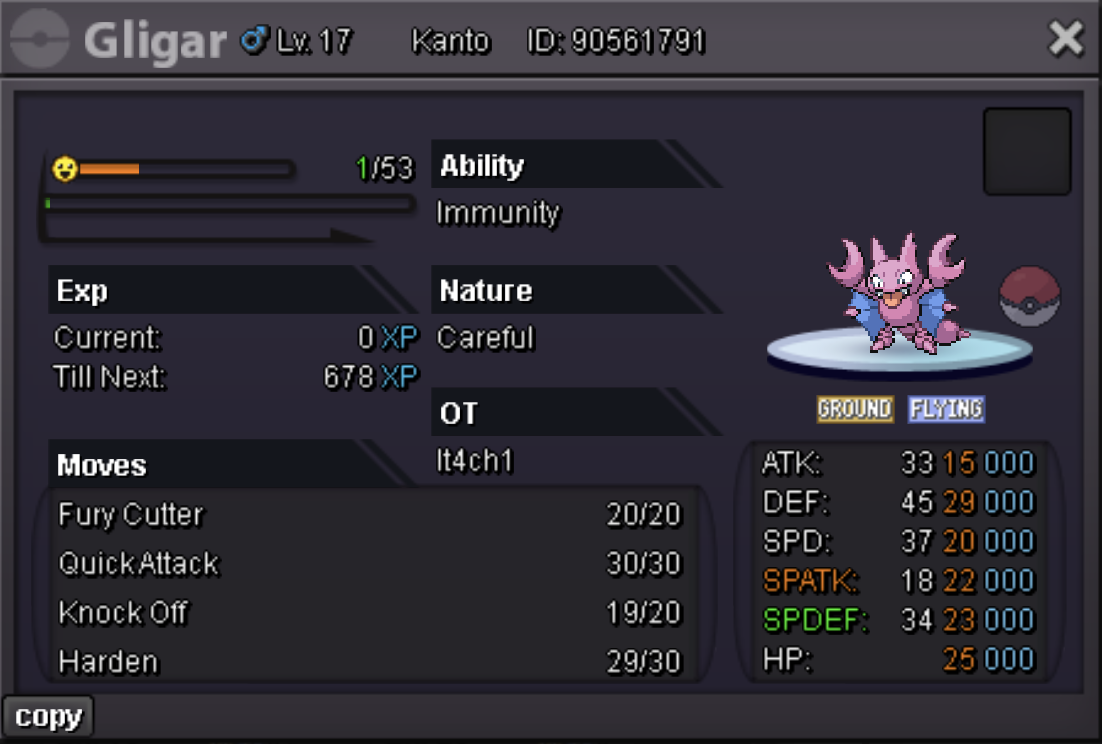
Auction Details: Start Bid: 100k Min raises: 100k Insta Price: N/A This auction will end at 10:17 AM GMT-5 May 24th(CST). -15 min rule is applied. -This is a Gold server auction, if you are from the Silver server, you will have to transfer to complete the trade if won or pay me 2 CCs to come to Silver instead. -My timezone is GMT-5 Accepted Payments: Pokedollar(s) Coin Capsule:500k each IV RR:680k ea. Nature RR: 290k ea. Happy Bidding! UchihaGarden IGN: It4ch1 Discord: matj07



-
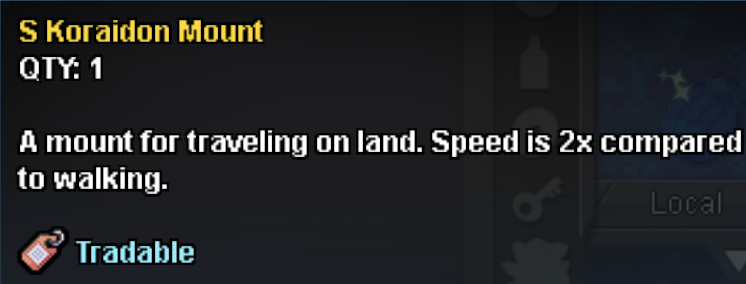
Sorry, would have to refuse. I appreciate the offer tho.BumpAuction Details: Very Rare PVP Chest Reward: Shiny Koraidon Land Mount Start Bid: 3m Minimum raises: 100k Insta Price: N/A This auction will end at 19:15 UTC/GMT on May 23rd. 15 min rule is applied. Accepted Payments: Pokedollars is preferred, CC = 500k/each I will complete the trade with my alt (IGN: Erazmes). Happy bidding!




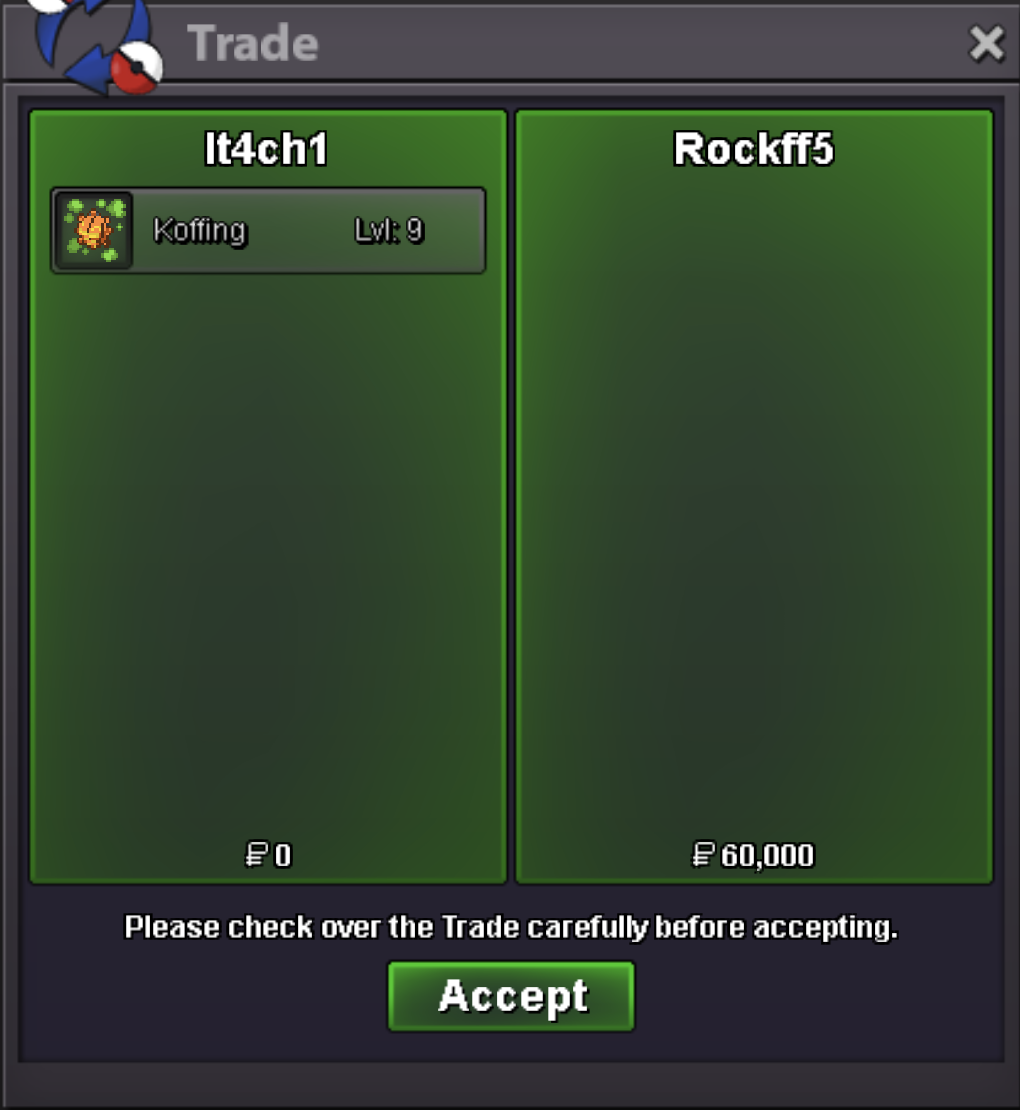
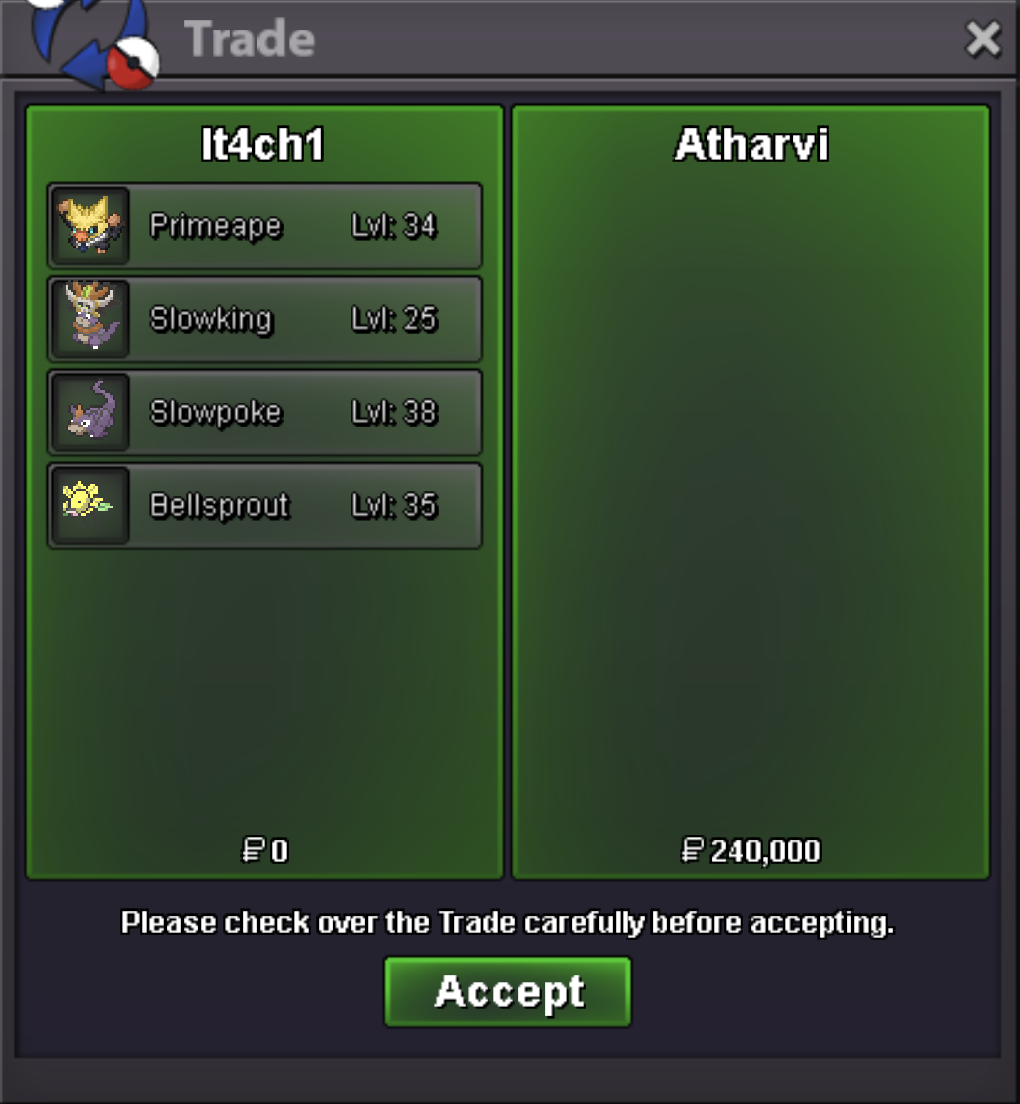
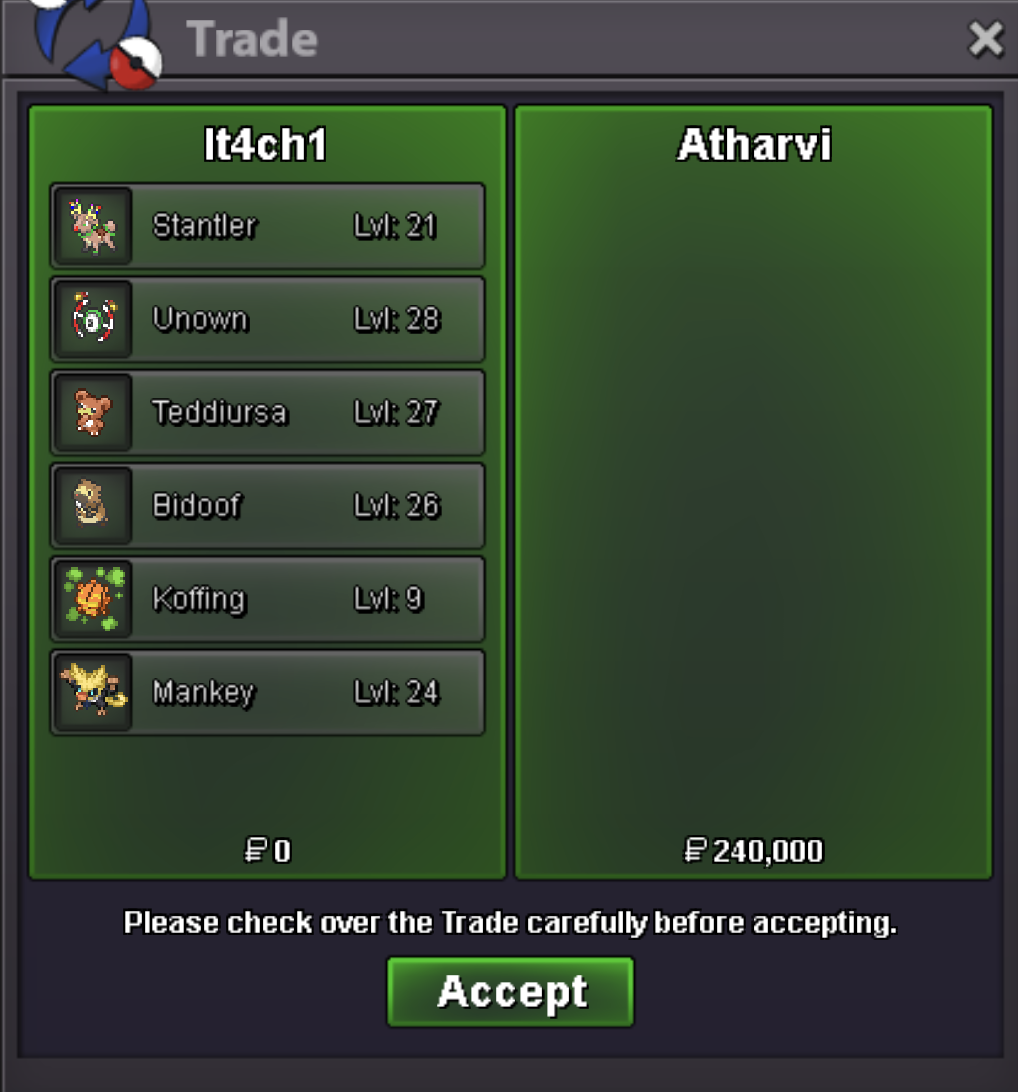
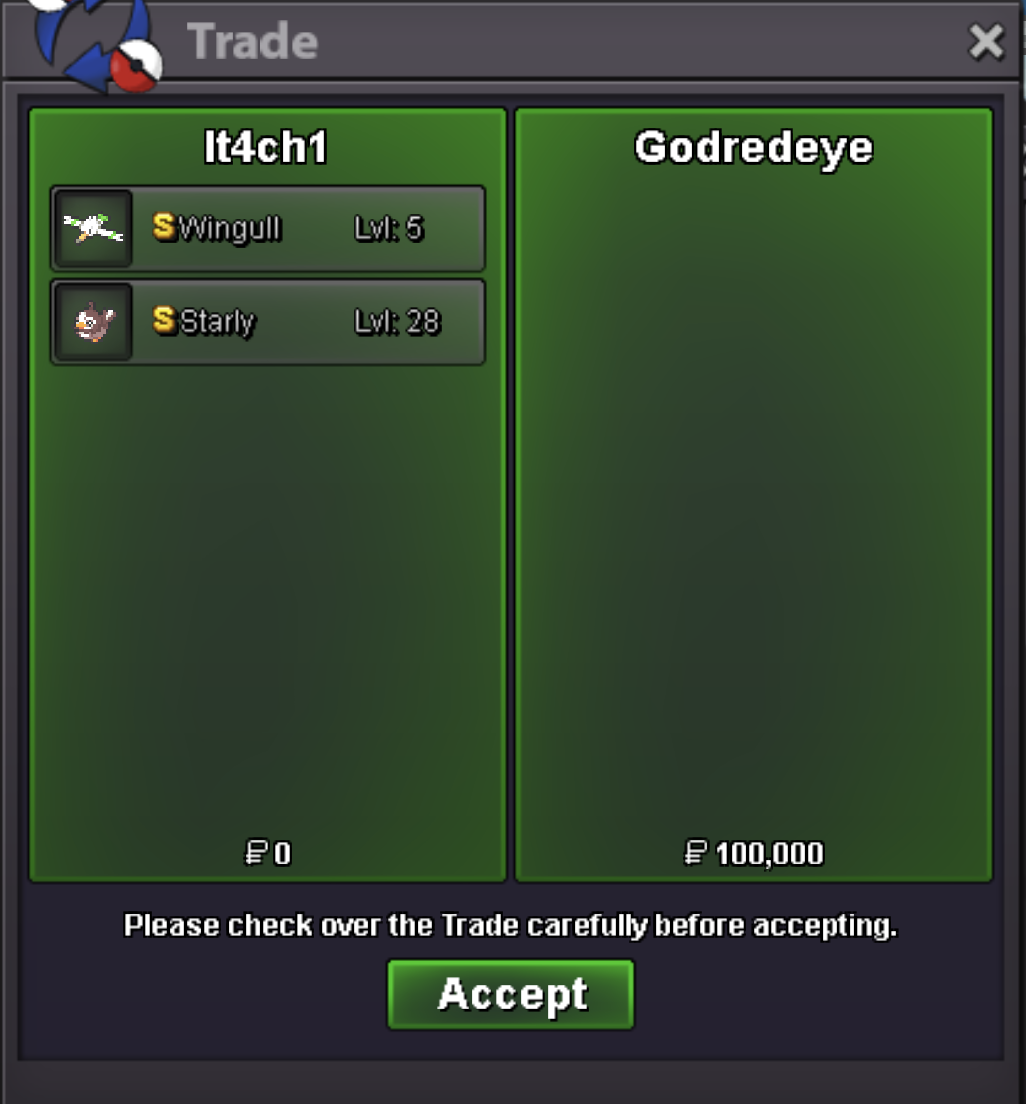
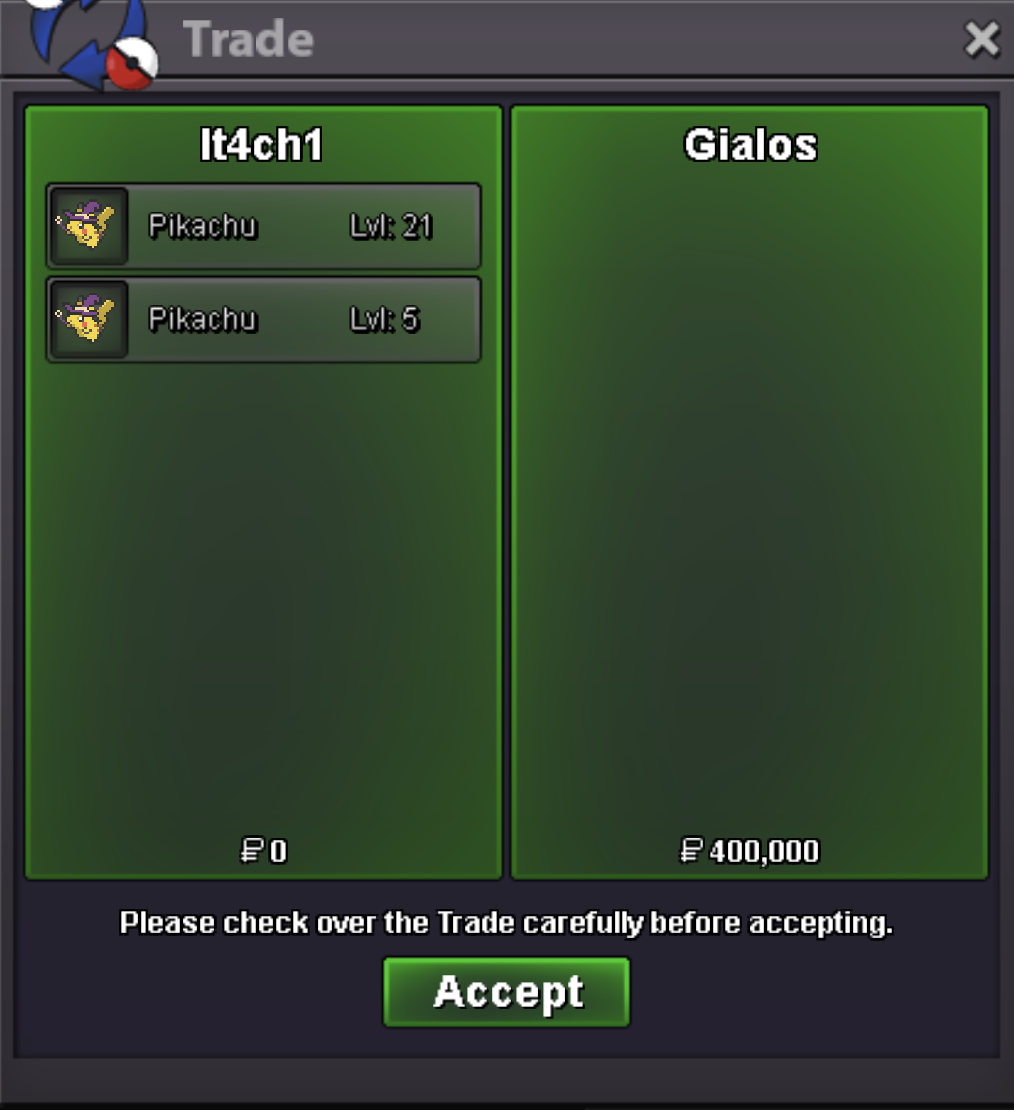
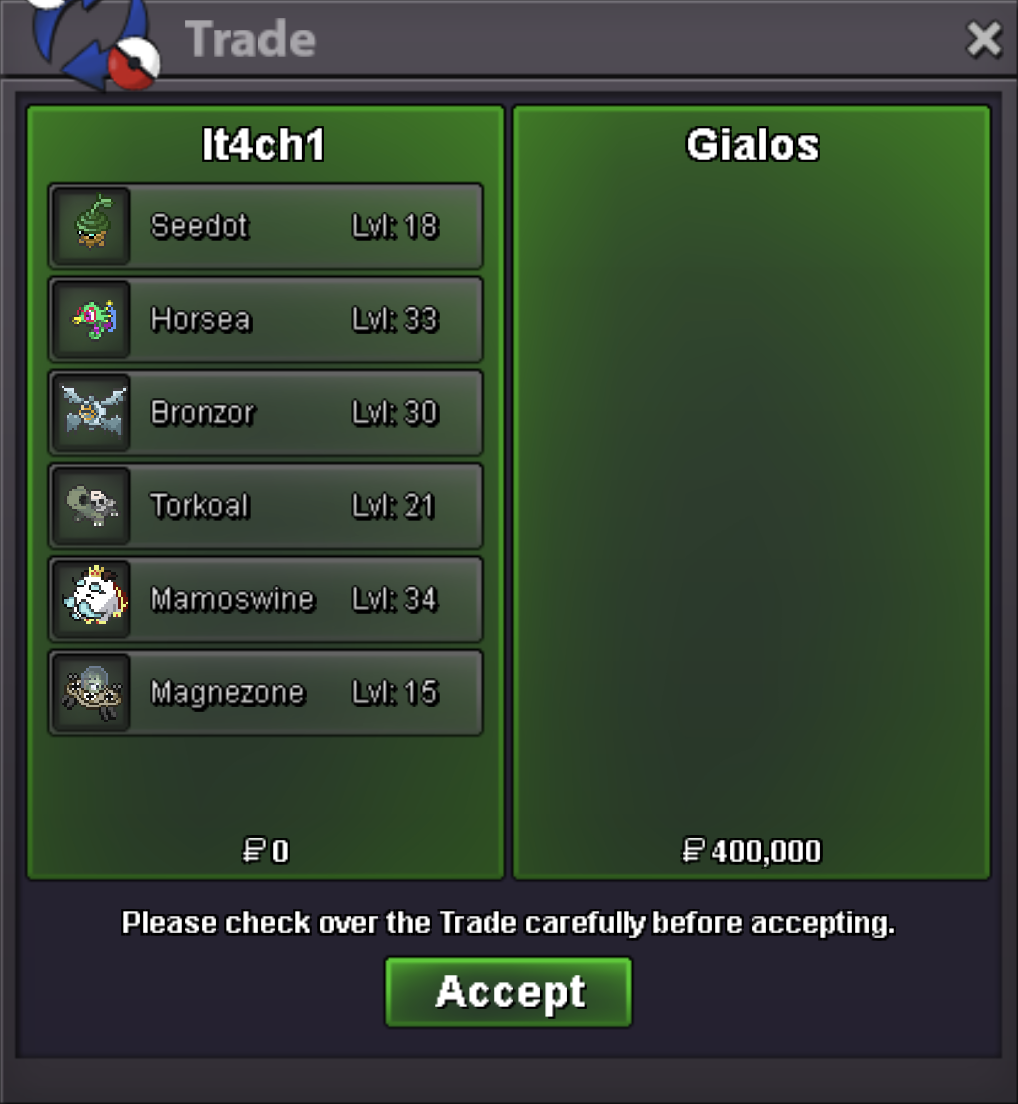
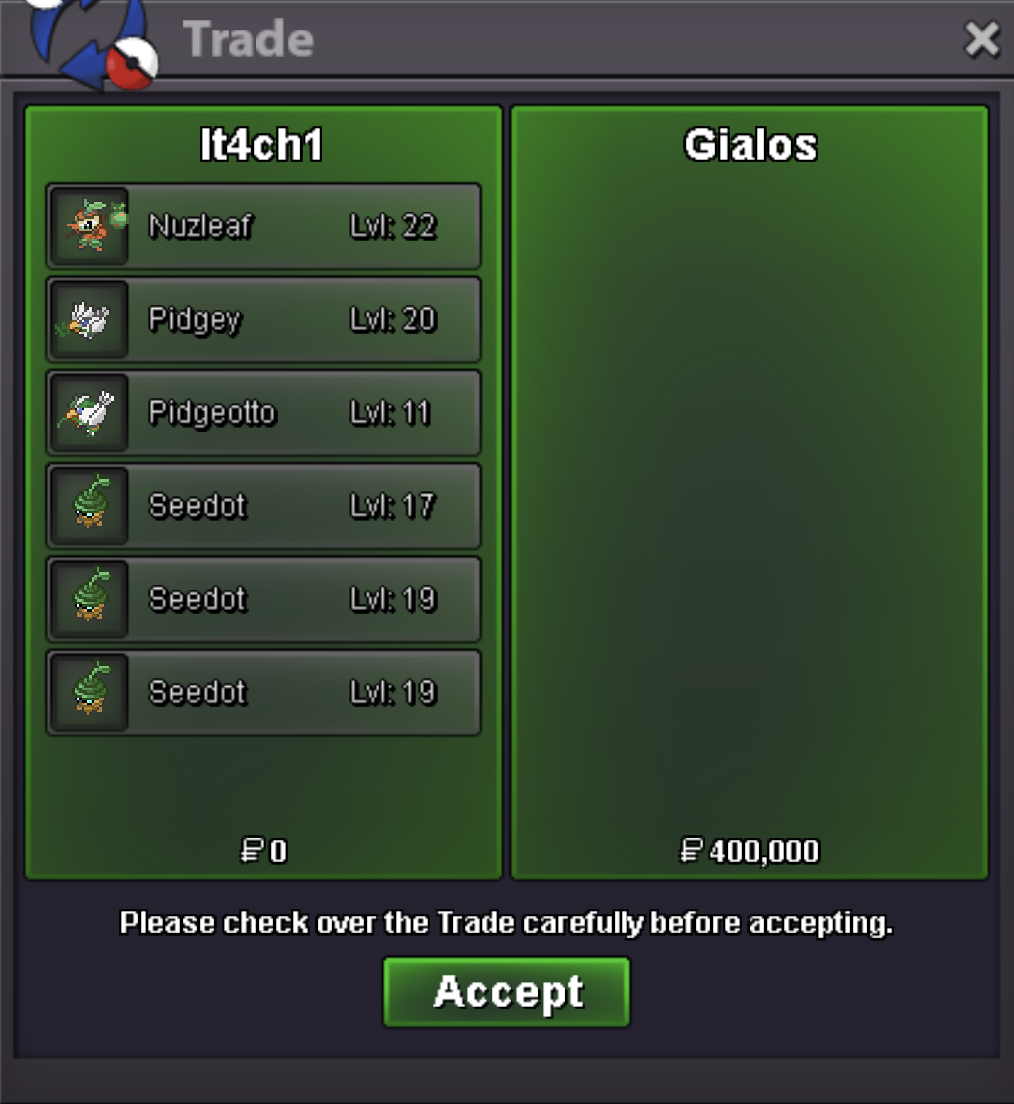
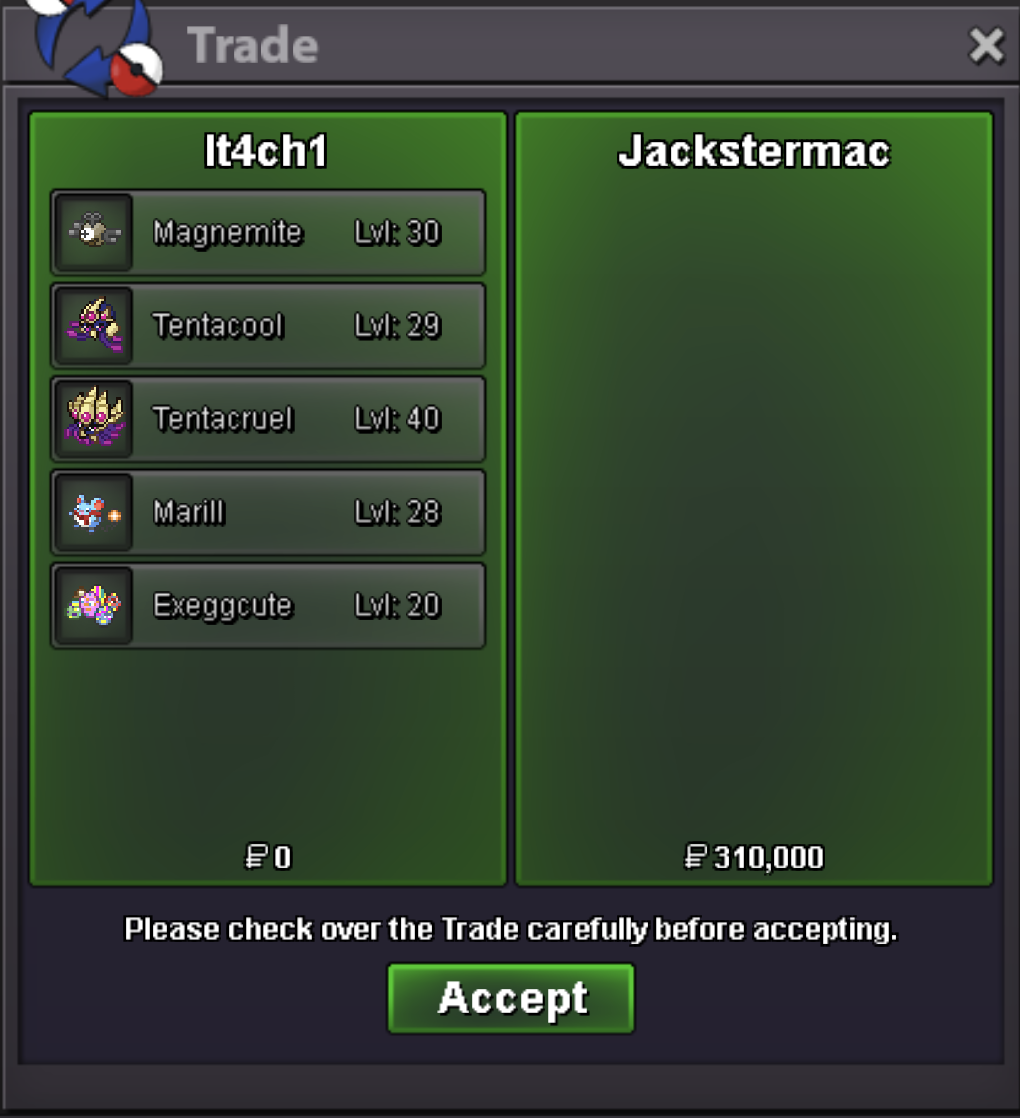
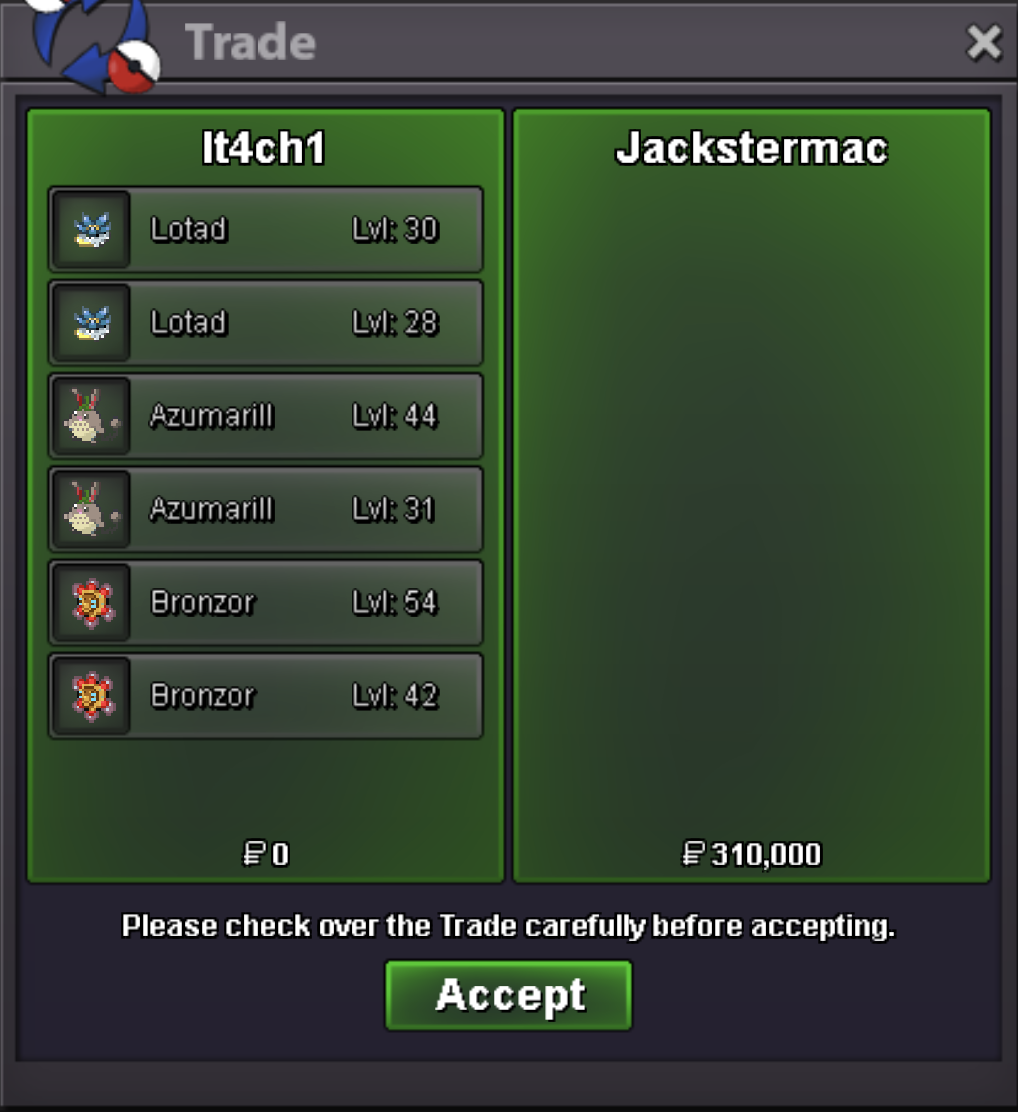
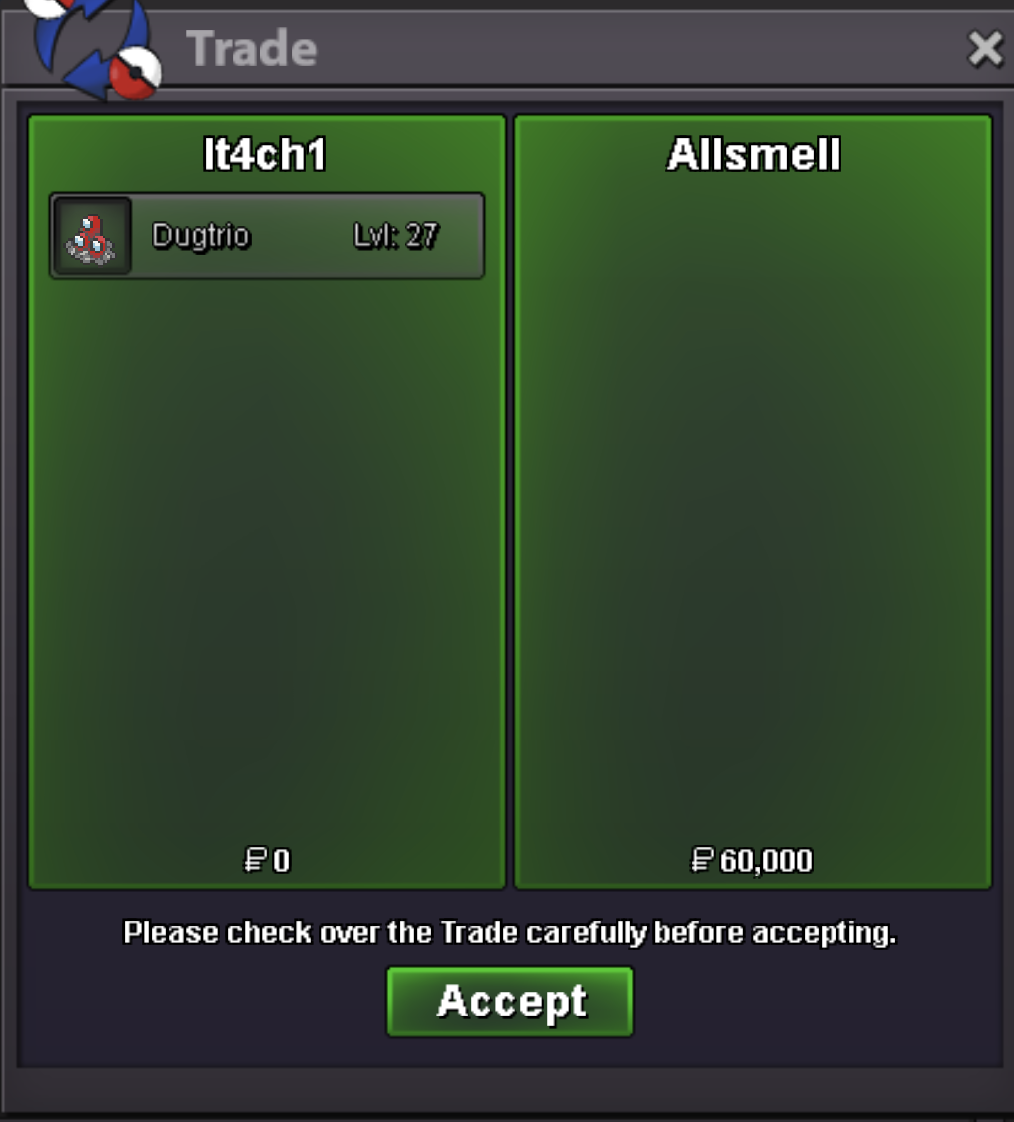
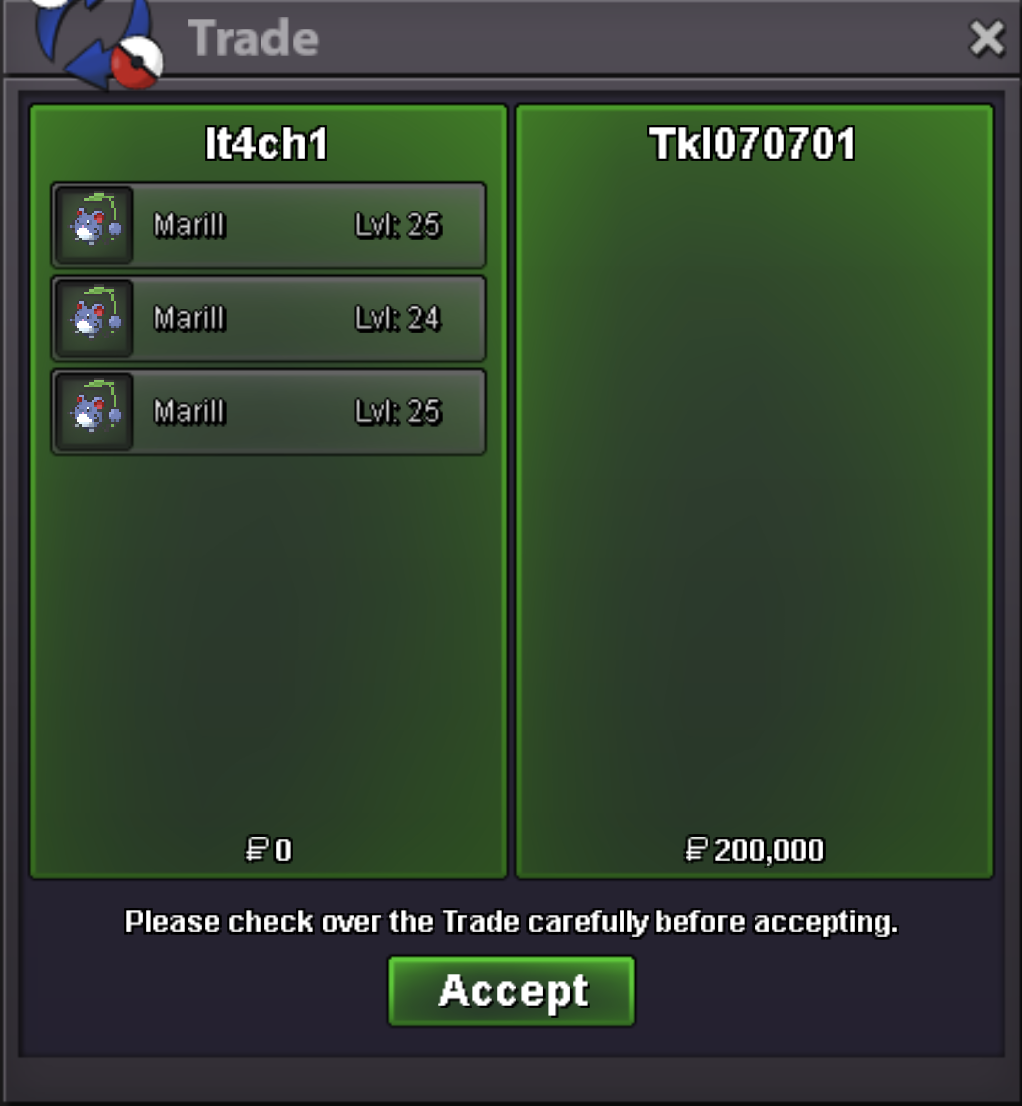
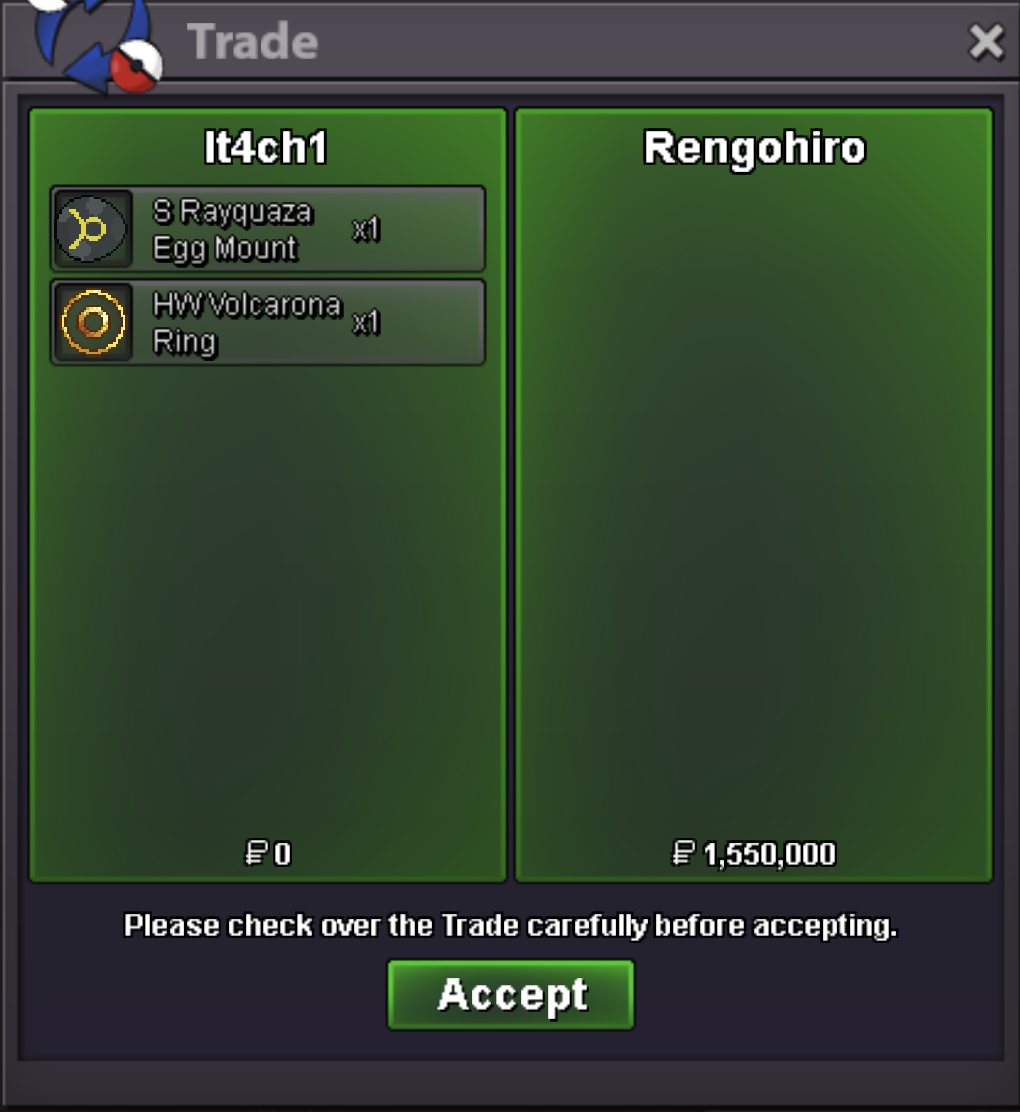
 Accidentally triple posted the ss while the forum was bugged..420k deal
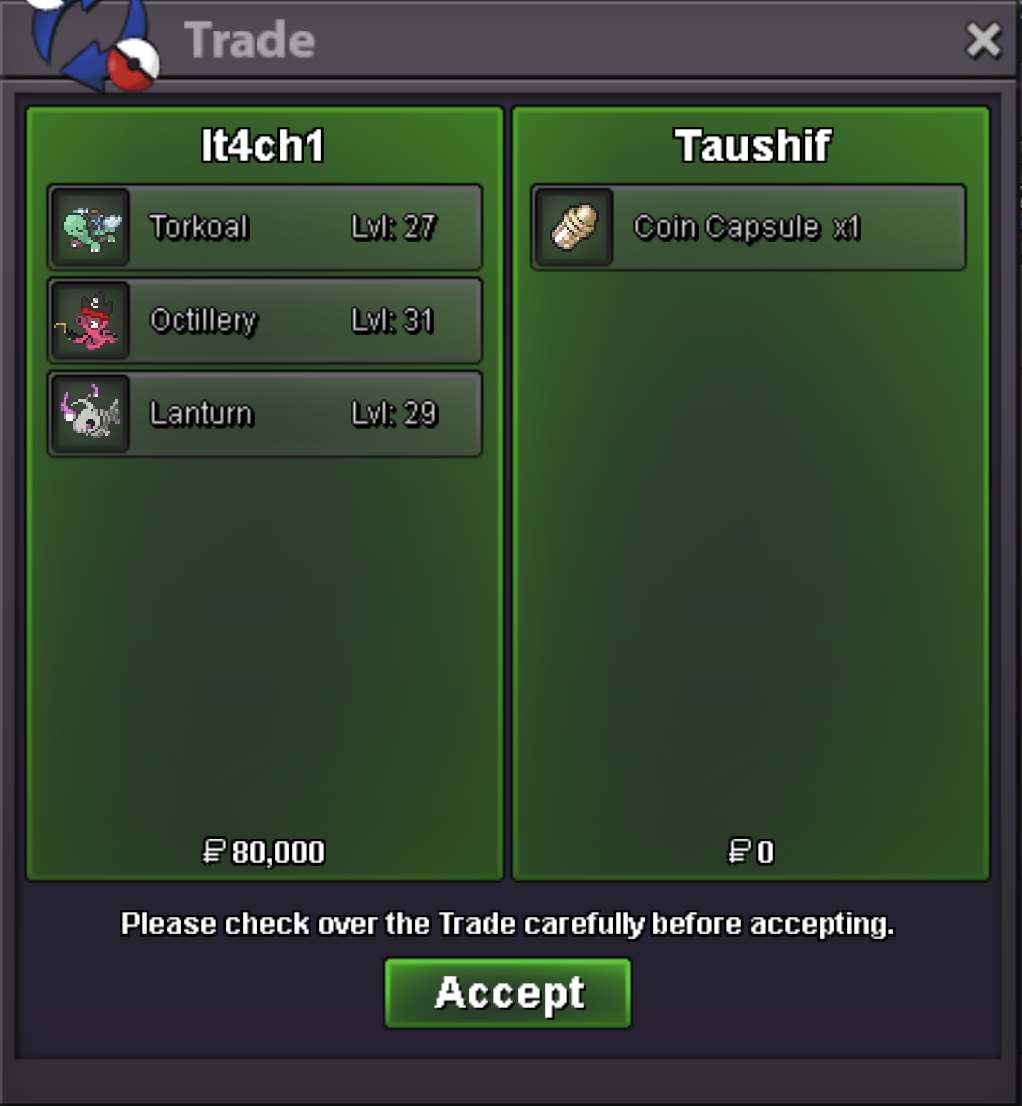 Noted, shall PM you, and thank you for pointing the issue out, I’ll fix it asap.
Account
Navigation
Search
Configure browser push notifications
Chrome (Android)
- Tap the lock icon next to the address bar.
- Tap Permissions → Notifications.
- Adjust your preference.
Chrome (Desktop)
- Click the padlock icon in the address bar.
- Select Site settings.
- Find Notifications and adjust your preference.
Safari (iOS 16.4+)
- Ensure the site is installed via Add to Home Screen.
- Open Settings App → Notifications.
- Find your app name and adjust your preference.
Safari (macOS)
- Go to Safari → Preferences.
- Click the Websites tab.
- Select Notifications in the sidebar.
- Find this website and adjust your preference.
Edge (Android)
- Tap the lock icon next to the address bar.
- Tap Permissions.
- Find Notifications and adjust your preference.
Edge (Desktop)
- Click the padlock icon in the address bar.
- Click Permissions for this site.
- Find Notifications and adjust your preference.
Firefox (Android)
- Go to Settings → Site permissions.
- Tap Notifications.
- Find this site in the list and adjust your preference.
Firefox (Desktop)
- Open Firefox Settings.
- Search for Notifications.
- Find this site in the list and adjust your preference.