




New Trade Zone
Trade Zone is now live
Use the new Trade Zone for auctions and instant-price trades so Pokemon and item offers are easy to find.


Zullikis
Registered User
-
Joined
-
Last visited
Everything posted by Zullikis
-
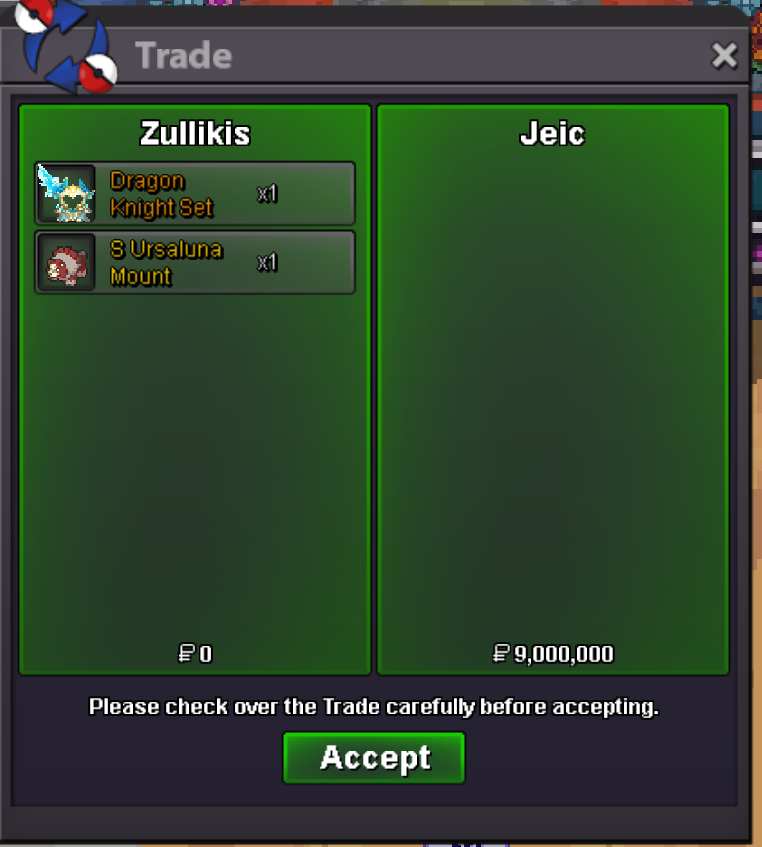
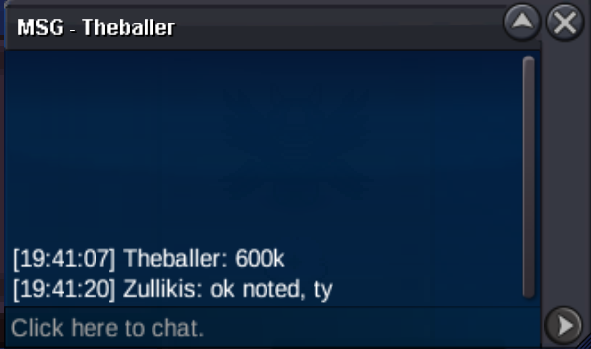
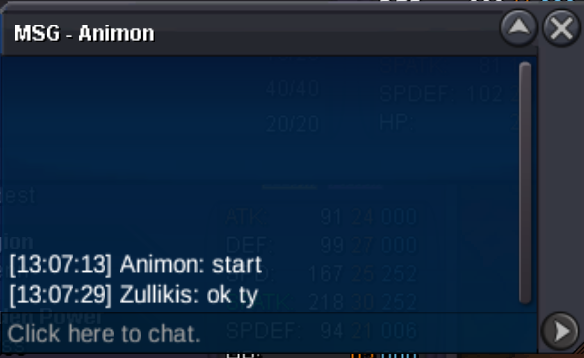
Auction ended, congrats @Nodimbo the winner!@Nodimbo Noted ty.@Nodimbo Noted, ty.Ok noted ty @OkidogiOk started, ty!Hey Nodimbo, unfortunately I can't change the rules mid auction and you would need to start at 8M but I can guarantee that if you win at that price it's very worth for you 😛THIS IS A BUNDLE AUCTION ITEMS ARE NOT SOLD SEPERATELY https://www.tickcounter.com/countdown/10463388/shiny-ursa-and-dragon-knight-set Note: After opening, these items become non-tradable. The cosmetics included in this set are Dragon Knight Helmet, Dragon Knight Armor and Dragon Knight Spear. This set can be worn by both male and female characters. View PvP Chest Rewards 2 mounts in one! 7 million starting bid Auction ends 72 hours after first bid. Min raise 500k Accepted payments Pokedollars Coin Capsule = 470k RR ticket = 700k - This is a Gold Server Auction. If bidding from an alternative server, state that u will transfer upon winning. - If you intend to purchase with an alt account, specify the account alongside your bid. If a bid is recived in the last 15 minutes of the auction, the end point will be delayed by 15 minutes from that bid, and will be delayed by 15 minutes for each new bid thereafter, until the current offer has been held for a full 15 minutes.
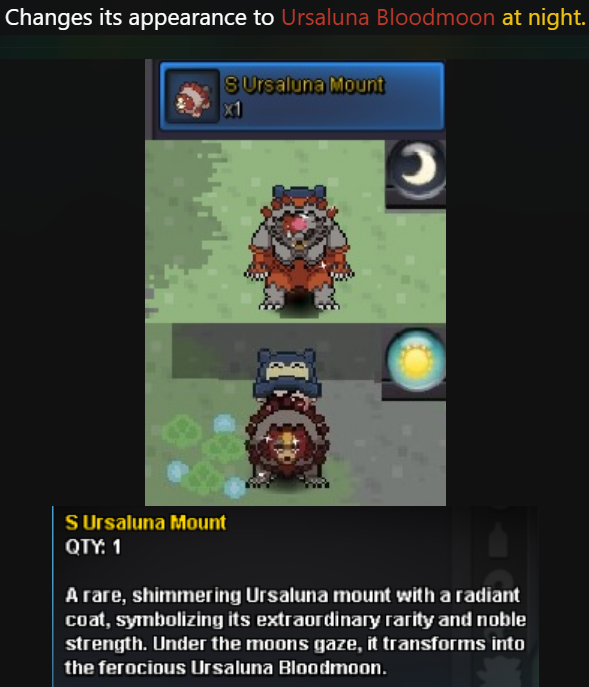 Bump2 mounts in one! 5 million starting bid Auction ends 72 hours after first bid. Min raise 500k Accepted payments Pokedollars Coin Capsule = 470k RR ticket = 700k - This is a Gold Server Auction. If bidding from an alternative server, state that u will transfer upon winning. - If you intend to purchase with an alt account, specify the account alongside your bid. If a bid is recived in the last 15 minutes of the auction, the end point will be delayed by 15 minutes from that bid, and will be delayed by 15 minutes for each new bid thereafter, until the current offer has been held for a full 15 minutes.
Yes, I have changed my game to exclusive fullscreen and that has helped a lot but it keeps reverting back every time I login. I also can't play with any sound or it just crashes. Quite annoying but most stable on exclusive fullscreen.BUMP?This has been happening constantly since getting the newest version of the game. Especially in pvp it keeps freezing and saying the game isn't responding. I have tried disabling all music in the game, reinstalling, having nothing else open but nothing works. The game is currently unplayable.
Bump2 mounts in one! 5 million starting bid Auction ends 72 hours after first bid. Min raise 500k Accepted payments Pokedollars Coin Capsule = 470k RR ticket = 700k - This is a Gold Server Auction. If bidding from an alternative server, state that u will transfer upon winning. - If you intend to purchase with an alt account, specify the account alongside your bid. If a bid is recived in the last 15 minutes of the auction, the end point will be delayed by 15 minutes from that bid, and will be delayed by 15 minutes for each new bid thereafter, until the current offer has been held for a full 15 minutes.
Yes, I have changed my game to exclusive fullscreen and that has helped a lot but it keeps reverting back every time I login. I also can't play with any sound or it just crashes. Quite annoying but most stable on exclusive fullscreen.BUMP?This has been happening constantly since getting the newest version of the game. Especially in pvp it keeps freezing and saying the game isn't responding. I have tried disabling all music in the game, reinstalling, having nothing else open but nothing works. The game is currently unplayable.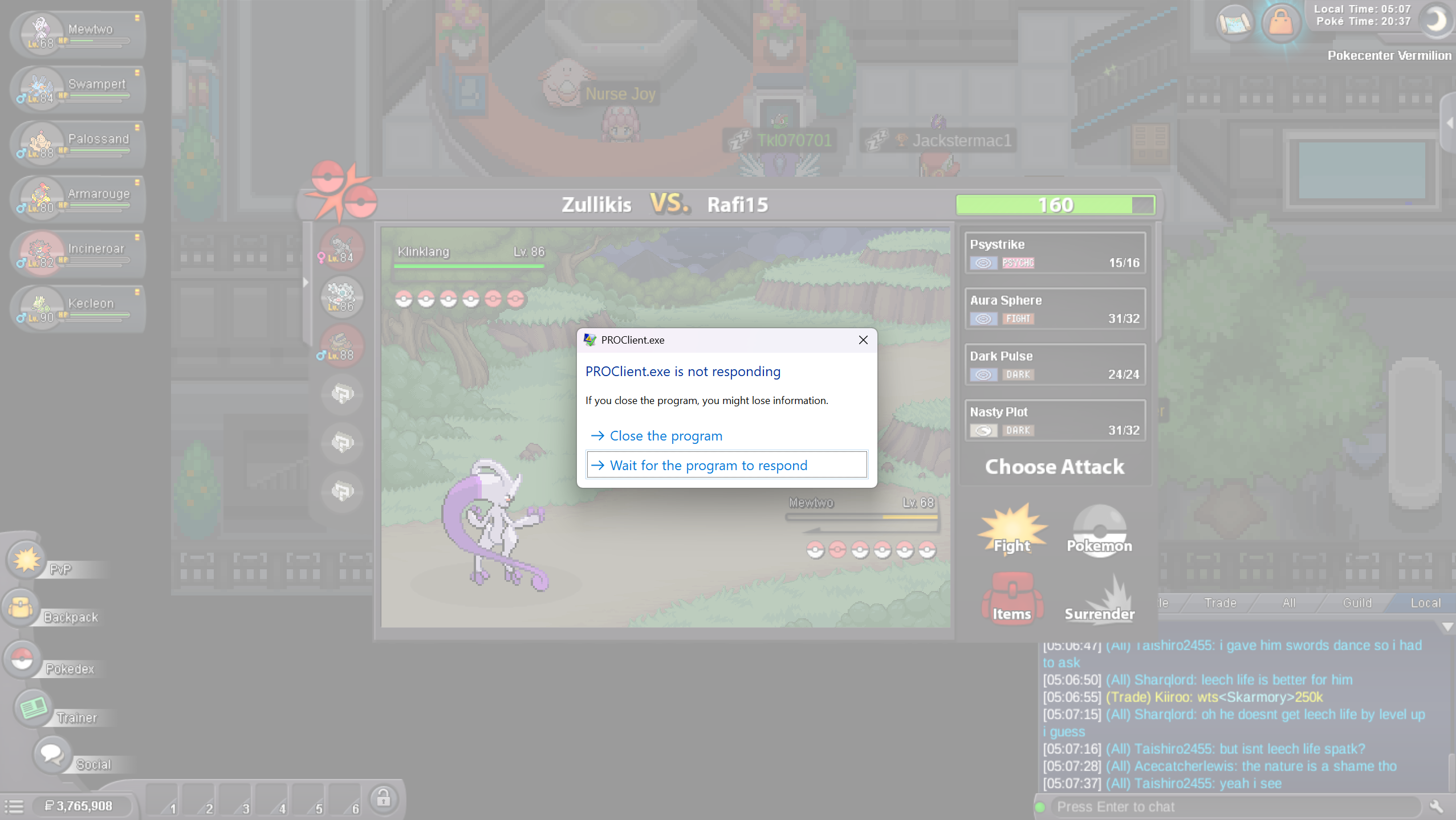 Auction ended - Winner: Valba98!
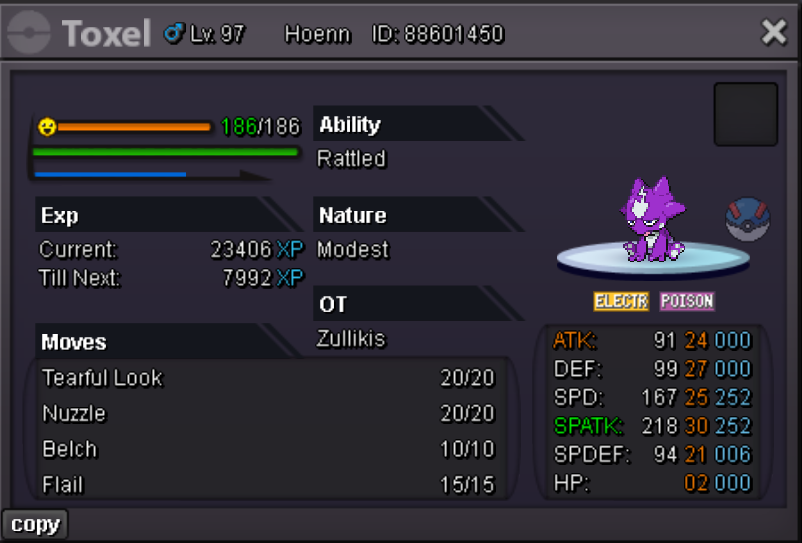
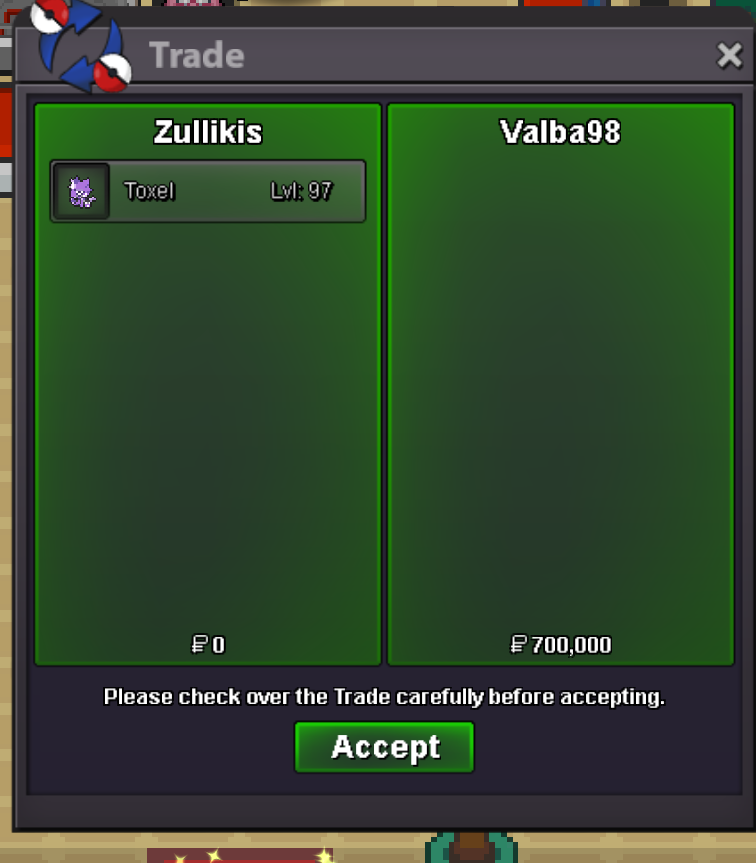 Start Point: 500k End point will be 3-26-2026 7 PM GMT Min raise 100k Accepted Payment(s): Poke dollars, Coin Capsules ( 1 x Coin Capsule = 500k ), IV Reroll ( 1 x IV Reroll = 750k ) Auction on Gold server, if bid from Silver you will need to transfer. If a bid is received in the final 15 minutes of the auction, the end point will be delayed by 15 minutes from that bid, and will be delayed by 15 minutes for each new bid thereafter, until the current offer has been held for a full 15 minutes. Must be accurate to the minute that the auction is set to end. Discord: Zullikis Ingame: Zullikis
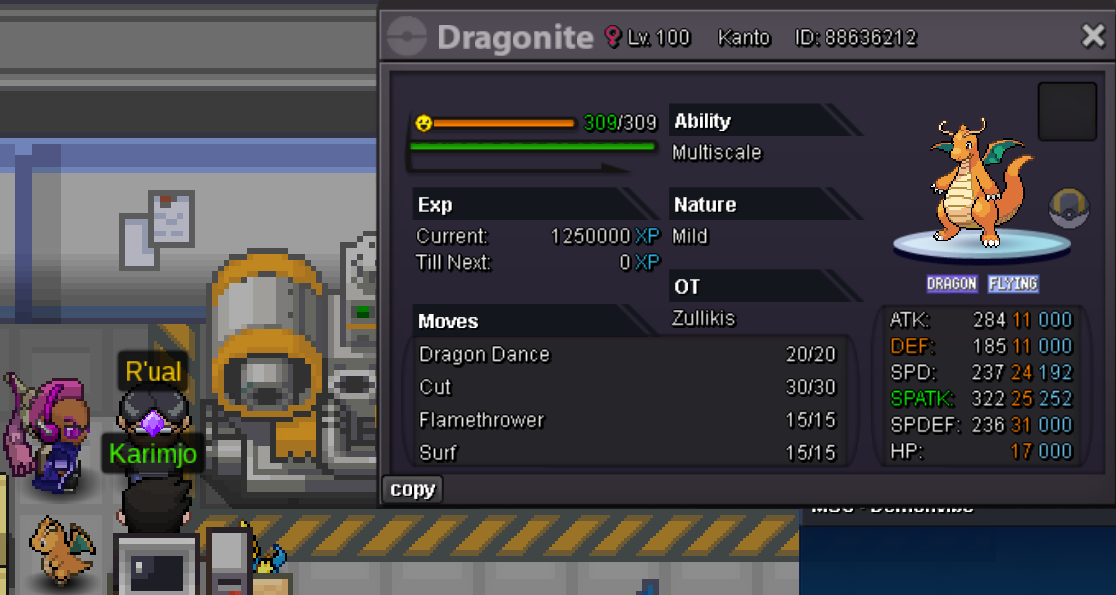
 It works now, ty!I meet the requirements needed for the quest I have a level 100 Dragonite that I caught earlier today (OT) with 25 special attack, 252 IVs in special attack and dragon dance/flamethrower. I speak to the NPC and it says: 'An unexpected error has occurred. Please report this problem to a member of staff.' I have tried handing in other pokemon and I correctly get a text saying how it doesn't meet the requirements but the Dragonite I have should fit the criteria. Please help.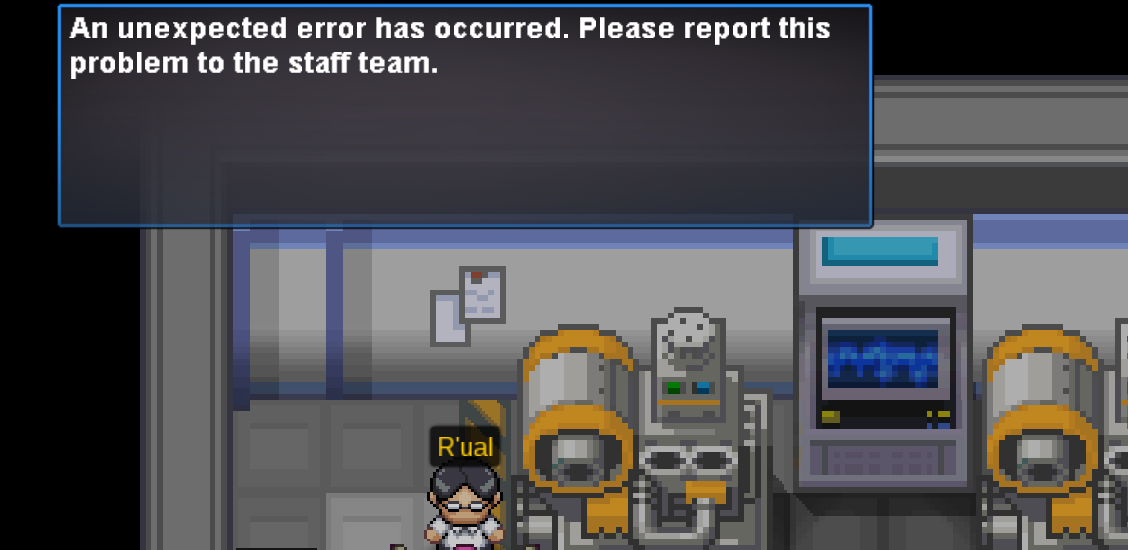
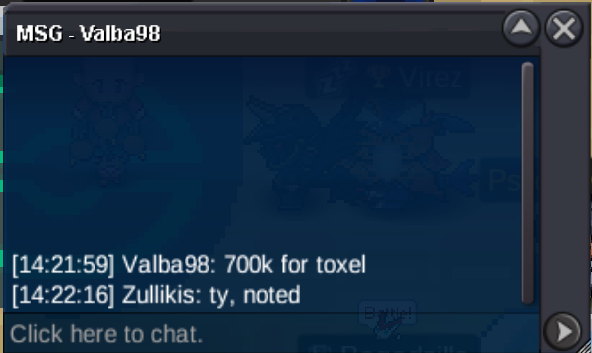
 Top tier service, efficient, fast, reliable and professional would 100% recoomend.


Account
Navigation
Search
Configure browser push notifications
Chrome (Android)
- Tap the lock icon next to the address bar.
- Tap Permissions → Notifications.
- Adjust your preference.
Chrome (Desktop)
- Click the padlock icon in the address bar.
- Select Site settings.
- Find Notifications and adjust your preference.
Safari (iOS 16.4+)
- Ensure the site is installed via Add to Home Screen.
- Open Settings App → Notifications.
- Find your app name and adjust your preference.
Safari (macOS)
- Go to Safari → Preferences.
- Click the Websites tab.
- Select Notifications in the sidebar.
- Find this website and adjust your preference.
Edge (Android)
- Tap the lock icon next to the address bar.
- Tap Permissions.
- Find Notifications and adjust your preference.
Edge (Desktop)
- Click the padlock icon in the address bar.
- Click Permissions for this site.
- Find Notifications and adjust your preference.
Firefox (Android)
- Go to Settings → Site permissions.
- Tap Notifications.
- Find this site in the list and adjust your preference.
Firefox (Desktop)
- Open Firefox Settings.
- Search for Notifications.
- Find this site in the list and adjust your preference.