New Trade Zone
Trade Zone is now live
Use the new Trade Zone for auctions and instant-price trades so Pokemon and item offers are easy to find.

Birdykm
Registered User
-
Joined
-
Last visited
Everything posted by Birdykm
-
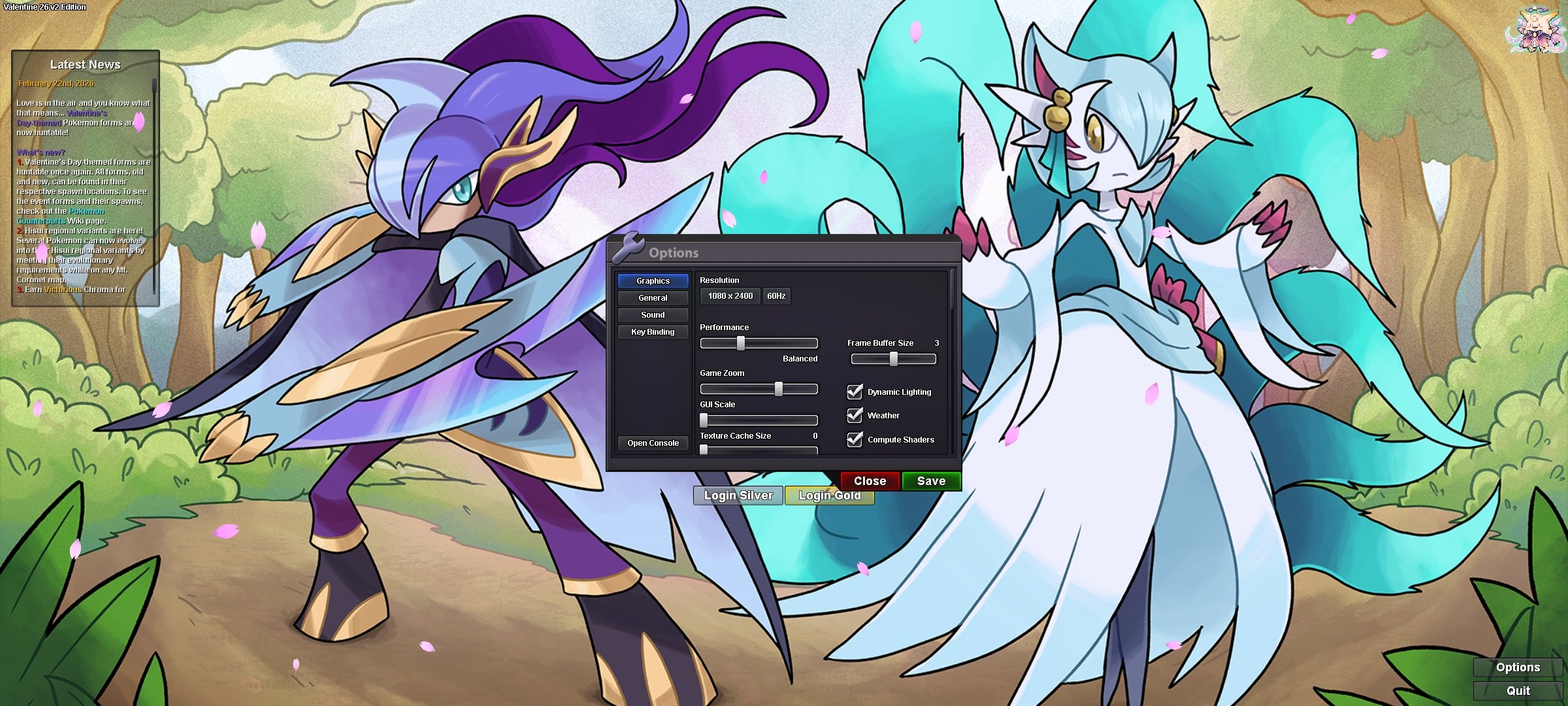
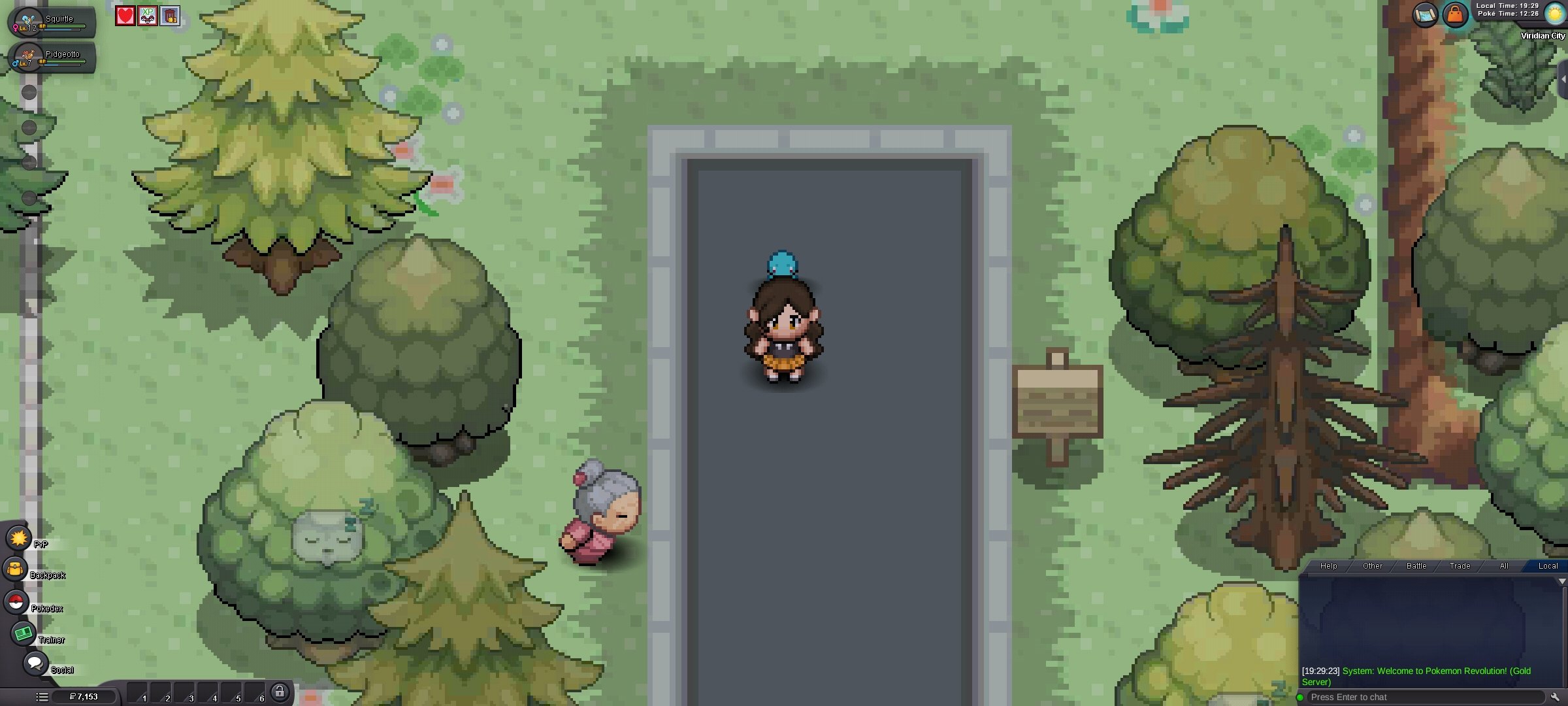
The game is half-unplayable because of how small the text boxes are, and yes, I've tried to tap the button under "Resolution", more than once. Every other button BUT that one, works. My phone doesn't have an option in settings for screen resolution etc. I can't change the resolution with that button at all, my best bet is zoom. Zoom makes the field bigger, but the problem is the UI. I can't click on anything on the side-bars while in game because it is too small, and it is not registering when I press on those areas. I.e; "bag", "pokédex" etc. I'll click on the "relative touch" button in the settings, whatever that means, but if that doesn't work, I'm out of options. I do play on the computer, but it would be nice to play on the phone as well. It is like you have to click the exact right spot for the user interface - which is inaffective 99% of the time. Pictures are phone screenshots. Note: If you zoom in on these pictures, the UI appears bigger than it actually is on the phone screen.