New Trade Zone
Trade Zone is now live
Use the new Trade Zone for auctions and instant-price trades so Pokemon and item offers are easy to find.

Visionkawai17
Registered User
-
Joined
-
Last visited
Everything posted by Visionkawai17
-
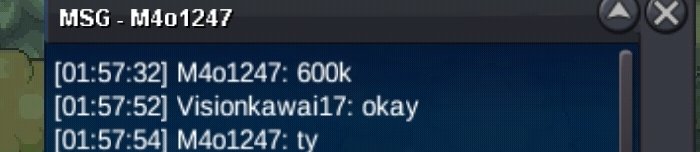
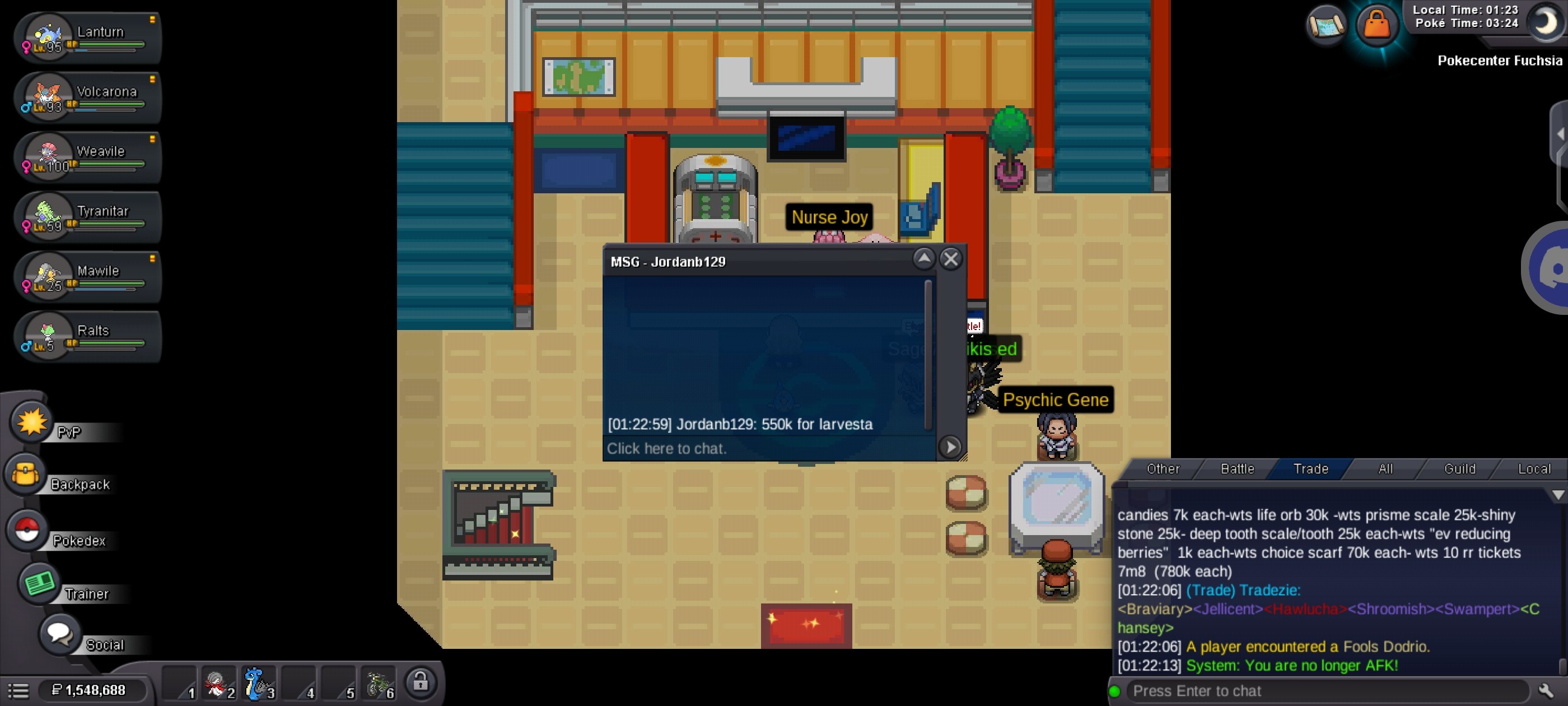
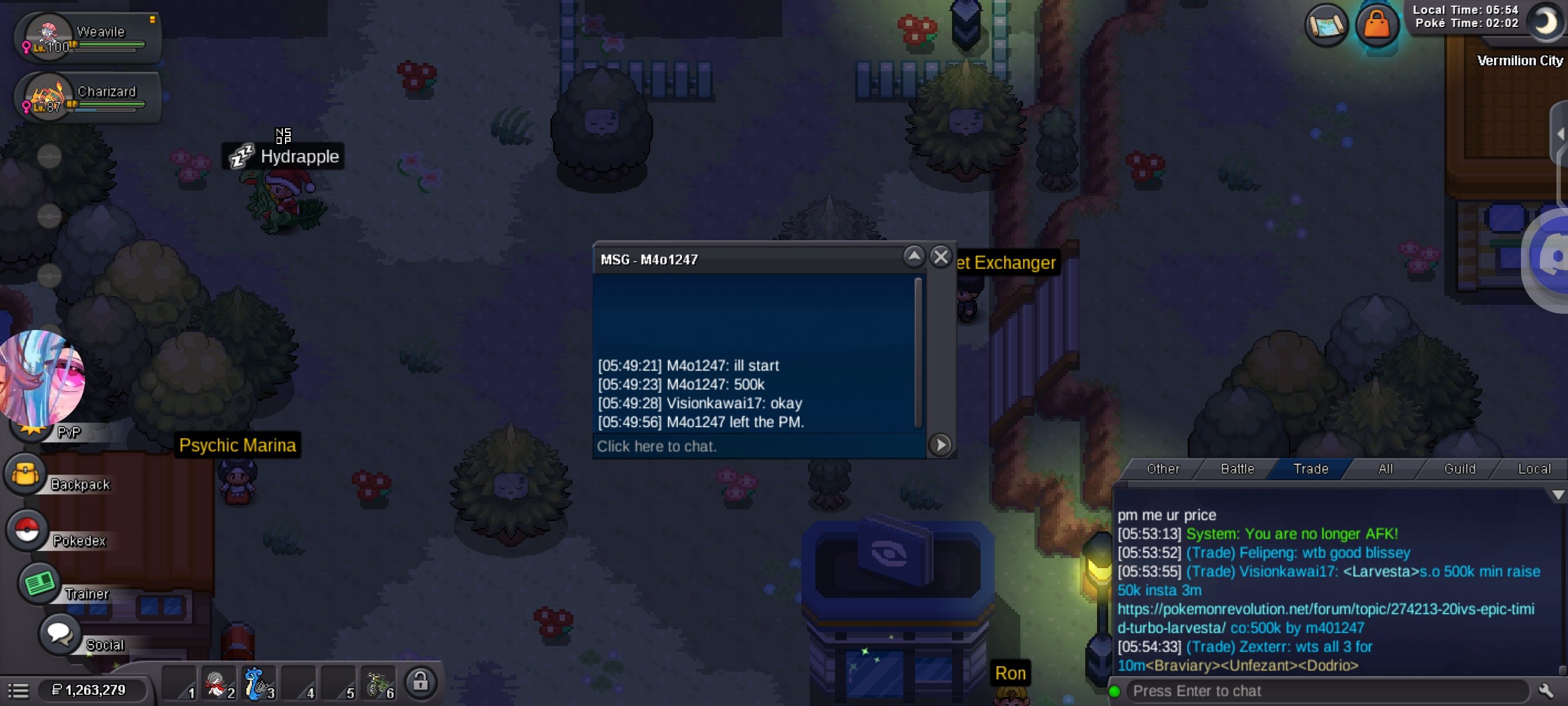
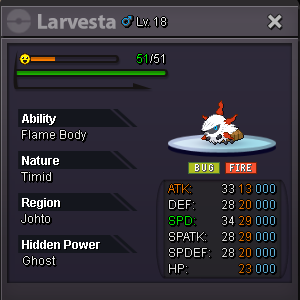
S.o 700k min raise 150k insta 3m 48 hours after start price is met accepting payment: cash , cc = 500k , rr=700kThe auction is closed and the winner of this auction is jordanb129!!!!S.o 500k min raise 50k insta 3m 48 hours after start price is met accepting payment: cash , cc = 500k , rr=700k [The auction is over]
 ╔════════════════════════════════════════════════════════════════════════════╗ ║ ELITE POKÉ SERVICES ║ ╠════════════════════════════════════════════════════════════════════════════╣ ║ LEVELING & EV TRAINING - FAST & RELIABLE! ║ ║ LEVELING SERVICE PRICES (1 to 95-97) - NORMAL SERVICE ║ • 1 Pokémon: 100k ║ • 2+ Pokémon: 90k ║ • 6+ Pokémon: 80k ║ ║ EV SERVICE PRICES - NORMAL SERVICE ║ • Each Pokémon: 40k ║ FAST SERVICE: +10k per Pokémon ║ ║ BRING YOUR OWN BERRIES OR PAY 3k EACH ║ ║ EV service: @Vision™ ,@Tyler™, @aladd1n. ║║ LVL:@koyo (in discord) ║ In game ids:visionkawai17 , tylerchan ,koyo7 ╚════════════════════════════════════════════════════════════════════════════╝ Accepting payment methods: poke dollars , coincapsules-500k , IVrr-700k ,nature reroll:350k , rare candy:5k each Pokémon's for Lend are below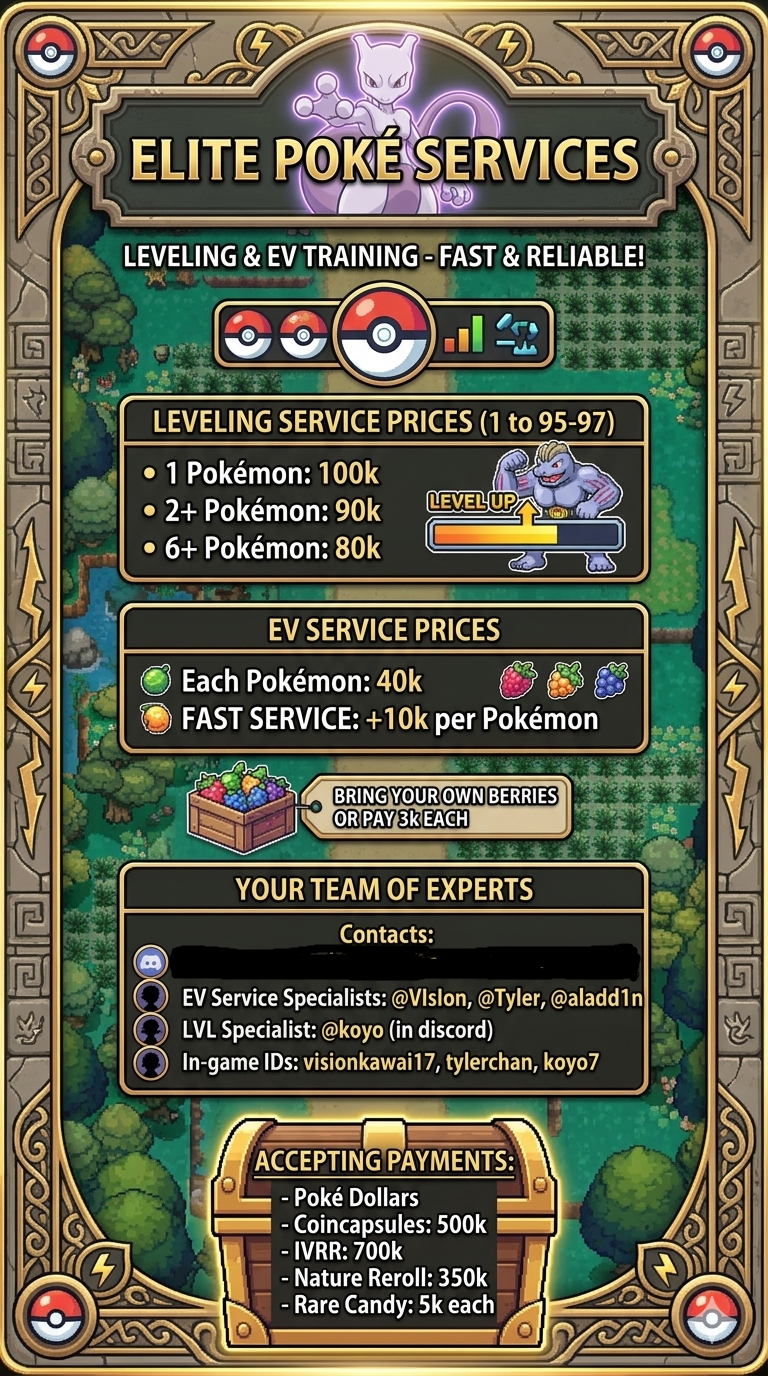
Account
Navigation
Search
Configure browser push notifications
Chrome (Android)
- Tap the lock icon next to the address bar.
- Tap Permissions → Notifications.
- Adjust your preference.
Chrome (Desktop)
- Click the padlock icon in the address bar.
- Select Site settings.
- Find Notifications and adjust your preference.
Safari (iOS 16.4+)
- Ensure the site is installed via Add to Home Screen.
- Open Settings App → Notifications.
- Find your app name and adjust your preference.
Safari (macOS)
- Go to Safari → Preferences.
- Click the Websites tab.
- Select Notifications in the sidebar.
- Find this website and adjust your preference.
Edge (Android)
- Tap the lock icon next to the address bar.
- Tap Permissions.
- Find Notifications and adjust your preference.
Edge (Desktop)
- Click the padlock icon in the address bar.
- Click Permissions for this site.
- Find Notifications and adjust your preference.
Firefox (Android)
- Go to Settings → Site permissions.
- Tap Notifications.
- Find this site in the list and adjust your preference.
Firefox (Desktop)
- Open Firefox Settings.
- Search for Notifications.
- Find this site in the list and adjust your preference.