




New Trade Zone
Trade Zone is now live
Use the new Trade Zone for auctions and instant-price trades so Pokemon and item offers are easy to find.

Rudraak
Registered User
-
Joined
-
Last visited
-
thank you so much for the list, i hope you add all the bosses not on the list too , so we can learn how to defeat them
-
thank you , im online in game
-
150k pancham
-
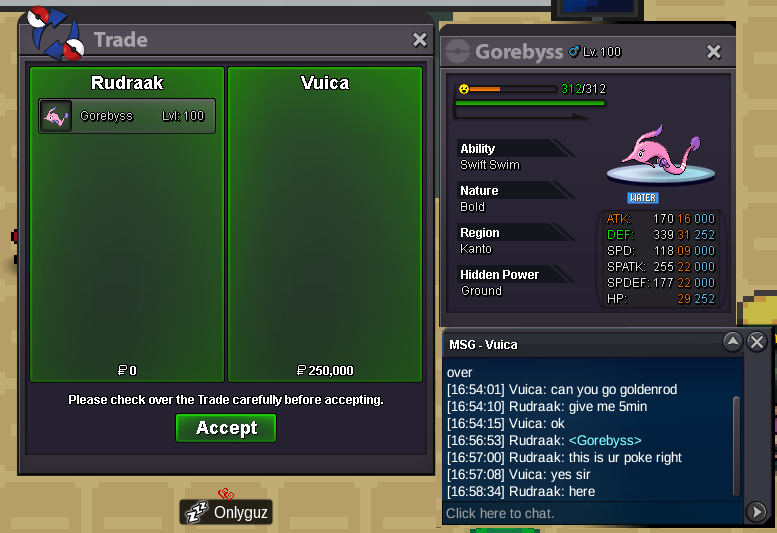
Auction ended 2/3 pokes successfully Bid and won, closing the Auction as no response for the last remaining poke in the past 2 days, thank you so much for the opportunity. last Pokémon delivered to the bidder
-
congratulations you have won the Bid, contact me in game and claim your prize 🙂
-
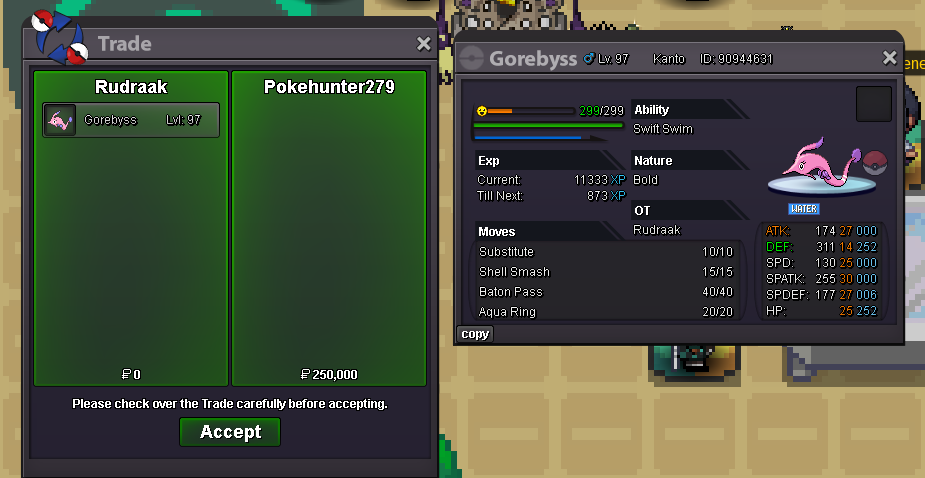
congratulations you have won the bid
-
Auctions is about to end when will u take the delivery of the pokes let me know ( if u win )
-
Roger that
-
you mean Single poke Gorebyss 1 , acknowledge
-
Single Poke Gorebyss 3 Bid Acknowledge
-
Auction Gorebyss 1 Auction Gorebyss 2 Auction Gorebyss 3 Auction Details: for Each Gorebyss , not a bundle but individual pokes Start Bid: 250k for each Gorebyss 1,2,3. etc Min raises: 50k Insta Price: 1m This auction will end at 48hrs after s.o is met. -This is a Gold server auction, Accepted Payments: Pokedollar(s) Coin Capsule:500k each IV RR:700k ea. Nature RR: 300k ea. Rule: mention the Poke your bidding on For example Your Bid = Gorebyss 1, 250k



-
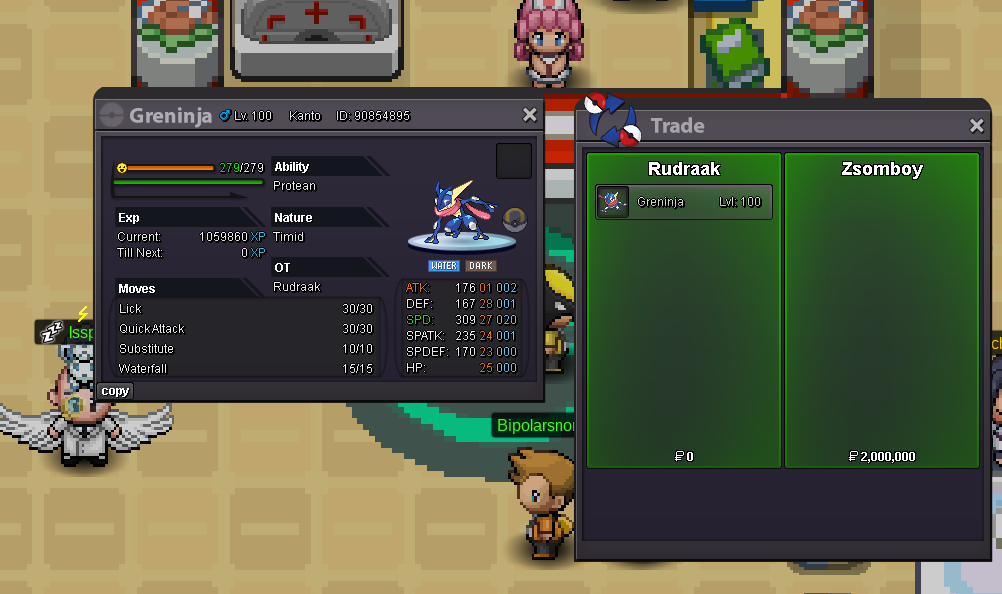
congratulations bro enjoy your poke
-
whats your ingame name ?
-
17 hrs left approx
-
ty for your bid bro
