




New Trade Zone
Trade Zone is now live
Use the new Trade Zone for auctions and instant-price trades so Pokemon and item offers are easy to find.


Lgmastertee
Suspended
-
Joined
-
Last visited
-
-
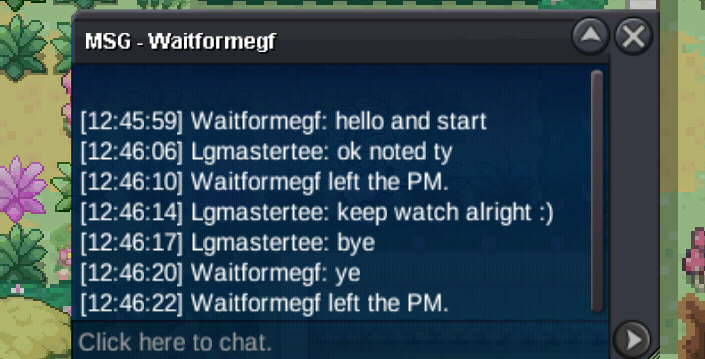
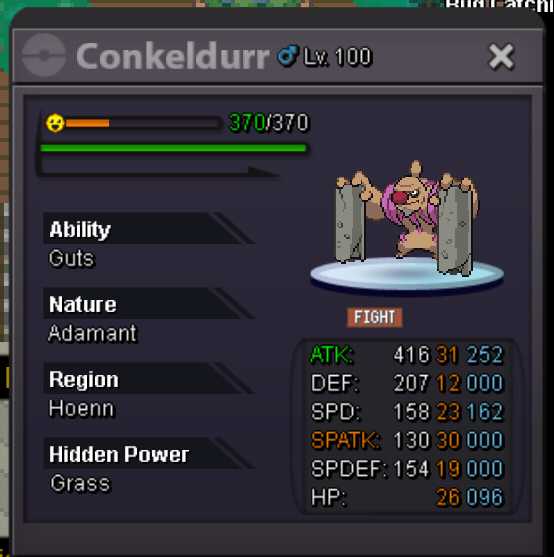
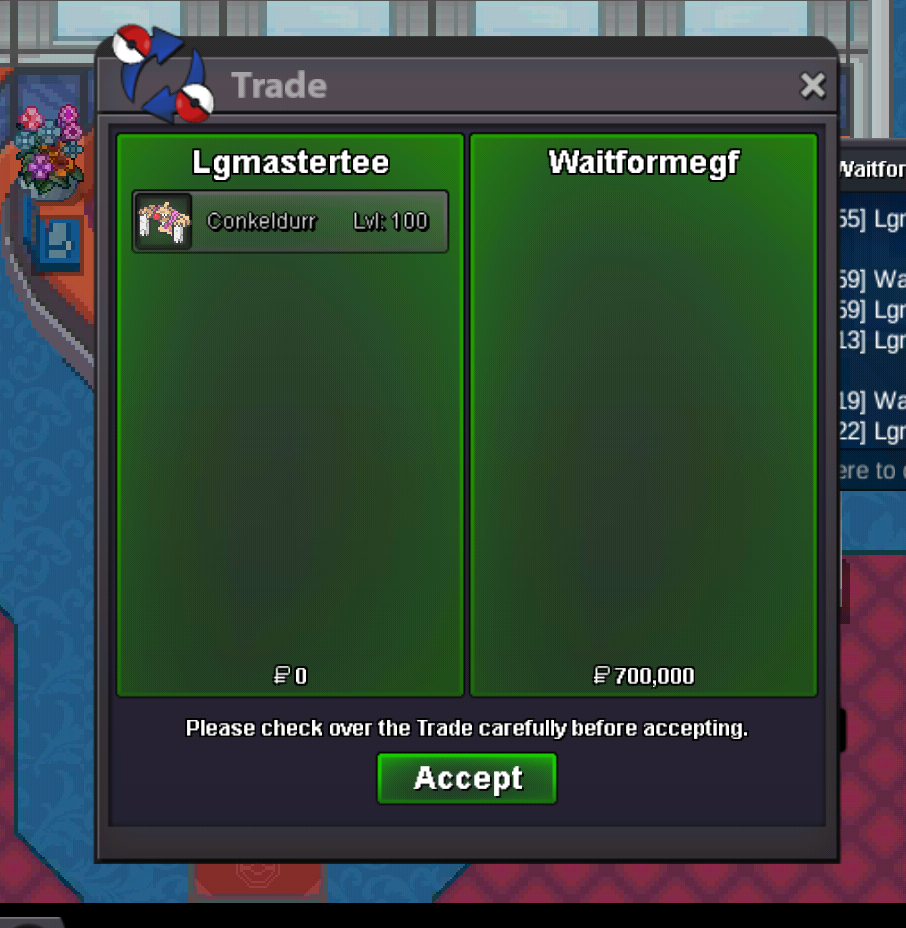
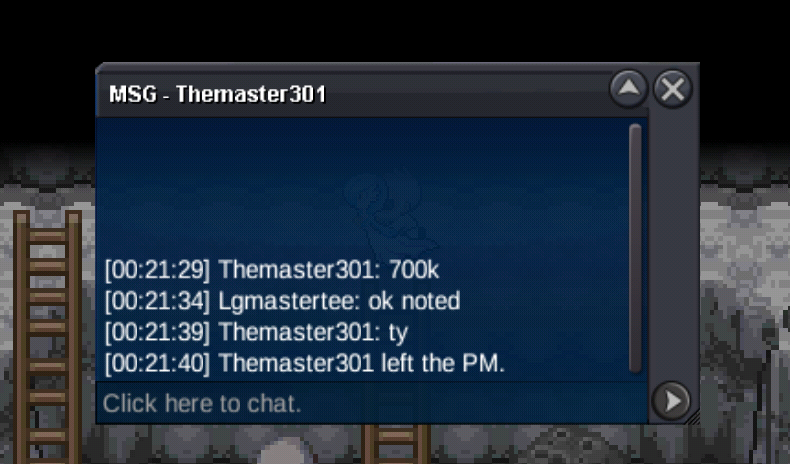
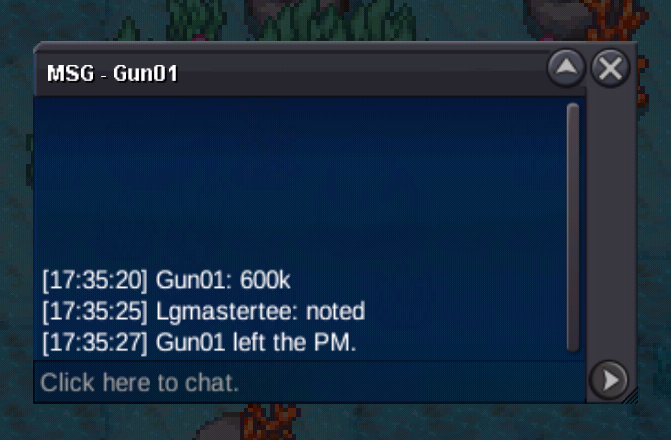
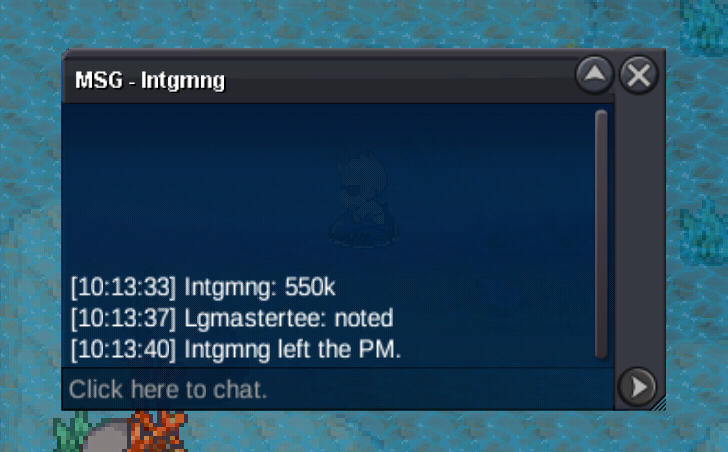
Auction has ended, @Waitformegfis the top bid, congratulations! Pm me in-game or find me on discord : _jinisup_ Thank you!https://www.tickcounter.com/countdown/10190109/conkeldurrrr Countdown starts!
 - Starting price : 700k - Min raise : 100k - No insta - Accepted payments: Pokedollars, Coin capsules (counts as 500k each) - Please follow all auction rules, 15-min extension rule will be applied if bid happens in the last 15 mins of the auction. For more infos: https://pokemonrevolution.net/forum/topic/119709-forums-and-in-game-auction-rules/ Auction will end 12 hours after first bid Happy bidding! 😀
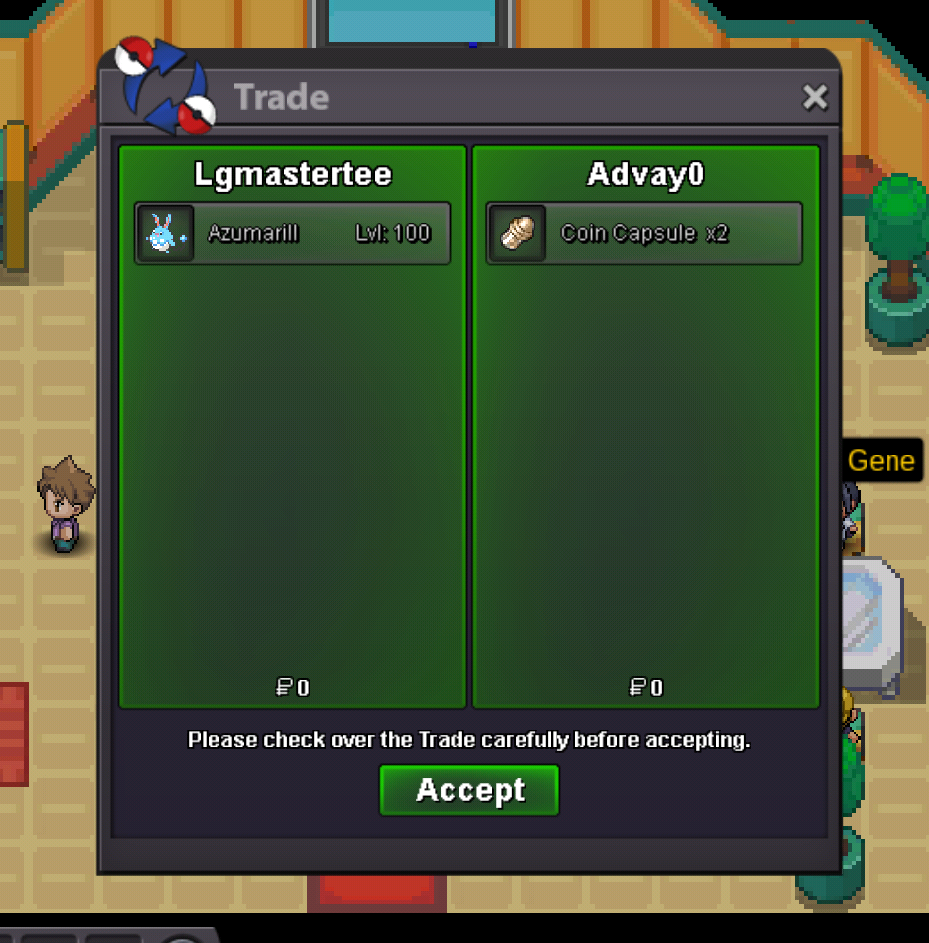
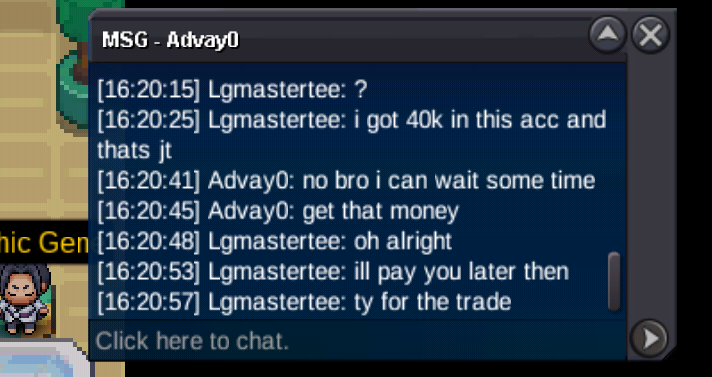
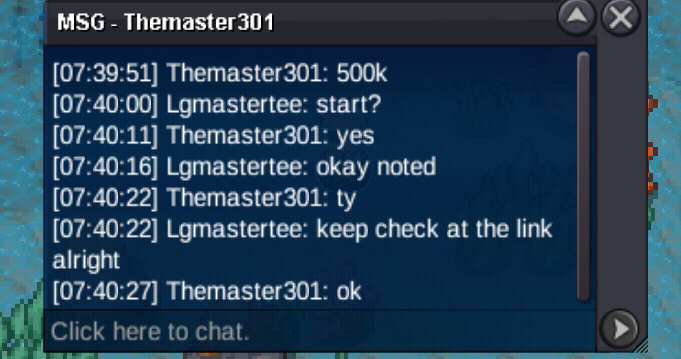
 The auction has ended! The winning top bid is @Advay0! Tell me when you're ready to finish the trade, Advay0, ty.Lgmastertee changed their profile photohttps://www.tickcounter.com/countdown/10149865/azumarill-countdown Countdown starts, have fun!- Starting price : 500k - Min raise : 50k - No insta - Accepted payments: Pokedollars, Coin capsules (counts as 500k each) - Please follow all auction rules, 15-min extension rule will be applied if bid happens in the last 15 mins of the auction. For more infos: https://pokemonrevolution.net/forum/topic/119709-forums-and-in-game-auction-rules/ Auction will end 78 hours after first bid Happy bidding! 😀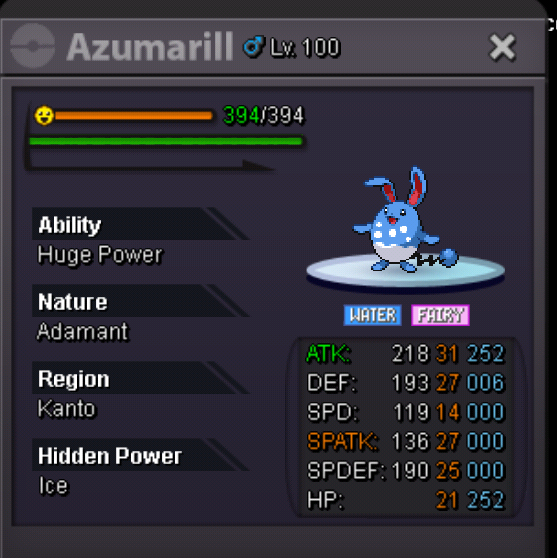
Account
Navigation
Search
Configure browser push notifications
Chrome (Android)
- Tap the lock icon next to the address bar.
- Tap Permissions → Notifications.
- Adjust your preference.
Chrome (Desktop)
- Click the padlock icon in the address bar.
- Select Site settings.
- Find Notifications and adjust your preference.
Safari (iOS 16.4+)
- Ensure the site is installed via Add to Home Screen.
- Open Settings App → Notifications.
- Find your app name and adjust your preference.
Safari (macOS)
- Go to Safari → Preferences.
- Click the Websites tab.
- Select Notifications in the sidebar.
- Find this website and adjust your preference.
Edge (Android)
- Tap the lock icon next to the address bar.
- Tap Permissions.
- Find Notifications and adjust your preference.
Edge (Desktop)
- Click the padlock icon in the address bar.
- Click Permissions for this site.
- Find Notifications and adjust your preference.
Firefox (Android)
- Go to Settings → Site permissions.
- Tap Notifications.
- Find this site in the list and adjust your preference.
Firefox (Desktop)
- Open Firefox Settings.
- Search for Notifications.
- Find this site in the list and adjust your preference.