




New Trade Zone
Trade Zone is now live
Use the new Trade Zone for auctions and instant-price trades so Pokemon and item offers are easy to find.

Khaltyrell
Registered User
-
Joined
-
Last visited
-
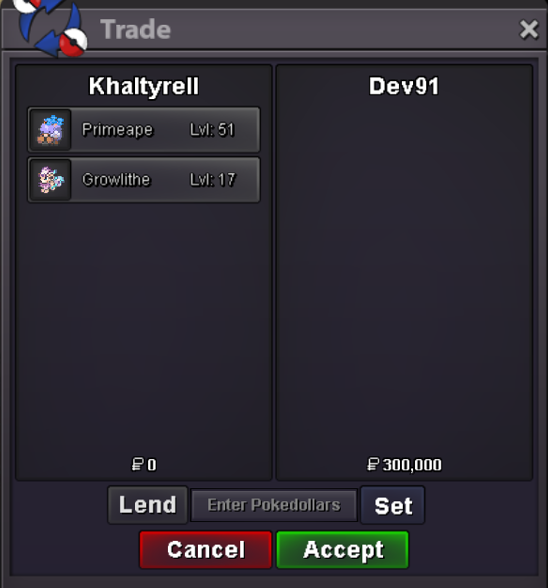
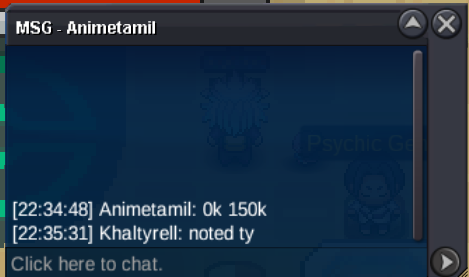
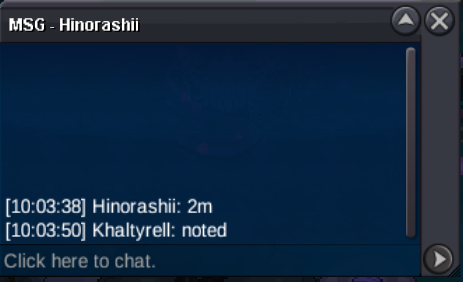
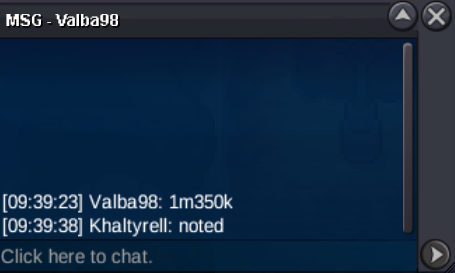
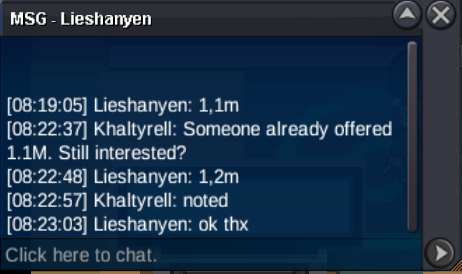
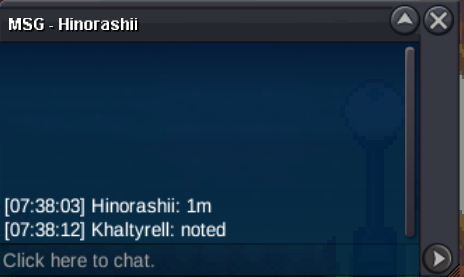
The winner of the Primeape auction didn't show up despite multiple attempts to contact them. After waiting several days with no response, I offered the Primeape to the second highest bidder, who accepted and paid 200k. This auction is now closed. Sorry, the screenshot was taken too early
-
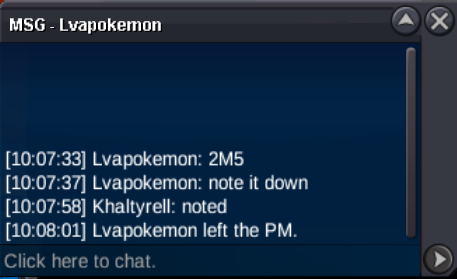
Auction has ended. Both Pokémon have been sold. Growlithe winner: @Dev91 Primeape winner: Animetamil Please PM me to arrange the trade.
-
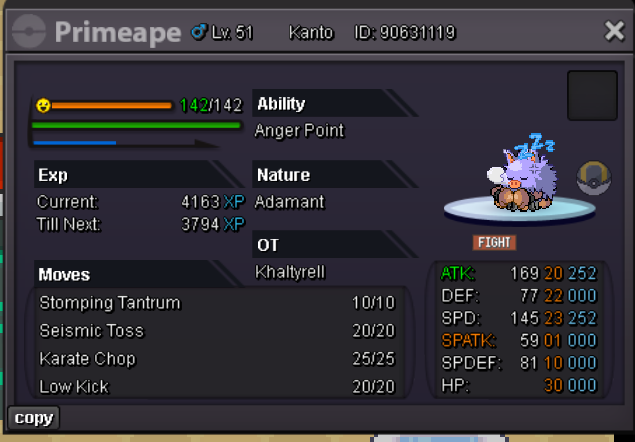
primeape
-
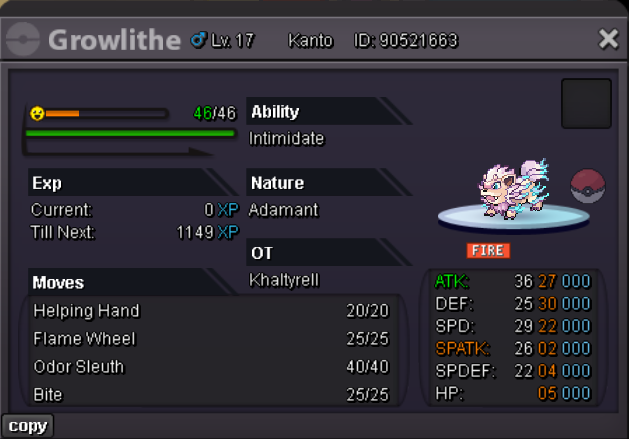
Easter Pokes Auction Duration: 24 hours after the first valid bid. Payment: Pokédollars Rules: - Deleting or editing bid comments is not allowed. - If you use an alt account, state the name in your bid. - Winner must reply within 24 hours after auction ends. Bid here or PM me. Starting bid: 100k Min increment: 50k No insta Starting bid: 100k Min increment: 10k No insta
-
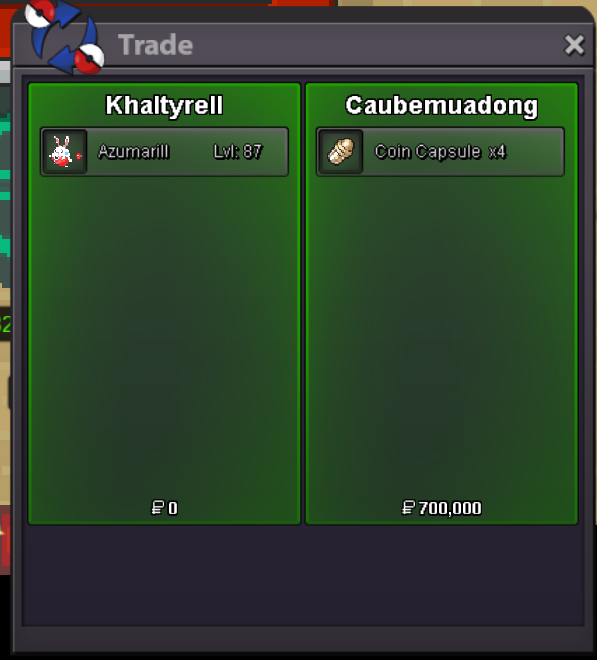
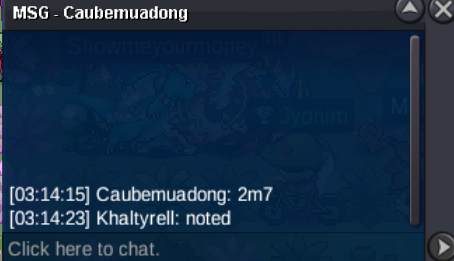
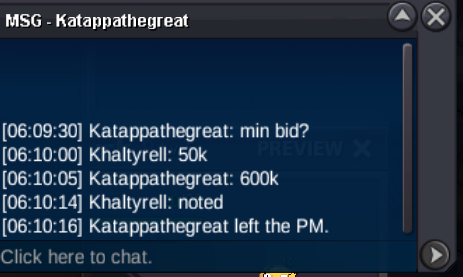
Auction closed. Winner is Caubemuadong with 2.7M. Thank you all for participating.
-
Last 15 min bid = +15 min extension.
-
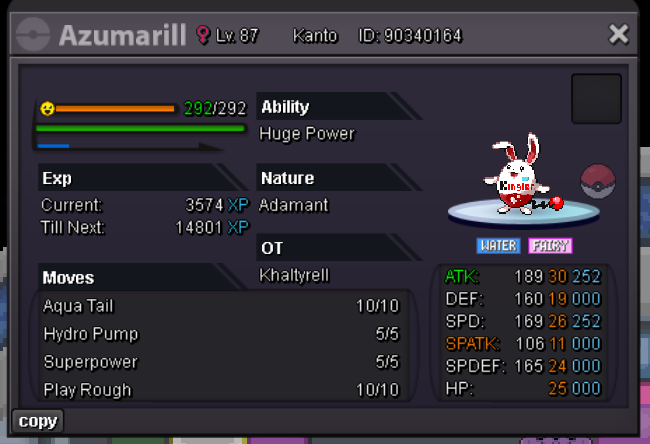
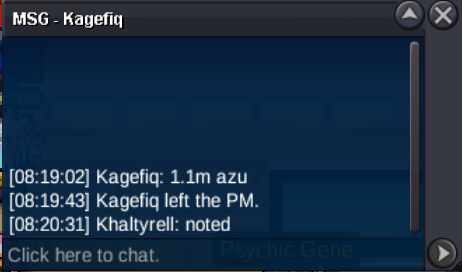
Event Azumarill auction Starting bid: 500k Min increment: 50k No insta Duration: 24 hours after the first valid bid. Payment: Pokédollars or Coin Capsule (500k) Rules: - Deleting or editing bid comments is not allowed. - If you use an alt account, state the name in your bid. - Winner must reply within 24 hours after auction ends. Bid here or PM me.
Account
Navigation
Search
Configure browser push notifications
Chrome (Android)
- Tap the lock icon next to the address bar.
- Tap Permissions → Notifications.
- Adjust your preference.
Chrome (Desktop)
- Click the padlock icon in the address bar.
- Select Site settings.
- Find Notifications and adjust your preference.
Safari (iOS 16.4+)
- Ensure the site is installed via Add to Home Screen.
- Open Settings App → Notifications.
- Find your app name and adjust your preference.
Safari (macOS)
- Go to Safari → Preferences.
- Click the Websites tab.
- Select Notifications in the sidebar.
- Find this website and adjust your preference.
Edge (Android)
- Tap the lock icon next to the address bar.
- Tap Permissions.
- Find Notifications and adjust your preference.
Edge (Desktop)
- Click the padlock icon in the address bar.
- Click Permissions for this site.
- Find Notifications and adjust your preference.
Firefox (Android)
- Go to Settings → Site permissions.
- Tap Notifications.
- Find this site in the list and adjust your preference.
Firefox (Desktop)
- Open Firefox Settings.
- Search for Notifications.
- Find this site in the list and adjust your preference.