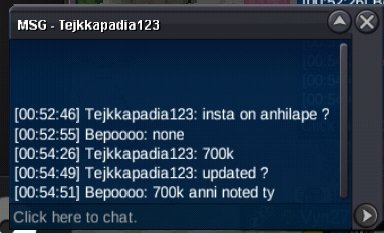
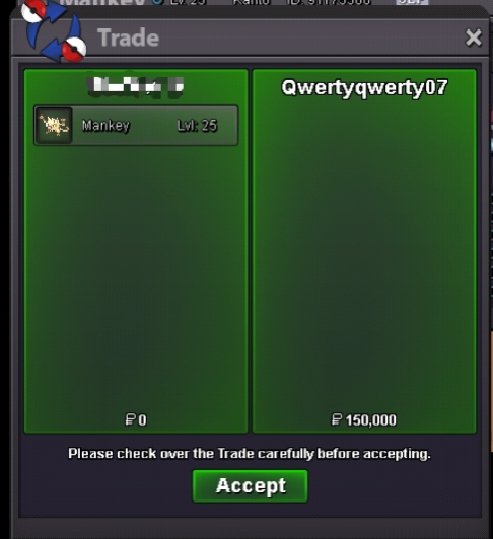
New Trade Zone
Trade Zone is now live
Use the new Trade Zone for auctions and instant-price trades so Pokemon and item offers are easy to find.

Bepoooo
Registered User
-
Joined
-
Last visited
Everything posted by Bepoooo
-
Hi, @Kkkppp @Cymane1 @Redtalon23 dm me on discord migitenobepo
-
bump
-
Cant find your discord, can u pls add me on discord? Migitenobepo <<
-
I already sent friend request on your discord kindly check ty
-
Can you add me on discord? @migitenobepo ty
-
Is a newly established guild on PRO, founded by @Bepoooo and @Vinsaint, with a clear vision of building a competitive and respected community.We are recruiting active players who enjoy PVP, PVE, Dungeon, and other cooperative content. Our objective is to create an environment where teamwork, dedication, and mutual respect are the foundation of every achievement. By supporting one another and sharing knowledge, we aim to help every member reach their full potential while strengthening the guild as a whole.Beyond individual progression, Vanguard is committed to establishing a strong competitive presence, with the goal of consistently securing a Top 10 position on the monthly PVP ladder.Our community brings together players from around the world, creating a diverse and welcoming environment where collaboration, camaraderie, and long-term friendships thrive.If you are an active player seeking a guild that values commitment, teamwork, and continuous growth, Vanguard welcomes your application. Together, we will build a community defined by excellence, loyalty, and lasting success.STAFFFOUNDER: VINSAINT [PH] CAIDENN [PH] OFFICERS: XDADDYRAMEN [US] ADRIANPOGI [PH] JUEVIOLEGRAC3 [PH] POKEBOIIIII [DE] MVTSON[VN] GUILD PERKS➛ +25% BONUS EXP ➛ Friendly and active community ➛ Team Lending (if needed) ➛ Events, tournaments, and giveaways ➛ Active Discord and much more ➛ Dungeon, PVP and Boss guide GUILD REQUIREMENTS➛ Have active Discord Account [Mandatory] ➛ Must have at least 150+ Hours playing time ➛ Be able to speak in English ➛ All badges obtained ➛16+ Age HOW TO JOIN?1. Screenshot of you Trainer Card 2. How old are you? 3. Where are you from? 4. Your Fav thing to do in Pro? 5. What your fav Pokemon? 6. Discord Tag Become part of Vanguard today.
.png.c11919d565a7f53c9c25f14243ed4deb.png)
-
-
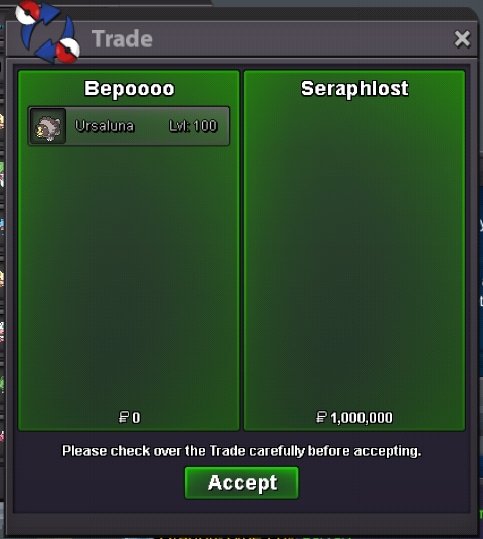
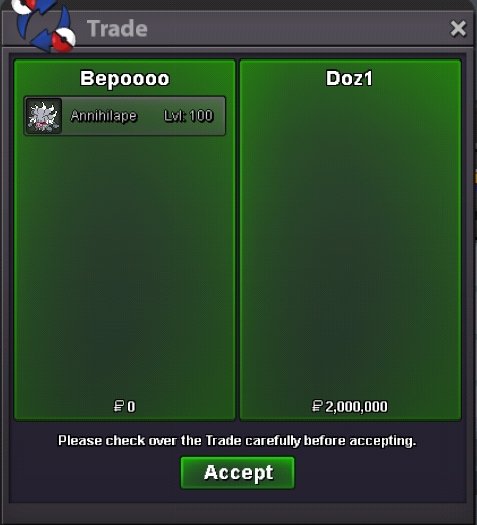
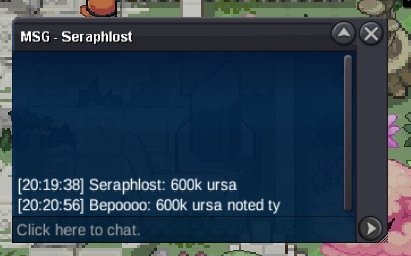
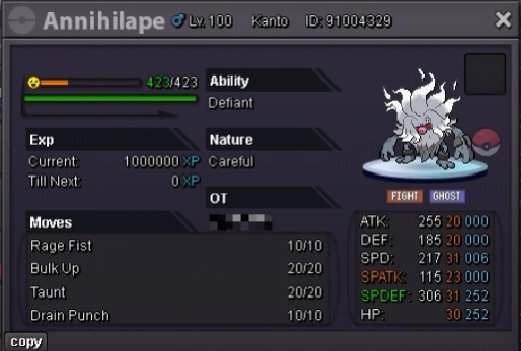
Congratulations @Seraphlost & @Doz1, you both won the auction. Please send me a message when you're online. Thank you to all bidders!🫶🏻ANNIHILAPE START
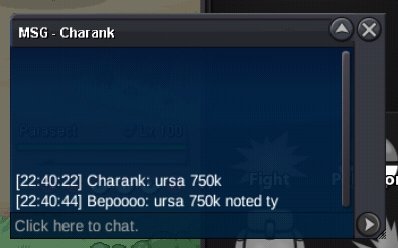
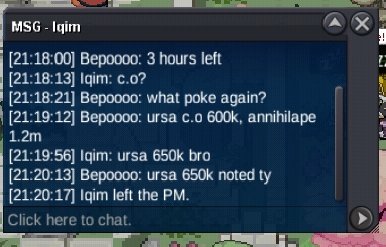
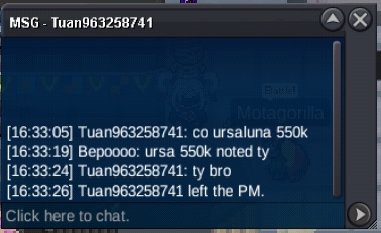
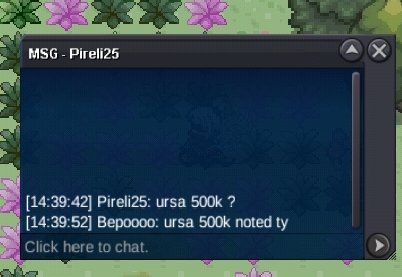
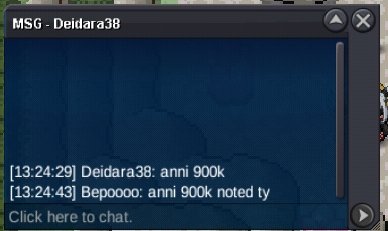
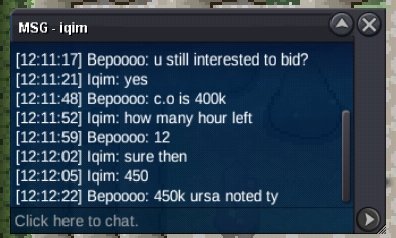
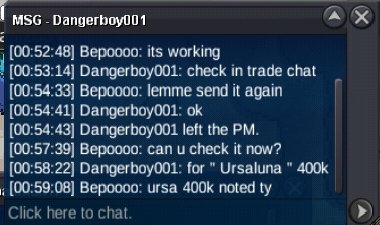
 URSALUNA | GUTS - ADAMANT Start Point: 300K End Point: [24 hours after start is met] Insta: N/A Min. Raise: 50k Accepted Payment(s): Poke dollars , Coin Capsules ( 1 x Coin Capsule = 500k ), IV Reroll ( 1 x IV Reroll = 700k ) 3X31 ANNIHILAPE | DEFIANT - CAREFUL Start Point: 500K End Point: [24 hours after start is met] Insta: N/A Min. Raise: 100K Accepted Payment(s): Poke dollars , Coin Capsules ( 1 x Coin Capsule = 500k ), IV Reroll ( 1 x IV Reroll = 700k ) Important Reminders - This is a Gold Server auction. You may bid from any server but you must transfer to Gold Server upon winning the auction. - If you intend to purchase with an alternate account or from other server, please specify the account name and/or server name alongside your bid. - 15 minutes rule is applied. (If a bid is received in the final 15 minutes of the auction, the end point will be delayed by 15 minutes from that bid, and will be delayed by 15 minutes for each new bid thereafter, until the current offer has been held for a full 15 minutes) - Please check the Trade Rules and Auction Rules if you are new to trading in PRO. Again, thank you for all the support. To all bidders and viewers, Enjoy the Auction, Happy Bidding.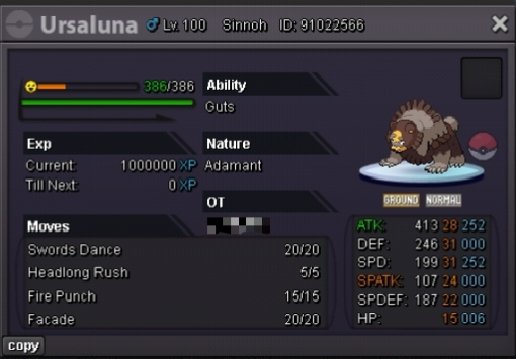
 I'll be online now
Account
Navigation
Search
Configure browser push notifications
Chrome (Android)
- Tap the lock icon next to the address bar.
- Tap Permissions → Notifications.
- Adjust your preference.
Chrome (Desktop)
- Click the padlock icon in the address bar.
- Select Site settings.
- Find Notifications and adjust your preference.
Safari (iOS 16.4+)
- Ensure the site is installed via Add to Home Screen.
- Open Settings App → Notifications.
- Find your app name and adjust your preference.
Safari (macOS)
- Go to Safari → Preferences.
- Click the Websites tab.
- Select Notifications in the sidebar.
- Find this website and adjust your preference.
Edge (Android)
- Tap the lock icon next to the address bar.
- Tap Permissions.
- Find Notifications and adjust your preference.
Edge (Desktop)
- Click the padlock icon in the address bar.
- Click Permissions for this site.
- Find Notifications and adjust your preference.
Firefox (Android)
- Go to Settings → Site permissions.
- Tap Notifications.
- Find this site in the list and adjust your preference.
Firefox (Desktop)
- Open Firefox Settings.
- Search for Notifications.
- Find this site in the list and adjust your preference.