New Trade Zone
Trade Zone is now live
Use the new Trade Zone for auctions and instant-price trades so Pokemon and item offers are easy to find.


Enlightened1
Registered User
-
Joined
-
Last visited
Everything posted by Enlightened1
-
... I am logging in shortly. Making a pot of coffee first. XD
-
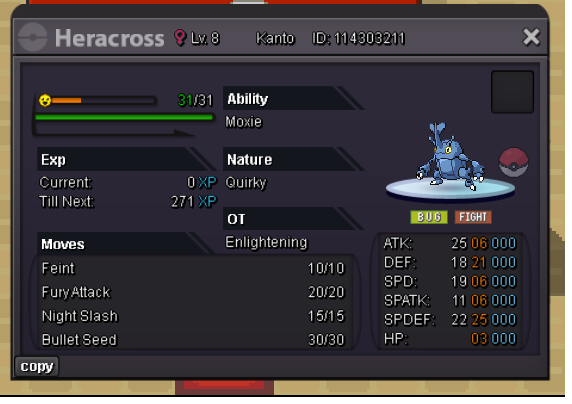
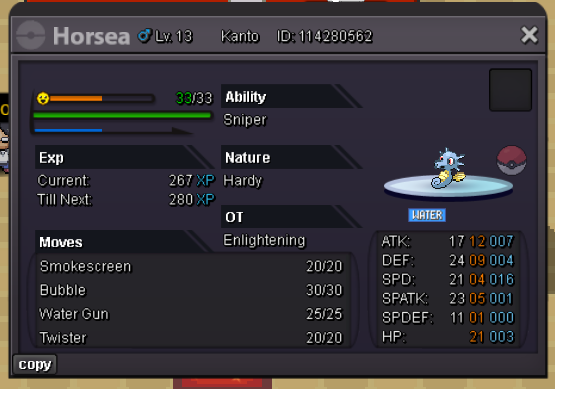
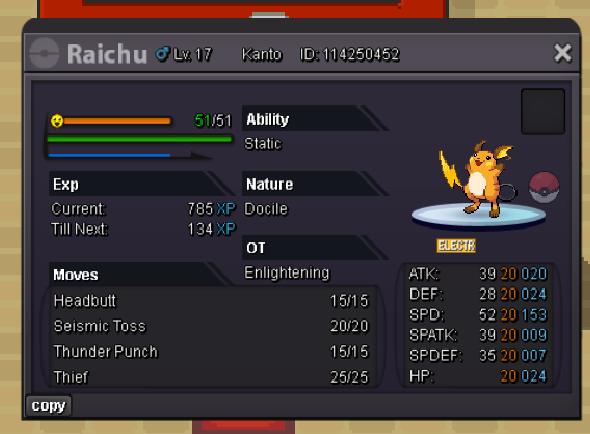
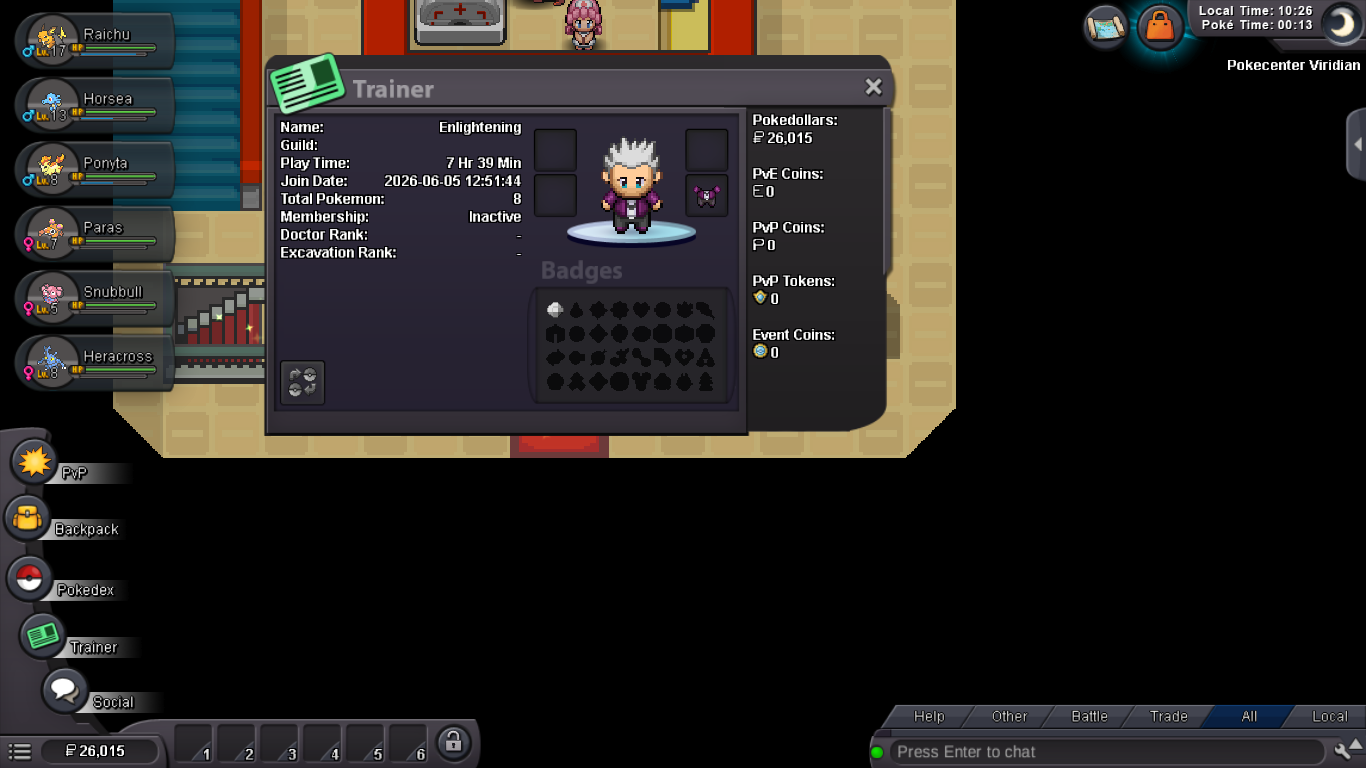
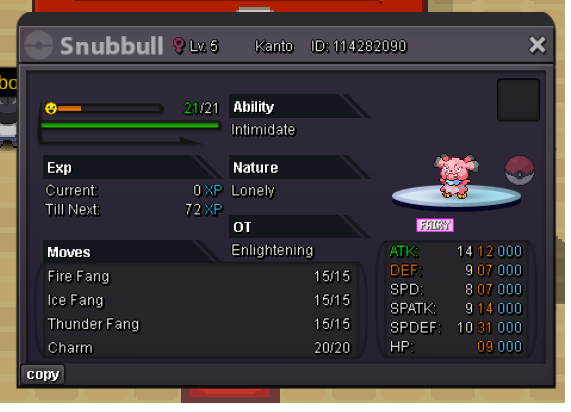
Hi there everyone! You can call me Enlightening / Enlightened1 I am very excited to share my progress with you as I adventure through this amazing MMORPG. I'd like to figure out if eventually I could run some services after I get far enough. The services I'd be interested in offering are, leveling / training, trade evolutions, maybe even a service where I go out and catch you a Pokemon, or a team, and possibly level / train them to an optimal / desired level / move set etc... I have been zooming back and forth between Pallet Town and Pewter City catching and training what I can to produce an early team. I've only beaten Brock so far but I do have several items in my inventory already. I have included some pictures for reference. These were taken within the last 20 minutes. I'd like to get some feedback / advice on what I could be doing to maximize my efforts with catching / training teams as I go, making money and Story progression.