New Trade Zone
Trade Zone is now live
Use the new Trade Zone for auctions and instant-price trades so Pokemon and item offers are easy to find.

Phucprime
Registered User
-
Joined
-
Last visited
-
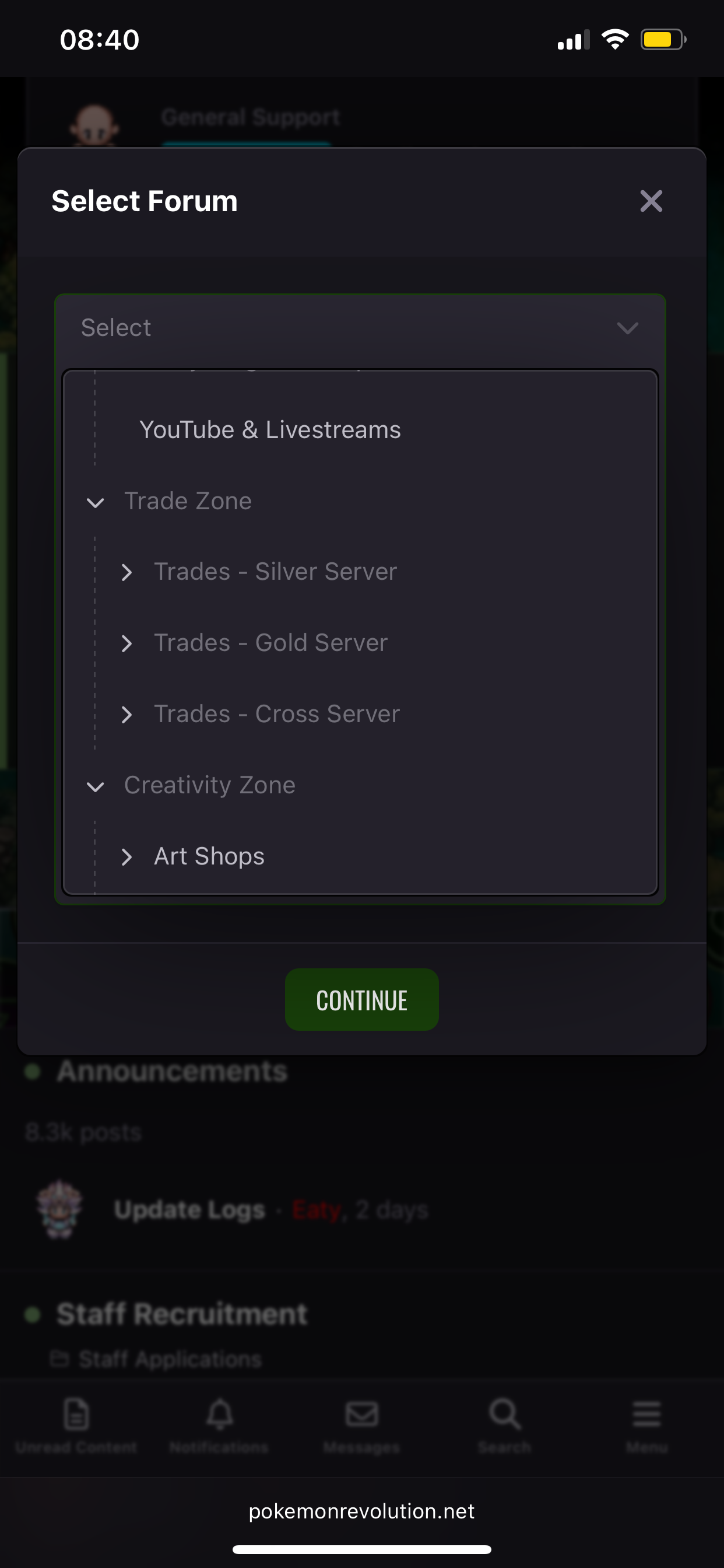
I cannot select the service shop option to create a post.
-
Hi I'm currently working on the Vulcan and Alto Mare service quests, but I can't create service posts. Can you help me?
-
-
give me discordAh, I mean, I borrowed it from a friend, but I don't have any collateral, so if I trade 25 million pokedollars straight, I'm afraid I'll get banned. So, is there any way for me to prove that I borrowed money from him and will repay it within one month?Sorry, it's actually 25 million pokedollars because I used Google Translate and it translated it to VND.Hi I currently want to borrow 25 million VND from you, but I don't have any Pokémon to use as collateral. What should I do to avoid being misunderstood as RMT ? I will repay the money within one month.Sorry, I posted in the wrong section.Hi I currently want to borrow 25 million VND from you, but I don't have any Pokémon to use as collateral. What should I do to avoid being misunderstood as RMT ? I will repay the money within one month.Auction Details Starting Price - 500k Min Raise - 100k No Insta Accepted Payments - Pokedollars, Coin Capsules (480k), IV Reroll Tickets (700k), & Nature Reroll Tickets (350k). Time Durations - 2 Days / 48 hours. The Auction will begin when the starting price is met.