




New Trade Zone
Trade Zone is now live
Use the new Trade Zone for auctions and instant-price trades so Pokemon and item offers are easy to find.

Crimson001
Registered User
-
Joined
-
Last visited
-
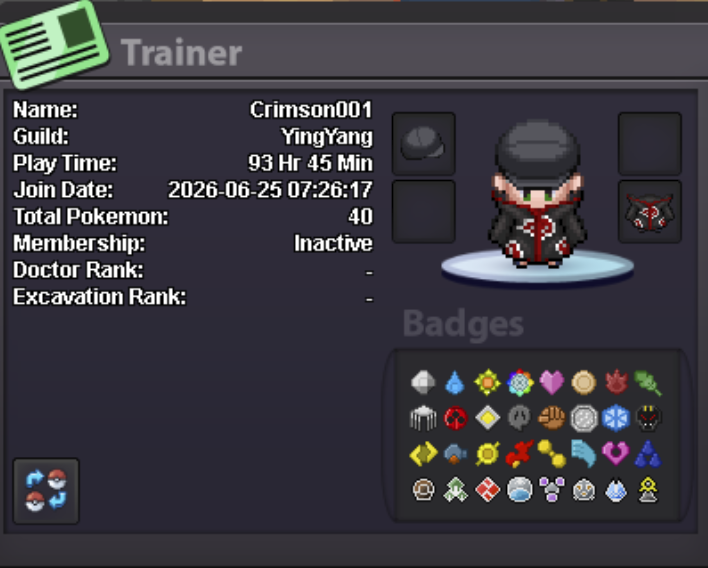
• What can you contribute to Dynasty?I'm an active PRO player who enjoys both PvP( I dont have experience to it but I am ready to learn) and trading. I like building competitive Pokémon, collecting valuable Pokémon, and helping other players whenever I can. I'm friendly, active, and always looking to improve while contributing to a positive guild community. I also enjoy participating in events, auctions, and guild activities. • What is your real-life and in-game name?RLN: Chandan IGN: Crimson001 • How old are you and where are you from?I'm 20 years old and I'm from India. • Discord tag? How often are you online there?Discord: Crimson001 I check Discord every day and can be contacted whenever needed. I'm active in both the game and Discord.
-
Hi, I'm looking for a guild, please leave a message and I will get back to you ASAP. Playtime - 90hrs Ready for pvp - will have to help me once or twice haven't done it before Ready for helping other guild mates too! Thank you, ~ Crimson001