New Trade Zone
Trade Zone is now live
Use the new Trade Zone for auctions and instant-price trades so Pokemon and item offers are easy to find.

Klush
Registered User
-
Joined
-
Last visited
-
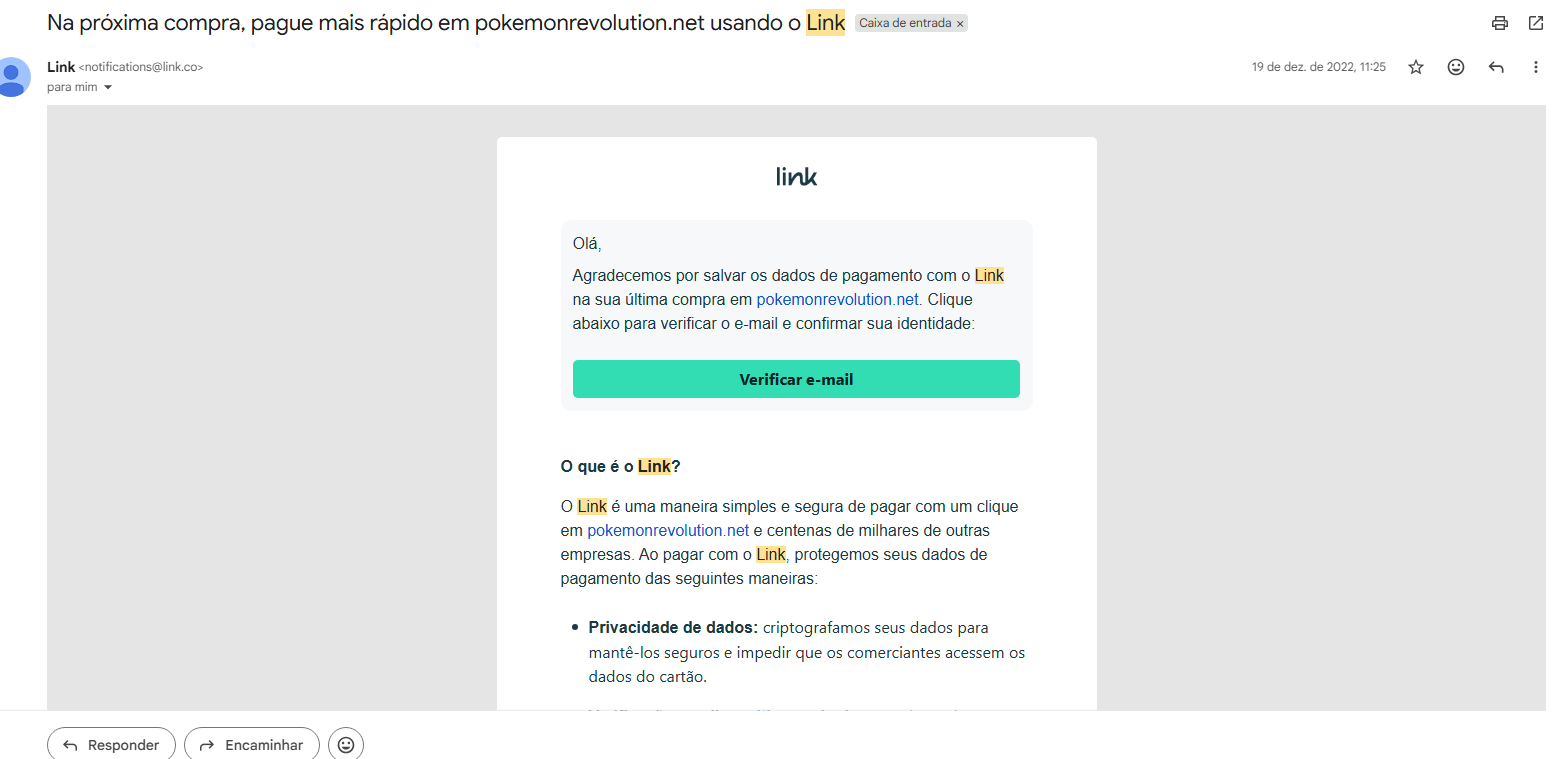
Hello everyone, I'm from Brazil and I'm trying to recover one of my old Pokémon Revolution Online accounts. I still have access to the original email address associated with the account, but unfortunately I no longer remember the username. The only proof I currently have is a purchase-related email from December 2022, which I can provide if needed. I have two other PRO accounts linked to this same email address, and I still remember their usernames: Klushnewson Klush However, the account I'm trying to recover is not one of those two. I have already sent an email to the Support Team, but I wanted to ask here as well in case there is any additional step I should take or if someone from the staff could point me in the right direction. Any help would be greatly appreciated. Thank you!