New Trade Zone
Trade Zone is now live
Use the new Trade Zone for auctions and instant-price trades so Pokemon and item offers are easy to find.

Lgxt
Registered User
-
Joined
-
Last visited
-
I would but the thing is, the moment I log in, I get stuck. I’m stuck right at the cave entrance. On that note, my game music was turned off beforehand.
-
Hello, I just arrived at blackthorn city, and tried to enter dragon’s cave/den, the map loaded but my game crashed. I tried relogging but it was crashing. I restarted my pc, it didn’t fix the issue. What can I do?
-
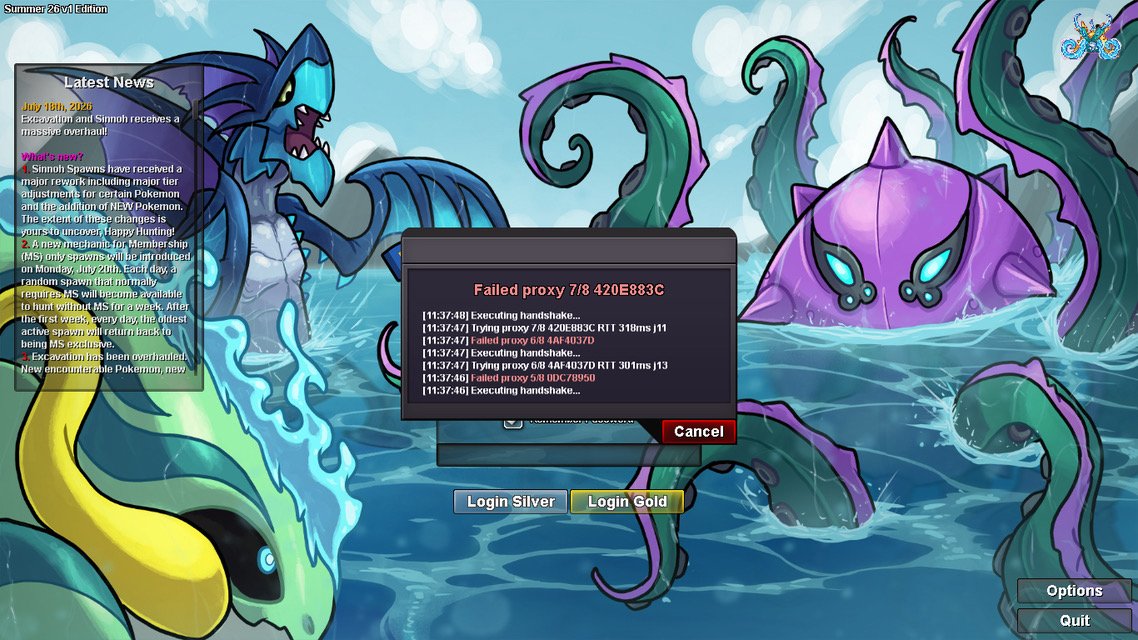
Hello, I’ve been having trouble logging into the game after the recent update. I’ve tried both servers (I have played on both) and none of them seem to be able to let me log in. I’m stuck on the boot menu with an infinitely repeating retrying login message. Help would be much appreciated.