New Trade Zone
Trade Zone is now live
Use the new Trade Zone for auctions and instant-price trades so Pokemon and item offers are easy to find.

Dissaor
Registered User
-
Joined
-
Last visited
-
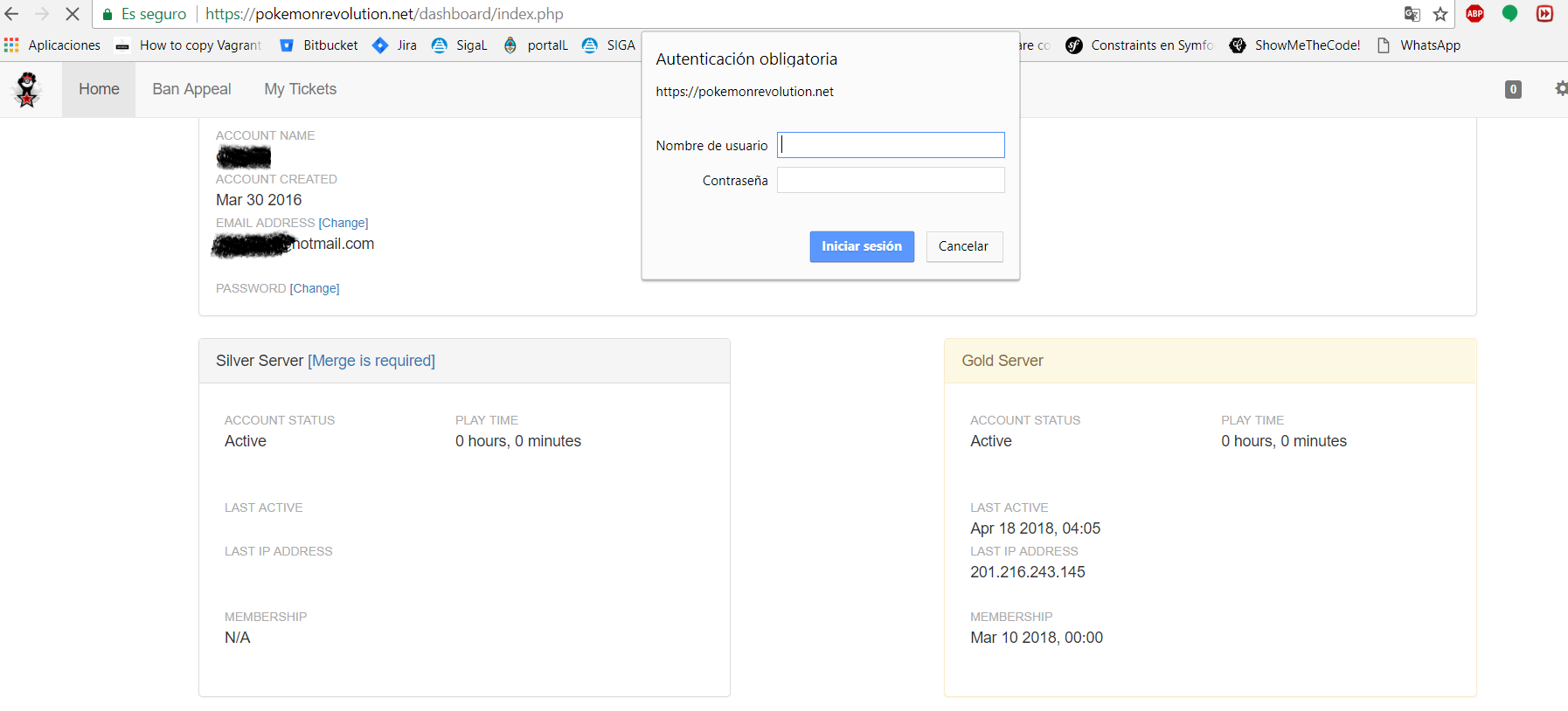
Tengo un problema al fusionar, ingreso a la URL: https://pokemonrevolution.net/dashboard/index.php ingresos los datos de mi cuenta y me dirige a un panel que adjunto, al momento de darle a la opcion Silver Server [Merge is required] me salta otra ventana para iniciar sesion, meto los mismos datos que use para iniciar sesion/entrar al juego/foro y me da error y nunca puedo iniciar... No se si soy el único que le pasa pero no puedo iniciar sesion en el juego tampoco... --------------------------------------------------------- I'm sorry, use a translator I have a problem when merging, login to the URL: https://pokemonrevolution.net/dashboard/index.php income my account data and direct me to a panel that I attached, when I gave the option Silver Server [Merge is required] I jump another window to start session, I put the same data I use to log in / enter the game / forum and I get an error and I can never start ... I do not know if I'm the only one who happens but I can not start session in the game either ...
-
64 bit corrupted :S