New Trade Zone
Trade Zone is now live
Use the new Trade Zone for auctions and instant-price trades so Pokemon and item offers are easy to find.

Hnt21
Registered User
-
Joined
-
Last visited
-
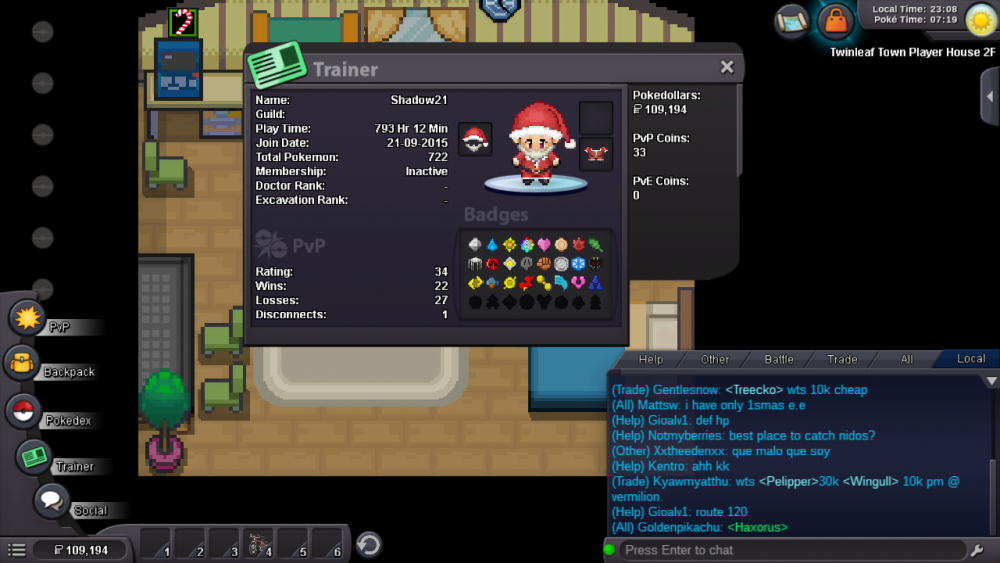
Why you want join us? - I'd like to join you because I love the Name of the guild. What's your favourite pokèmon? And pokèmon type? My favorite pokemon is charmander, but my favorite type is Dark. Where are you from? Which lenguages do you speak? I'm from Philippines, but I can speak English Are you a daycarer?= Not Yet. Do you do pvp? Yes, Always. What is/are your goal/s in PRO?= To 100% everything, and complete it. Your in-game name?= Shadow21 How old are you? 30.
-
PRO Username: hnt21 Do you have active membership?: No Your knowledge about PRO: Beginner What have you done before the problem was there? I was on the battle when the server got offline.I have 4 items on my Pokemon hard rock,quick claw,black glasses.led over, its all gone when I log in this morning What have you already tried to solve the problem? Not yet Description and Message