New Trade Zone
Trade Zone is now live
Use the new Trade Zone for auctions and instant-price trades so Pokemon and item offers are easy to find.

Foreverbog
Registered User
-
Joined
-
Last visited
Everything posted by Foreverbog
-
-
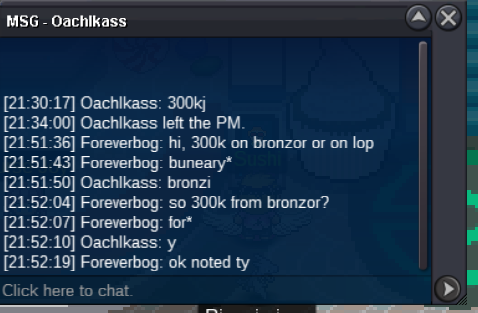
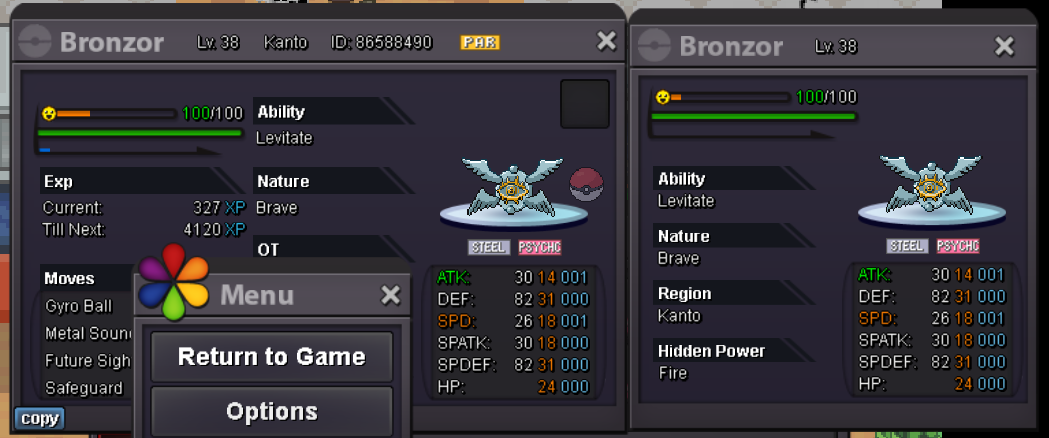
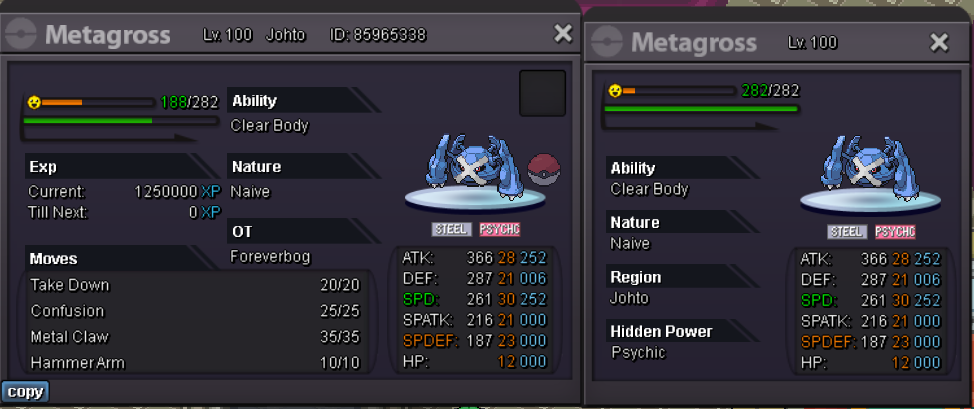
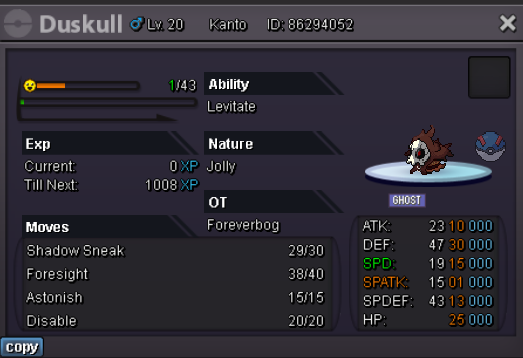
bronzong is already started ok countdown postedPokemons for 20k each Shiny/forms PVP Open to negotiatons aswell. GL
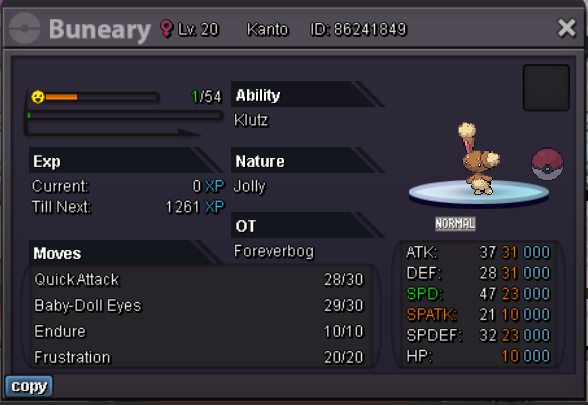


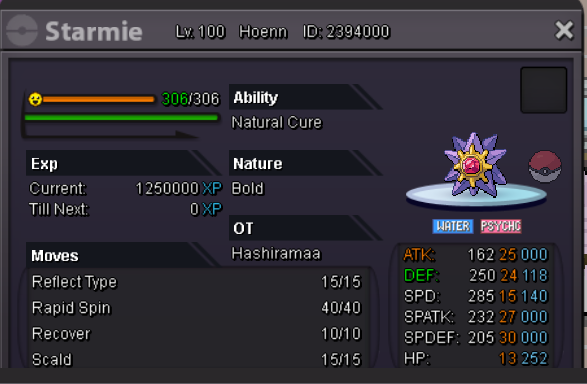
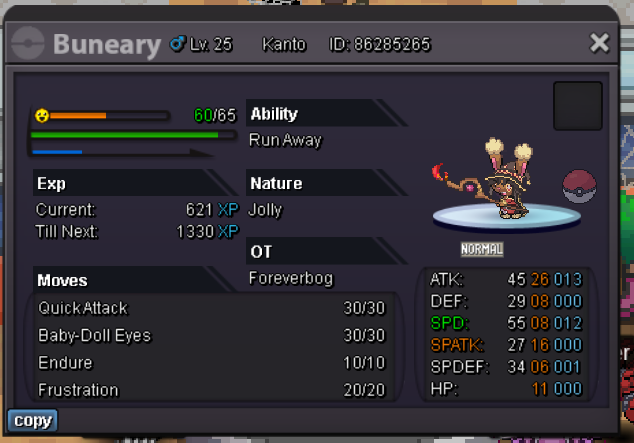
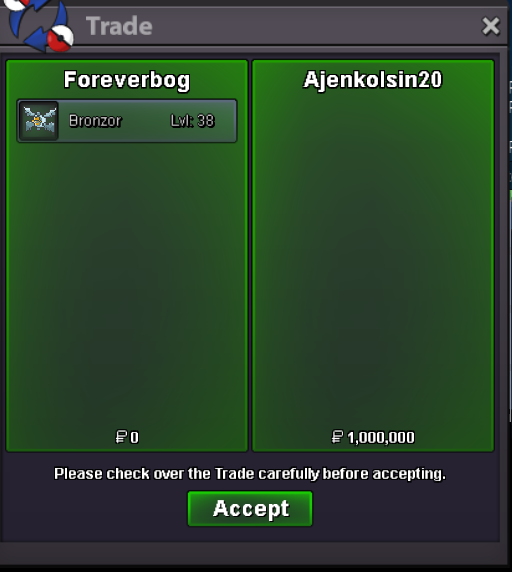

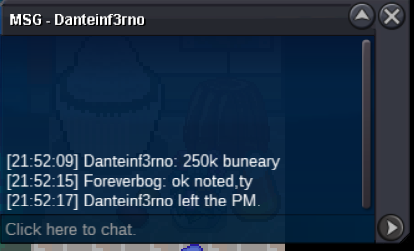
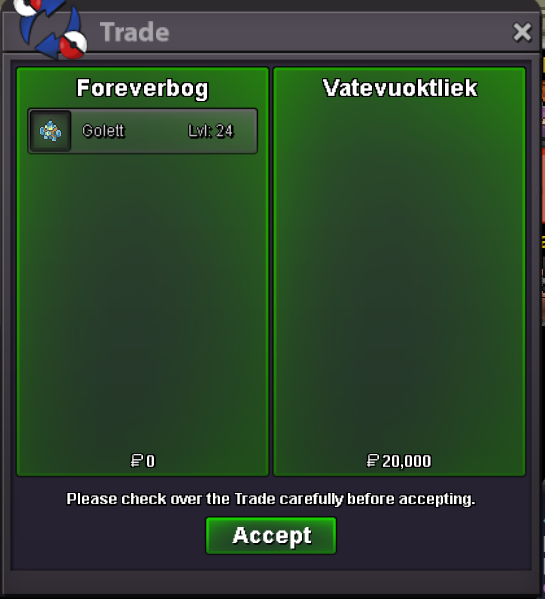
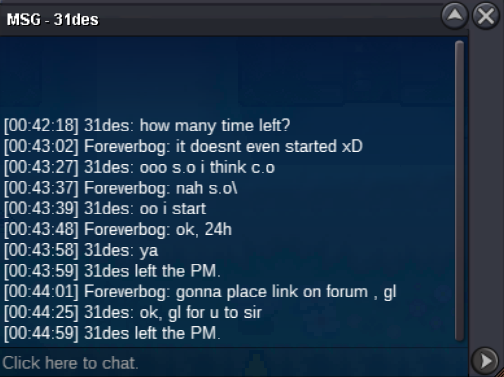
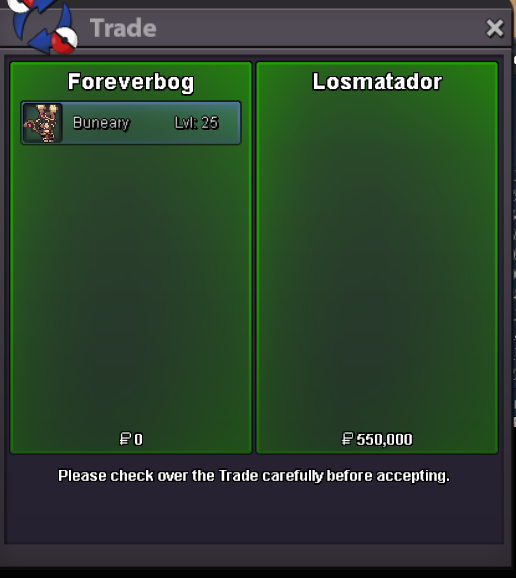 @Imtcracka u won the auction, let me know when we can meet @Konservatif your bid was after the time expiret, srryLet me know when we can meet in order to trade @Vatevuoktliekc.o 400k min bid 50k insta 2.5m 24h after start Countdown link Pokemons for 20k each Shiny/forms PVP Open to negotiatons aswell. GL
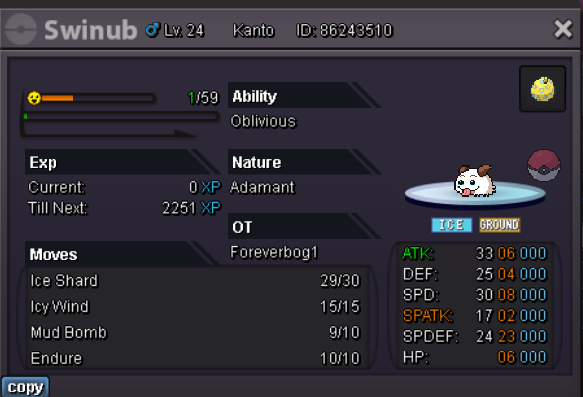
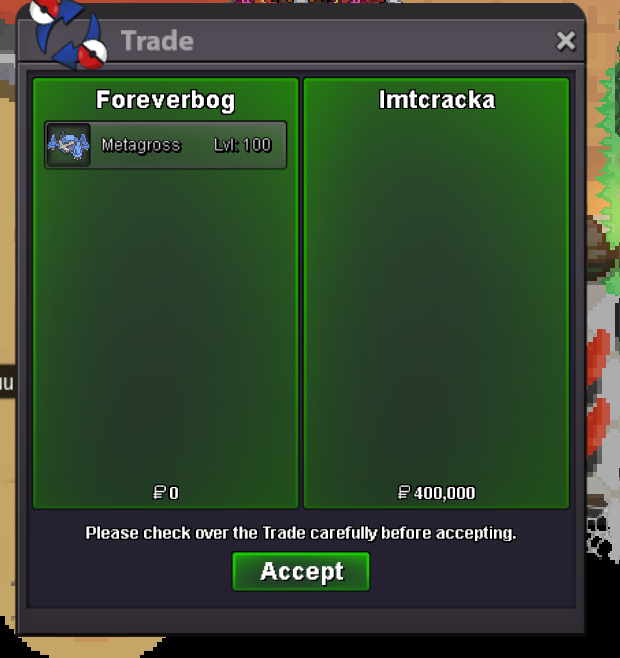 startSold to @Segeking
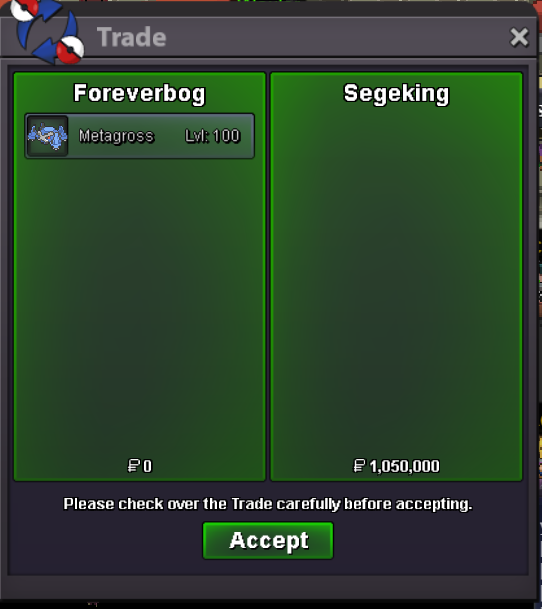 c.o 1m min bid 50k insta 2,5m 24h after s.o Cooldown link Pokemons for 20k each Shiny PVP Open to negotiatons aswell. GL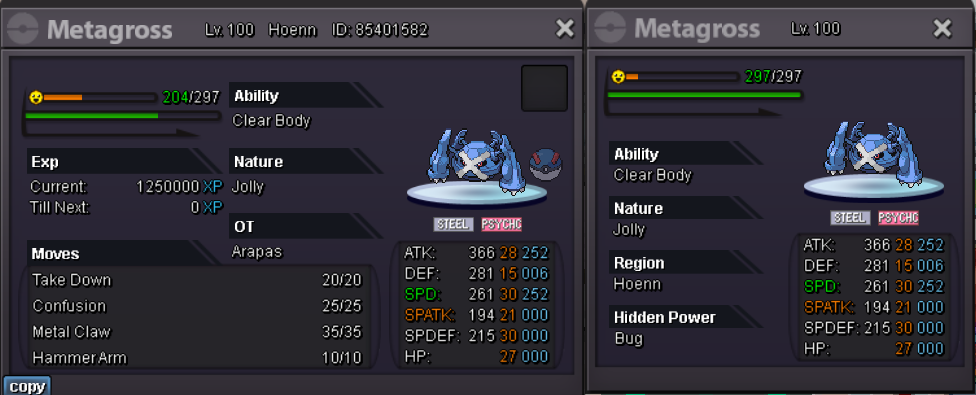
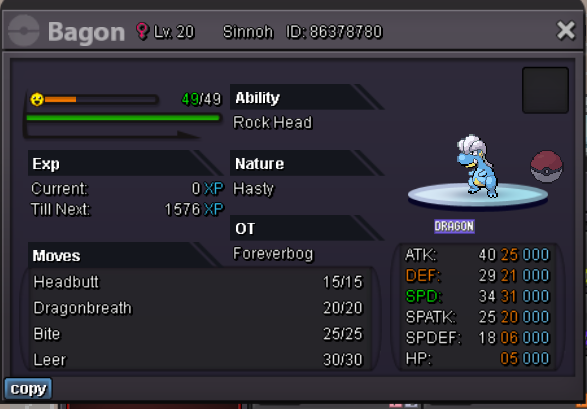
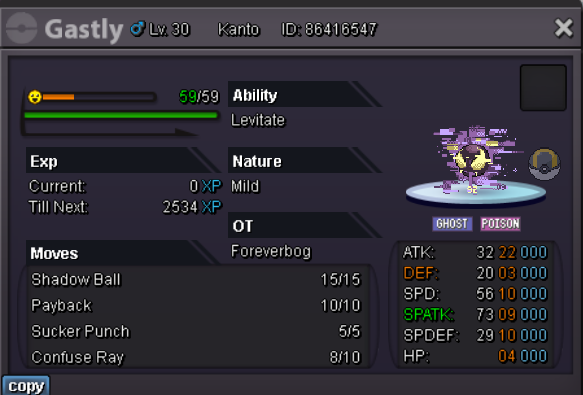
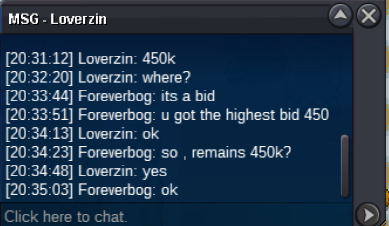
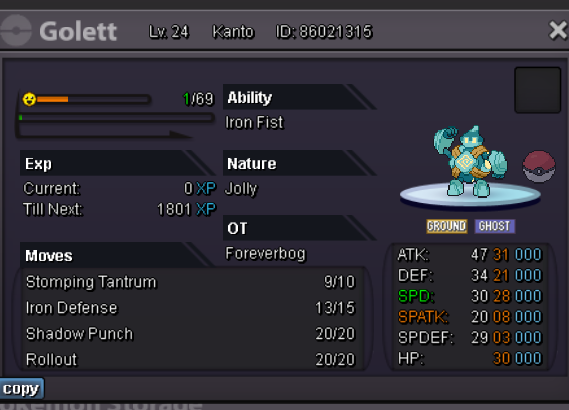 @Loverzin u won the auction, i couldnt find you online in game, let me know when you want to tradeBumpc.o 450k min bid 50k insta 800k Cooldown Link c.o 300k, min bid 50k. insta 2m Cooldown link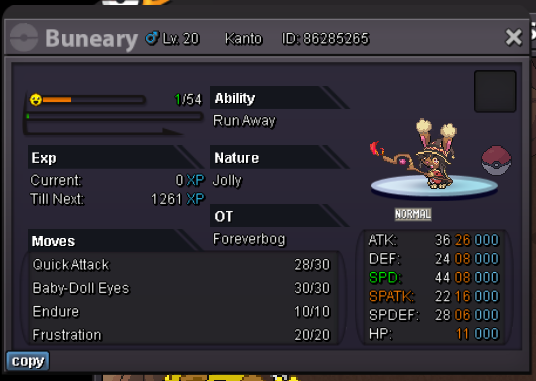
Account
Navigation
Search
Configure browser push notifications
Chrome (Android)
- Tap the lock icon next to the address bar.
- Tap Permissions → Notifications.
- Adjust your preference.
Chrome (Desktop)
- Click the padlock icon in the address bar.
- Select Site settings.
- Find Notifications and adjust your preference.
Safari (iOS 16.4+)
- Ensure the site is installed via Add to Home Screen.
- Open Settings App → Notifications.
- Find your app name and adjust your preference.
Safari (macOS)
- Go to Safari → Preferences.
- Click the Websites tab.
- Select Notifications in the sidebar.
- Find this website and adjust your preference.
Edge (Android)
- Tap the lock icon next to the address bar.
- Tap Permissions.
- Find Notifications and adjust your preference.
Edge (Desktop)
- Click the padlock icon in the address bar.
- Click Permissions for this site.
- Find Notifications and adjust your preference.
Firefox (Android)
- Go to Settings → Site permissions.
- Tap Notifications.
- Find this site in the list and adjust your preference.
Firefox (Desktop)
- Open Firefox Settings.
- Search for Notifications.
- Find this site in the list and adjust your preference.