New Trade Zone
Trade Zone is now live
Use the new Trade Zone for auctions and instant-price trades so Pokemon and item offers are easy to find.

Ash2134
Registered User
-
Joined
-
Last visited
Everything posted by Ash2134
-
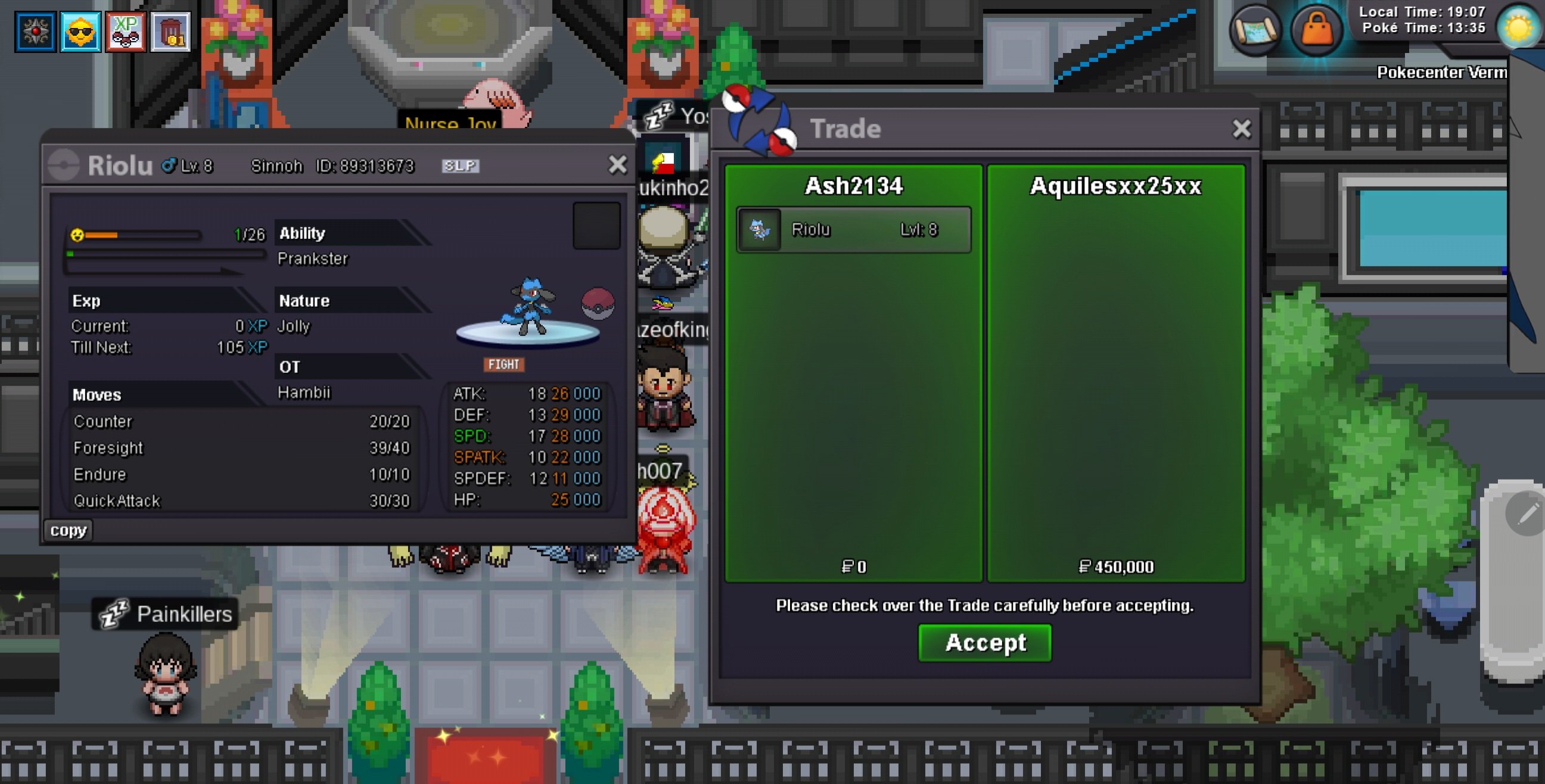
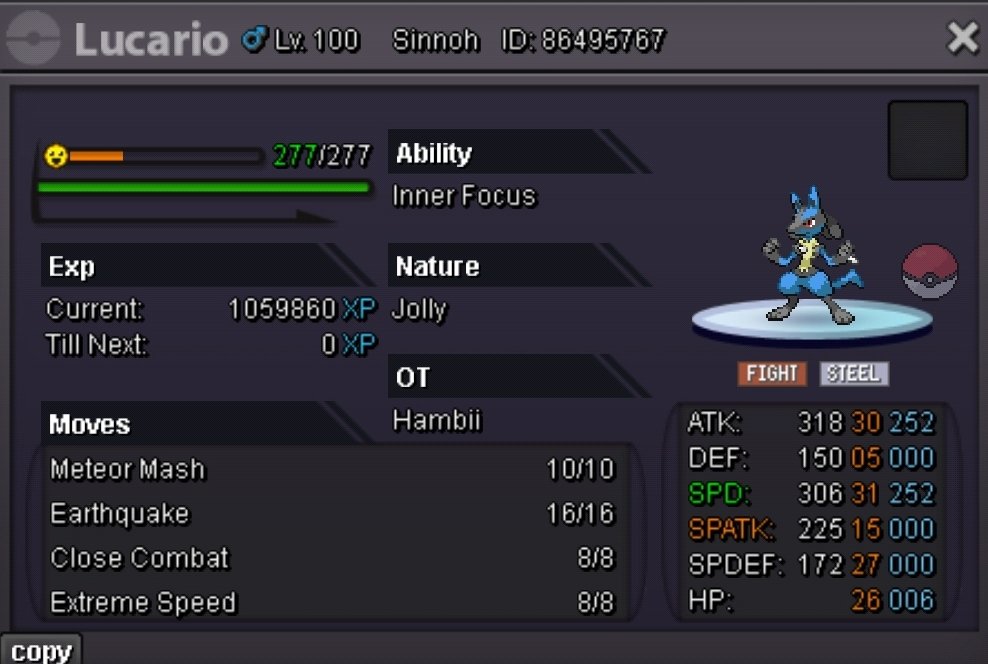
Dear @Incandescent please help me to force the trade . I cant reach this dude. The lucario is on this acc aswell
-
@Priankit msg me per disCord its redshankss97
-
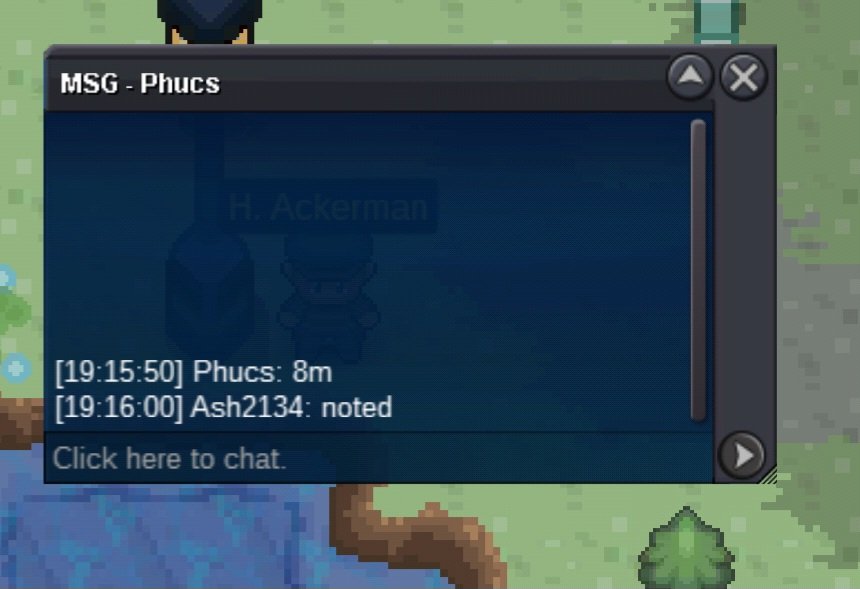
Auction Rules s.o 100k min bid 100k no insta ends 48 Hours after start Accept Pokedollars CC = 400K
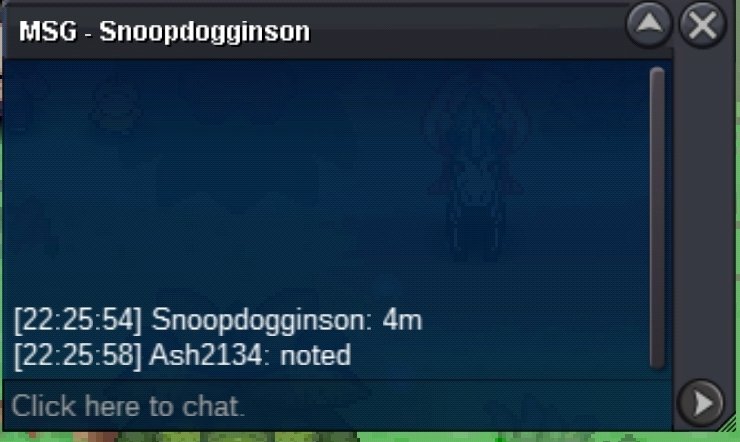
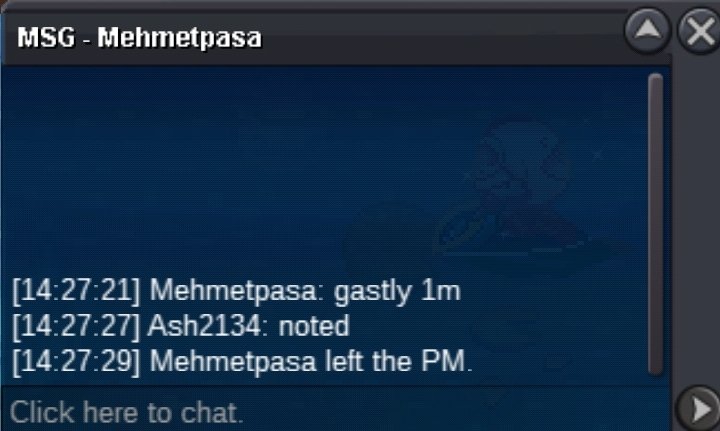
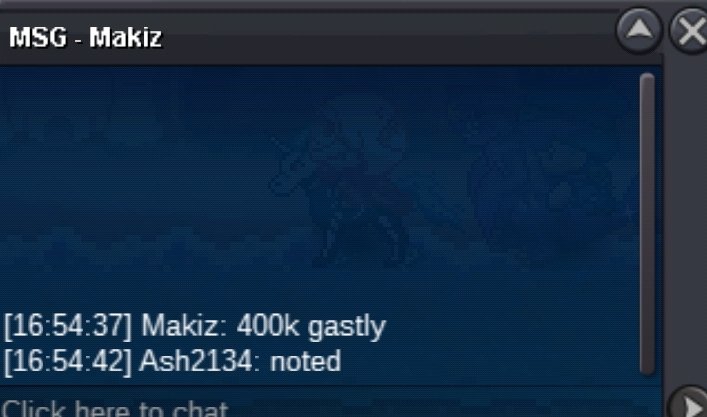
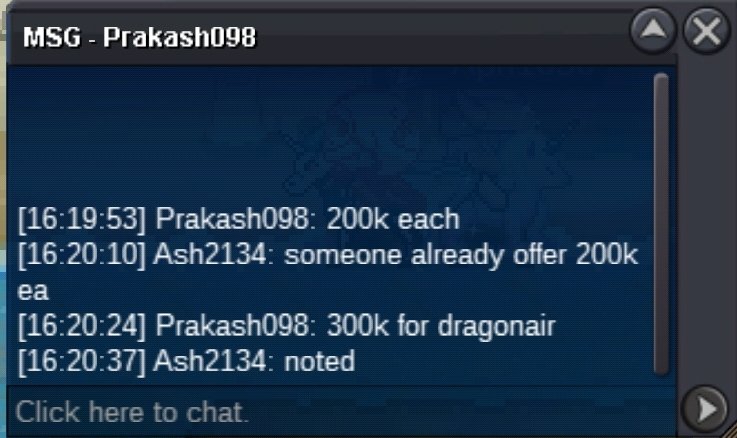
 @Prakash098 congratz u won please contact me in the game@Yellow. Hello dear Support. I need ur help. The dude who offer 1m for the gastly isnt contacting me. I even tag him and i even msg him privat but still no answere. Please help me outPangoro s.o 2m min bid 250k no insta ends 72 Hours after first bid Accept Pokedollars CC = 400K
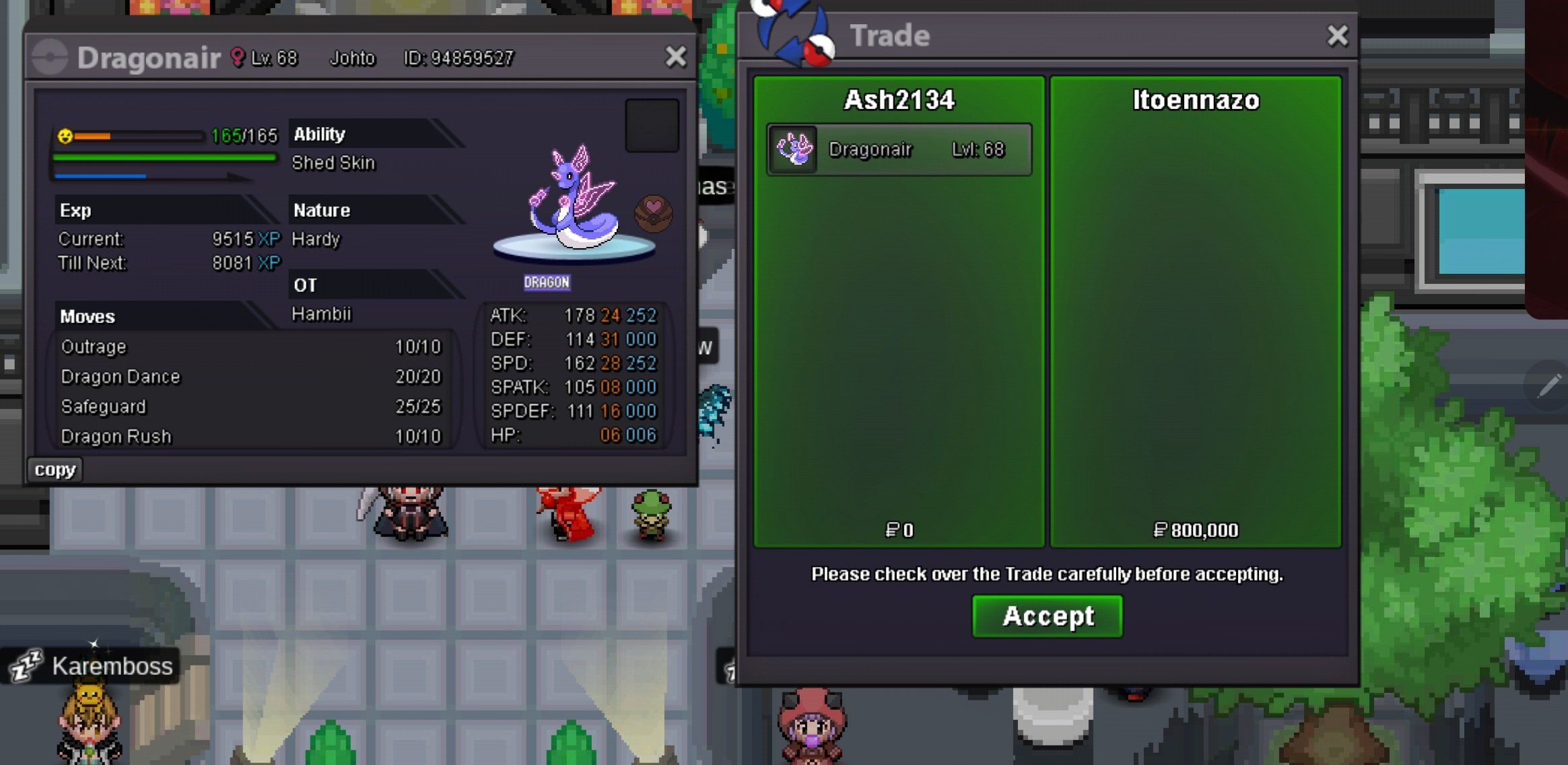
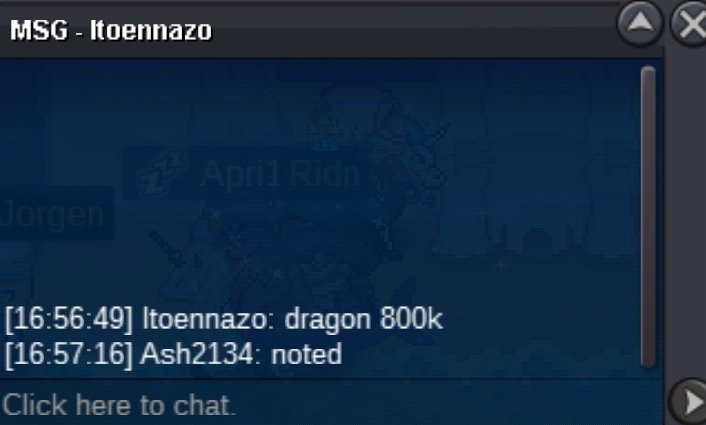
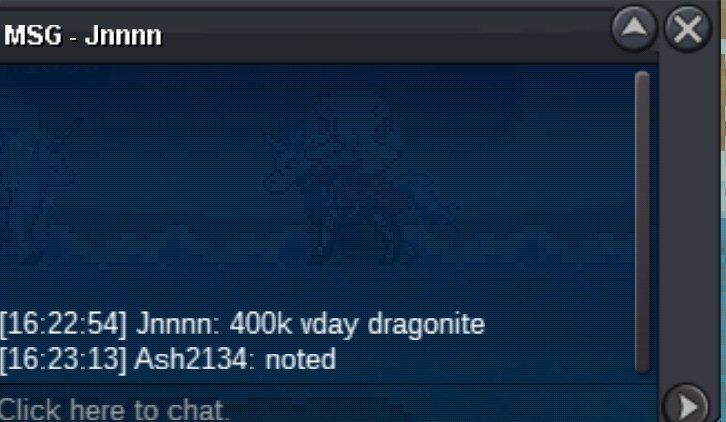
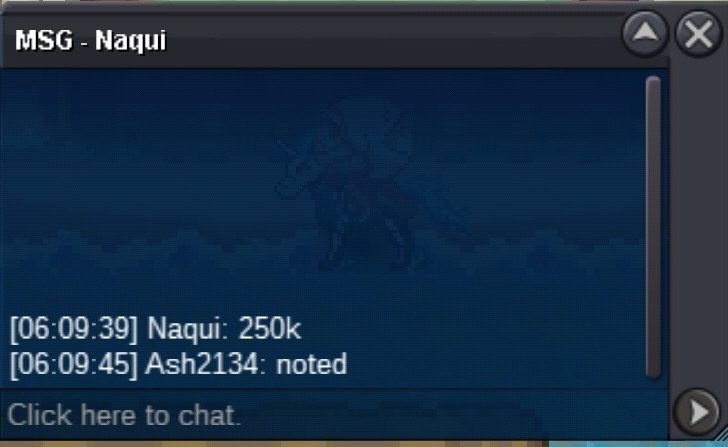
 Congratz to @Mehmetpasa. And @Itoennazo u guys won please take contact to me to get ur pokes . Or msg me ur discord namesDragonite s.o 100k min bid 100k no insta ends 48 Hours after start Accept Pokedollars CC = 400K Gastly s.o 100k min bid 100k no insta ends 48 Hours after start Accept Pokedollars CC = 400K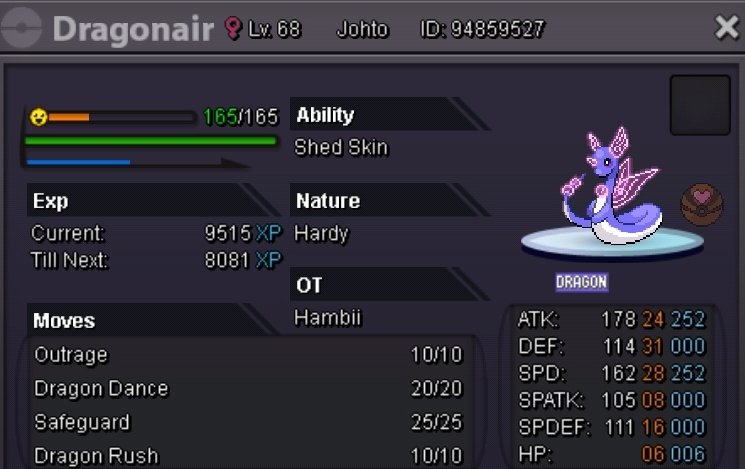
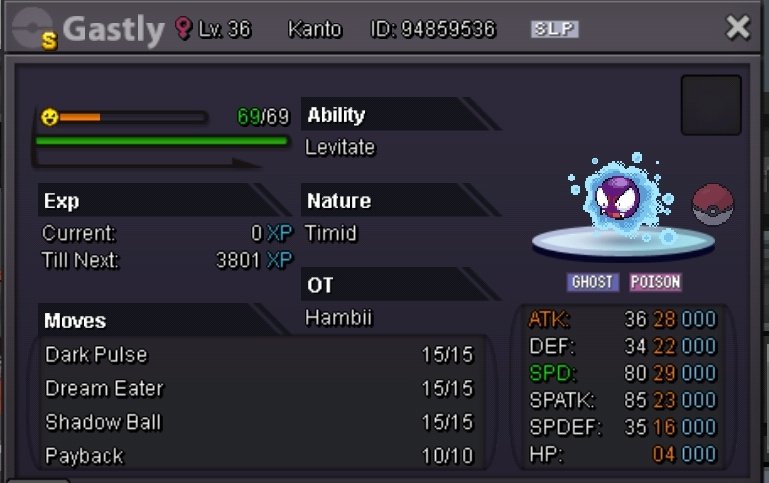 @Aquilesxx25xx. Is the winner please contact me per discord. My dsc name is : redshankss.
Account
Navigation
Search
Configure browser push notifications
Chrome (Android)
- Tap the lock icon next to the address bar.
- Tap Permissions → Notifications.
- Adjust your preference.
Chrome (Desktop)
- Click the padlock icon in the address bar.
- Select Site settings.
- Find Notifications and adjust your preference.
Safari (iOS 16.4+)
- Ensure the site is installed via Add to Home Screen.
- Open Settings App → Notifications.
- Find your app name and adjust your preference.
Safari (macOS)
- Go to Safari → Preferences.
- Click the Websites tab.
- Select Notifications in the sidebar.
- Find this website and adjust your preference.
Edge (Android)
- Tap the lock icon next to the address bar.
- Tap Permissions.
- Find Notifications and adjust your preference.
Edge (Desktop)
- Click the padlock icon in the address bar.
- Click Permissions for this site.
- Find Notifications and adjust your preference.
Firefox (Android)
- Go to Settings → Site permissions.
- Tap Notifications.
- Find this site in the list and adjust your preference.
Firefox (Desktop)
- Open Firefox Settings.
- Search for Notifications.
- Find this site in the list and adjust your preference.