New Trade Zone
Trade Zone is now live
Use the new Trade Zone for auctions and instant-price trades so Pokemon and item offers are easy to find.

Kahali
Registered User
-
Joined
-
Last visited
Everything posted by Kahali
-
Okey
-
Oh It's disconnecting me on mobile phone (or maybe it was crash) too so I'll leave game until It'll be fixed.
-
I had problem in pokeone with getting stuck in battles. Updating graphic driver helped but after that my GTA V was working very bad and laggy so i updated it to previous version. Maybe that's reason of disconnects?
-
Nahh still they aren't showing.
-
I'll write to you tomorrow with results (without using ccleaner)
-
And I have 1 more bug. When I'm attacking pokemon sometimes my game gets stuck and I can do nothing. Because of it I got stuck on 2 bosses and I need to wait 12 days to rematch them again :/ I really don't know what is going on, after changing host or update everything started to mess up.
-
You can check on google "ccleaner is virus" too if you want
-
Yo ccleaner is unsafe https://www.virustotal.com/#/file/9bb649837439060f61fee1cce928241b17f83fd9b789156019c4c31621fe3e39/behavior If you don't want to open it I'll send you screenshots
-
Sorry for posting threads here but I need to.
-
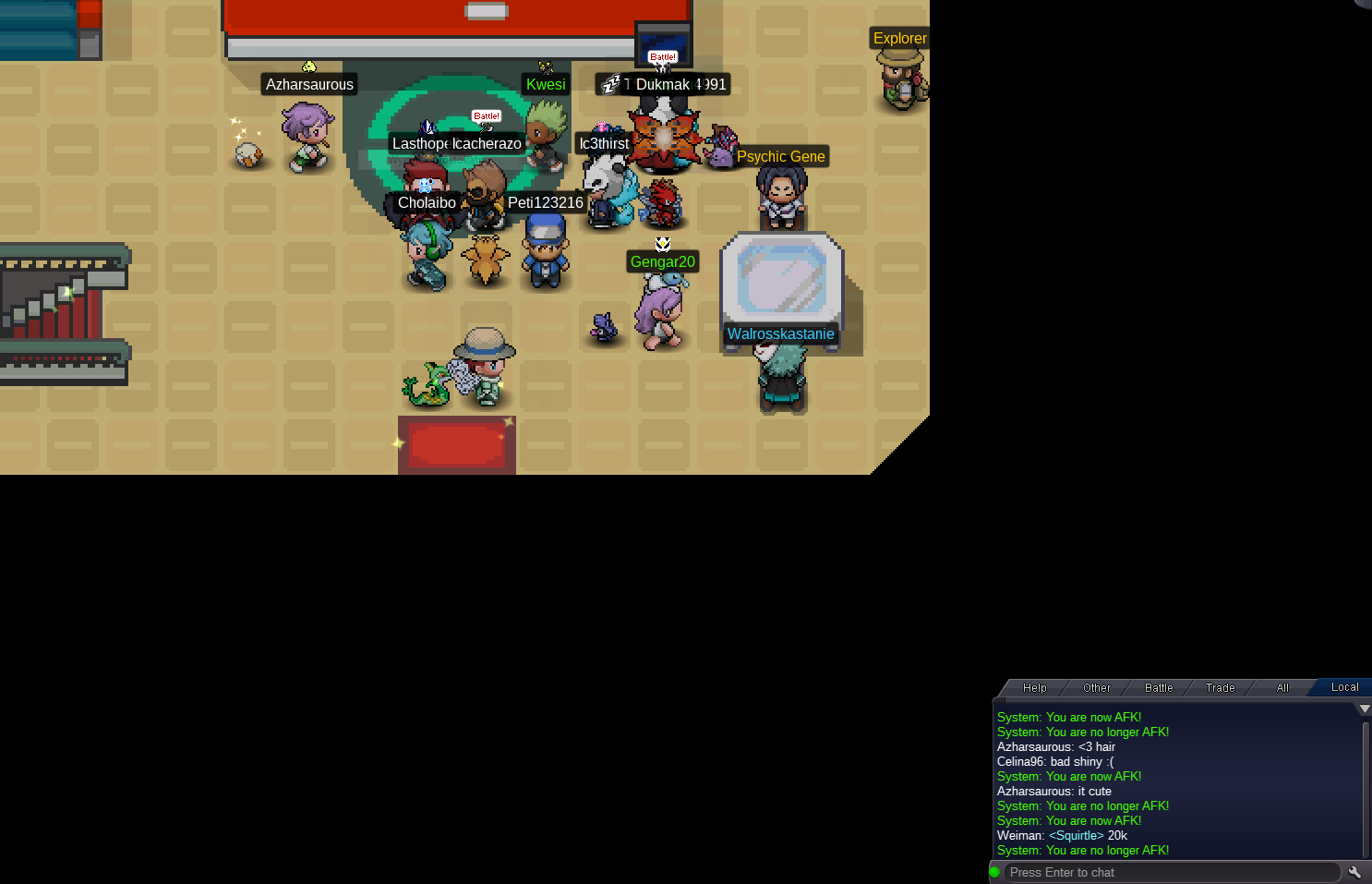
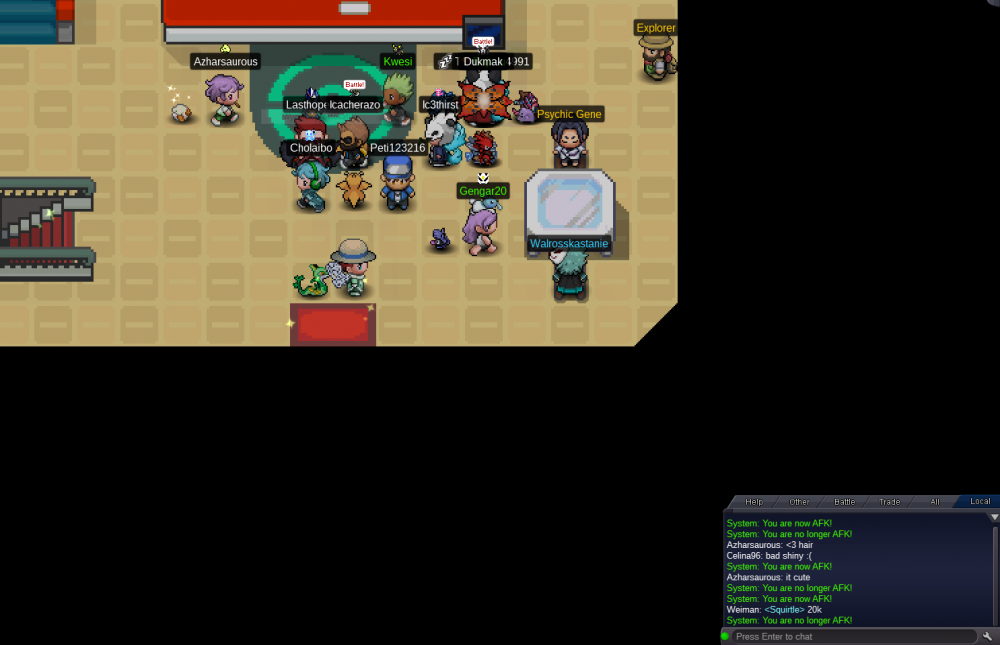
Hey after I downloaded last update I have problem with chat. When I log sometimes I can't see them or I can see 1-2 . After relog it works fine (all can be seen) or I can see 1 more.
-
If there's option to move to Kanto before betting Elite 4 Johto let me know. I'll be very grateful :Grin: