New Trade Zone
Trade Zone is now live
Use the new Trade Zone for auctions and instant-price trades so Pokemon and item offers are easy to find.

Chadi
Registered User
-
Joined
-
Last visited
-
Bump!
-
Bump:CharYay:
-
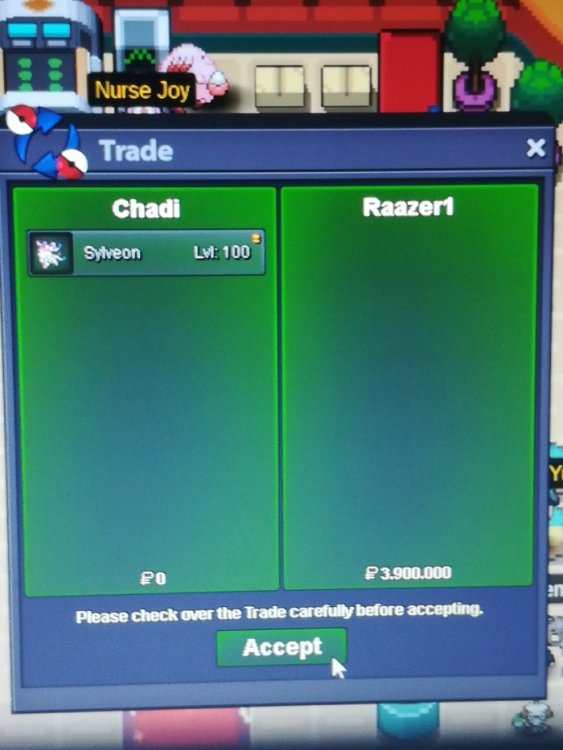
Deal done, closed
-
@Raazer1 has won, later when we trade I'll post the screenshot in both posts.Winner, later when we'll trade I'm gonna post the screenshot ^^NotedYeah got it, I've already read rules, next time the starting offer will be oppurtunely updated , Thanks@Ehkoe Hey , the auction should end exactly 1 week after this start message, I confused the GMT hours of the end and corrected it few times to be honest, but the auction should end exactly after 1 week at the time of that first message. Sorry for the confusionUp ends tomorrow at 2:25am GMT+0Up, ends tomorrow at 2:25am GMT+0Up, ends in 2 days at 2:25am GMT+0Up, ends in 2 days at 2:25am GMT+0C.o. 1.9M+ 1 cc by @Eltrion (Silver server)Noted